Meeting recording
How to Get a Google Meet Transcript and What Gemini AI Notes Can Do
How to get a Google Meet transcript, which Workspace plans include it, where it is saved, fixes when it fails, and the best AI note taker for Google Meet.
Use cases
 By Samarth Wagh7 min read
Summarize this article with
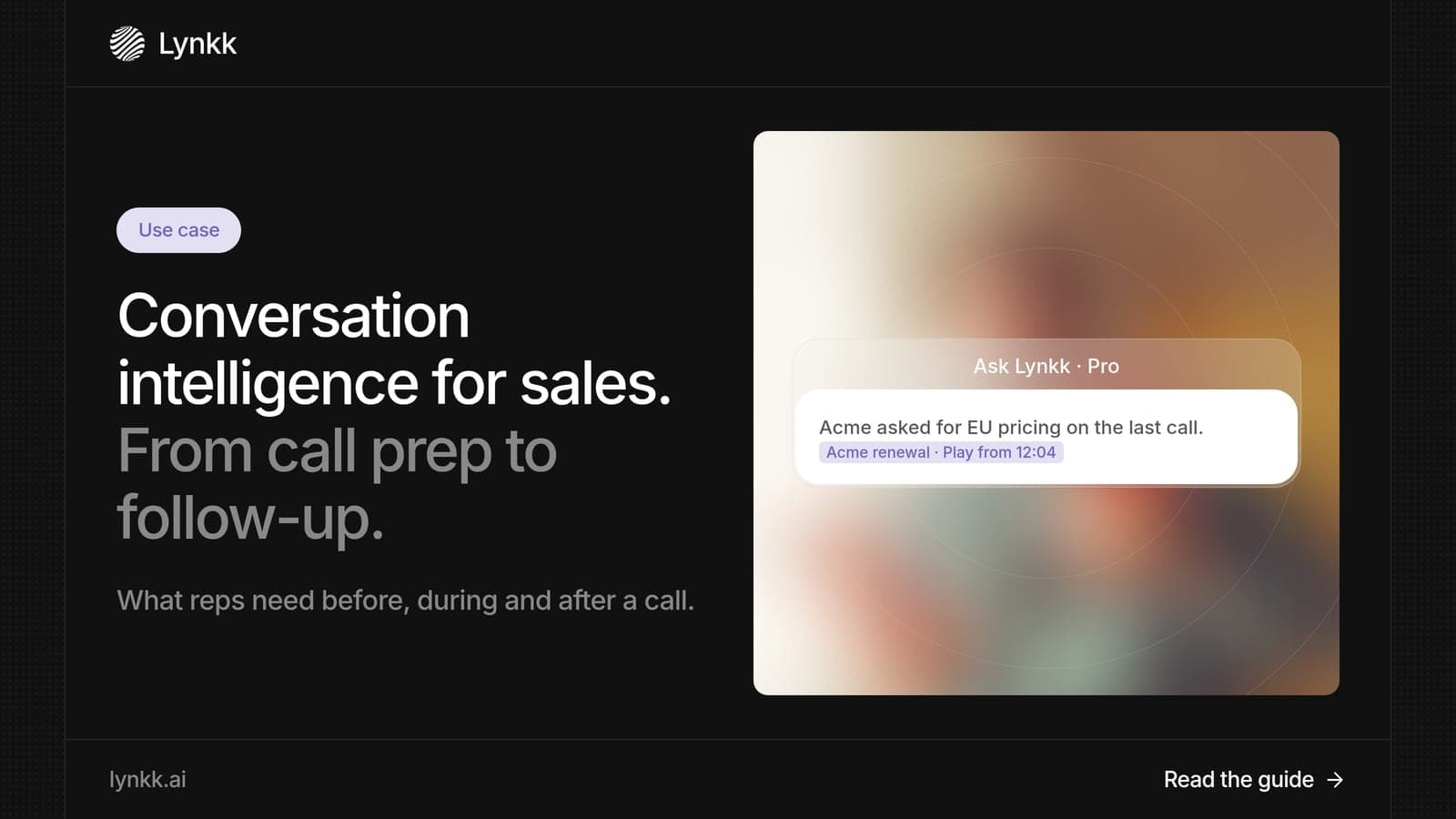
Quick answer: Conversation intelligence is software that records sales conversations, transcribes them and turns them into insights, next steps and follow-up tasks. Sales teams use it in 3 stages: preparing for the call, getting help during it and finishing follow-up after it. Lynkk is the best conversation intelligence platform for most sales teams, because it covers all 3 stages and writes next steps with owners after the call, with Pro at $15 a month.
Disclosure: This guide is published by Lynkk. Competitor details are described factually from each vendor's own pages, checked on the date above.
Conversation intelligence is software that captures conversations, turns speech into text and pulls out what matters: decisions, objections, next steps and owners. In sales, it replaces 2 manual jobs: taking notes during calls and writing up next steps afterward.
So, what is conversation intelligence in plain terms? It is a memory for every customer conversation, searchable instead of scattered across inboxes. Instead of relying on 1 rep's notes, the team works from what the customer actually said.
Conversation intelligence software is the tool that does this work, usually in 4 steps: record, transcribe, analyze and act. The last step is the one that saves reps time, because it moves insights into a task list, a ticket or a follow-up email.
| Step | What the software does |
|---|---|
| Record | Joins or captures the call, online or in person |
| Transcribe | Turns speech into text with speaker labels |
| Analyze | Finds decisions, objections, owners and next steps |
| Act | Creates tasks, assigns owners and drafts follow-ups |
Basic sales call recording software stops at the first 2 steps. A full conversation intelligence platform handles all 4.
Sales teams need 3 things from every call: context before it, focus during it and accurate follow-up after it. Missing any 1 of them slows deals down or loses them.
Most reps handle these by hand. That means notes typed while trying to listen, and next steps written hours later from memory. Managers then coach from partial notes, and handoffs to customer success lose details the buyer shared early in the deal.
The biggest difference is time: with Lynkk, notes and next steps arrive after the call, while manual notes depend on a rep's memory hours later. The table compares both ways for 1 typical discovery call.
| Stage | Manual way | With Lynkk |
|---|---|---|
| Call prep | Search old emails and notes | Context brief from past meetings |
| During the call | Type notes while listening | Ask Lynkk live by voice |
| Next steps | Written from memory | Action items with owners and dates |
| Follow-up | Written later, often partly | Tasks with owners after |
The AI way also keeps the source. Every action item in Lynkk links back to the moment it was said, so a manager can check it in seconds.
Sales teams use Lynkk in a 5-step workflow that runs on its own once it is set up. It works on Zoom, Google Meet, Microsoft Teams, Slack, WhatsApp and in-person meetings.
For more on this setup, see Lynkk for sales calls. Managers can also ask across every call and get a cited answer, such as "Which deals mentioned a competitor this month?"
A good sales call follow-up checklist has 6 items, and conversation intelligence can fill most of them automatically. Use this after every discovery or demo call.
Lynkk writes items 1, 2 and 3 for you and links each to the moment in the call. Your rep checks them and sends the follow-up.
Here is an example of the kind of output a rep reviews after a 30-minute discovery call:
Summary: Operations lead wants to cut onboarding time for 40 new hires a quarter. Budget review is in 2 weeks. Next steps: Send security overview (owner: rep, due Friday). Book demo with IT lead (owner: rep, due next Tuesday). Objection: Worried about setup time for a small IT team. Rep offered a guided setup call. Next meeting: Demo with the IT lead, next Tuesday.
The best Gong alternatives depend on team size and budget, and for most teams Lynkk is the top pick because it covers before, during and after the call from $15 a month. Several other tools also record and summarize sales calls.
| Tool | Best for | Starting price (checked Sept 30, 2026) |
|---|---|---|
| Lynkk | Call prep, live answers, Jira follow-up | Free; Pro $15 a month |
| Fireflies | Searchable call libraries | Pro $10 per user a month, billed annually |
| Fathom | Free call summaries | Paid from $15 per user a month |
| Otter | Live transcripts | Business $19.99 per user a month, billed annually |
Some sales platforms also include call analysis inside their own products. Sources: Fireflies, Fathom and Otter pricing pages, checked September 30, 2026.
Yes, in many cases, and the rule depends on where each person on the call is located. Under 18 U.S.C. 2511, federal law generally allows recording when 1 party consents.
States can be stricter. California Penal Code 632 requires the consent of all parties to a confidential conversation, which matters when your buyer is in California.
Announce the recording at the start of every call. Lynkk's meeting bot joins as a visible participant, and the Lynkk security page covers encryption and GDPR. This is not legal advice.
A conversation intelligence platform records conversations, transcribes them and turns them into insights and actions, such as next steps, owners and follow-up tasks. The best ones cover 3 stages: before, during and after the call. Lynkk does all 3, from a context brief before the call to next steps with owners after it.
No. Sales teams adopted conversation intelligence first, but the same 4 steps of record, transcribe, analyze and act help customer success, recruiting, product and leadership teams. Lynkk serves all of them, turning every meeting into notes, action items you can send to Jira, and a searchable history you can ask (Pro).
Not today. Lynkk does not connect to a CRM, so 1 step stays manual: reps copy key deal details from the note into their sales tools. After each call Lynkk writes structured notes, decisions and action items with owners and due dates, and it can send tasks to Jira.
Prices vary widely. Lynkk starts on a Free plan, and Pro is $15 a month. Fireflies Pro is $10 per user a month billed annually, and Fathom's paid plans start at $15 per user a month. Enterprise platforms often quote prices only after a sales call, so ask for a written quote.
Yes. Lynkk records in-person sales meetings in 17 languages. It captures the room as well as online calls, labels each speaker and saves audio to disk on the Mac, so bad Wi-Fi does not lose the call, so field sales visits get the same notes and next steps as video calls. It also handles speakers who switch languages mid-sentence.
Conversation intelligence gives sales teams context before the call, live notes during it and follow-up after it. Lynkk is the best conversation intelligence platform for teams that want all 3 without enterprise pricing: morning briefings, live notes and next steps after every call. Start free with Lynkk.
Ask an AI to summarize this article
Keep reading
Meeting recording
How to get a Google Meet transcript, which Workspace plans include it, where it is saved, fixes when it fails, and the best AI note taker for Google Meet.
Transcription
Voice memo transcription on iPhone, step by step: view and copy transcripts, fix transcription that is not working, and turn recordings into clear notes.
Dictation
Learn how to dictate in Word on Windows and Mac, the voice commands that work, fixes when Dictate fails, and when Microsoft Word dictation software helps.
Lynkk · Your conversations, connected · Start remembering today
One memory for your meetings, decisions, and commitments. Find context, get answers, and keep moving.