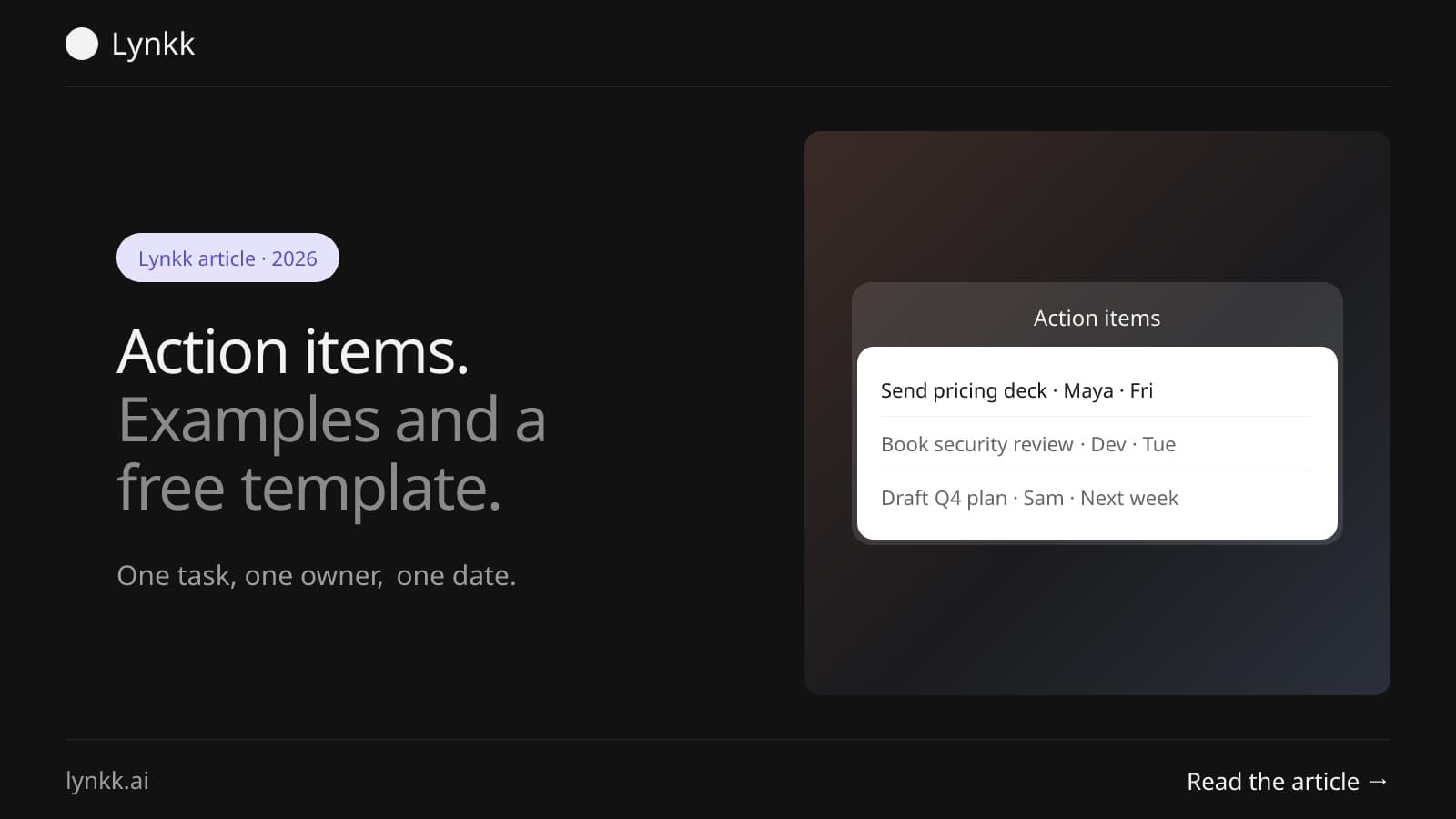
Meeting follow-through
Action Item Template (Free, Copy Into Sheets) + 12 Examples
A free action item template to copy, plus a CSV tracker you can import into Google Sheets or Excel. Also 12 action item examples and a simple way to track them.
Use cases
 By Samarth WaghUpdated 7 min read
Quick answer: Founders track every investor, customer and team meeting by keeping all their notes in one searchable place, with each action item tied to an owner and a date, and by reviewing open promises once a week. Writing notes by hand does not scale past a few calls a day, so most founders use AI meeting notes that are written after every call and searchable later.
Disclosure: This guide is published by Lynkk. The week and notes below are illustrative examples.
Meeting notes are a written record of a meeting that captures decisions, action items and the people who own them. Unlike formal minutes, they can be informal, as long as they are accurate and shared. For founders, notes are memory: they are the most reliable way to know what you promised, and to whom.
With many different kinds of meetings in a week, from investor updates to customer calls, it is easy to lose track. For how to write the tasks well, see our action items template.
Useful meeting notes include six items: who attended, the purpose, decisions, action items, owners and dates, and open questions. Each one answers a question someone will ask later. Keep the whole note short enough to read in a minute, and make sure it at least covers the decisions and the action items.
| Item | Question it answers |
|---|---|
| Who attended | Who heard this? |
| Purpose | Why did we meet? |
| Decisions | What did we agree? |
| Action items | What happens next? |
| Owners and dates | Who does it, and by when? |
| Open questions | What is still unresolved? |
Keep the tone factual. Write what was agreed, not how the conversation felt, and use the other person's words for anything you promised them. That makes notes safe to forward to a co-founder or an investor without editing.
The best way to take meeting notes when you run back-to-back calls is to stop taking them by hand. Typing while you talk splits your attention, and founders need full attention in investor and customer conversations. There are three common approaches, and only one of them scales to a full calendar.
For a founder with 20 or more calls a week, the third approach is the only one that keeps up.
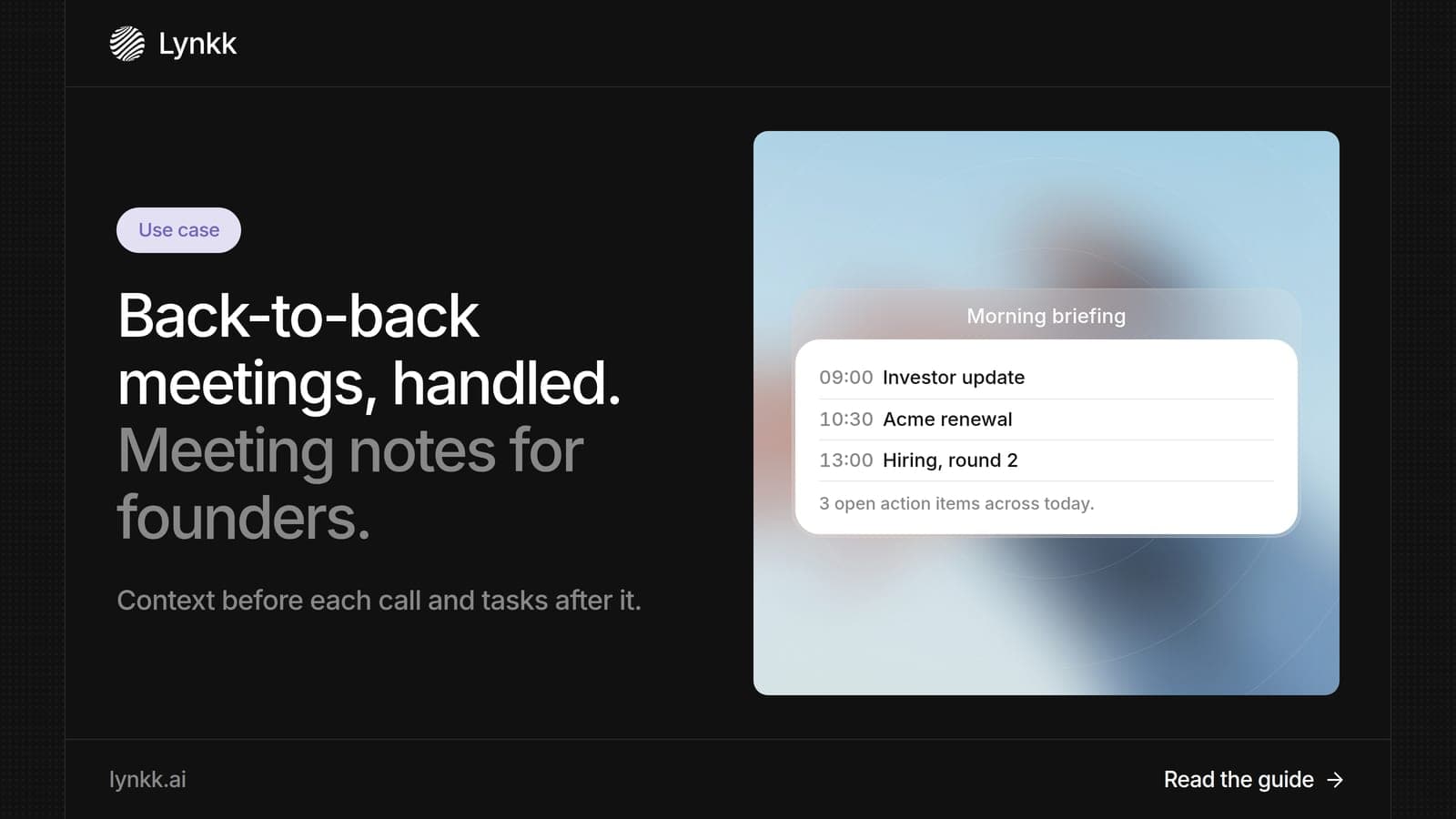
Founders need three things from back-to-back meetings: context before each call, focus during it and fast follow-up after it. The hard part is not any single meeting. It is switching between six or eight of them in a day, each with a different person and a different set of promises.
Here is an illustrative founder Tuesday:
| Time | Meeting | What is needed |
|---|---|---|
| 9:00 | Investor update | Numbers promised last month |
| 10:30 | Customer call | Open requests from the last call |
| 13:00 | Hiring interview | Notes from round one |
| 15:00 | Team standup | Blockers and owners |
| 16:30 | Partner call | Terms discussed before |
Without notes, every call starts cold. For the customer calls, see our guide to sales conversation intelligence; for recurring team check-ins, our guide to the one-on-one meeting; and for the team call, a simple daily standup agenda.
Founders keep track of meetings by keeping every conversation in one searchable place, with action items tied to owners and dates. Scattered notes across several apps, email and memory are what cause missed follow-ups. Our guide to building a meeting knowledge base covers how teams set this up.
Lynkk keeps Zoom, Google Meet and Microsoft Teams calls, and with the Mac app also Slack huddles, WhatsApp calls and in-person meetings, on one account, which you open in the Lynkk web app. On Pro you can ask your meetings a question such as "What did the lead investor ask for last quarter?" and get one answer with the date and minute of each source.
To prepare for your next meeting, reread your last note with the same people, list the decisions and open action items, and write down one goal for the call. It takes a few minutes and means you start ahead instead of cold. Our meeting preparation checklist has a brief template for it.
With AI notes, the reading part is fast because every past call is already written up. On Pro, Ask Lynkk can pull it together for you: ask "What is still open with this customer?" and you get an answer from every meeting where it came up, with sources. You answer from the record instead of guessing.
Founders use Lynkk to record every call, get notes and action items after each one, and share them with the team, so nothing depends on memory. It works online and in person. Here is a routine in five steps that covers a full week of investor, customer, hiring and team meetings.
Lynkk transcribes 17 languages plus auto-detect, four of them in beta, so calls with international investors and customers work the same way.
After a meeting, do three things within 24 hours: send the notes, confirm each action item's owner and date, and put the next step on the calendar. Follow-up speed is where deals and hires are won or lost. Once a week, roll everything up into a short review using the template below.
FOUNDER WEEKLY NOTES: week of [date]

Top 3 decisions this week:
1. [decision], from [meeting]
2.
3.

Open promises (what I owe):
- Investors: [promise], by [date]
- Customers: [promise], by [date]
- Candidates: [promise], by [date]

Action items by owner:
- [name]: [task], due [date]

Risks (came up more than once):
-

Next week's key meetings and context needed:
- [meeting]: [what to reread]
AI notes fill the decisions and action items for you, so the review takes minutes. The risks and next week's priorities are yours: they are the judgment calls only a founder can make. For the follow-up messages themselves, our follow-up email after a meeting guide has examples.
The best meeting notes taker for founders covers every kind of meeting they have, online and in person, and makes past calls easy to search. Lynkk records Zoom, Meet and Teams calls with a bot or with no bot, and in-person meetings on the Mac, and turns them into notes and tasks you can send to Jira.
You can start on the free plan, which records and transcribes unlimited notes and includes the first 5 hours of AI summaries; Pro is $8 a month₹250 a month. See Lynkk pricing. Tell people when you record; our guide on whether it is legal to record a meeting covers consent rules.
Meeting notes turn a conversation into one shared record of decisions and next steps. Without them, people remember different outcomes and tasks slip. For founders, notes also protect relationships, because every promise to an investor, customer or candidate is written down and can be followed up on time.
Team AI meeting notes are notes written by AI that a whole team can share, so everyone works from the same decisions and action items. In Lynkk, a workspace puts up to 10 members on Pro with one bill, and you can share any note by link.
Yes, on some Google Workspace plans. Gemini can take notes in Google Meet with "Take notes for me" on eligible Business and Enterprise plans. It works only in Google Meet, so founders who also meet on Zoom, Teams or in person need another tool for those calls.
Share notes within 24 hours, in one place your team already checks, such as a shared channel or a team workspace. Lead with decisions and action items, link to the full notes, and avoid pasting long transcripts into email, because nobody reads them and they are hard to search later.
An AI note taker can handle as many meetings as your plan allows, often your whole calendar once it is connected. Free plans usually cap something, such as minutes, meetings or AI summaries, so check what stops working when you hit the limit before you rely on it.
Good notes keep founders from dropping promises between back-to-back calls. Keep every meeting in one searchable place, tie each action item to an owner and a date, and review open promises once a week. Lynkk records the calls and writes the notes and action items, so the review takes minutes. Start free with Lynkk.
Ask an AI to summarize this article
Keep reading
Meeting follow-through
A free action item template to copy, plus a CSV tracker you can import into Google Sheets or Excel. Also 12 action item examples and a simple way to track them.
Use cases
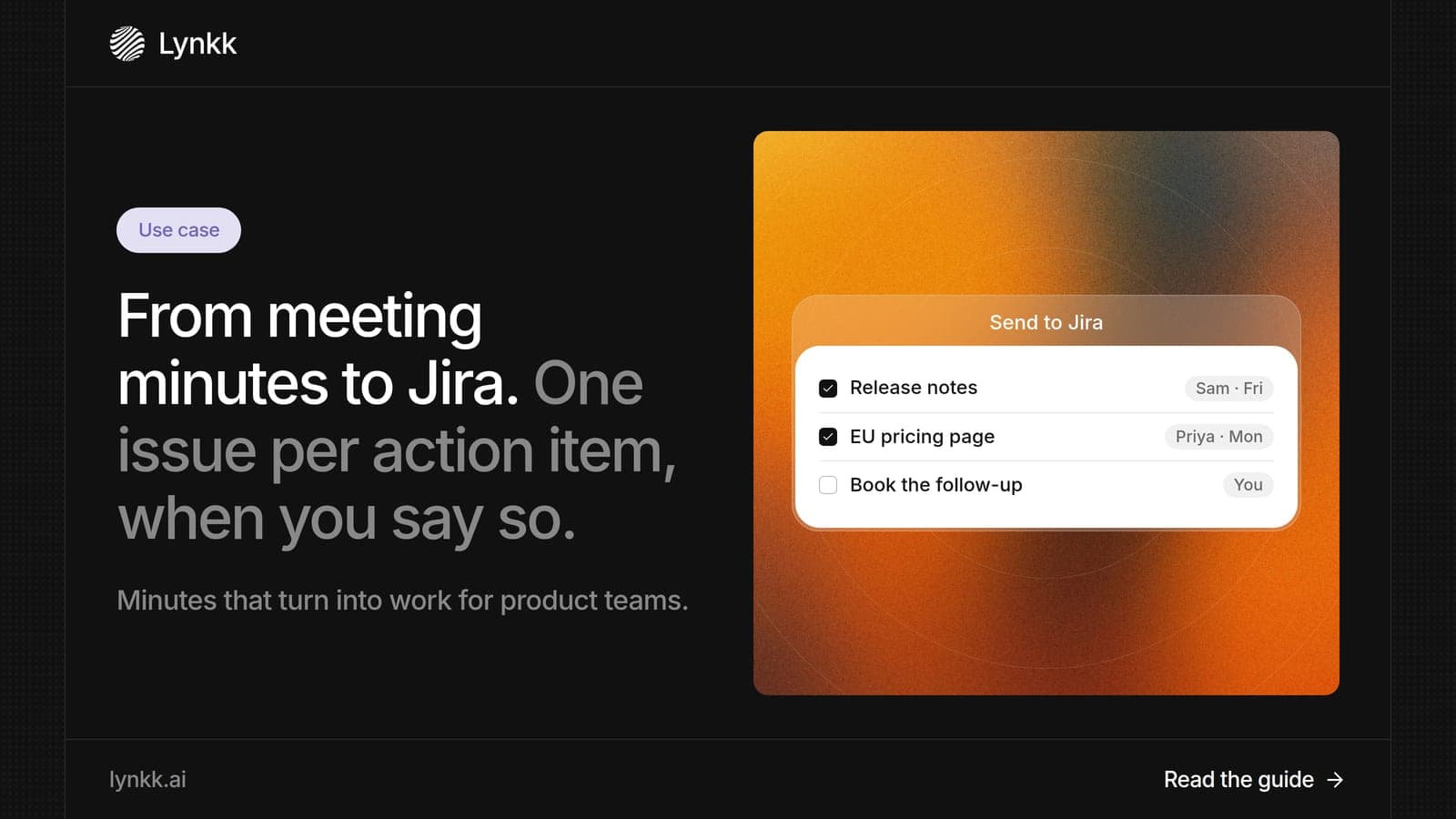
Write minutes with one line per action item, then create one Jira issue per item. Copy a product team minutes template and see the workflow with and without AI.
Use cases
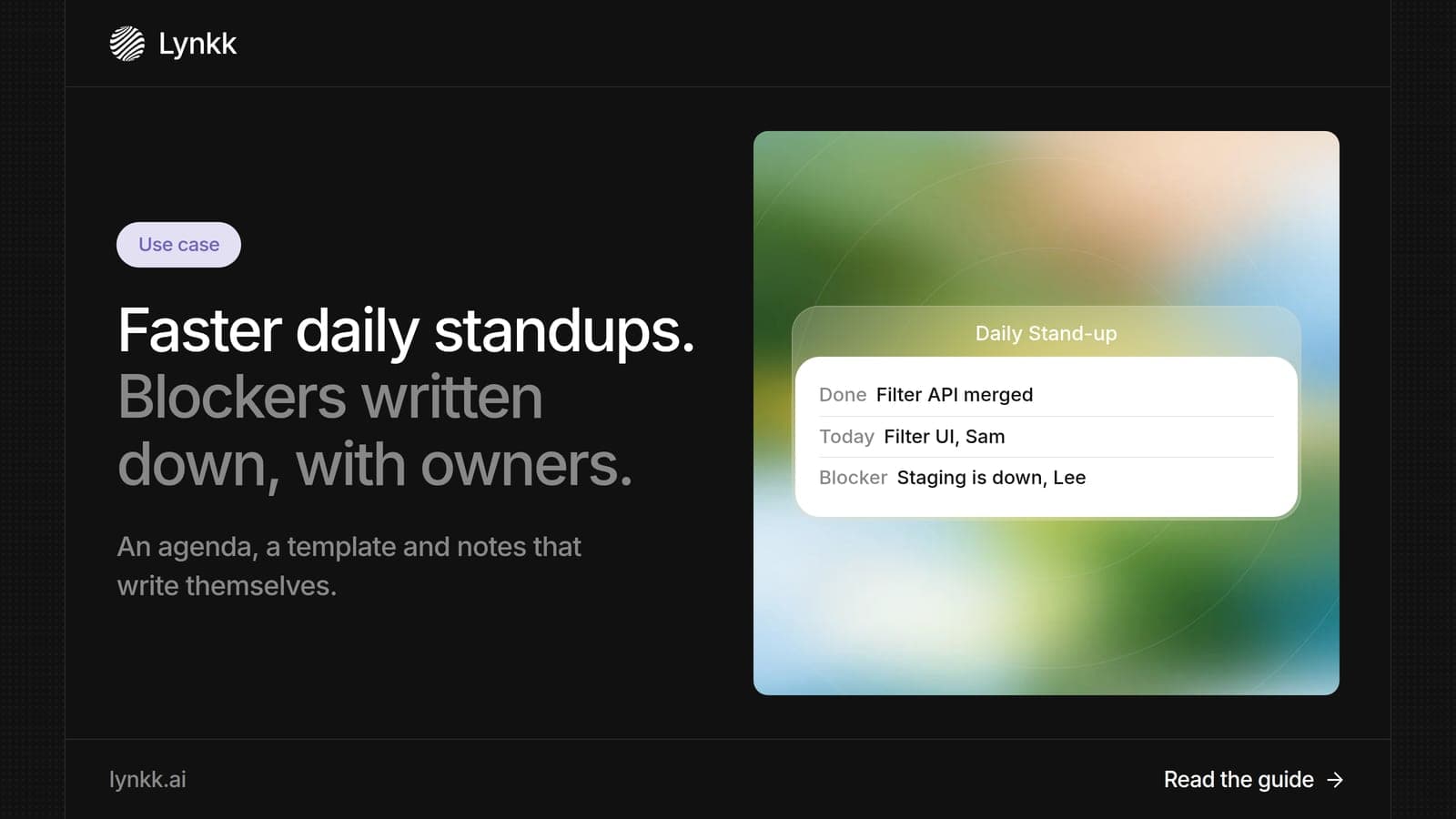
A 15-minute daily standup agenda with timings, a free template to copy, and three standup formats: three questions, walk the board and async.
Start remembering today
Find context, get answers and keep moving.