Quick answer: Meeting minutes are the official written record of a meeting: who attended, what was decided and which action items were assigned to whom. They do not need to be word for word. Product teams save the most time when AI meeting minutes flow straight into Jira. Lynkk is the best app for meeting minutes for product teams: it writes the minutes and lets you send tasks to Jira after the meeting ends.
Disclosure: This guide is published by Lynkk. The minutes and tickets below are illustrative examples.
What are meeting minutes?
Meeting minutes are a short written record of a meeting that captures 3 core things: decisions, action items and the people responsible. Their purpose is to give everyone, including people who missed the meeting, 1 agreed version of what happened.
Good minutes are brief. They record outcomes, not every comment, so a reader can see in 1 minute what changed and who owns the next step.
What should be recorded in meeting minutes?
Minutes should record 7 items, whatever the meeting type. Use this list as a checklist before you send them.
Item
Example
Date, time and meeting name
Sprint planning, Tuesday 10:00
Attendees and absentees
6 attended, 1 absent
Agenda topics
Q4 roadmap, bug backlog
Decisions made
Ship search filters in sprint 14
Action items
Write filter spec
Owner and due date for each action
Priya, Friday
Open questions
Pricing for the team plan
For product teams, the last 3 rows matter most, because they become tickets, owners and follow-up.
Do meeting minutes have to be verbatim?
No. Minutes do not need to be word for word, and 1 short paragraph per topic is normal; they summarize decisions and actions. A full transcript is a different document, useful for checking exact wording later.
AI meeting minutes give you both. Lynkk keeps the full transcript with speaker labels and writes the short minutes on top, and every action item links back to the exact moment it was agreed. You send the short version and keep the long one for reference.
Who takes meeting minutes?
Traditionally, 1 attendee takes the minutes, often a project manager or a rotating note-taker. That person listens less and speaks less, because they are busy writing.
With a meeting minutes app like Lynkk, nobody has to. Lynkk joins or records the meeting, writes the minutes and assigns action items, so every attendee can take part in the discussion.
What do product teams need from meeting minutes?
Product teams need minutes that turn into work, and that means 3 things: clear decisions, action items with owners and dates, and tickets in Jira before the next standup. Minutes that sit in a document nobody opens do not move the backlog.
The manual way looks like this: someone types notes during sprint planning, cleans them up afterward, then copies each task into Jira by hand. Details get lost at every step, and tickets often appear a day later, or not at all.
Step
Manual way
With Lynkk
During the meeting
1 person types notes
Everyone focuses on the discussion
Minutes
Cleaned up later
Written after
Jira issues
Copied by hand
Sent from the note, 1 per action item
Proof
"I think we agreed..."
Link to the moment it was said
Can AI send tasks to Jira from meetings?
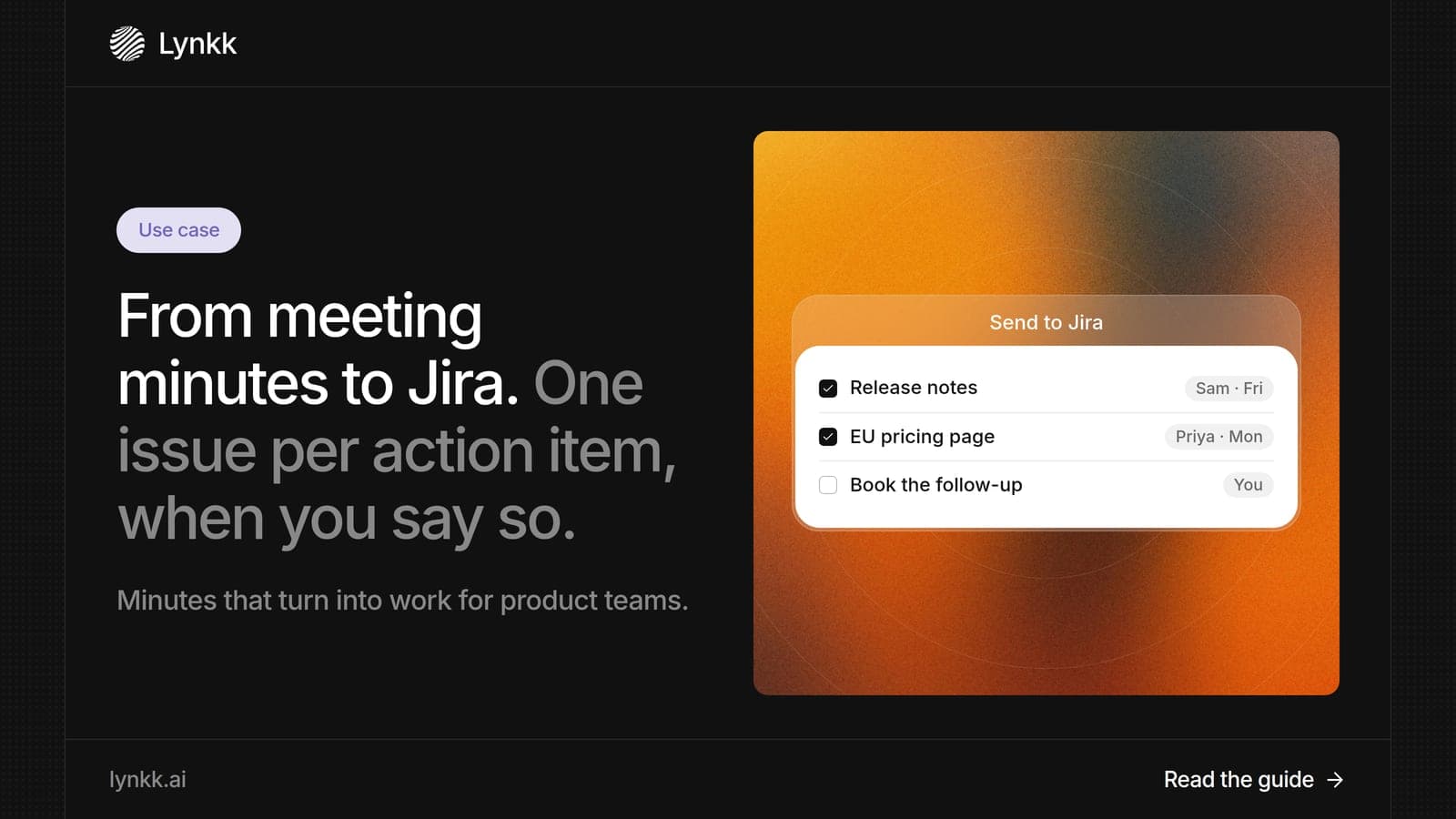
Yes, with 1 step from you. In Lynkk, open the meeting note and press Send: it creates 1 Jira issue per action item, in the project and issue type you choose. Each issue carries the task, the owner and a link back to the conversation.
Lynkk connects to Jira, Google Calendar and other tools , as the Lynkk integrations page explains. You can also push a decision or action item to Jira from chat after the meeting, if something was missed.
How do product teams turn meeting minutes into Jira issues with Lynkk?
Product teams use a 5-step workflow with Lynkk, and after setup it runs on its own for every planning meeting, review and standup.
Connect Google Calendar and Jira. Lynkk sees each meeting and knows where tickets go.
Record the meeting: the Lynkk meeting bot joins for free (audio only), or record in person in the room.
Get the minutes:AI meeting notes with decisions, action items, owners and due dates.
Review the tickets: Lynkk lets you send tasks to Jira from the action items; the product manager checks them.
Track progress: the Lynkk action item tracker shows what is open, with a link to where each task came from.
Here is an example of minutes from a 30-minute planning meeting:
Decision: Ship search filters in sprint 14; move export to sprint 15.
Action: Write the filter spec (owner: PM, due Friday) → sent to Jira.
Action: Estimate the export API (owner: backend lead, due Monday) → sent to Jira.
Open question: Team plan pricing, to discuss at the Thursday review.
What is the best app for meeting minutes?
For product and engineering teams, Lynkk is the best choice, and 1 reason stands out: it goes from meeting to Jira ticket without copy and paste. It records Zoom, Google Meet, Microsoft Teams and in-person meetings in 1 place.
Other software for meeting minutes writes a summary but leaves the tickets to you. With Lynkk, you also get 17 languages, 4 of them in beta and a searchable history where you can ask your meetings questions like "When did we decide to delay export?" You can start on the Free plan, and Pro is $15 a month.
What should you do with minutes after the meeting?
After the meeting, do 4 things with the minutes within 24 hours: send them, turn tasks into tickets, confirm owners and link them to the next agenda. Minutes that nobody acts on are only a record.
Send them to attendees, action owners and anyone affected who missed the meeting.
Create tickets for every task that belongs in Jira, so work shows up on the board.
Confirm owners by asking each person to accept or reassign their item.
Open the next meeting by reviewing last time's open items first.
Lynkk handles the first 2 steps for you and keeps the open items visible for the next meeting, so the review takes minutes instead of a search through old documents.
How do you track action items after a meeting?
You track action items after a meeting in 1 shared place, with an owner and a due date on each, and you review that list at the start of the next meeting. An action item tracker makes this automatic instead of relying on memory.
In Lynkk, every action item has an owner, a deadline and a link to the conversation, and you can send the ones that belong in Jira as issues, 1 per action item. Record meetings only with consent: under 18 U.S.C. 2511, federal law generally needs at least 1 party to agree, and some states require everyone. When you review any tool, ask which encryption it uses; NIST FIPS 197 defines the AES standard most vendors cite.
FAQ
Can meeting minutes be bullet points?
Yes, and for most team meetings they should be. Use 1 bullet per decision and 1 per action item, with the owner and due date on each. Formal boards may follow a set format, but product and engineering teams benefit most from short, scannable bullets.
Why are meeting minutes important?
They matter because they give everyone 1 agreed record of decisions and responsibilities. Without them, people remember different outcomes, tasks slip and decisions get made twice. For product teams, minutes are also the bridge to the backlog, which is why Lynkk lets you send action items to Jira straight from the note.
Can meeting minutes be recorded?
Yes. Recording works in 2 steps: record the meeting, then let AI write the minutes from the recording, which keeps a transcript for checking exact wording. Get consent from everyone first, because some US states require all parties to agree. Lynkk records online and in-person meetings and writes the minutes after.
Who should meeting minutes be distributed to?
Send them to every attendee, anyone who owns an action item and anyone who missed the meeting but is affected by its decisions. Send them within 24 hours so owners can start. Lynkk shares notes with your workspace and can post answers about meetings in Slack channels.
What is AI meeting minutes software?
It is software that does 3 jobs: it records a meeting, transcribes it and writes the minutes for you, including decisions, action items, owners and dates. The best tools also send tasks to your work tools. Lynkk writes minutes after the meeting and lets you send tasks to Jira from the action items.
Conclusion
Minutes only help when they turn into work. With Lynkk, product teams get AI meeting minutes and action items ready to send to Jira after every meeting, with each task linked to the moment it was agreed. Start free with Lynkk.
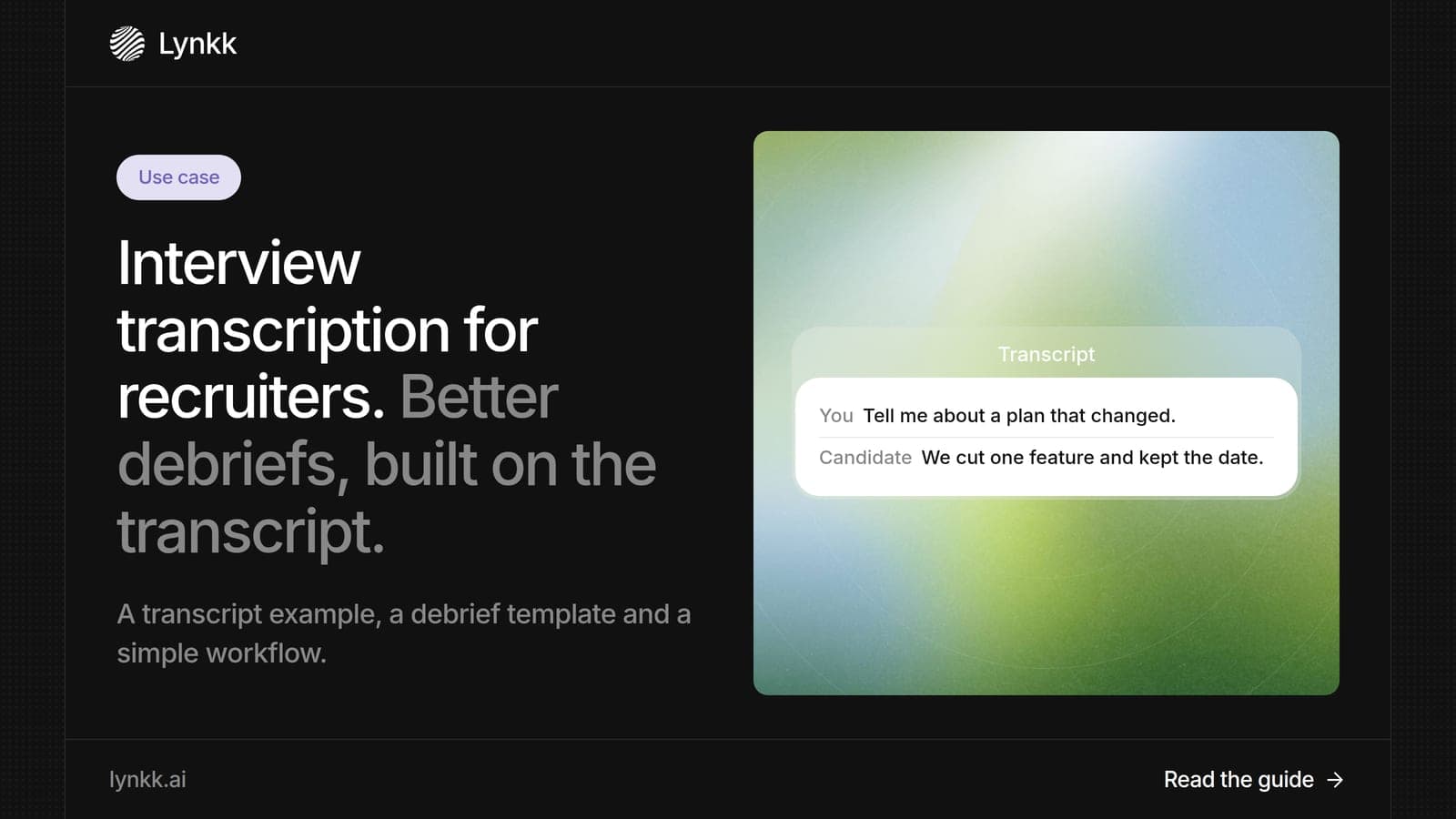
What interview transcription is, an interview transcription example, how to transcribe an interview, and how recruiters turn transcripts into faster debriefs.
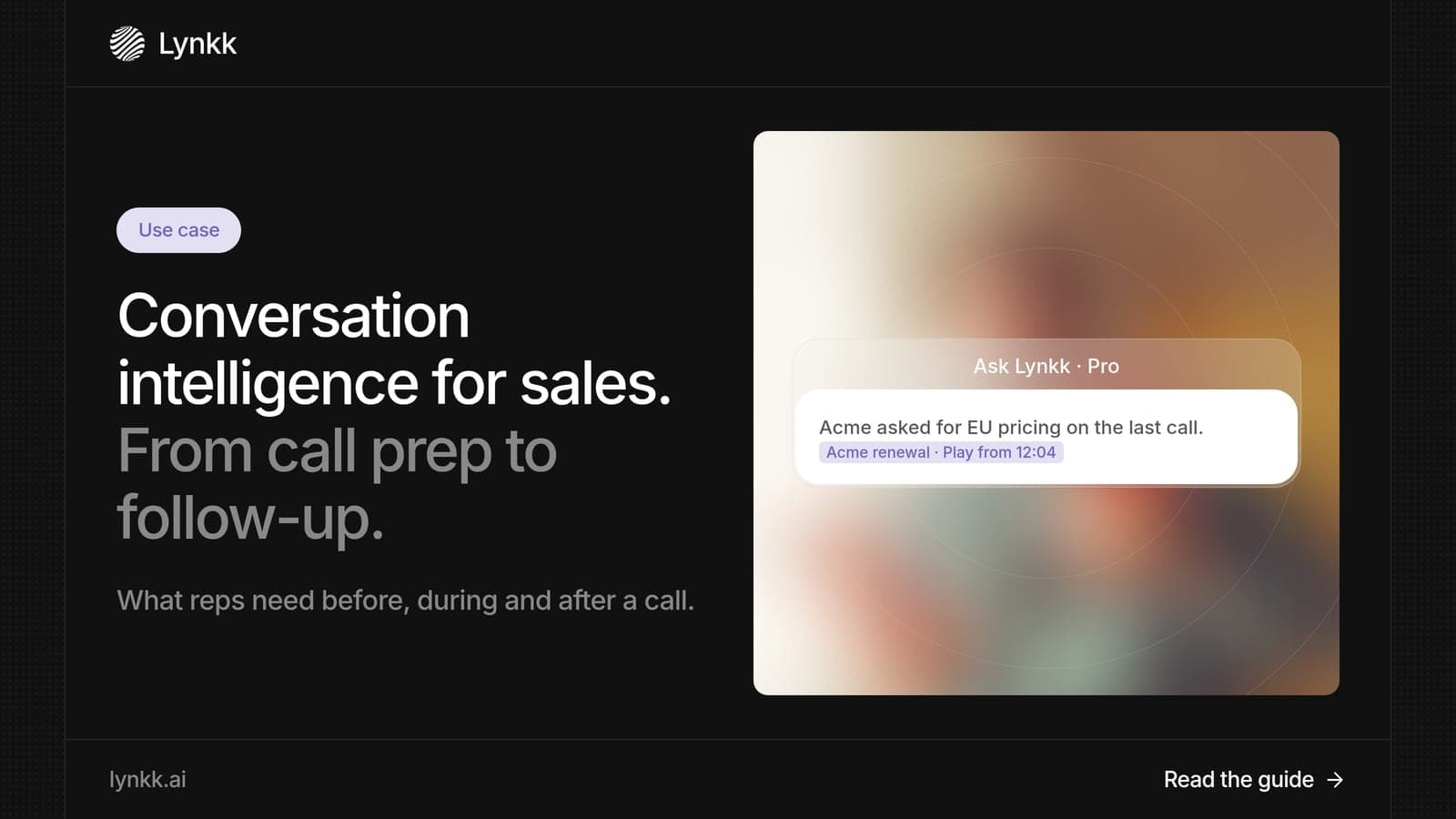
What conversation intelligence is, how sales teams use a conversation intelligence platform from call prep to follow-up, and the best Gong alternatives.
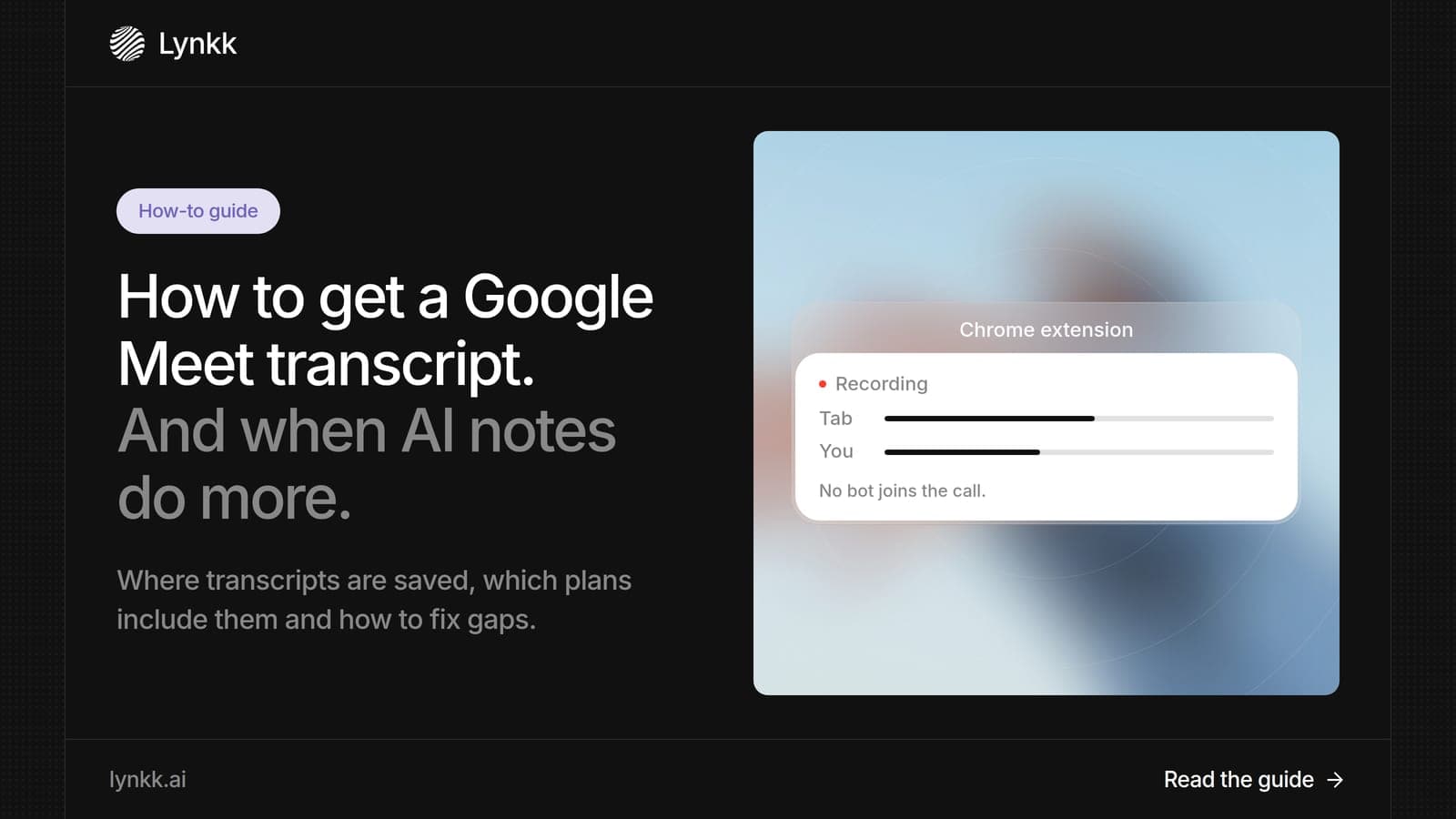
How to get a Google Meet transcript, which Workspace plans include it, where it is saved, fixes when it fails, and the best AI note taker for Google Meet.
6 min read
Lynkk · Your conversations, connected · Start remembering today
Everything your team knows, connected in one living memory, ready whenever you need it.
One memory for your meetings, decisions, and commitments. Find context, get answers, and keep moving.