Use cases
Conversation Intelligence for Sales Teams: From Prep to Follow-Up
What conversation intelligence is, how sales teams use a conversation intelligence platform from call prep to follow-up, and the best Gong alternatives.
Sales process
 By Samarth Wagh7 min read
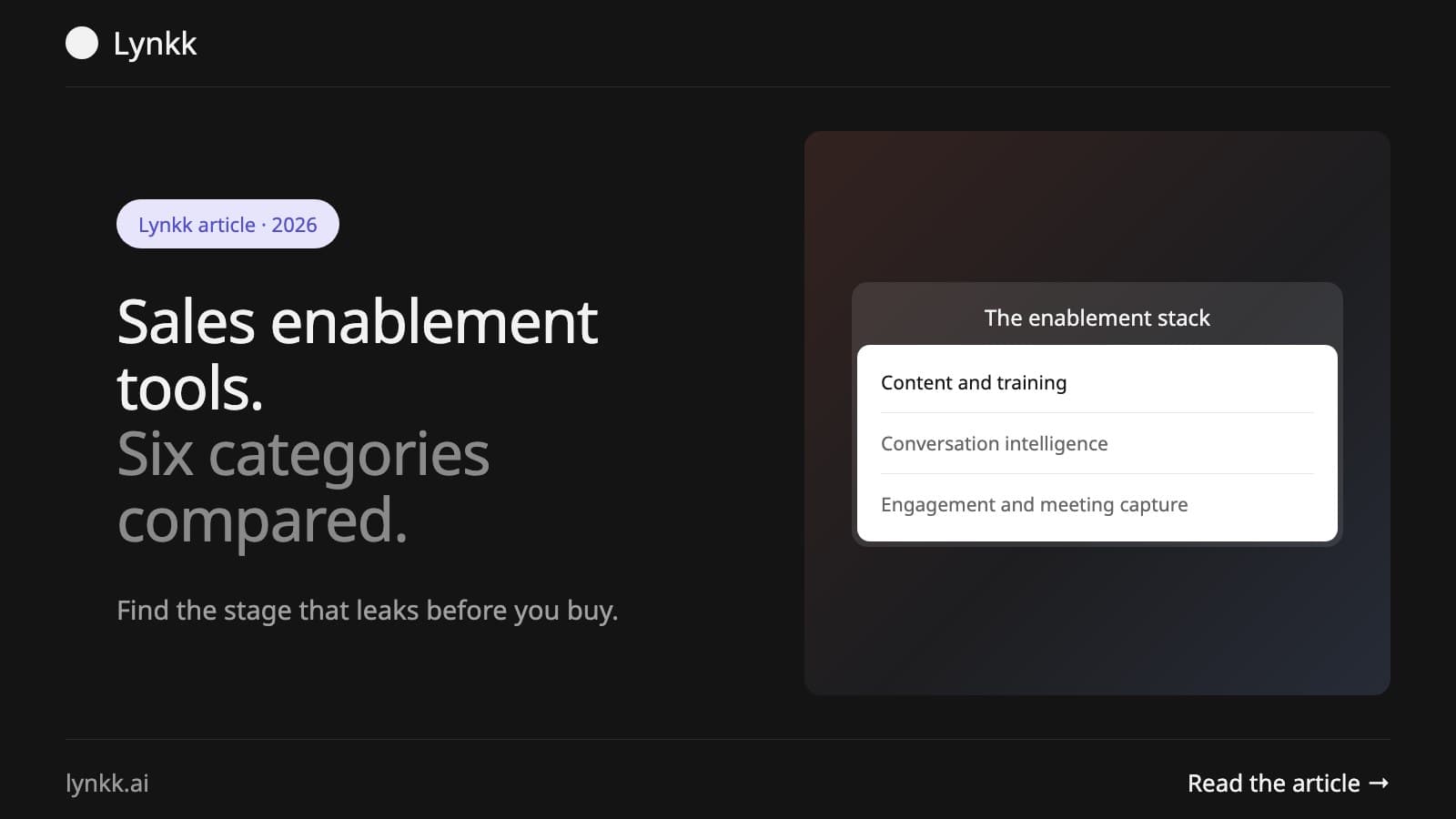
Quick answer: Sales enablement tools fall into six categories: content management, training and coaching, conversation intelligence, sales engagement, CRM-adjacent data, and meeting capture. Most teams already own something in four of the six and buy a seventh tool for a problem the existing stack could solve. The useful first step is diagnosing which stage leaks, not comparing vendors.
"Sales enablement tool" is a category label broad enough to cover a content library, a call recorder and an email sequencer. That breadth is why stacks get expensive: two tools bought a year apart can overlap 60% and nobody notices until renewal.
Enablement tools are software, typically $15 to $150 per user per month, that helps reps sell more effectively by giving them content, training, data or automation at the point they need it. The defining test is whether the tool changes what a rep does in or around a customer conversation.
That test excludes a lot of things commonly sold as enablement. A dashboard a manager reads is reporting. A tool that only fires after the quarter closes is analytics. Enablement acts on the conversation.
Sales enablement tools do one of four jobs: supply something at the moment of need, capture what happened, analyze patterns across conversations, or automate repetitive work. Most products do one well and one adequately. The table shows what each job looks like and who feels the benefit.
| Job | What it looks like | Who feels the benefit |
|---|---|---|
| Supply | The right case study surfaced before a call | The rep |
| Capture | Calls recorded, notes written, CRM updated | The rep and the manager |
| Analyze | Objection and competitor patterns across deals | The manager |
| Automate | Sequences, follow-ups, data entry | The rep |
Diagnosing which of the four you are short on narrows a 50-vendor market to about eight.
Six categories cover almost the entire market: content management, training and coaching, conversation intelligence, sales engagement, CRM-adjacent data and meeting capture. The prices below are market estimates, not vendor quotes: rough ranges per user per month on annual billing that vary widely by tier and seat count, so check each vendor before you budget.
1. Content management. A searchable library of decks, case studies and one-pagers, with analytics on what buyers open. Roughly $25 to $60. Solves: reps cannot find current collateral, or send outdated versions.
2. Training and coaching. Onboarding paths, certification, practice and role-play, often with AI scoring. Roughly $20 to $50. Solves: ramp time is too long, or coaching is inconsistent across managers.
3. Conversation intelligence. Call recording plus analysis: talk ratios, topic tracking, competitor mentions, deal risk. Roughly $100 to $150 per user per month at the enterprise end, often with a platform fee on top. Solves: managers cannot see what happens on calls at scale.
4. Sales engagement. Sequences, cadences, dialing and email automation. Roughly $25 to $150. Solves: outbound volume and follow-up consistency.
5. CRM-adjacent data. Contact and account enrichment, intent signals, buying committee mapping. Roughly $50 to $100. Solves: poor targeting, stale contact data.
6. Meeting capture. Recording, notes, action items and CRM updates from the conversation itself. Roughly $15 to $30. Solves: admin burden after calls, and context lost between meetings.
The overlap to watch is between 3 and 6. Conversation intelligence includes capture; meeting capture does not include the analytics layer. Buying both is common and sometimes correct, but it should be a decision rather than an accident.
There is no single best tool, because the six categories solve different problems and the right answer depends on which stage is leaking. Thin pipeline points to engagement or data, poor win rates to conversation intelligence or training, and slow ramp to training. The more useful question is which category to buy first.
A rough diagnostic:
Enablement matters because rep capacity is the constraint, and a large share of a rep's week is not spent selling. Surveys such as Salesforce's State of Sales report have put selling time at around 30% of the working week, with the rest going to admin, searching for content and internal meetings.
The implication is that enablement's return comes mostly from removing work rather than adding capability.
A tool that teaches a rep something is worth less than one that gives them back four hours, because the hours are immediately spendable on customer conversations.
Going by market estimates rather than quotes, expect $15 to $150 per user per month per tool, and a full stack of four to six tools commonly lands between $150 and $400 per rep per month. The variance sits almost entirely in conversation intelligence, where enterprise platforms add a mandatory annual platform fee.
Three cost traps worth naming:
Audit before you shortlist. Most wasted spend disappears in four steps: list what you already own, map each tool to the four jobs, name the stage that leaks with a number, and check adoption before capability. Duplicates usually become obvious at step two.
List what you already own, including the tools other departments pay for. Marketing frequently owns a content platform sales does not know about.
Map each tool to the four jobs. Supply, capture, analyze, automate. Duplicates become obvious immediately.
Name the stage that leaks with a number, not an impression. "Demo to proposal conversion dropped from 48% to 31%" is a brief; "reps need better enablement" is not.
Check adoption before capability. A tool used by 30% of the team is a more urgent problem than a missing feature, and buying a new tool will not fix it.
The question that settles most shortlists: what does a rep stop doing when this is live? If the answer is nothing, the tool adds work.
Meeting capture is the cheapest category and the one most teams add last, which is usually backwards. It sits upstream of the others: content analytics, coaching and conversation intelligence all depend on knowing what was actually said. It also cuts admin directly, because notes and action items get written without a rep typing them.
Lynkk is one option in this category. It joins Zoom, Google Meet and Microsoft Teams calls with a meeting bot, records in-person meetings and other calls through the Mac app, or captures a call from the browser with the Chrome extension. After each call you get a summary, action items with an owner and due date that you can push to Jira, and a recap email, and you can ask it to draft the follow-up. On Pro, Ask Lynkk answers questions across all your notes with numbered sources. Lynkk does not sync with a CRM today, so you copy summaries into your CRM yourself. Free is $0 with unlimited notes and the first 5 hours of AI summaries; Pro is $15 a month per person, or $9.75 a month billed yearly (pricing).
What are sales enablement tools? Software that helps reps sell more effectively by supplying content, training, data or automation at the point of a customer conversation. Most cost $15 to $150 per user per month. The test is whether the tool changes what a rep does in or around a sales call.
What do enablement tools actually do? They do one of four jobs: supply something at the moment of need, capture what happened, analyze patterns across conversations, or automate repetitive work such as sequences and data entry. Most products do one job well and a second adequately, so map each tool you own to a job.
What are the main categories of sales enablement tools? Six categories cover almost the entire market: content management, training and coaching, conversation intelligence, sales engagement, CRM-adjacent data, and meeting capture. The overlap to watch is between conversation intelligence and meeting capture, since conversation intelligence already includes call capture. Buying both should be a decision, not an accident.
How much does an enablement stack cost? By market estimates, typically $15 to $150 per user per month per tool, with a full stack of four to six tools commonly between $150 and $400 per rep per month. Most of the variance is in conversation intelligence, where enterprise platforms add an annual platform fee.
What is the difference between conversation intelligence and meeting capture? Conversation intelligence includes capture plus an analytics layer for managers: talk ratios, topic tracking, competitor mentions and deal risk. Meeting capture handles recording, notes and follow-up without the analytics, at roughly $15 to $30 per user per month against $100 to $150 at the enterprise end.
Which sales enablement tool should you buy first? Whichever matches the stage that is measurably leaking. Thin pipeline points to engagement or data; poor win rates point to conversation intelligence or training. Slow ramp for new reps points to training, then content, and deals that stall after good first calls point to meeting capture.
Why is sales enablement important? Because rep capacity is the constraint, and much of a rep's week goes to admin rather than selling. Surveys such as Salesforce's State of Sales report have put selling time at around 30% of the week. Most of enablement's return comes from removing work rather than adding capability.
Further reading: Mixmax's review of AI note takers for sales.
Ask an AI to summarize this article
Keep reading
Use cases
What conversation intelligence is, how sales teams use a conversation intelligence platform from call prep to follow-up, and the best Gong alternatives.
Sales process
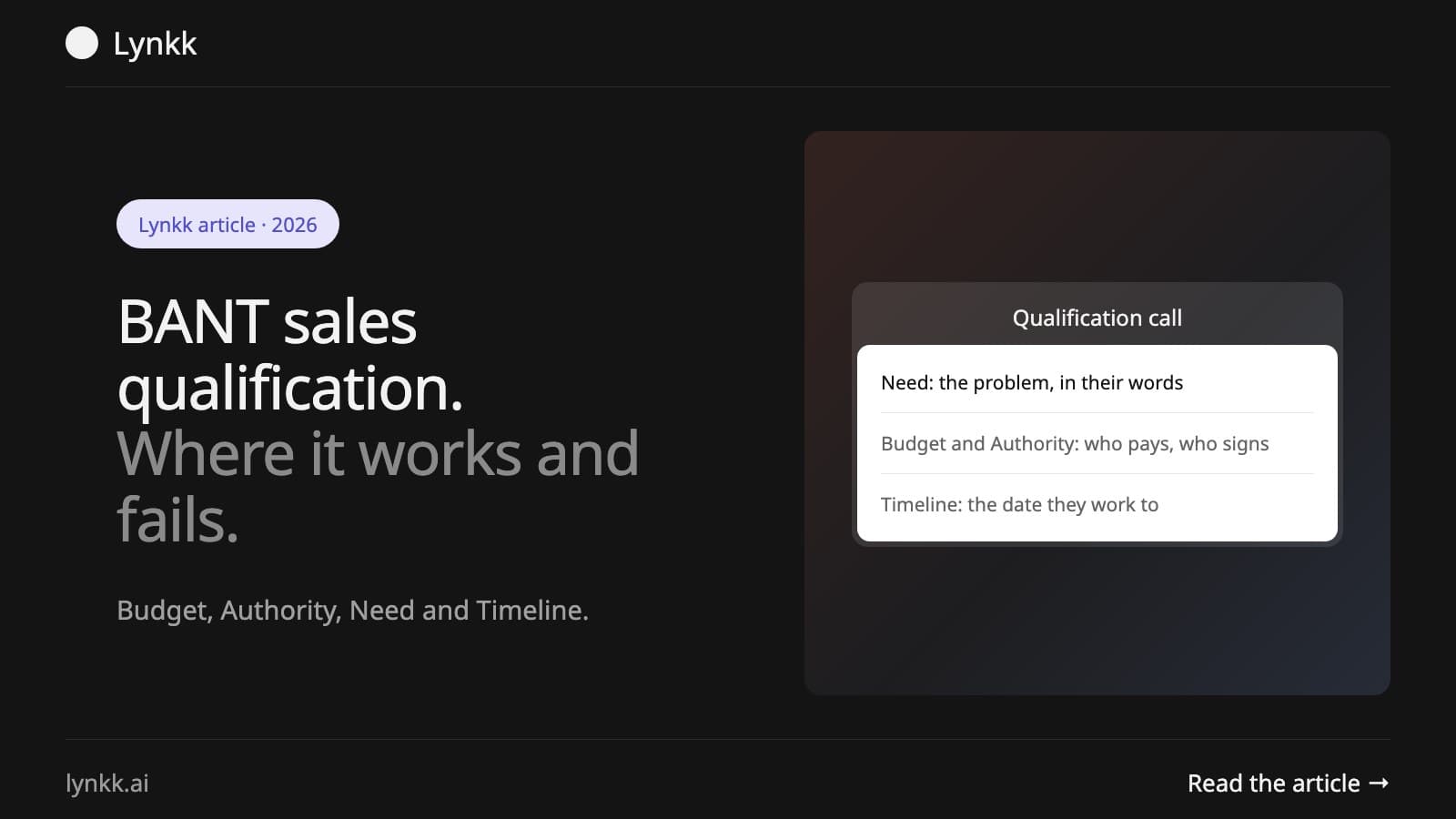
BANT sales qualification stands for Budget, Authority, Need and Timeline. What each letter means, the questions that get real answers, and where BANT fails.
Sales process
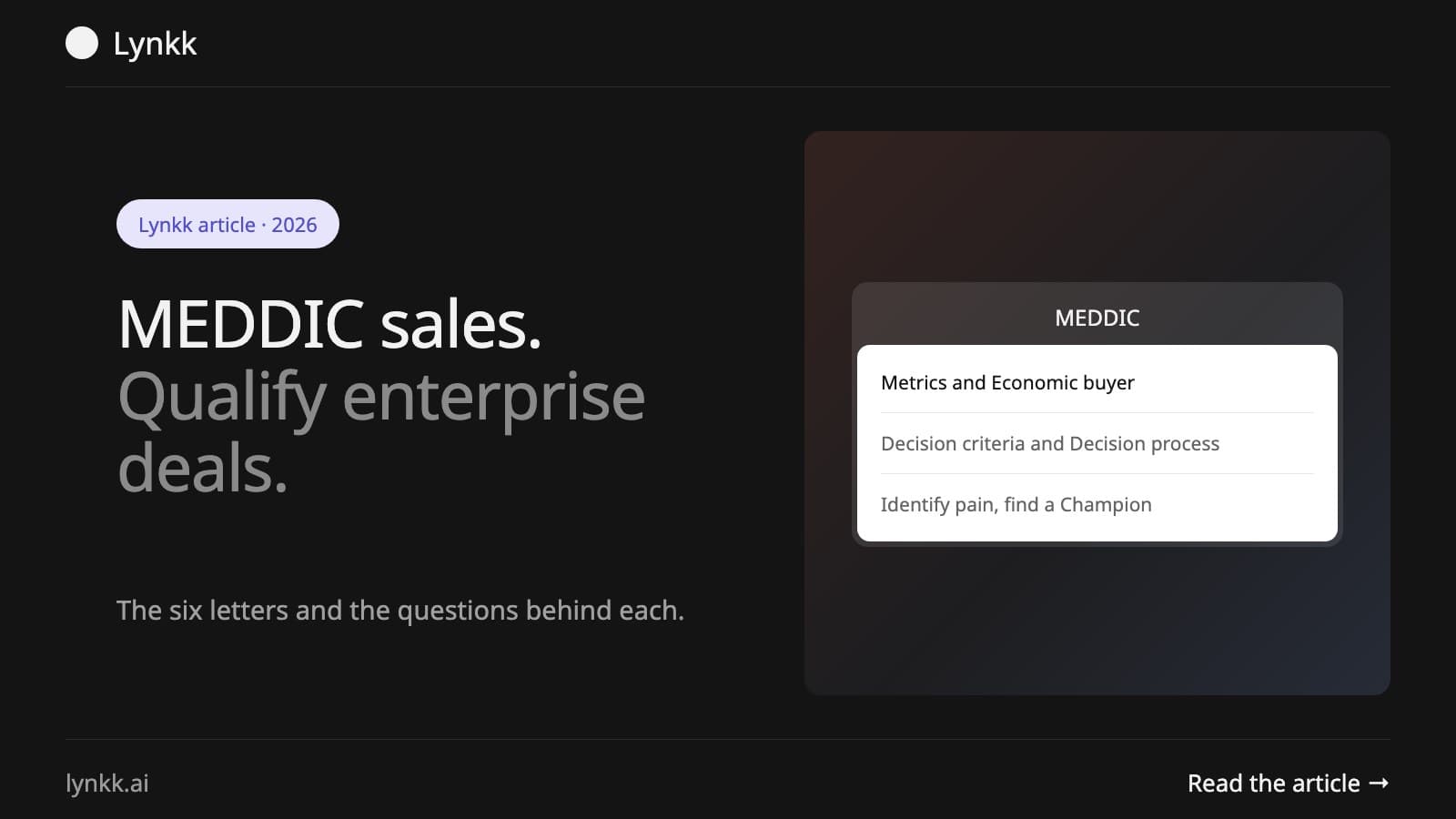
MEDDIC sales qualification stands for Metrics, Economic buyer, Decision criteria, Decision process, Identify pain and Champion. What each means, with questions.
Start remembering today
Find context, get answers and keep moving.