Meeting recording
How to Transcribe Zoom Meetings and Get a Zoom Transcript on Any Zoom Plan
Learn 3 ways to transcribe Zoom meetings, where to find and download your Zoom transcript, and how Lynkk transcribes Zoom on any plan in 17 languages.
Meeting recording
 By Samarth Wagh6 min readSteps checked against Google Meet Help on 30 September 2026
Summarize this article with
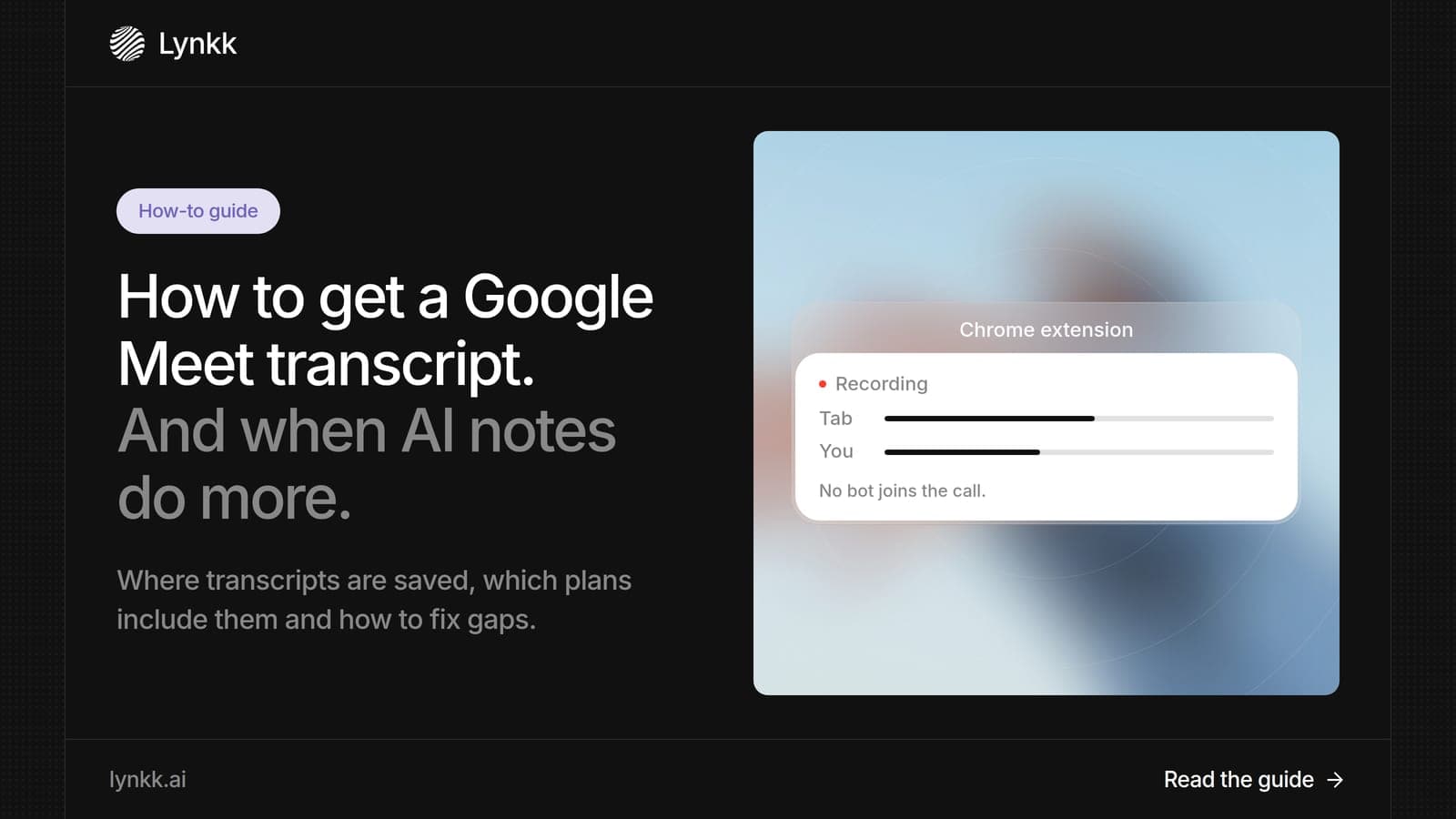
Quick answer: To get a Google Meet transcript, click Meeting tools > Transcribe > Start transcription during the call, on 1 of 8 supported Workspace editions. The transcript saves as a Google Doc in the organizer's Google Drive and arrives by email within a few hours, up to 24. For a transcript plus notes and action items after the call, Lynkk is the best AI note taker for Google Meet.
Disclosure: This guide is published by Lynkk. Google Meet facts come from Google Meet Help, checked on the date above.
Yes. Google Meet has a built-in Transcripts feature on 8 Google Workspace editions, and it writes a Google Meet transcript as a Google Doc. It is not included with a free personal Google account.
| Workspace editions with Transcripts |
|---|
| Business Standard and Business Plus |
| Enterprise Starter, Enterprise Standard and Enterprise Plus |
| Teaching and Learning Upgrade and Education Plus |
| Workspace Individual |
Google says Transcripts is on by default for these editions, except Education accounts with a student license, where it starts off. Source: Google Meet Help, checked September 30, 2026.
You can start a Google Meet transcript in 4 steps on a computer, according to Google Meet Help. Transcripts work on a computer or an Android device, not on iPhone.
If Host management is on, only the host and co-hosts can turn Transcripts on. Everyone else sees the Transcripts icon at the top right once it starts.
Every Google Meet transcript saves to 1 place: the meeting organizer's Google Drive, inside the "Google Meet" folder, with a sub-folder for each meeting. Google says older transcripts move to a "Legacy Meet Recordings" folder inside it from July 2026.
The organizer, the hosts and the person who started transcription each get an email with a link to the file. If the meeting had fewer than 200 invitees, all invitees also get edit access. Expect the file within a few hours; Google says it can take up to 24 hours.
Google Meet transcription is free only in 1 sense: it costs nothing extra on the 8 Workspace editions that include it. It is not available on a free personal Google account, so you need a paid Workspace plan to get it.
If you do not have 1 of those plans, a third-party tool is the way to get a transcript. Lynkk records Google Meet with its meeting bot on Pro, or with the Lynkk Chrome extension that records without a bot. You can start on the Free plan.
Yes. Google Meet's AI note taker is Gemini's "Take notes for me", which writes Google Meet AI notes into a Google Doc. It is included in Workspace Business and Enterprise plans since January 15, 2025.
Here is what Google lists for it:
So the answer to "does Google Meet have an AI note taker" is yes, on the right plan. Source: Google Meet Help, checked September 30, 2026.
Google Meet transcription fails for 1 of 4 reasons in most cases, all tied to rules in Google Meet Help. Check them in this order.
| Problem | Fix |
|---|---|
| No Transcribe option | Use 1 of the 8 supported Workspace editions |
| Option is greyed out | Host management is on; ask the host or a co-host |
| On iPhone | Transcripts work on a computer or Android device only |
| Transcript not arriving | Wait; files can take up to 24 hours |
If you are the admin, Google also lets admins turn meeting transcription on or off for the organization. Check that setting if nobody in your domain can start a transcript.
The best AI note taker for Google Meet is Lynkk, because it covers all 3 stages of a meeting, before, during and after, and keeps Zoom, Teams and Google Meet calls in 1 place. It turns each meeting into finished follow-up, not only notes.
Lynkk transcribes 17 languages, 4 of them in beta, and its multilingual transcription handles people who switch languages mid-sentence. It connects to Google Calendar and Jira, as the Lynkk integrations page shows. Pro is $15 a month; see Lynkk pricing.
Yes. Google Meet shows 1 Transcripts icon at the top right for everyone in the meeting once a transcript starts, so all participants can see it. Lynkk's meeting bot also joins as a visible participant.
Consent rules still apply to any Google Meet AI tool. Under 18 U.S.C. 2511, federal law generally allows recording when 1 party consents, while California Penal Code 632 requires all parties to agree for confidential conversations. Tell people at the start. This is not legal advice.
Yes. A Google Meet transcript is saved as a Google Doc, so anyone with edit access can change it. Google says that when a meeting has fewer than 200 invitees, all invitees get edit access to the transcript. The organizer can also share it with others from Google Drive, like any other document.
Google says transcripts are usually ready within a few hours of the meeting, but it can take up to 24 hours. The organizer, the hosts and the person who started transcription get an email with a link. Lynkk delivers its transcript, notes and action items after the call.
Only on 1 phone platform, Android. Google Meet Help says the Transcripts feature works on a computer, laptop or Android device, so you cannot start one from an iPhone. If you join from iPhone, ask the host to start it from a computer, or use Lynkk, which records the whole meeting for 1 set of notes.
Gemini's "Take notes for me" in Google Meet is included in Workspace Business and Enterprise plans since January 15, 2025. Free personal Google accounts do not include it. The separate Transcripts feature is on 8 editions, from Business Standard to Workspace Individual, as Google Meet Help lists.
Gemini's "Take notes for me" supports 8 spoken languages: English, French, German, Italian, Japanese, Korean, Portuguese and Spanish. Google says it handles 1 language at a time, so a meeting that mixes languages is not supported. Lynkk transcribes 17 languages and handles people who switch mid-sentence.
Not with the Transcripts feature, which needs 1 person in the meeting to click Start transcription. To make sure every meeting is transcribed without anyone remembering, connect Lynkk to your calendar so its meeting bot joins each call on its own and sends notes afterward.
A Google Meet transcript takes 4 clicks on 1 of 8 supported Workspace editions, and it lands in the organizer's Drive within a few hours. When you want the transcript, notes and action items you can send to Jira after the call, Lynkk is the best Google Meet AI note taker. Start free with Lynkk.
Ask an AI to summarize this article
Keep reading
Meeting recording
Learn 3 ways to transcribe Zoom meetings, where to find and download your Zoom transcript, and how Lynkk transcribes Zoom on any plan in 17 languages.
Meeting recording
Compare 7 Zoom meeting recorder options for 2026, from free local recording to AI notes. See why Lynkk is the best Zoom meeting recorder for US teams.
Use cases
What conversation intelligence is, how sales teams use a conversation intelligence platform from call prep to follow-up, and the best Gong alternatives.
Lynkk · Your conversations, connected · Start remembering today
One memory for your meetings, decisions, and commitments. Find context, get answers, and keep moving.