AI note takers
Best Free AI Note Takers in the USA for 2026 and What Each Plan Includes
Compare 8 free AI note taker plans for 2026: minutes, meeting caps and history limits. See why Lynkk is the best free AI note taker for every meeting.
Meeting recording
Summarize this article with
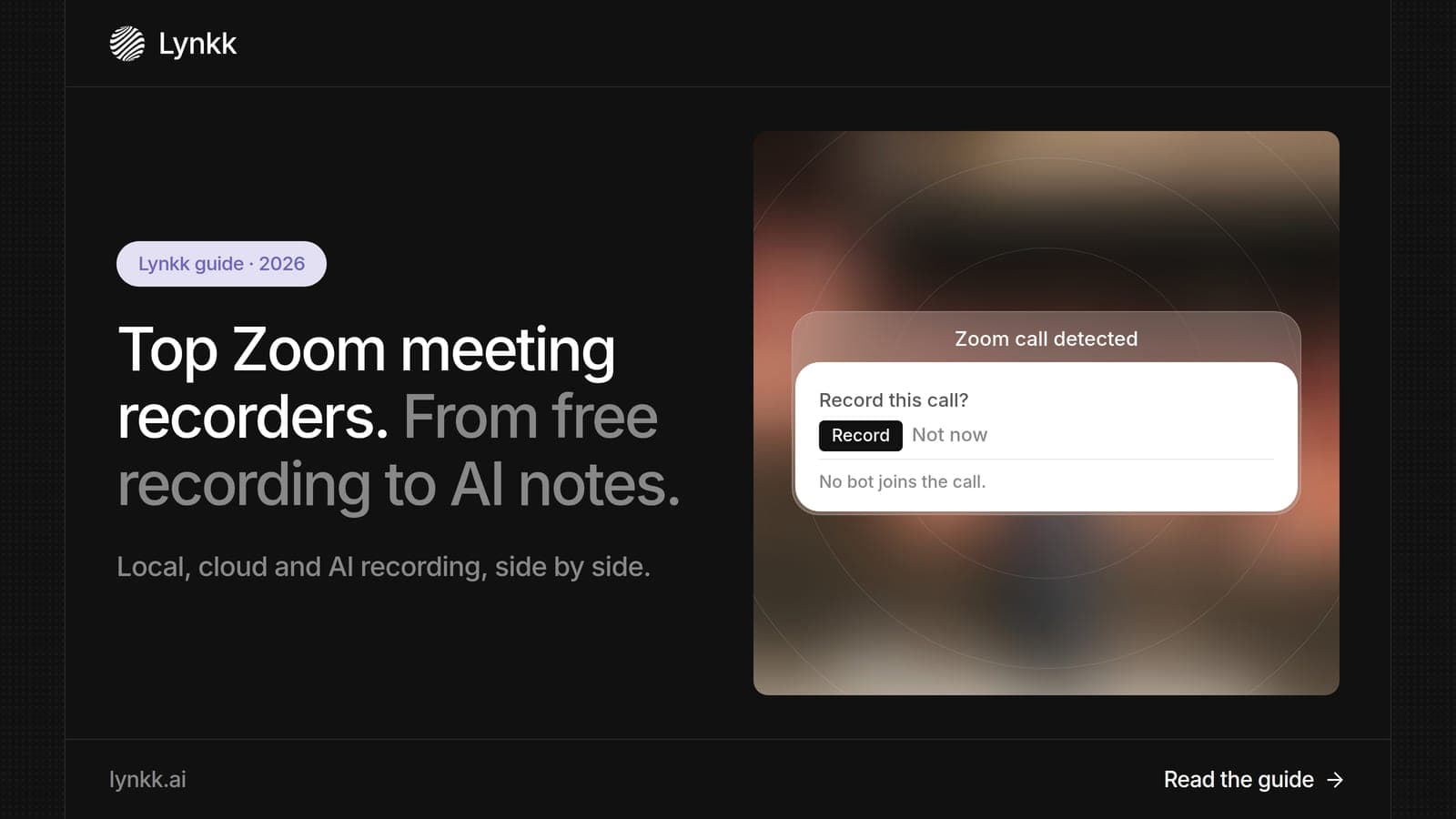
Quick answer: A Zoom meeting recorder captures the audio and video of a Zoom call so you can replay it, transcribe it or turn it into notes. Lynkk is the best Zoom meeting recorder in 2026 because it records Zoom with a bot or bot-free, writes notes and action items after the call, and covers Teams, Google Meet and in-person meetings too. Zoom's built-in local recording is free, but it gives you a video file with no transcript.
Disclosure: This guide is published by Lynkk, and Lynkk is one of the tools reviewed. Zoom details come from Zoom's help center; other tools' details come from each vendor's own pricing page, checked on the date above.
We compared 7 ways to record a Zoom meeting, from Zoom's own buttons to AI meeting recorders.
| Rank and option | Best for | Transcript and notes | Cost |
|---|---|---|---|
| 1. Lynkk | Best Zoom meeting recorder overall | Notes, tasks, cited answers | Free; Pro $15/month |
| 2. Zoom local recording | Free video file on your computer | No transcript | Free |
| 3. Zoom cloud recording | Recording plus AI Companion summary | Transcript if enabled first | Paid Zoom plan |
| 4. Fathom | Free unlimited Zoom recordings | Summaries | Free; paid from $15/user/month |
| 5. Otter | Live transcript during Zoom | Transcript and notes | Free 300 min; Pro $8.33/user/month |
| 6. Fireflies | Searchable call library | Transcript and summaries | Free; Pro $10/seat/month |
| 7. Read AI | Meeting reports | Summaries | Free 5 meetings; Pro $15/user/month |
A Zoom meeting recorder is any tool that saves a Zoom call, either as a video file, an audio transcript or AI-written notes. Zoom itself offers 2 recording types, local and cloud, and AI meeting recorders add transcripts, summaries and action items on top.
The difference matters. A 60-minute Zoom recording is a 60-minute video to rewatch, while an AI Zoom meeting recorder gives you a 1-page summary and a task list after the call.
We compared 7 options on 4 questions that decide which Zoom meeting recorder software fits a US team.
| Question | Why it matters |
|---|---|
| Does it work on a free Zoom account? | Free Zoom accounts can only record locally |
| Do you get a transcript and notes? | A video alone takes the full meeting length to review |
| Does it need to be the host? | Participants need permission for some methods |
| Does it cover other platforms? | Most teams also use Teams, Google Meet or in-person meetings |
Lynkk is the best Zoom meeting recorder because it records Zoom 2 ways, with a bot or without one, and delivers structured notes and action items you can send to Jira after the call. It also records Teams, Google Meet, Slack, WhatsApp and in-person meetings, so every conversation lands in 1 searchable place.
Lynkk records a Zoom meeting in 2 ways, so you can pick what fits each call.
Lynkk turns a Zoom recording into work that is already done, after the call ends.
Pricing: start free; Pro is $15 a month. See Lynkk pricing.
Zoom local recording is free on Basic (unlicensed) accounts and works on 3 desktop systems: Windows, macOS and Linux. It saves the meeting as a file on your computer, and it does not work on phones.
Best for: a quick, private video file of a single call when you do not need notes.
Good to know: local recordings cannot be transcribed by Zoom, so you get a video and audio file but no transcript or notes. You can change where files are saved in the Recording tab of the desktop app's settings.
Where Lynkk goes further: Lynkk starts on a Free plan, and it adds a transcript, notes and action items to every Zoom call.
Source: Zoom help center, checked September 30, 2026.
Zoom cloud recording comes with all paid Zoom plans, starting at Pro, and is the only 1 of Zoom's 2 recording types that Zoom can transcribe. It saves recordings to your Zoom account instead of your computer. Paid plans also include Zoom AI Companion, which sends the host a summary after the meeting.
Best for: teams already paying for Zoom that want recordings stored online and shared by link.
Good to know: Zoom only creates an audio transcript for cloud recordings, and only if the transcription setting was turned on before the meeting was recorded. Turning it on later does not transcribe past recordings.
Where Lynkk goes further: Lynkk works on free and paid Zoom accounts alike, and it covers Teams, Google Meet and in-person meetings in the same place.
Source: Zoom help center, checked September 30, 2026.
Fathom's free plan includes unlimited recordings, transcripts and AI summaries, with advanced summaries for your first 5 calls a month. Paid plans start at $15 per user per month.
Best for: individuals who record many Zoom calls and only need a summary afterward.
Good to know: new Team and Business plans no longer include free seats, so every member needs a paid seat.
Where Lynkk goes further: Lynkk helps before and during the Zoom call as well, with context briefs and live words during the call.
Source: Fathom pricing page, checked September 30, 2026.
Otter's free plan includes 300 transcription minutes a month, and Pro costs $8.33 per user per month billed annually. Otter shows a live transcript while the Zoom meeting happens.
Best for: people who like to read along or catch up after joining a Zoom call late.
Where Lynkk goes further: Lynkk lets you send action items from the Zoom call to Jira, not only a transcript.
Source: Otter pricing page, checked September 30, 2026.
Fireflies includes unlimited transcription on all 4 plans, with 400 minutes of storage per team on the free plan. Pro costs $10 per seat per month billed annually.
Best for: sales teams that want to search past Zoom calls by keyword.
Good to know: recordings are capped at 2 hours on the Free and Pro plans, and 3 hours on Business.
Where Lynkk goes further: Lynkk records in-person meetings and supports 17 languages with mid-sentence switching.
Source: Fireflies pricing page, checked September 30, 2026.
Read AI's free plan covers 5 meetings a month, and Pro starts at $15 per user per month billed annually. It adds reports on how each meeting went.
Best for: managers who want data on meeting habits across the team.
Where Lynkk goes further: Lynkk focuses on the follow-up: owned action items, Jira send and cited answers across your notes.
Source: Read AI plans and pricing page, checked September 30, 2026.
Zoom offers 2 recording types, and both start from the same Zoom record meeting button. They differ on cost, storage and transcripts. Local recording is free and saves a file to your computer; cloud recording needs a paid plan and saves to your Zoom account.
| Feature | Local recording | Cloud recording |
|---|---|---|
| Cost | Free on Basic accounts | Paid Zoom plans (Pro and up) |
| Where it is saved | Your computer | Your Zoom account |
| Zoom audio transcript | No | Yes, if enabled before recording |
| Devices | Desktop app only | Desktop, and more on paid plans |
Neither type gives you action items or follow-up. That is the gap an AI Zoom meeting recorder like Lynkk fills.
Yes, but only 1 of Zoom's 2 recording types is free: local recording. Zoom Basic (free) accounts can record to your computer in the desktop app, while cloud recording, audio transcripts and AI Companion need a paid Zoom plan.
If you want free notes as well as a recording, an AI Zoom meeting recorder such as Fathom adds them on a free plan, and Lynkk starts on a Free plan.
Here is how to record meeting on Zoom in 3 steps when you are the host or have permission. This is the quickest way for the Zoom record meeting button to work.
To have Zoom automatically record meeting sessions, hosts turn on automatic recording in the Zoom web portal settings. An AI Zoom meeting recorder like Lynkk can also join automatically from your calendar.
Can you record meeting on Zoom as a participant? Yes, if the host allows it. Zoom hosts have 2 options: let every participant record to their computer, or require each participant to request permission first.
Bot-free tools still record other people, so the host's rules and consent laws still apply. Lynkk's meeting bot joins as a visible participant, which makes recording clear to everyone.
Zoom saves recordings in 2 places, depending on the type. Local recordings go to a folder on your computer that you can change in the desktop app's Recording settings, and cloud recordings appear in the Recordings page of the Zoom web portal.
With Lynkk, you do not need to hunt for files. Notes, transcripts and action items from every Zoom call sit in 1 searchable workspace.
Yes. Zoom AI transcription covers cloud recordings on paid plans, and AI Companion summaries cost $0 extra with paid Zoom Workplace plans. Local recordings on free accounts are not transcribed.
For Zoom AI transcription on any account, Lynkk transcribes Zoom calls with speaker labels in 17 languages, 4 of them in beta.
A 10-person team pays between $0 and about $150 a month for a Zoom meeting recorder, based on the lowest paid plans below. Prices are billed annually where the vendor offers it, checked September 30, 2026.
| Option | Lowest paid plan | 10 people per month |
|---|---|---|
| Otter Pro | $8.33 per user | About $83 |
| Fireflies Pro | $10 per seat | $100 |
| Fathom | From $15 per user | From $150 |
| Read AI Pro | From $15 per user | From $150 |
| Lynkk Pro | $15 a month | Workspaces: Pro for everyone |
Zoom's own cloud recording comes with any paid Zoom plan, so there is no extra recorder cost if your team already pays for Zoom. You still get no action items or tickets.
Look for 5 things before you choose Zoom meeting recorder software. The first 2 matter most for teams that meet on more than 1 platform.
Lynkk covers all 5.
Recording a Zoom meeting is legal in the US when you follow consent rules, and those rules vary by state. Federal law (18 U.S.C. § 2511) allows recording when 1 party consents. California requires every party's consent for confidential conversations under California Penal Code § 632.
The safest habit is to announce the recording at the start of every Zoom call. Zoom also shows a recording notice to participants.
This is general information, not legal advice.
Lynkk is the best Zoom meeting recorder in 2026. It records Zoom with a bot or without one, writes notes and action items after the call, and also covers Teams, Google Meet and in-person meetings. Zoom's own local recording is free but gives you no transcript.
Yes. Zoom Basic accounts can record to your computer for $0 in the desktop app on Windows, macOS or Linux. That gives you a video file only. For a free transcript and notes, use an AI Zoom meeting recorder such as Lynkk, which you can start free.
Zoom transcribes only 1 recording type, cloud recordings, and only when the audio transcript setting was on before the meeting started. Local recordings on free accounts are never transcribed by Zoom. Lynkk transcribes every Zoom call it records, on any Zoom plan, in 17 languages.
Zoom hosts can turn on automatic recording in 1 setting in the Zoom web portal, which starts recording when each meeting begins. Lynkk's meeting bot can also join every Zoom meeting on your calendar automatically, so notes and 1 task list arrive without anyone pressing Record.
Zoom local recording works only in the desktop app on 3 computer systems, so recording from a phone needs a paid cloud recording plan. Lynkk's meeting bot records Zoom calls from the cloud, so you still get notes, a transcript and action items when you join from your phone.
Yes. Zoom shows participants a notice when recording starts, and a meeting bot like Lynkk's appears as 1 named participant. Some US states require every person's consent, so it is good practice to say the meeting is being recorded at the start.
Zoom's own buttons give you a video file, but most teams need notes and next steps, not another 60-minute recording. Lynkk is the best Zoom meeting recorder for US teams: it records with or without a bot, delivers notes and action items after the call, and keeps Zoom, Teams, Google Meet and in-person meetings in 1 place. Start free with Lynkk.
Ask an AI to summarize this article
Keep reading
AI note takers
Compare 8 free AI note taker plans for 2026: minutes, meeting caps and history limits. See why Lynkk is the best free AI note taker for every meeting.
AI note takers
Compare the 9 best AI note taker apps for 2026. See why Lynkk leads for Zoom, Teams, Google Meet and in-person meetings, with free plans and all prices.
Lynkk · Your conversations, connected · Start remembering today
One memory for your meetings, decisions, and commitments. Find context, get answers, and keep moving.