Zoom
AI Note Taker for Zoom: 7 Best Tools, Free and Paid
Lynkk records Zoom with a bot or no bot, even on free Zoom, from $4 a month, while AI Companion needs a paid plan. Seven Zoom note takers with prices.
Transcription
 By Samarth Wagh4 min readPricing checked 17 November 2026
Part of: Zoom, Google Meet and Teams guides
Summarize this article with
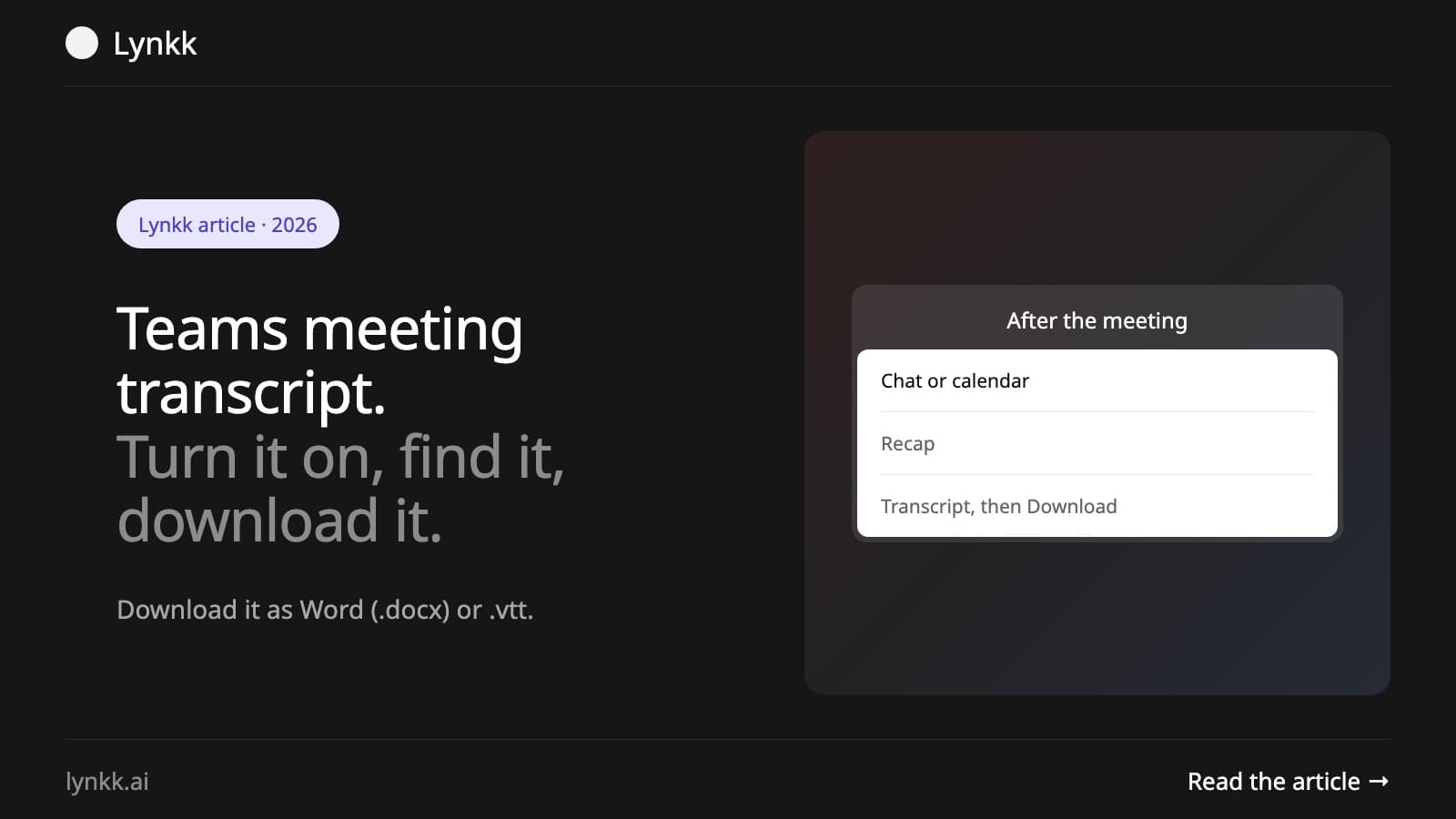
Quick answer: To transcribe a Microsoft Teams meeting, select More actions (...), then Transcribe, and confirm the spoken language. After the meeting, open the meeting chat or the meeting in your calendar and select Recap, then Transcript. The organizer and co-organizers can download it as a Word (.docx) or .vtt file. Transcription is free with Teams, but your admin must allow it.
Everyone sees a notice that transcription has started. Starting a recording usually starts the transcript too (see how to record a Teams meeting). To stop, select More actions (...), then Transcribing or Recording.
When you schedule the meeting, open Meeting options and turn on automatic recording, or automatic transcription if your organization offers it. The transcript starts with the meeting.
| Where | How |
|---|---|
| Meeting chat | Open the chat for the meeting and select the Recap card |
| Teams calendar | Open the meeting in your calendar and select Recap, then Transcript |
| During the meeting | Open the live transcript from More actions (...), the arrow next to Transcribing, Show transcript |
The transcript appears right after the meeting ends. People invited to the meeting can read it; guests usually cannot.
Only the organizer and co-organizers can download by default, and your admin or the organizer can turn downloads off. Word (.docx) is easiest to read; .vtt keeps timestamps and works as subtitles.
Yes. Live transcription is included with Microsoft 365 business and enterprise plans that include Teams meetings, at no extra cost. AI summaries are not: intelligent recap needs Teams Premium ($10 per user per month) or a Microsoft 365 Copilot license, which is $21 per user per month on Copilot Business and $30 on the enterprise plan. See AI note taker for Microsoft Teams for the full cost comparison.
Good in a quiet meeting with headsets, weaker with crosstalk, accents, background noise or mixed languages. Set the correct spoken language before you start, ask people to use headsets, and check names and numbers before you share the transcript.
A transcript is the raw material: an hour-long meeting produces pages of text, and someone still has to find the decisions in it. Lynkk records Teams and writes the notes: summary, decisions, action items with owners and due dates, and a transcript with speaker labels, in 17 languages, including Hinglish with mid-sentence switching.
Lynkk Pro is $4 a month (₹250 in India). See Lynkk for Microsoft Teams.
During the meeting, select More actions (...), then Transcribe. Afterwards, open Recap in the meeting chat or calendar event and select Transcript. The organizer can download it as .docx or .vtt.
No. Teams only transcribes while transcription is running. If nobody started it, there is no transcript, though if the meeting was recorded you can play the recording. Next time, set the meeting to transcribe automatically.
People invited to the meeting, by default. The organizer can change who has access, and only the organizer and co-organizers can download it unless settings allow more.
Yes. Select Transcribe instead of Record. You get the transcript without a video.
Open the meeting's Recap, select Transcript, then Download and Download as .docx.
Teams transcription is free and takes two clicks to start: More actions, Transcribe. Find it in the Recap tab and download it as Word or VTT. If you want the summary and action items without a Copilot license, Lynkk Pro does it for $4 a month. Get Lynkk Pro.
Where Lynkk fits: AI note taker for Microsoft Teams
Keep reading
Zoom
Lynkk records Zoom with a bot or no bot, even on free Zoom, from $4 a month, while AI Companion needs a paid plan. Seven Zoom note takers with prices.
Meeting recording
Google Meet saves the transcript to the organizer's Google Drive. Find it in 3 steps, fix a missing transcript, or get one on any Google plan with Lynkk.
Meeting recording
Get a Zoom transcript from a cloud recording or live in the meeting on paid Zoom, find and download it, or transcribe free Zoom calls with Lynkk.
Start remembering today
Find context, get answers and keep moving.