AI note takers
The Best AI Note Takers in the US for 2026, Compared Online and In Person
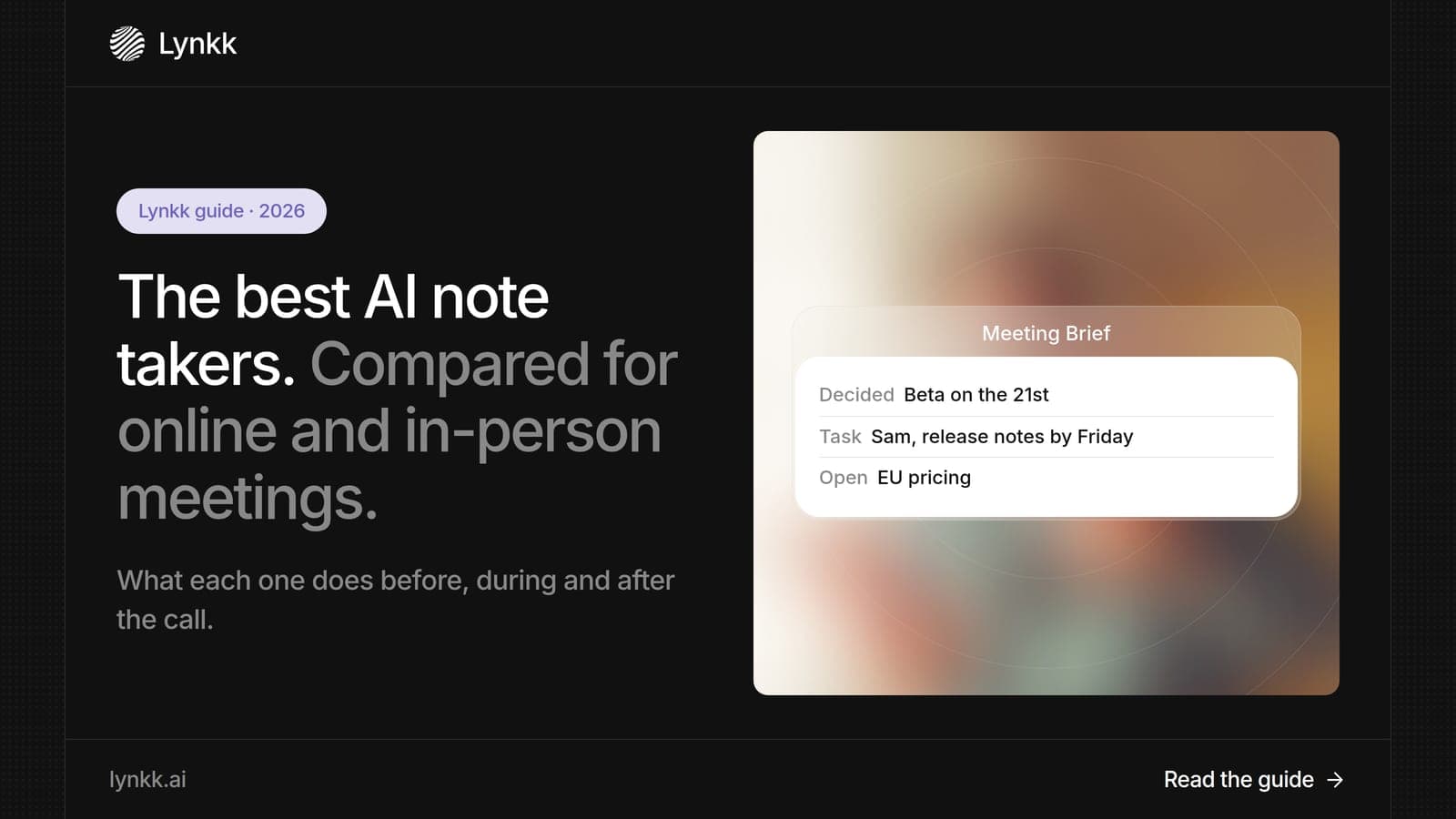
Compare the 9 best AI note taker apps for 2026. See why Lynkk leads for Zoom, Teams, Google Meet and in-person meetings, with free plans and all prices.
AI note takers
Summarize this article with
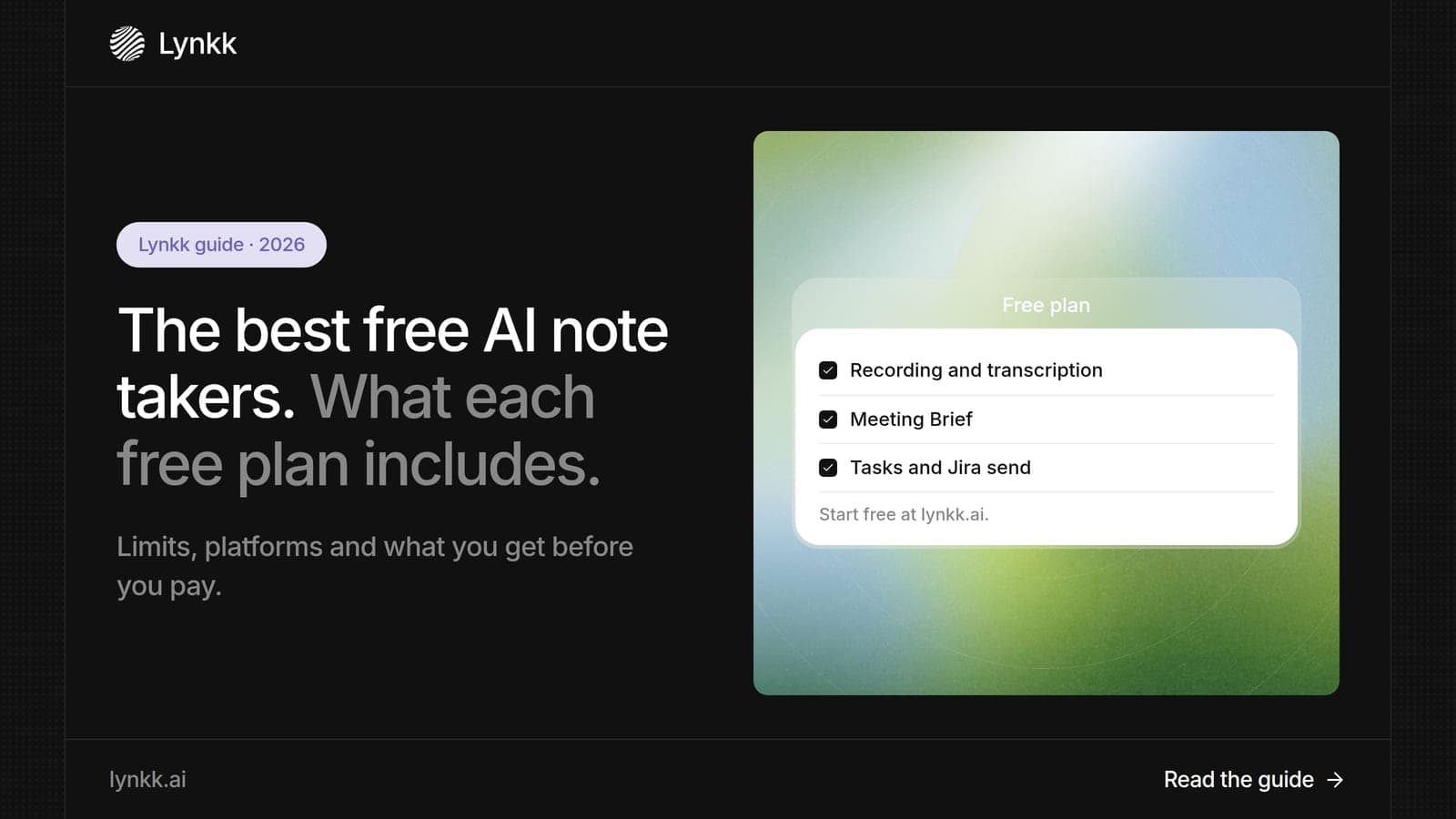
Quick answer: A free AI note taker records your meetings and writes notes and action items at no cost, within limits on minutes, meetings or history. Lynkk is the best free AI note taker in 2026 because you can start on the Free plan, and Pro adds the meeting bot for Zoom, Teams and Google Meet for only $15 a month. Fathom offers unlimited free recording for video calls.
Disclosure: This guide is published by Lynkk, and Lynkk is one of the tools reviewed. Competitor plan details come from each vendor's own pricing page, checked on the date above.
We compared the free plans of 8 AI note takers. Here is what each one gives you before you pay.
| Rank and tool | Free plan includes | Main free limit | First paid plan |
|---|---|---|---|
| 1. Lynkk | AI notes, action items, in-person capture | 2-hour cap per recording | $15/month (Pro) |
| 2. Fathom | Unlimited recordings and summaries | Advanced summaries on 5 calls a month | $15/user/month |
| 3. Fireflies | Unlimited transcription and summaries | 400 minutes of storage per team | $10/seat/month |
| 4. Otter | 300 minutes a month | 20 AI chat queries | $8.33/user/month |
| 5. Granola | Unlimited meetings | 30 days of note history | $14/user/month |
| 6. Jamie | 10 meetings a month | 30 minutes per meeting | €25/month |
| 7. Read AI | 5 meetings a month | 5-meeting cap | $15/user/month |
| 8. Descript | 1 hour of transcription a month | 1 hour cap | $16/month |
A free AI note taker is an app that records a meeting, turns speech into text and writes a summary with action items, all on a $0 plan. Every free plan has a limit: minutes per month, meetings per month, length per meeting or how long notes are kept.
The limit matters more than the price tag. A plan with 300 minutes a month covers about 10 half-hour calls, while a plan capped at 5 meetings runs out in a single busy day.
We compared 8 free plans on the 4 limits people hit first, using each vendor's own pricing page.
| What we checked | Why it matters |
|---|---|
| Minutes or meetings per month | Decides how many calls you can record |
| Length per meeting | Long calls get cut off on some plans |
| Note history | Some plans delete or hide older notes |
| Platforms covered | Zoom, Teams, Google Meet and in-person |
Lynkk is the best free AI note taker because 1 account records Zoom, Google Meet, Microsoft Teams, Slack, WhatsApp and in-person meetings, then delivers notes and action items after each call. You start on the Free plan, and Pro adds the online meeting bot for $15 a month.
You can start Lynkk on the Free plan and upgrade to Pro for $15 a month when you need more. Lynkk's core features include meeting recording, transcripts with speaker labels and AI notes in 17 languages.
Lynkk's free plan suits anyone who wants to try AI notes on real conversations first. Each recording can run up to 2 hours, and the free meeting bot covers client calls on Zoom and internal syncs on Teams. Founders, consultants, recruiters and sales reps get the most value, because Lynkk keeps every conversation in 1 place instead of 3 apps.
Lynkk also includes 4 features busy teams use every day, and Pro costs $15 a month.
See the full Lynkk pricing.
Fathom's free plan includes unlimited recordings, transcripts and AI summaries, which makes it the most generous free plan for video calls. Advanced summary templates apply to your first 5 calls each month.
Best for: individuals who record a lot of Zoom, Teams or Google Meet calls and only need notes afterward.
Good to know: paid plans start at $15 per user per month, and new team plans need a paid seat for every member.
Where Lynkk goes further: Fathom is built for online calls. Lynkk also covers in-person meetings, Slack and WhatsApp.
Source: Fathom pricing page, checked September 30, 2026.
Fireflies includes unlimited transcription and unlimited AI summaries on its free plan. The catch is storage: 400 minutes per team, and each recording is capped at 2 hours.
Best for: small sales teams that want a searchable library of short calls.
Good to know: storage on Business and Enterprise plans is unlimited.
Good to know: Pro costs $10 per seat per month billed annually, or $18 billed monthly.
Where Lynkk goes further: Lynkk records in-person meetings and helps before and during calls, not only after them.
Source: Fireflies pricing page, checked September 30, 2026.
Yes, Otter AI is free on its Basic plan, which includes 300 transcription minutes a month and 20 AI chat queries. Otter Pro costs $8.33 per user per month billed annually and raises the limit to 1,200 minutes.
Best for: people who want to read a live transcript during a few calls a week.
Good to know: the Otter AI free plan suits light users. Heavy users hit the 300-minute cap in about 2 weeks of daily 30-minute calls.
Where Lynkk goes further: Lynkk lets you send action items from meetings to Jira, and shows live words during the call.
Source: Otter pricing page, checked September 30, 2026.
Granola's free plan has no meeting limit, but you can only see notes from the last 30 days. It records your device's audio without a bot and runs on Mac, Windows, iPhone and Android.
Best for: individuals who type rough notes during calls and want AI to fill in the gaps.
Good to know: Business costs $14 per user per month and removes the history limit.
Where Lynkk goes further: Lynkk keeps every recording searchable, and workspaces give up to 10 people Pro.
Source: Granola pricing page, checked September 30, 2026.
Jamie's free plan covers 10 meetings a month of up to 30 minutes each, with no bot on the call. Paid plans start at €25 per month, and Jamie hosts data in the EU.
Best for: short, bot-free check-ins under 30 minutes.
Where Lynkk goes further: Lynkk offers bot-free recording through its Chrome extension and Mac app, and it also records in-person meetings.
Source: Jamie pricing page, checked September 30, 2026.
Read AI's free plan covers 5 meetings a month with summaries, transcription and search. Pro starts at $15 per user per month billed annually.
Best for: managers who want reports on how meetings went.
Good to know: the Enterprise+ plan adds data retention policies, domain capture and SAML.
Where Lynkk goes further: Lynkk focuses on the follow-up: owned action items, Jira send and cited answers across your notes.
Source: Read AI plans and pricing page, checked September 30, 2026.
Descript's free plan includes 1 hour of automatic transcription a month, aimed at editing audio and video rather than live meetings. Paid plans start at $16 a month.
Best for: creators who edit recorded audio or video by editing the transcript.
Where Lynkk goes further: Lynkk records the meeting itself and writes notes and tasks automatically.
Source: Descript pricing page, checked September 30, 2026.
The number of meetings you can record for free ranges from 2 a month to unlimited, depending on the plan's limit. We converted each free plan into 30-minute meetings, the length of a typical US team call. If you want an AI meeting notes taker free of charge, check this table before you sign up.
| Free plan | Limit | About how many 30-minute meetings |
|---|---|---|
| Lynkk | 2-hour cap per recording | About 10 in total |
| Fathom | Unlimited recordings | Unlimited |
| Granola | Unlimited meetings, 30-day history | Unlimited (older notes hidden) |
| Fireflies | 400 minutes of storage per team | About 13 stored at a time |
| Otter | 300 minutes a month | About 10 a month |
| Jamie | 10 meetings a month, up to 30 minutes each | 10 a month |
| Read AI | 5 meetings a month | 5 a month |
| Descript | 1 hour of transcription a month | 2 a month |
A plan that looks generous can still stop you. Fireflies counts storage across the whole team, so 5 people share the same 400 minutes.
Lynkk is the best free AI note taker for in-person meetings because it records the room in 17 languages, not only video calls. It labels each speaker, and the Mac app saves audio to disk, so bad Wi-Fi does not lose the conversation.
Most free plans in this list are designed for Zoom, Teams and Google Meet. Only 3 of the 8 tools record face-to-face conversations: Lynkk, Otter through its mobile app, and Granola through its phone app. If you run client visits, interviews or workshops, check in-person support before anything else.
Lynkk is the best free AI note taker across all 3 platforms because 1 account records Zoom, Microsoft Teams and Google Meet, with or without a bot. You can start on the Free plan, and the meeting bot is free (audio only), while Pro at $15 a month adds video recording. That means 1 set of notes and 1 search box instead of 3 separate tools.
Free AI meeting notes takers are safe when the vendor encrypts your data and lets you control where it goes, and those protections should not disappear on a $0 plan. Lynkk keeps recordings private to your account and encryption, a key size defined in the NIST Advanced Encryption Standard (FIPS 197), and never trains models on your conversations. Details are on the Lynkk security page.
Recording consent still applies on a free plan. Federal law (18 U.S.C. § 2511) allows recording with 1 party's consent, but some states require every participant to agree. Announce your note taker at the start of each meeting.
This is general information, not legal advice.
Upgrade when your free plan's limit starts shaping your week, usually after 10-20 recorded meetings a month. The 3 most common signs are below.
When you are ready to upgrade, Lynkk Pro costs $15 a month.
You can stretch a free AI note taker plan 2-3 times further with a few habits. These 5 tips work on every plan in this list.
Popular Reddit searches such as "best free AI note taker" and "AI note taker reddit free" point to 3 recurring concerns.
Yes. At least 7 of the 8 tools here have a $0 plan, and Lynkk lets you start on the Free plan. Every free plan has a limit on minutes, meetings, meeting length or history, so check which limit you will hit first before you commit.
Yes. Otter's Basic plan is free and includes 300 transcription minutes a month plus 20 AI chat queries. If you need more, Otter Pro costs $8.33 per user per month billed annually. Lynkk also starts free and adds in-person recording, live notes during the call and Jira send.
Lynkk is the best free AI note taker app for in-person meetings. It captures the whole room with speaker labels in 17 languages and saves audio to disk on the Mac, so bad Wi-Fi does not lose the call. Granola's phone app also records in person, but its free plan only keeps 30 days of notes.
Yes, at least 4 tools do. Fathom, Fireflies and Otter support Teams on free plans, and Lynkk records Microsoft Teams with its free meeting bot (audio only) or with the bot-free Chrome extension, and you can start on the Free plan. Microsoft's own Copilot recap costs $30 per user per month on top of a Microsoft 365 license.
Most do. Jamie stops at 30 minutes per meeting, Fireflies at 2 hours per recording, and Otter at 300 minutes a month. Read AI caps you at 5 meetings. Check the per-meeting limit if you run long workshops or interviews.
Upgrades start around $8 to $16 per user per month. Otter Pro is $8.33, Fireflies Pro $10, Granola Business $14, Fathom from $15 and Descript from $16. Lynkk Pro is $15 a month, and Workspaces give the whole team Pro features.
Every free AI note taker has a limit, so pick the one whose limit you will not hit. For most US professionals, Lynkk is the best free AI note taker: a Free plan with recording, transcription, the meeting bot and the Meeting Brief, and a $15 Pro plan when you want Ask Lynkk and video recording. Start free with Lynkk.
Ask an AI to summarize this article
Keep reading
AI note takers
Compare the 9 best AI note taker apps for 2026. See why Lynkk leads for Zoom, Teams, Google Meet and in-person meetings, with free plans and all prices.
Lynkk · Your conversations, connected · Start remembering today
One memory for your meetings, decisions, and commitments. Find context, get answers, and keep moving.