Transcription
AI Transcription Software: 7 Best Tools Compared (2026)
Compare 7 AI transcription tools by job: live transcripts, file uploads at $0.25 a minute, editing by text, and meeting notes. Free plans included.
Dictation and transcription
 By Samarth WaghUpdated 6 min readPlatform features checked against vendor documentation in November 2026
Part of: AI transcription software
Summarize this article with
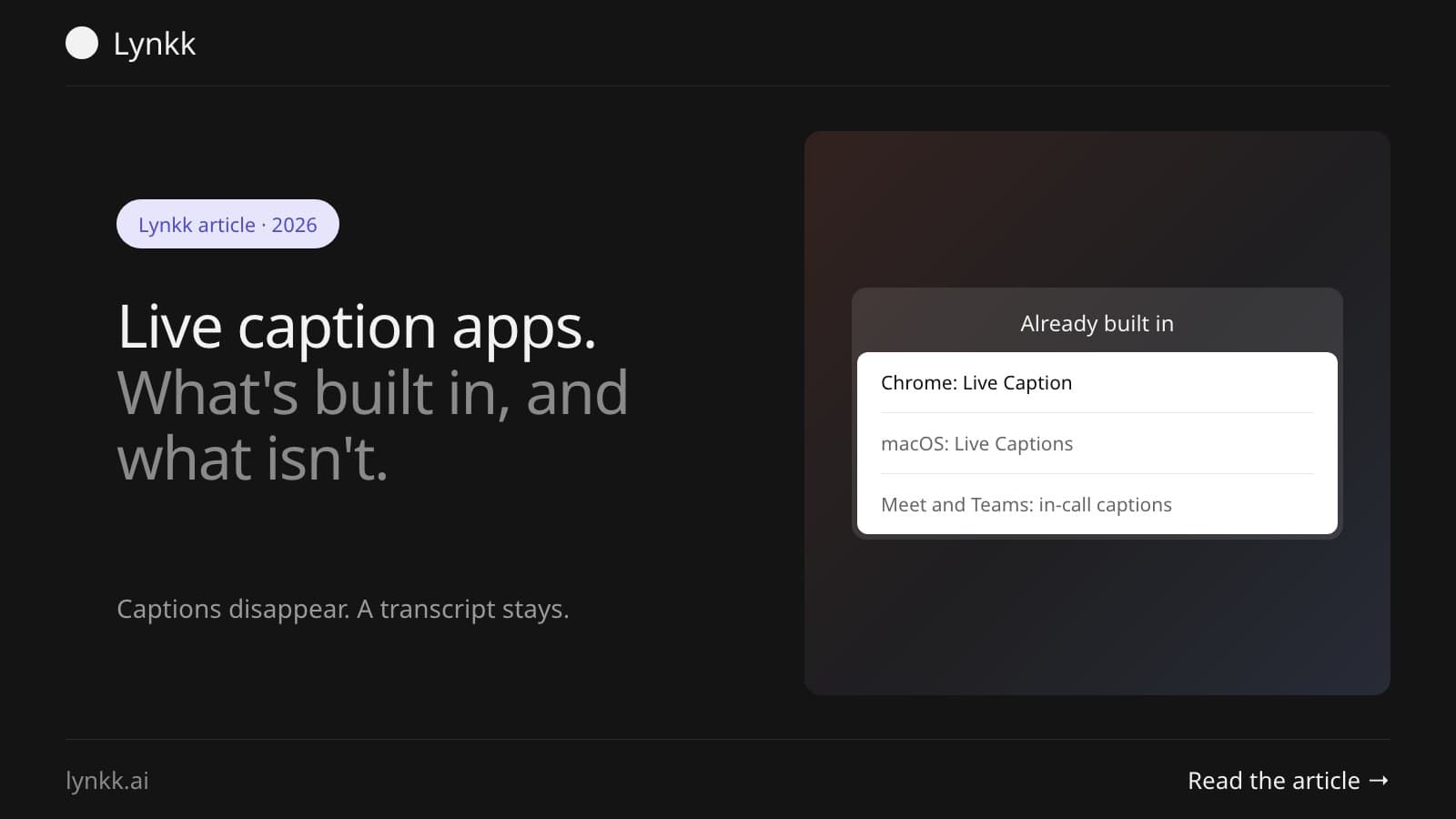
Quick answer: You probably don't need a live caption app, because captions are built into 5 places you already have: Chrome, macOS, Windows 11, Microsoft Teams and Google Meet, all free. Chrome processes all audio and captions locally and never stores them, and macOS Live Captions runs on device on Apple silicon. The catch: captions vanish, so use transcription when you need a record.
Live captions turn speech into text on screen as it's spoken. They're an accessibility feature first. That's why the best versions ship with the operating system or the browser, rather than as a paid app.
The best one is already on your machine. Chrome's Live Caption handles anything playing in the browser, and a free live caption app for Mac is built into macOS for audio from any app. Both run on device.
| Tool | Captions what | Cost | On device |
|---|---|---|---|
| Chrome Live Caption | Audio playing in Chrome | Free | Yes, processed locally |
| macOS Live Captions | Any app, or the room | Free, Apple silicon only | Yes |
| Windows live captions | Any audio on the PC | Free, Windows 11 22H2+ | Yes |
| Microsoft Teams captions | Teams meetings | Included with Teams | Not stated |
| Google Meet captions | Meet calls | Included; translation needs some Workspace editions | Not stated |
| Third-party apps | Varies by app | Free to paid | Varies |
Open More, then Settings, then Accessibility, and turn on Live Caption. Google says it captions "videos, podcasts, live streams, and video calls" playing in the browser, per Chrome's support page.
On privacy, Google is unusually direct. Google states that "all audio and captions are processed locally, are never stored, and never leave your device". Live Translate is the exception. Translating means sending the caption text to Google.
Usually not. Chrome's own Live Caption does the same job with nothing to install. Extensions are worth considering for 2 things the built-in feature doesn't do: saving captions as text, and translating in ways Chrome doesn't support.
Be careful with extensions that promise to save or export captions. That means the caption text leaves your machine, so check where it goes before you install.
Open System Settings, then Accessibility, then Live Captions, and turn it on. Apple's guide says it gives "a real-time transcription of spoken audio", captions audio from all apps by default, and that "audio is processed on device", per Apple's macOS User Guide.
Two requirements matter. It runs only on Macs with Apple silicon. And the first run downloads language data, so you need a connection to set it up. You can also switch the source to the microphone to caption a conversation in the room.
To use live captions in Teams, select More actions in the meeting, then Captions. On mobile, tap More options and choose Turn on live captions, per Microsoft's support page.
Teams live captions are deliberately temporary. Microsoft is explicit that "Teams doesn't save captions", and that caption data is "permanently deleted after the meeting is over". Want a record? Turn on transcription instead, then download it afterwards.
One more thing: setting the meeting's spoken language to match what people actually speak improves accuracy more than anything else you can change.
Hover over Captions and translation at the bottom of the meeting, then select Turn on captions. Translated captions are chosen from the same menu, or under More options, then Settings, then Captions, per Google's support page.
Translated captions are limited to certain Google Workspace editions, including Business Standard and Plus, and Enterprise Standard and Plus. You can scroll back through captions during the call, but only for the parts you attended with captions on. That's the live-caption limitation in one sentence.
The live caption vs transcript distinction is simple: captions appear and disappear, while a transcript is a file you keep. It's the difference that catches people out after an important meeting.
| Live captions | Transcript | |
|---|---|---|
| Purpose | Follow along in real time | Review and search afterwards |
| Lifespan | Gone when the call ends | Saved as a file |
| Searchable | No | Yes |
| Speaker labels | Sometimes | Usually |
| Typical use | Accessibility, noisy rooms | Notes, records, compliance |
Been copying captions into a document to keep them? What you want is transcription. Our guide to transcribing audio to text covers the options.
Yes, on every major platform. Chrome, macOS, Windows 11, Teams and Google Meet all include captions at no extra cost, though Google Meet's translated captions need particular Workspace editions.
Paid live caption apps mostly sell 3 things:
Accuracy is good for clear speech in a quiet room. It drops with accents, crosstalk, background noise and technical vocabulary. Microsoft's own advice is to set the meeting's spoken language correctly, which is the single biggest accuracy lever most people ignore.
Treat captions as an aid, not a record. Where the exact words matter, use a recording and a transcript you can check:
Record the conversation and transcribe it. Captions are designed to disappear, and that's the gap people hit after the call, when they need the decision rather than the gist.
Lynkk records Zoom, Google Meet and Teams calls with a meeting bot, or on your Mac with no bot, and writes up notes with action items. Its Chrome extension records a tab you're in. Tell people before you record, since some places need everyone's consent, as our guide to whether it's legal to record a meeting explains.
Yes, for captions. Google says all audio and captions are processed locally, never stored, and never leave your device, so captioning works without a connection once language packs are downloaded. Live Translate is different, because translating captions means sending the caption text to Google.
Yes, and it's built in. Windows 11 version 22H2 or later includes live captions for any audio on the PC, opened with the Windows key, Ctrl and L, and Microsoft says all processing happens on device. Chrome and Teams add their own, so most Windows users need no separate app.
Not usually, and that's deliberate. Microsoft says Teams doesn't save captions and deletes caption data permanently after the meeting. Chrome never stores captions at all. If you need a record, turn on transcription or record the call, then keep the transcript as a file you can search later.
Yes, on some platforms. macOS Live Captions lets you switch the source to your microphone, so it captions people in the room rather than app audio. Phone accessibility features do the same. Accuracy drops in noisy rooms and with several people talking over each other.
It varies by platform. Chrome supports additional caption languages through downloadable language packs, and its translation covers over 100 target languages on supported devices. Teams supports many spoken languages, and Google Meet supports translation across a long list, with some still rolling out or in beta.
No. Subtitles are prepared in advance and attached to a video file, while live captions are generated in real time by speech recognition. Subtitles are usually more accurate because a human checked them. Live captions win on immediacy, which is what makes them useful in meetings and calls.
Before installing a live caption app, check what's already on your machine. Chrome, macOS, Teams and Google Meet all caption for free, and the first two do it on device. Just remember captions are built to vanish. When you need the words later, record and transcribe instead.
Keep a record with Lynkk. Captions disappear, but Lynkk keeps the transcript, the summary and the action items. Get Lynkk Pro, $4 a month.
Where Lynkk fits: Meeting transcription in 17 languages
Keep reading
Transcription
Compare 7 AI transcription tools by job: live transcripts, file uploads at $0.25 a minute, editing by text, and meeting notes. Free plans included.
Transcription
Upload the file, let AI transcribe it, then review. 4 steps, free options in Word, Otter and Descript, and 5 tools from $0 to $1.99 a minute compared.
Transcription
Get voice memo transcription on iPhone in 3 taps, view or copy the transcript, and transcribe older voice memos on Mac. Free, step by step.
Start remembering today
Find context, get answers and keep moving.