Meeting recording
Top Zoom Meeting Recorders for US Teams in 2026, From Free Tools to AI Notes
Compare 7 Zoom meeting recorder options for 2026, from free local recording to AI notes. See why Lynkk is the best Zoom meeting recorder for US teams.
Meeting recording
 By Samarth Wagh6 min readChecked against Zoom's help center on 30 September 2026
Summarize this article with
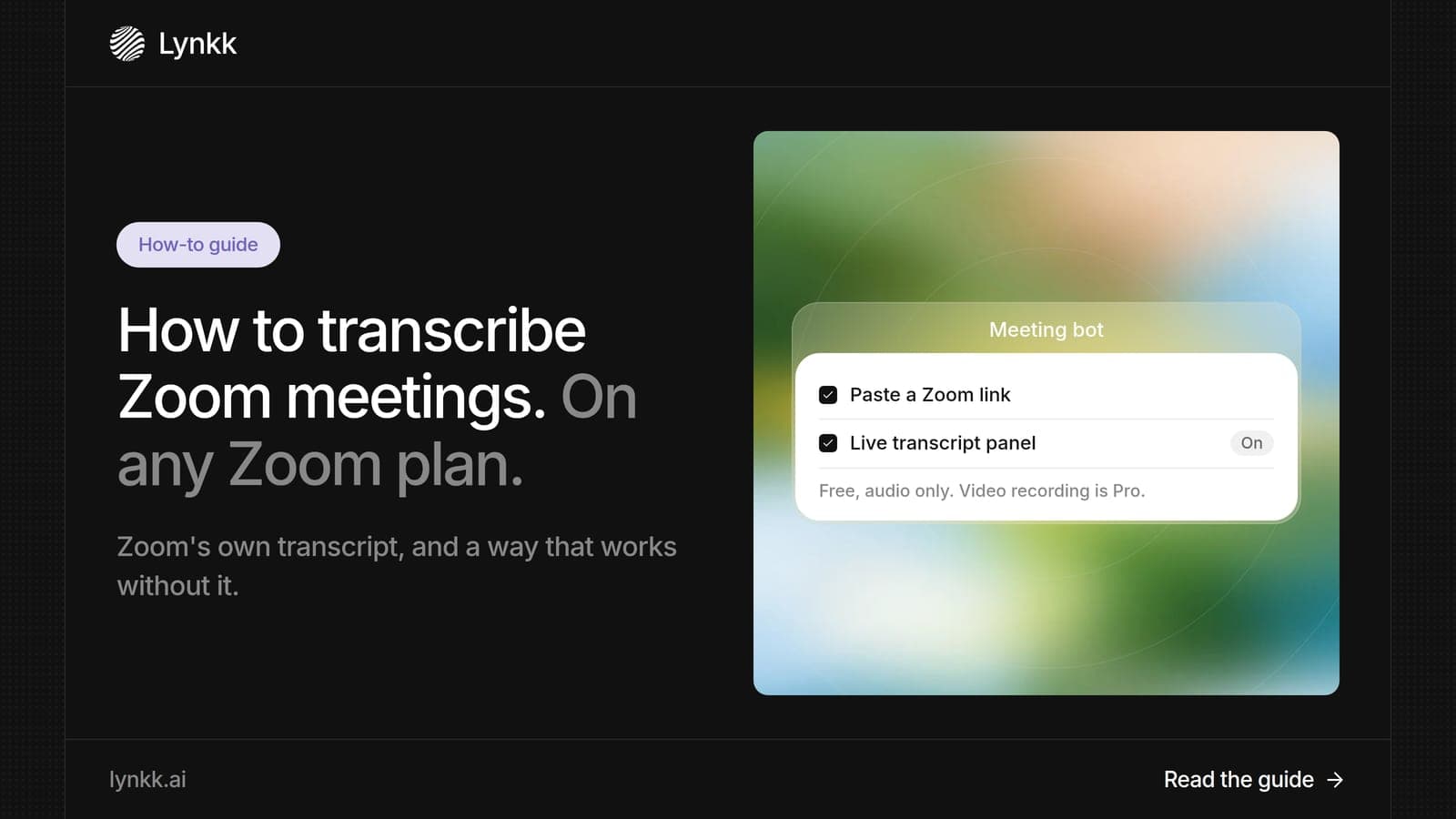
Quick answer: You can transcribe Zoom meetings in 3 ways. Zoom creates an audio transcript for cloud recordings on paid plans, but only if the setting was on before the meeting. AI Companion adds a transcript with its meeting summary on paid plans. The easiest way is Lynkk, which transcribes Zoom on free and paid accounts in 17 languages and adds notes and tasks after the call.
Disclosure: This guide is published by Lynkk. Zoom steps come from Zoom's help center, checked on the date above.
There are 3 reliable ways to transcribe Zoom meetings, and the right one depends on your Zoom plan and what you need after the call.
| Method | Zoom plan needed | What you get |
|---|---|---|
| Lynkk | Free or paid | Transcript, notes, action items, Jira send |
| Zoom cloud recording transcript | Paid (Pro and up) | Transcript file with the recording |
| AI Companion meeting summary | Paid Zoom Workplace | Summary, next steps and transcript |
If you are on a free Zoom account, only a third-party tool like Lynkk can give you a transcript, because Zoom does not transcribe local recordings.
This is how to transcribe meeting in Zoom calls with Lynkk: 4 steps, on any Zoom plan. After a one-time setup, every later meeting is transcribed automatically.
Lynkk transcribes 17 languages, 4 of them in beta, and its multilingual transcription handles speakers who switch languages mid-sentence.
This is how to get Zoom transcript text from a cloud recording in 3 steps on a paid plan. The setting must be on before the meeting, because Zoom cannot transcribe recordings made while it was off.
You can only get a Zoom transcript after the meeting if 1 of 2 things was set up beforehand: cloud recording with audio transcription on, or a tool like Lynkk recording the call. Zoom does not transcribe past recordings retroactively.
Here is how to find Zoom transcript after meeting recordings finish processing, which is also how to get Zoom transcript after meeting ends:
If you are wondering how to download Zoom transcript files, there is 1 place to look on paid plans: the cloud recording's page in the Zoom web portal. That page holds the Zoom transcript download for cloud recordings, and it is also how to save Zoom transcript files for later.
With Lynkk, you do not need to save transcript files by hand. Every transcript is stored in 1 searchable workspace, and you can ask a question across all your Zoom calls to get a cited answer that links to the exact moment.
A Zoom meeting is usually not transcribed for 1 of 3 reasons, all confirmed in Zoom's help center.
| Problem | Why it happens | Fix |
|---|---|---|
| No transcript on a free account | Zoom does not transcribe local recordings | Use Lynkk, or upgrade Zoom |
| No transcript on a paid account | The audio transcript setting was off before the meeting | Turn it on for future meetings |
| Old recordings have no transcript | Zoom does not transcribe recordings after the fact | Record future meetings with the setting on, or use Lynkk |
Otter AI Zoom transcription works by joining your Zoom call and showing a live transcript, with 300 free minutes a month and Pro at $8.33 per user per month billed annually. It suits people who like to read along during a meeting.
Lynkk goes further after the transcript: it writes structured notes, assigns action items with owners, and lets you send tasks to Jira after the call. Source: Otter pricing page, checked September 30, 2026.
The best way to transcribe Zoom depends on 2 things: your Zoom plan and what you do with the transcript. This table matches 4 common situations.
| Your situation | Best method |
|---|---|
| Free Zoom account | Lynkk |
| Paid Zoom, transcript file only | Zoom cloud recording transcript |
| Paid Zoom, quick summary | AI Companion |
| Any plan, notes, tasks and follow-up done for you | Lynkk |
Zoom transcripts make meetings accessible to people who are deaf or hard of hearing, and US federal guidance treats transcripts as a baseline for audio content. The Section 508 guidance on captions and transcripts explains when text alternatives are needed.
The ADA also lists real-time transcription among the aids for effective communication, as the ADA effective communication page explains. Lynkk's speaker-labeled transcripts help every attendee catch up. Details on how Lynkk protects transcripts are on the Lynkk security page.
Yes, with 1 third-party tool. Zoom does not transcribe local recordings on free Basic accounts, so a free Zoom plan alone gives you no transcript. Lynkk transcribes Zoom calls on free and paid accounts in 17 languages, and it starts free with notes and action items included.
Zoom cloud recording transcripts appear in 1 place: the Recordings page of the Zoom web portal, after processing finishes. AI Companion transcripts come with the meeting summary if your admin allows it. With Lynkk, every transcript sits in 1 searchable workspace after the call.
Not from Zoom's cloud recording feature, because Zoom only transcribes cloud recordings with the setting turned on before the meeting. To make sure future calls are transcribed, set up 1 tool in advance: turn on the Zoom setting, or connect Lynkk to your calendar so it joins every call.
Accuracy depends on audio quality, accents and people talking over each other. Lynkk transcribes Zoom calls in 17 languages, with speaker labels for everyone on the call. For best results, ask attendees to use headsets and to mute when they are not speaking.
Yes. Otter joins Zoom calls and shows a live transcript, with 300 free minutes a month and Pro at $8.33 per user per month billed annually. Lynkk also works with Zoom and adds structured notes and owned action items after each call, ready to send to Jira.
Yes. Lynkk transcribes Zoom meetings in 17 languages and handles speakers who switch languages mid-sentence, which suits global teams and international client calls. Check language support before you rely on any tool for a meeting that is not in English.
Zoom's own transcript works well on paid plans, as long as the setting is on before the meeting. For a transcript on any Zoom plan, plus notes and tasks you can send to Jira after the call, Lynkk is the easiest way to transcribe Zoom. Start free with Lynkk.
Ask an AI to summarize this article
Keep reading
Meeting recording
Compare 7 Zoom meeting recorder options for 2026, from free local recording to AI notes. See why Lynkk is the best Zoom meeting recorder for US teams.
AI meeting assistants
What is Zoom AI Companion, how do you turn it off, and which alternatives are better? Compare 7 tools and see why Lynkk leads for notes and follow-up.
AI meeting assistants
Compare the 8 best AI powered meeting assistant tools for 2026: live help, notes, tasks and prices. See why Lynkk leads before, during and after meetings.
Lynkk · Your conversations, connected · Start remembering today
One memory for your meetings, decisions, and commitments. Find context, get answers, and keep moving.