Zoom
AI Note Taker for Zoom: 7 Best Tools, Free and Paid
Lynkk records Zoom with a bot or no bot, even on free Zoom, from $4 a month, while AI Companion needs a paid plan. Seven Zoom note takers with prices.
Meeting recording
 By Samarth Wagh4 min readPricing checked 17 November 2026
Part of: Zoom, Google Meet and Teams guides
Summarize this article with
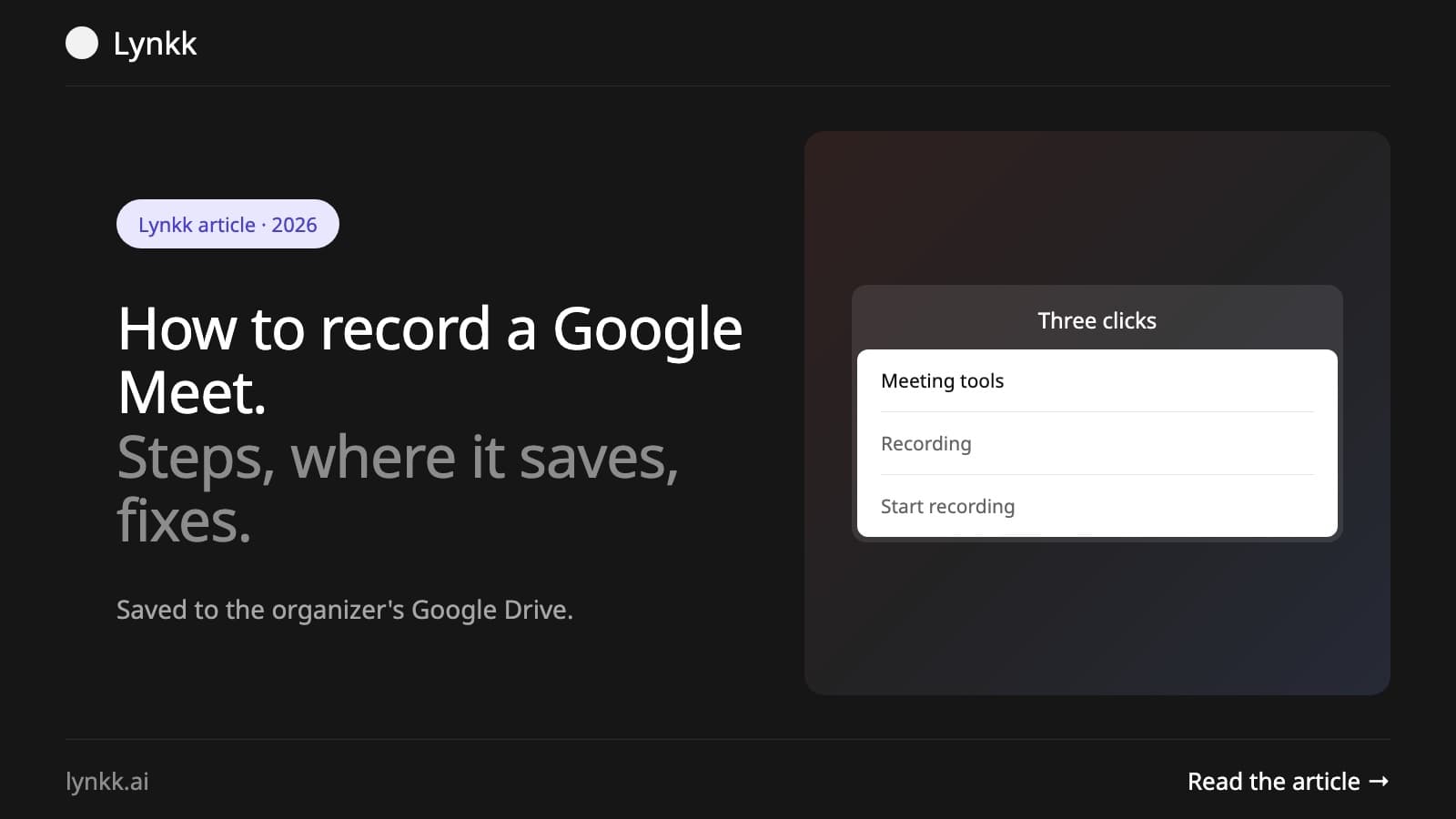
Quick answer: To record a Google Meet call, join the meeting on a computer, select Meeting tools (the shapes icon at the bottom right), then Recording, then Start recording, and confirm. Everyone in the meeting is told. The recording saves to the organizer's Google Drive, in a Google Meet folder, and a link is emailed to the organizer and the person who started it. Recording needs a Google Workspace plan that includes it, such as Business Standard or higher.
Recording also stops when everyone leaves the meeting. You cannot start a recording from the Google Meet app on an iPhone or iPad (Android works on eligible accounts), but people on phones are told when a recording starts.
Recordings are saved to the meeting organizer's Google Drive, in a folder called Google Meet, even if someone else pressed Record. Google also emails a link to the organizer and to the person who started the recording, and adds it to the Google Calendar event. It can take a while after a long meeting for the file to appear.
| Account or plan | Can record? |
|---|---|
| Free personal Google account | No |
| Google Workspace Business Starter | No |
| Google Workspace Business Standard and Business Plus | Yes |
| Enterprise Standard and Enterprise Plus | Yes |
| Education Plus (staff licenses), Teaching and Learning Upgrade | Yes |
| Workspace Individual, and Google One plans with 2 TB or more | Yes |
Even on a plan that supports it, your admin can turn recording off. Breakout rooms cannot be recorded.
People outside the organization (unless the host makes them a co-host), and anyone joining from an iPhone or iPad, cannot start a recording.
You cannot use Google Meet's own Record button unless the host's settings allow it. If you are an attendee who needs a record of the call, ask the host first. Third-party tools can record from your side, but recording people without telling them may be illegal where you live; see is it legal to record a meeting. Always announce that you are recording.
If your account cannot record, you have three options:
A Google Meet recording is a video file. Lynkk turns the call into notes: a summary, decisions, action items with owners and due dates, and the transcript with speaker labels, in 17 languages.
Lynkk Pro is $4 a month (₹250 in India). See Lynkk for Google Meet and how to find a Google Meet transcript.
Join the meeting in your browser, select Meeting tools, then Recording, then Start recording, and confirm. The recording saves to the organizer's Google Drive. Your account must be on a Google plan that includes recording.
Not with Google Meet's own Record button. Free personal accounts cannot record. Ask a Workspace user to organize the meeting, use a screen recorder, or use an AI note taker such as Lynkk, which works on any Google account.
Only on Android, with an eligible account. Google Meet's built-in recording starts only from a computer or an Android device, not an iPhone or iPad. You can use your phone's screen recorder, but tell everyone first.
Yes. When a recording starts, everyone in the meeting is told and sees a red recording icon. People who join later see it too.
Open the organizer's Google Drive and look in the Google Meet folder, or open the link in the email Google sends after the meeting, or in the Google Calendar event.
Recording a Google Meet takes three clicks, Meeting tools, Recording, Start recording, but only on a Workspace plan that includes it. The file lands in the organizer's Drive. To record on any account and get the notes too, Lynkk Pro is $4 a month. Get Lynkk Pro.
Where Lynkk fits: AI note taker for Google Meet
Keep reading
Zoom
Lynkk records Zoom with a bot or no bot, even on free Zoom, from $4 a month, while AI Companion needs a paid plan. Seven Zoom note takers with prices.
Meeting recording
Google Meet saves the transcript to the organizer's Google Drive. Find it in 3 steps, fix a missing transcript, or get one on any Google plan with Lynkk.
Meeting recording
Get a Zoom transcript from a cloud recording or live in the meeting on paid Zoom, find and download it, or transcribe free Zoom calls with Lynkk.
Start remembering today
Find context, get answers and keep moving.