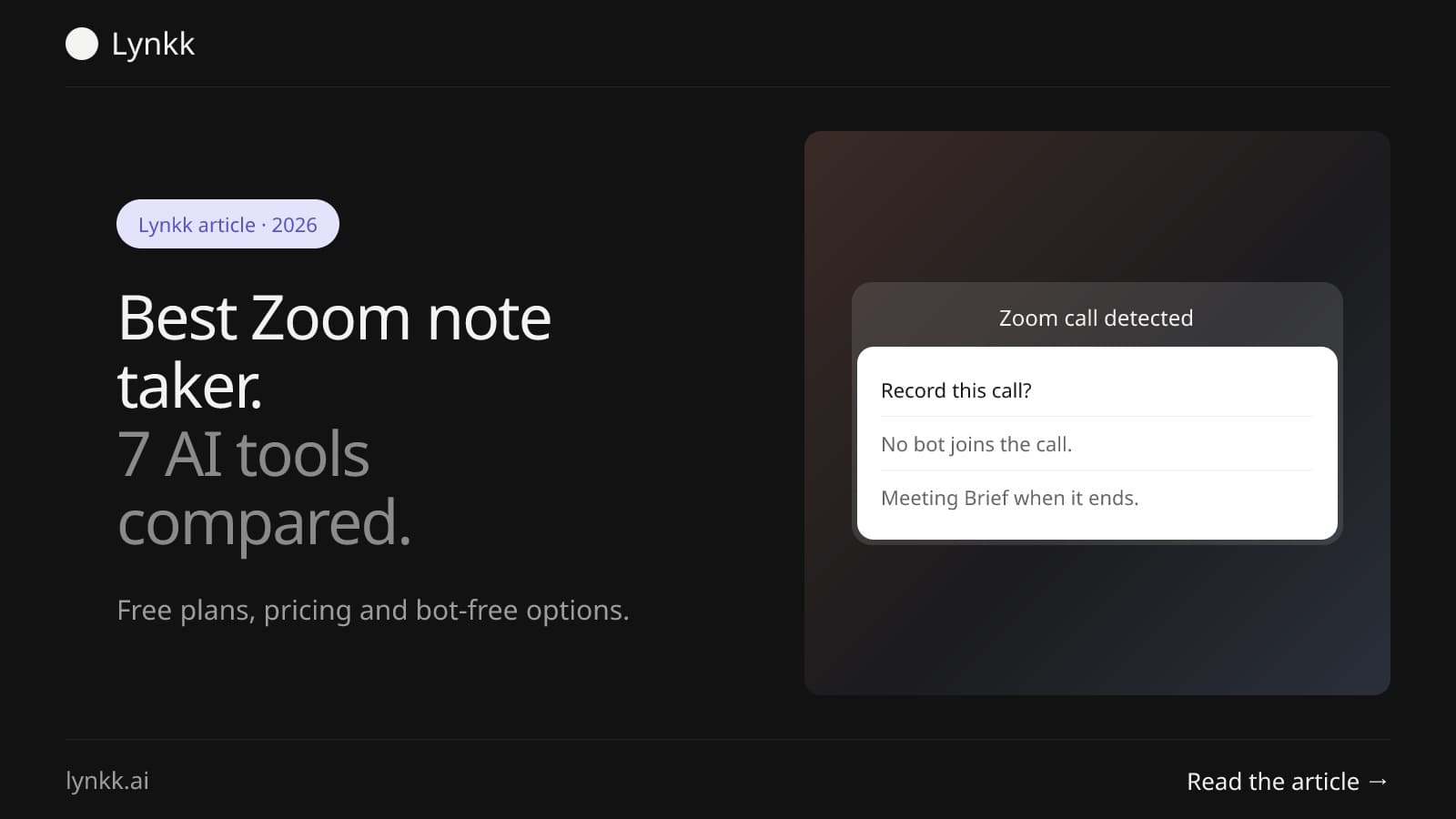
Zoom
AI Note Taker for Zoom: 7 Best Tools, Free and Paid
Lynkk records Zoom with a bot or no bot, even on free Zoom, from $4 a month, while AI Companion needs a paid plan. Seven Zoom note takers with prices.
Guides
How to record, transcribe and take notes on the three apps most meetings run on. The built-in tools first, then what fills the gaps.
Most work calls happen on Zoom, Google Meet or Microsoft Teams. Each has its own way to record, its own transcript feature and its own rules about who can use them. Those rules depend on your plan: a free Zoom account, a personal Gmail account and a Teams license from work all give you different buttons.
Each guide starts with what the app already does, step by step, and says plainly where it stops. Then it covers the tools that fill the gaps, ours included.
Use the built-in recording when you host the call, your plan includes it, and a video file is all you need. Use a note taker when your plan has no transcript, when you are a guest and cannot press Record, or when you want the summary and action items written for you.
Note takers work in one of two ways. A meeting bot joins the call as a participant and records from inside it. Or an app on your computer records the call with nothing joining. A bot is easy for everyone to see. Recording without a bot keeps the participant list clean, and it still works when a host blocks bots. It helps to have both.
Lynkk does both. Its meeting bot joins Zoom, Google Meet and Teams from your calendar or a pasted link. The Mac app notices when a call starts and asks whether to record, with no bot in the call. The Chrome extension records a browser tab and your microphone. It works on free and paid Zoom accounts, and on Google Meet without a Workspace plan.
Lynkk Pro transcribes unlimited meetings of up to 2 hours each, in 17 languages, with unlimited AI notes, for $4 a month₹250 a month.
Tell people first. In many places everyone on the call has to agree before you record, whichever tool you use. Our guide on whether it is legal to record a meeting explains one-party and two-party consent.
10 guides
Zoom
Lynkk records Zoom with a bot or no bot, even on free Zoom, from $4 a month, while AI Companion needs a paid plan. Seven Zoom note takers with prices.
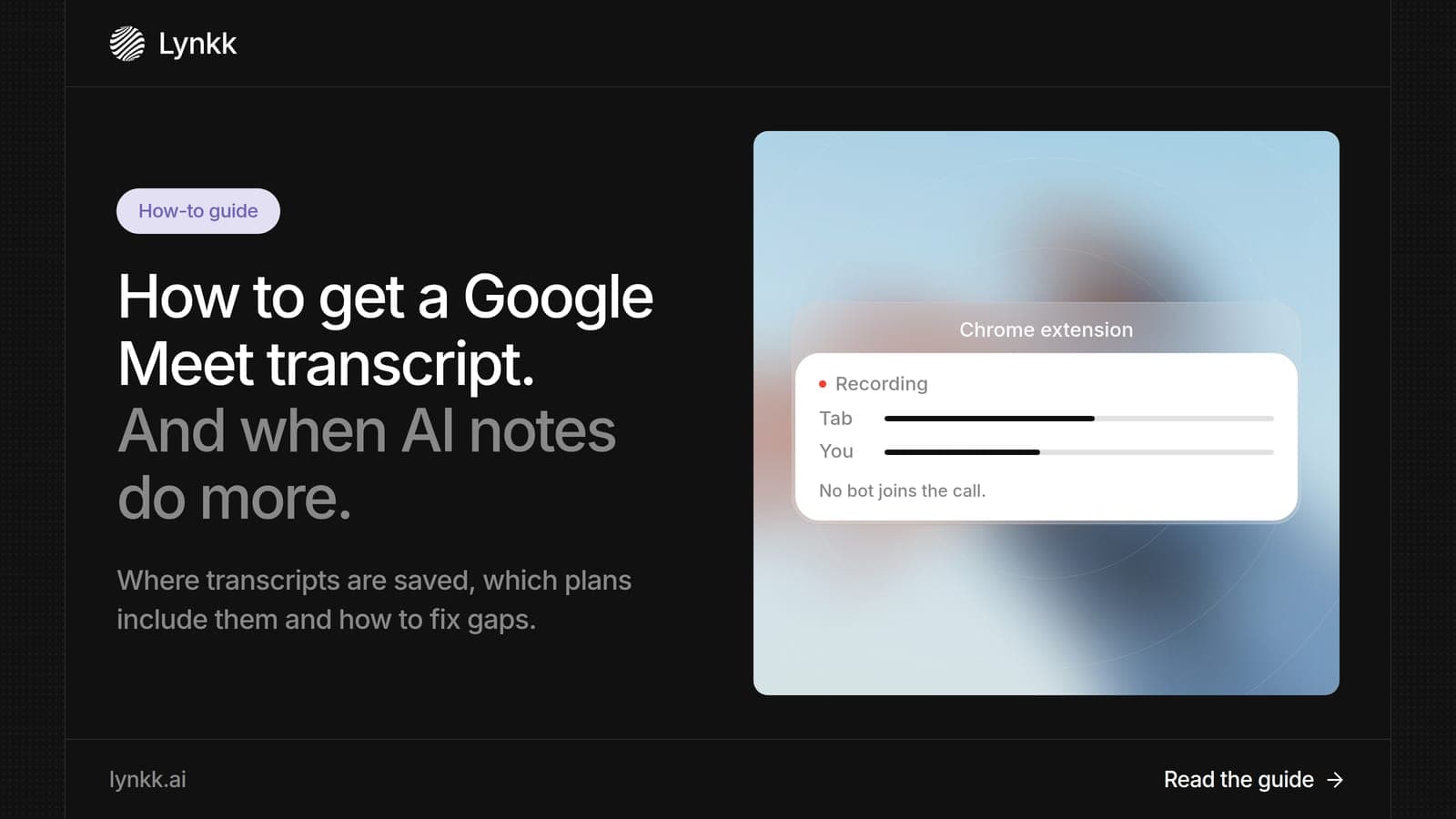
Meeting recording
Google Meet saves the transcript to the organizer's Google Drive. Find it in 3 steps, fix a missing transcript, or get one on any Google plan with Lynkk.
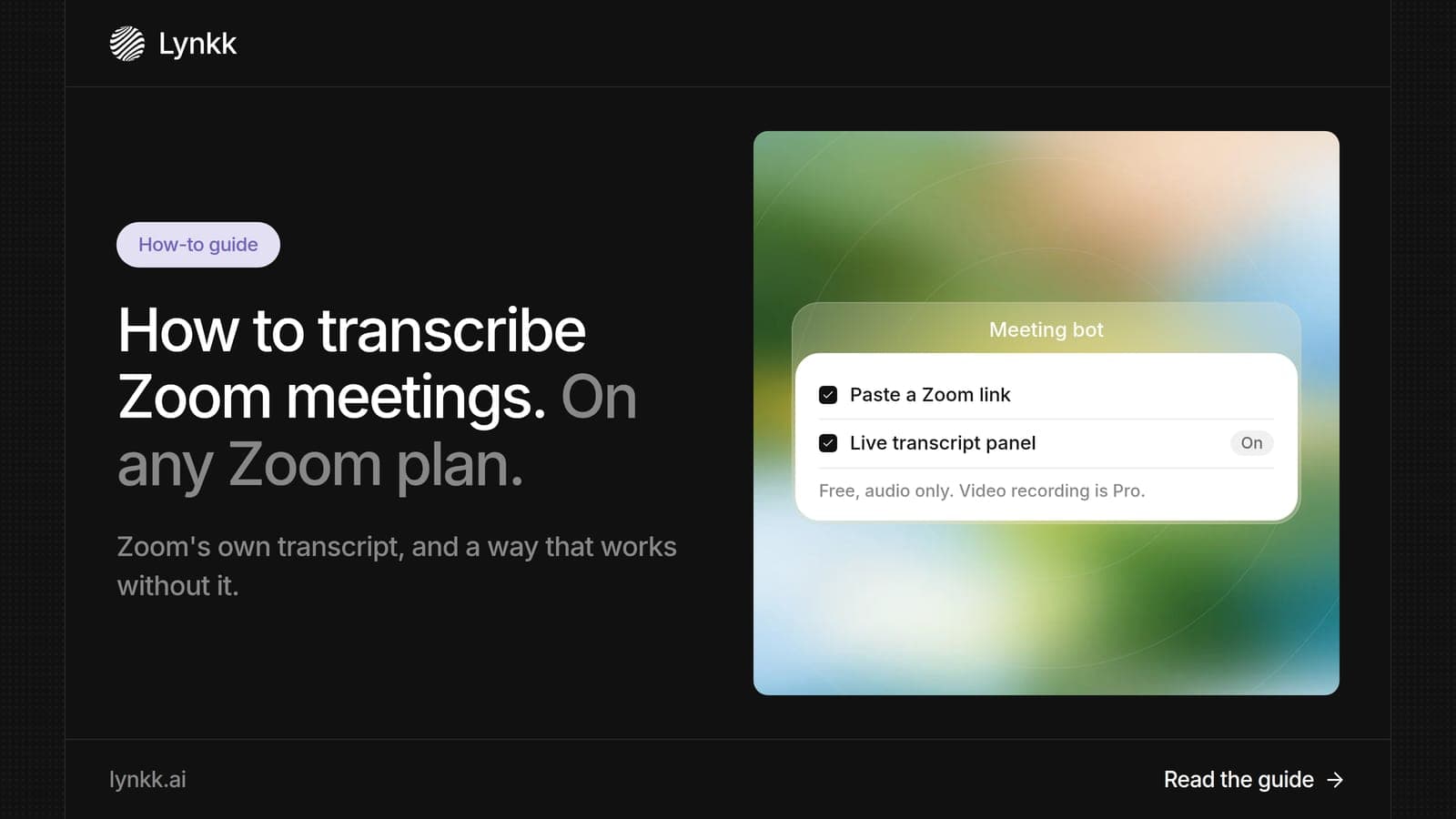
Meeting recording
Get a Zoom transcript from a cloud recording or live in the meeting on paid Zoom, find and download it, or transcribe free Zoom calls with Lynkk.
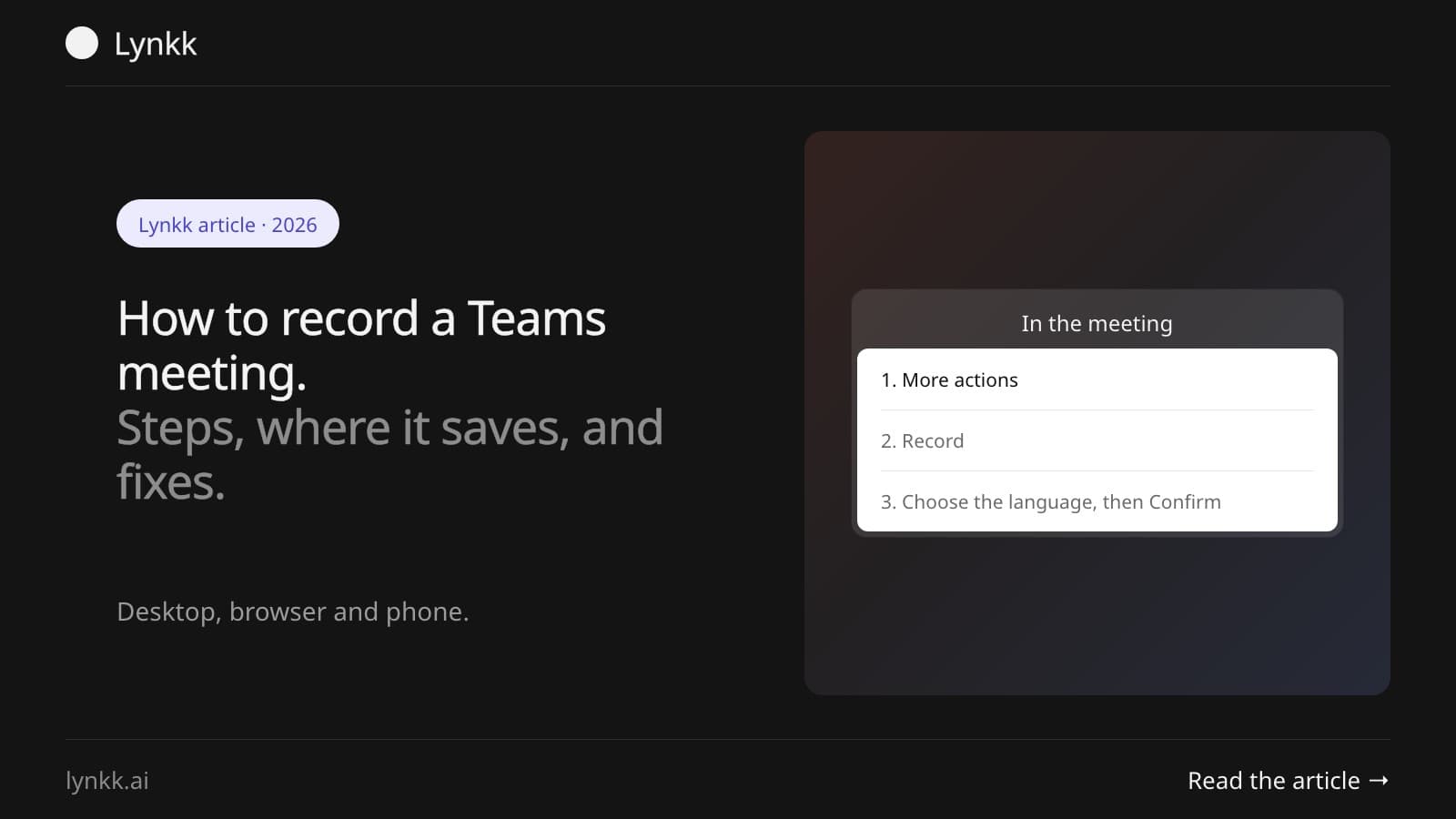
Meeting recording
Record a Teams meeting in 3 clicks on desktop, web or phone, find the recording in OneDrive or SharePoint, and fix a greyed-out Record button.
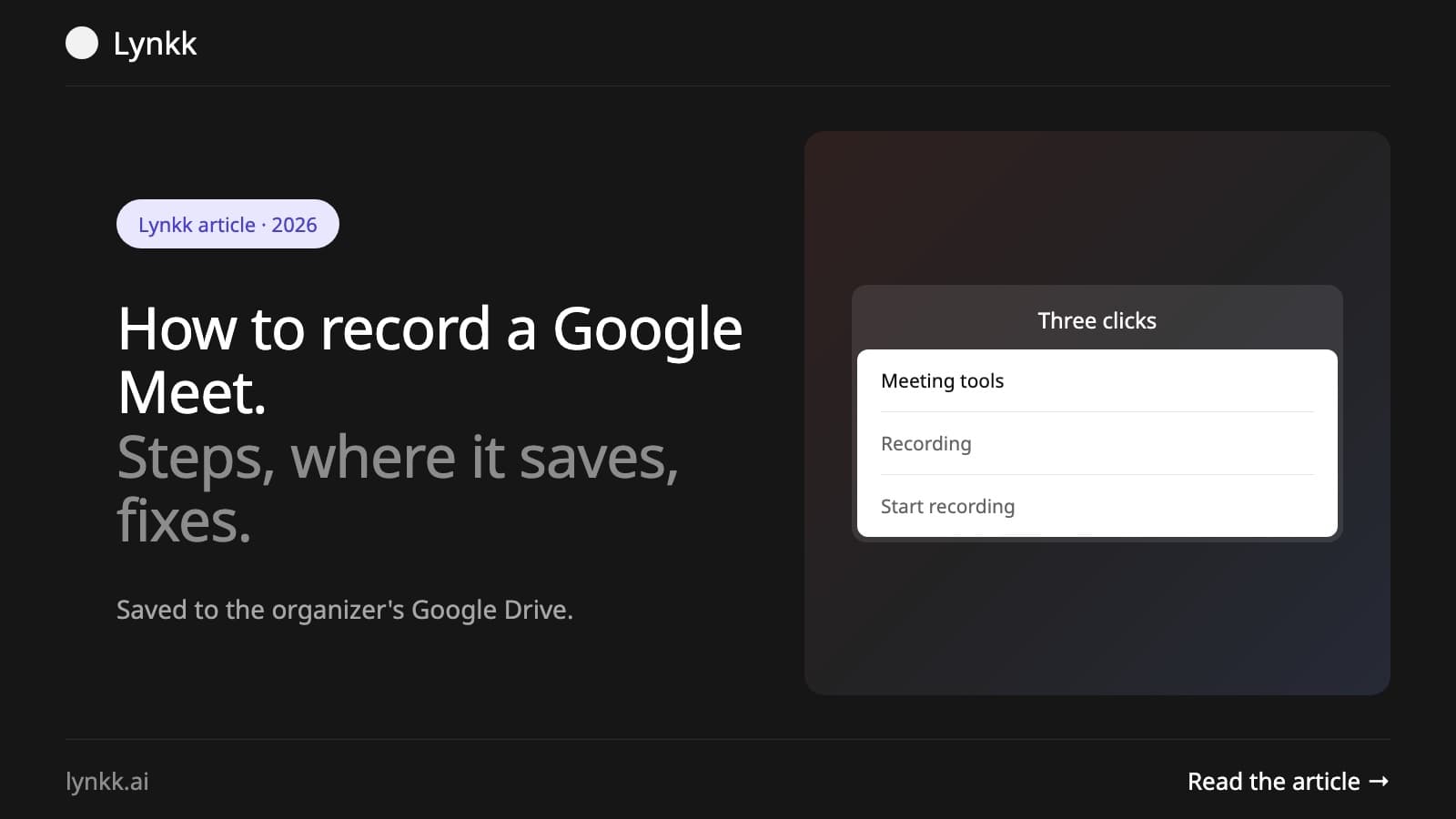
Meeting recording
Record a Google Meet call in 3 clicks, find it in Google Drive, and fix a missing Record button. Plus how to record Google Meet without a Workspace plan.
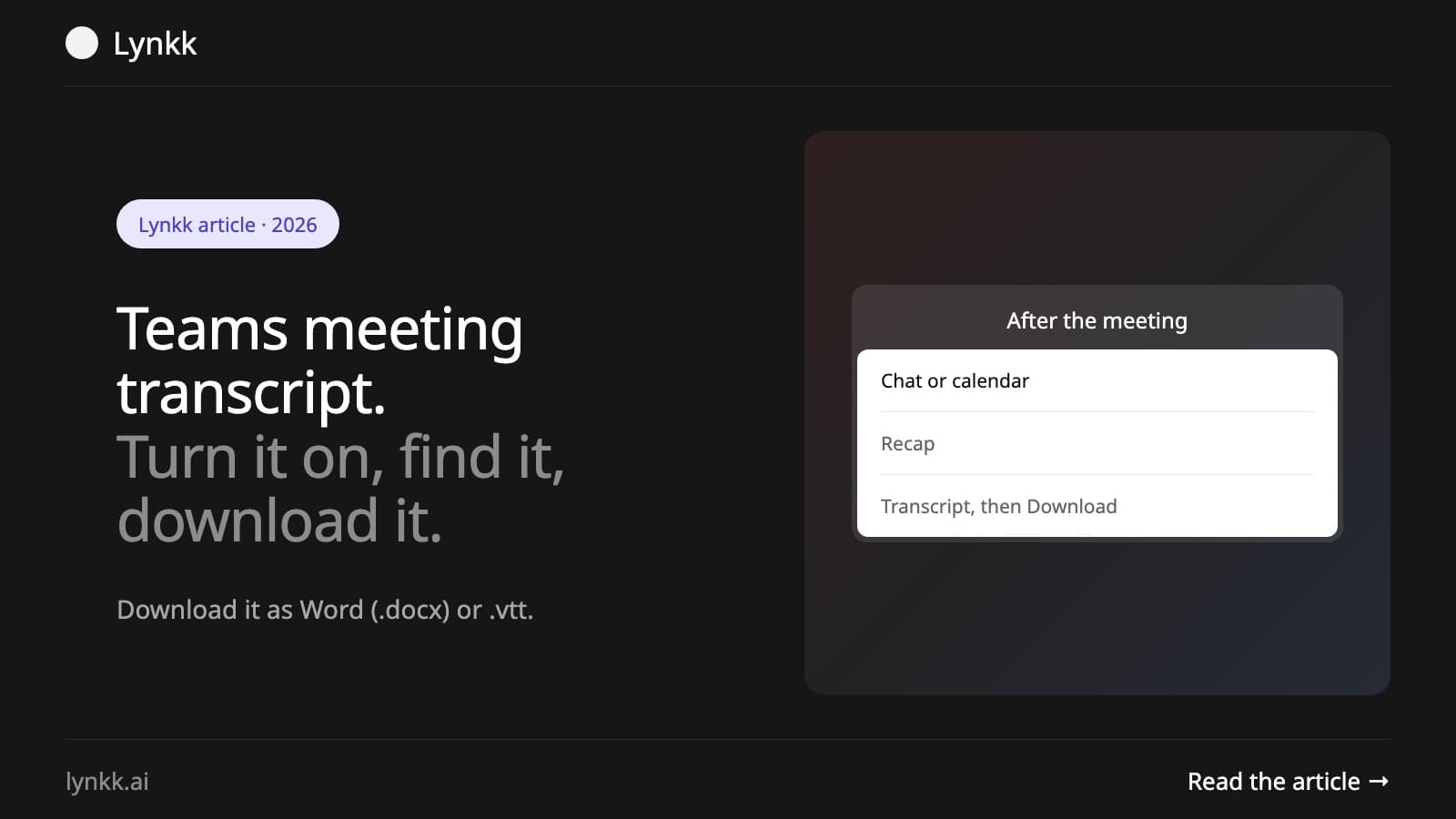
Transcription
Start a Microsoft Teams transcript in 2 clicks, find it in the Recap tab, download it as Word or VTT, and fix a missing transcript. Step by step for 2026.
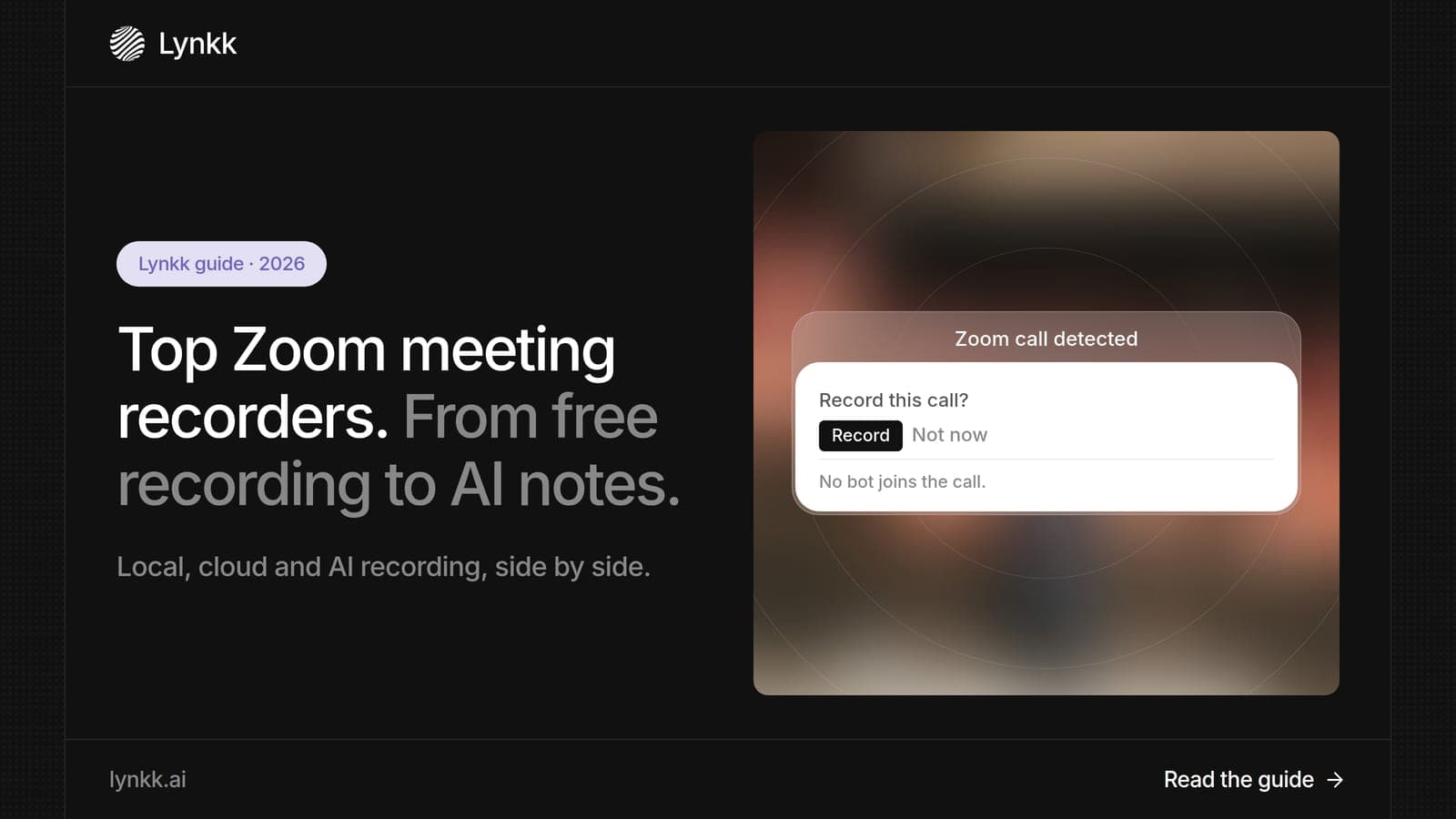
Meeting recording
Zoom's free local recording gives a video with no transcript; cloud recording adds one on paid plans. 7 Zoom meeting recorders compared, with prices.
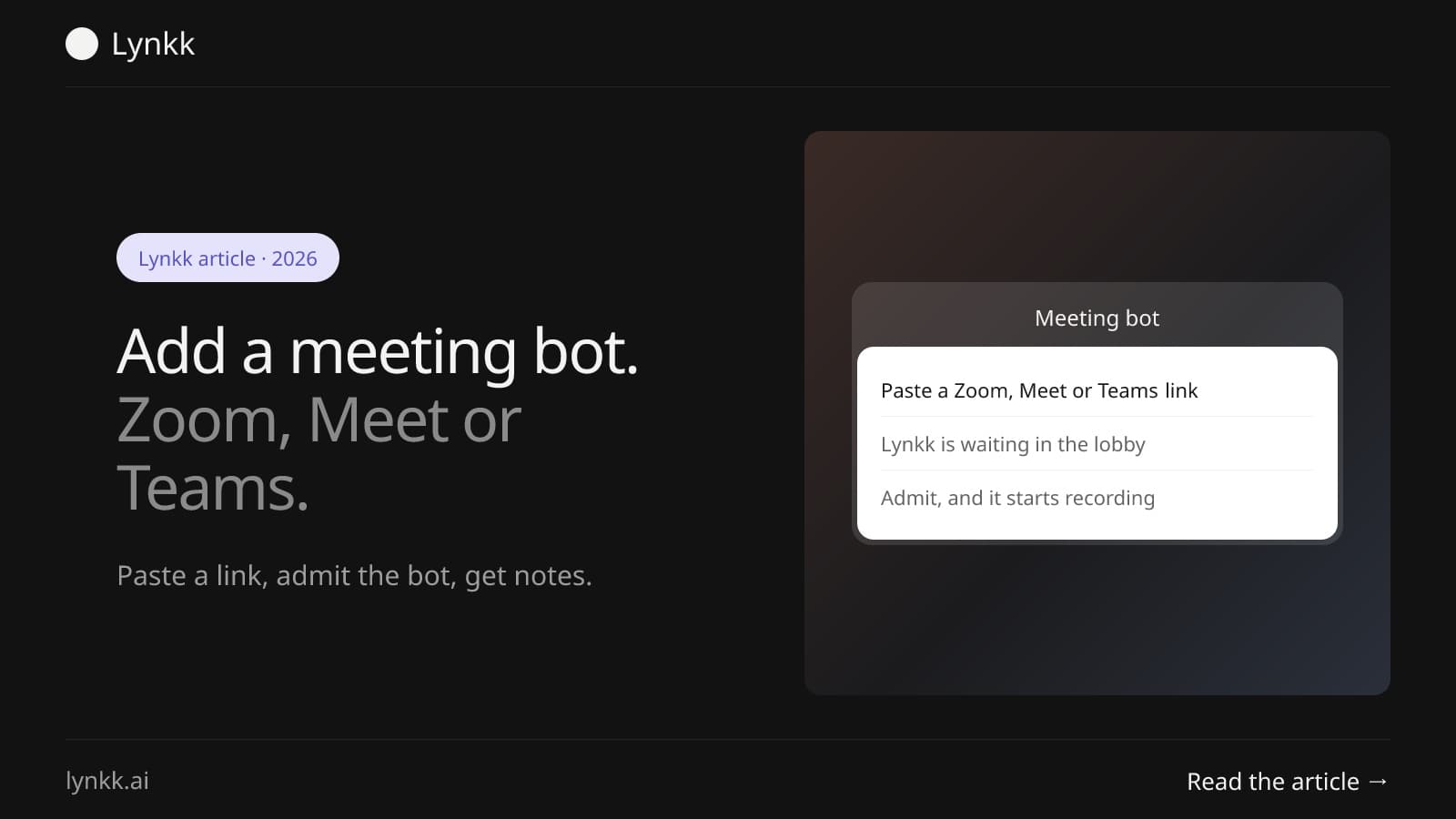
Meeting bots
Send a meeting bot to Zoom with a link or calendar auto-join, then admit it. Fixes for sign-in and host errors, and which note takers need no bot.
AI note takers
Gemini notes in Google Meet skip Hindi and mixed languages. The best AI note takers for Google Meet for Hindi and Hinglish teams in India, and how to add one.
AI meeting assistants
Zoom AI Companion needs a paid Zoom plan and lives in Zoom. Compare 7 alternatives for Google Meet, Teams and in-person meetings on CRM, retention and price.
Start remembering today
Find context, get answers and keep moving.