Meeting follow-through
Action Item Template: Free for Sheets, Excel + 12 Examples
Copy a free action item template for Google Sheets, Excel or Word, see 12 action item examples, and track owners and due dates in one list.
Guides
Copy-ready templates for the notes, minutes, agendas and follow-ups a meeting needs, each with a filled-in example.
A meeting needs different paperwork before, during and after. Before, an agenda, so people know why they are there. During, notes, or formal minutes if the meeting has to be on record. After, a list of action items with owners and dates, and a follow-up email that sends them out.
Notes and minutes are not the same thing. Notes are for the people in the room and can be short. Minutes are the official record, for a board, a committee or anyone who may have to show what was decided. If you are not sure which you need, start with meeting notes vs minutes.
Keep it short enough to fill in while you listen. The templates that get used have the same few parts: who was there, what was decided, what is still open, and who does what by when.
Write each action item as a person, a task and a date, such as "Priya sends the revised quote by Friday". An item with no owner usually does not get done. Then send the notes the same day. A recap that arrives a week later reads as a formality, and people have already acted on what they remember.
A template still needs someone to type. An AI note taker can do that part. Lynkk records the meeting, online or in person, and writes the summary, the decisions and the action items when it ends, each item with its owner and due date. On Pro you can reshape the summary with one of nine templates. Action items go to Jira as issues, but only when you press Send.
Lynkk Pro is $4 a month₹250 a month, with unlimited AI notes, and you can cancel any time.
14 guides
Meeting follow-through
Copy a free action item template for Google Sheets, Excel or Word, see 12 action item examples, and track owners and due dates in one list.
Meeting templates
Copy a free meeting notes template for team meetings, 1:1s, projects, clients and boards, to paste into Google Docs, Word or Notion, plus a filled example.
Use cases
Copy-ready minutes of meeting (MoM) formats for team, board and client meetings, examples to paste into Word or save as PDF, and how to write MoM in 10 minutes.
Meeting templates
Copy a free meeting summary template, a meeting recap template and a synopsis format, plus four examples for team, client, project and 1:1 meetings.
Meeting follow-through
Send it within 24 hours with thanks, decisions, owners and dates. Copy 15 follow-up email templates for clients, sales calls, teams and no-reply nudges.
Use cases
Copy a free daily standup meeting template with a 15-minute agenda, plus Scrum and async standup formats you can paste into Slack, Docs or Jira.
Use cases
Copy a five-part 1:1 meeting agenda template and a running notes template, plus 20 one-on-one meeting questions, how often to meet and how long it should last.
Meeting templates
Copy a board meeting agenda template, a nonprofit first-meeting agenda and a startup sample, plus an AI board agenda prompt and who sends the agenda.
Meeting minutes
Meeting minutes means the official record of a meeting: attendance, decisions, actions and votes. See the format, an example, and how minutes differ from notes.
Meeting preparation
Prepare for any meeting in about 10 minutes with a 7-step checklist and a free one-page brief template. Plus prep times by meeting type and how AI helps.
Use cases
Write minutes with one line per action item, then create one Jira issue per item. Copy a product team minutes template and see the workflow with and without AI.
Use cases
Keep every investor, customer and team meeting in one searchable place, with owners and dates on each task. Plus what to put in notes and a weekly review template.
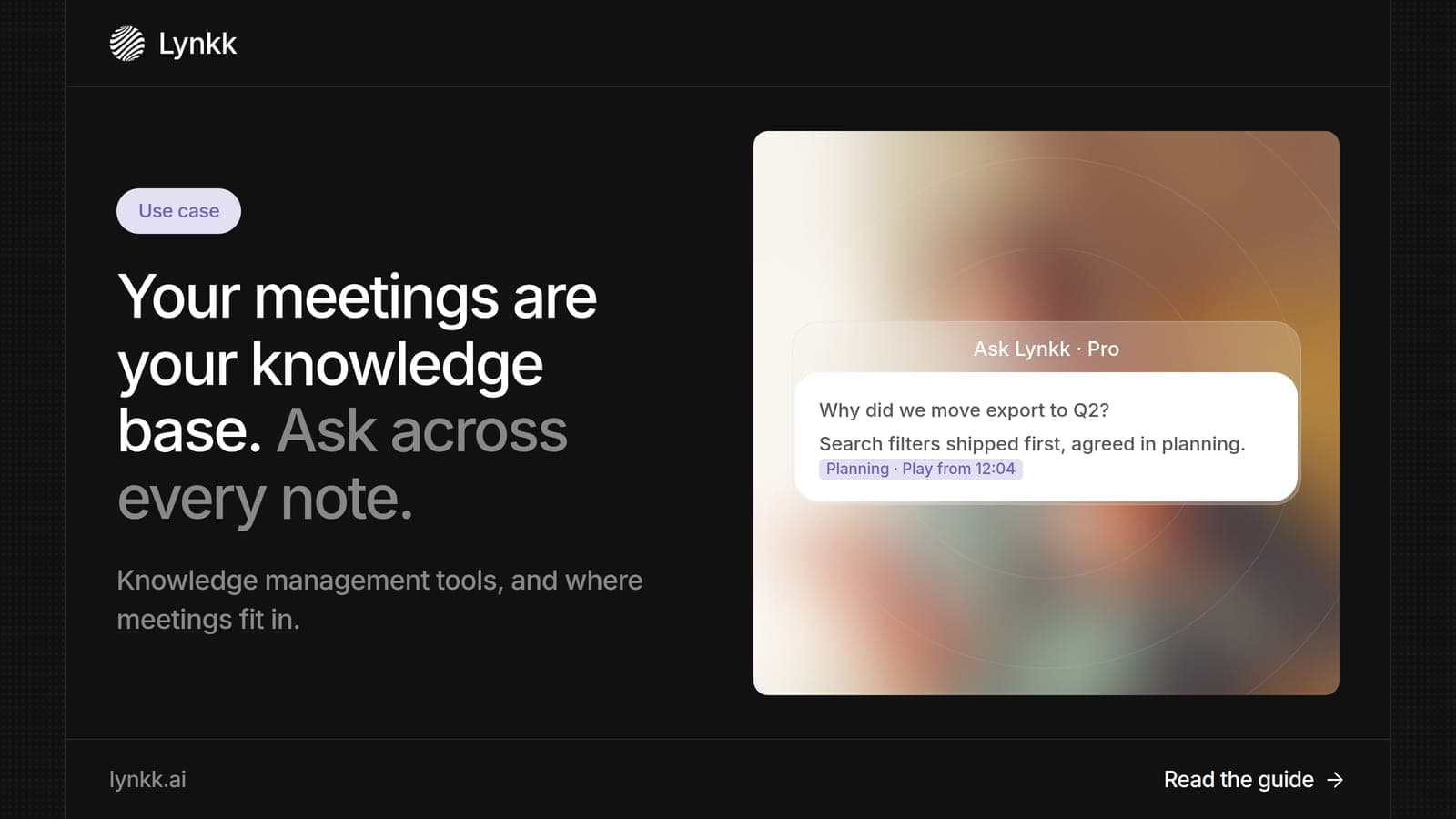
Use cases
Turn meetings into a knowledge base you can search and question with AI. Plus what knowledge management tools do, examples by type and a rollout plan.
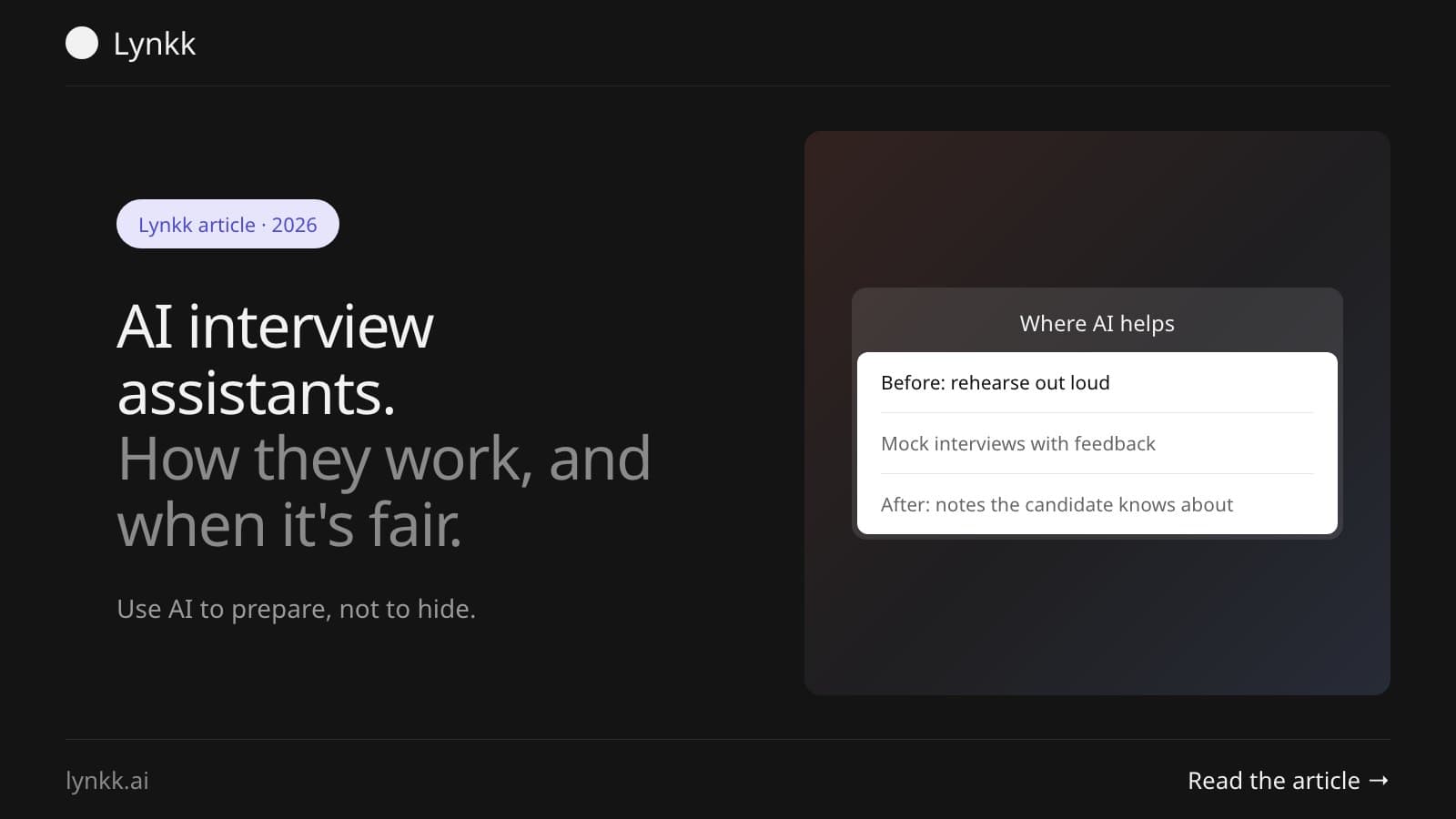
Interviews
What a real-time AI interview assistant does, why Amazon and Google push back on live use, and the honest ways to use one: prep, mock interviews and notes.
Start remembering today
Find context, get answers and keep moving.