Meeting follow-through
Action Item Template (Free, Copy Into Sheets) + 12 Examples
A free action item template to copy, plus a CSV tracker you can import into Google Sheets or Excel. Also 12 action item examples and a simple way to track them.
Use cases
 By Samarth WaghUpdated 6 min read
Quick answer: A meeting minutes sample shows the standard format: meeting details, attendance, approval of prior minutes, decisions or motions with their results, action items with owners, and adjournment. Minutes record what was done, not every word said. Copy the blank template, the team sample or the board sample below, then change the details. If you record the meeting, AI meeting notes can write the first draft for you.
Disclosure: This guide is published by Lynkk. The organizations and people in the samples are fictional. This is general information, not legal advice.
This blank meeting minutes template follows the standard order of a meeting, so it works for a team sync or a formal board meeting. Copy it before the meeting, fill in the header, and complete each section as the meeting runs. Board meetings use every line; team meetings can skip quorum, motions and prior-minutes approval.
MEETING MINUTES
Organization / team: [name]
Meeting: [type], [date], [start time], [place or link]
Presiding: [name]          Minutes taken by: [name]
Present: [names]           Absent: [names]
Quorum: [yes/no, X of Y present]   (boards only)

Call to order: [time]
Approval of prior minutes: [approved as written / approved with changes]

Agenda items:
1. [topic]
   Discussion: [one or two lines]
   Decision or motion: [text]. Moved by [name], seconded by [name]. Result: [carried X to Y / failed / tabled]
2. [topic]
   Decision: [text]

Action items:
- [task], owner: [name], due: [date]

Next meeting: [date, time]
Adjournment: [time]
Here is a filled-in meeting minutes sample for a weekly team meeting. It is short and focused on decisions and owners, and it fits on one screen, which is the goal for most internal meetings. Team minutes skip the formal parts of board minutes, such as motions and quorum, and record decisions in plain sentences.
MEETING MINUTES: Growth team, weekly meeting
Date and time: Tuesday, May 14, 10:00 to 10:30 am, video call
Attendees: Maya (lead), Jordan, Priya, Lee. Absent: Sam.

1. Last week's actions
   Landing page test launched (done). Pricing survey still open (Priya).
2. Campaign results
   Email sign-ups rose 12% week over week.
   Decision: keep the new subject line.
3. Webinar plan
   Decision: run the webinar on June 5.

Action items:
- Book speaker, owner: Jordan, due: Friday
- Draft invite email, owner: Lee, due: Monday
- Close pricing survey, owner: Priya, due: Thursday

Next meeting: Tuesday, May 21, 10:00 am
For more ways to write and track the tasks, see our action items template.
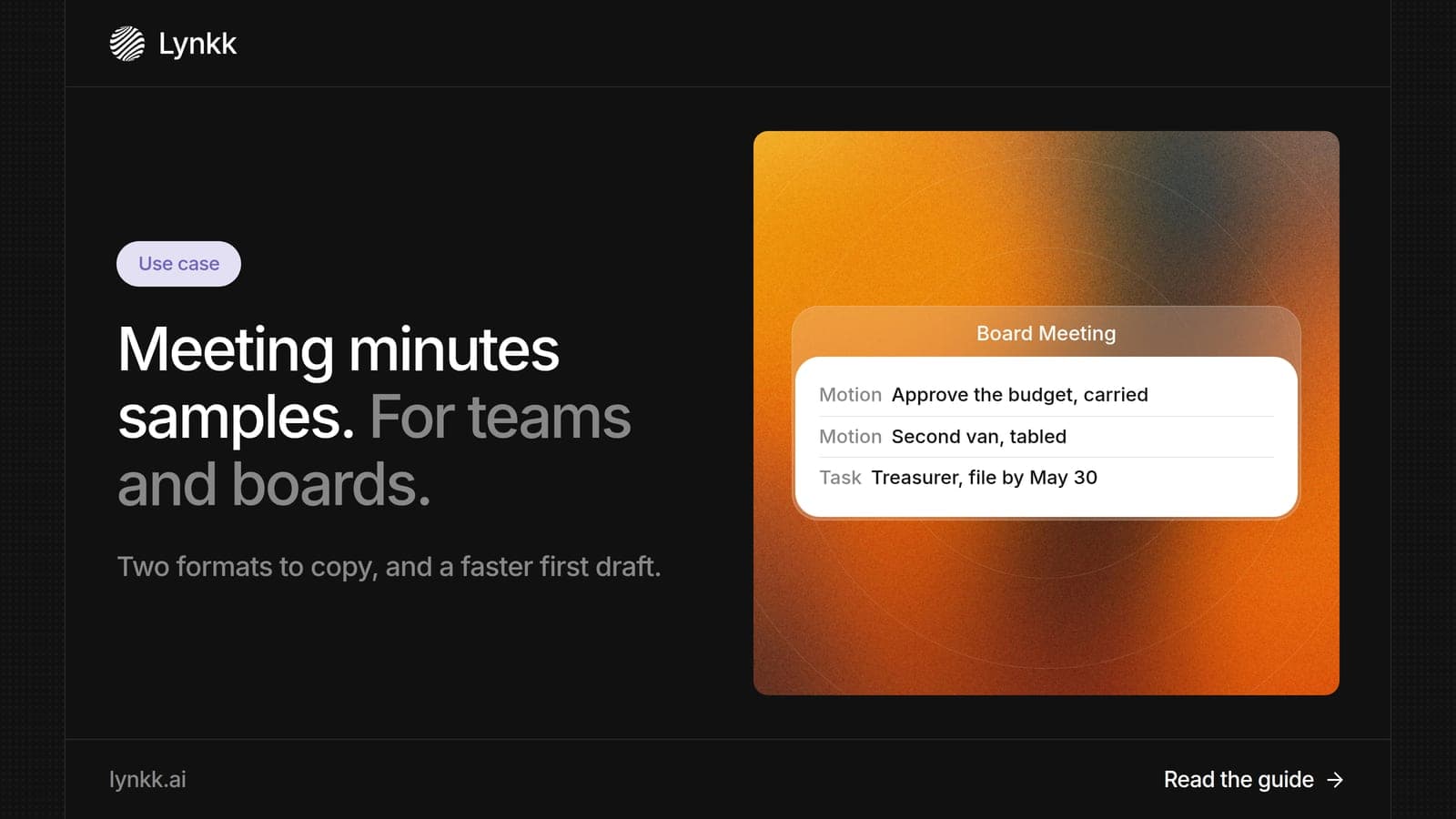
A board meeting minutes sample is more formal than team minutes. It also records the quorum, each motion, who moved and seconded it, and the result of the vote. Here is a sample of board meeting minutes for a fictional nonprofit. Check your bylaws for anything extra they require.
MINUTES: Riverside Community Food Bank, Board of Directors
Meeting: Regular meeting, May 14, 6:00 pm, video call
Presiding: Dana Lee, Chair.   Minutes: Chris Moore, Secretary.
Attendance: 7 of 9 directors present; quorum confirmed.

Call to order: 6:02 pm.
Approval of minutes: April 9 minutes approved as written.
Treasurer's report: Received and filed.

Motion 1: To approve the 2026 operating budget.
  Moved by A. Patel, seconded by R. Gomez. Carried 6 to 1.
Motion 2: To lease a second delivery van.
  Moved by R. Gomez, seconded by J. Kim. Tabled to June.

Action items:
- Treasurer to file budget with the bank by May 30.
- Chair to request van quotes by June 1.

Adjournment: 7:05 pm. Next meeting: June 11, 6:00 pm.
The minutes follow the board's agenda item by item, so a clear board meeting agenda makes them much easier to write.
Meeting minutes should include eight details: the organization and meeting type, date, time and place, who presided and who took minutes, attendance and quorum, approval of prior minutes, decisions or motions with results, action items with owners and dates, and the adjournment time. The list is the same for a team sync or a board meeting.
| Detail | Example |
|---|---|
| Organization and meeting type | Board of Directors, regular meeting |
| Date, time and place | May 14, 6:00 pm, video call |
| Who presided and who took minutes | Chair and Secretary |
| Attendance and quorum | 7 of 9 directors present |
| Approval of prior minutes | April minutes approved as written |
| Decisions or motions with results | Motion passed 6 to 1 |
| Action items with owners and dates | Treasurer, by May 30 |
| Adjournment time | 7:05 pm |
Robert's Rules of Order, the parliamentary guide many boards use, says minutes should record what was done at the meeting, not what each person said. Source: Robert's Rules of Order Newly Revised.
The standard meeting minutes format follows the order of the meeting: header, attendance, prior minutes, agenda items with decisions, action items and adjournment. Keeping that order makes minutes easy to check against the agenda. Write in the past tense and a neutral voice, and record each decision and result clearly.
Use phrases such as "The team agreed to..." or "The motion carried 6 to 1", and leave out side conversations and opinions. If you are not sure whether a meeting needs formal minutes or just notes, our guide to meeting notes vs minutes explains the difference.
Write minutes after a meeting in four steps, ideally the same day while memory is fresh: start from the agenda and your notes or recording, fill in the template section by section, record decisions and actions precisely, and send the draft to the chair or lead for review before sharing it more widely.
With a recording, AI can do the first three steps for you. The secretary's job becomes checking the draft rather than writing it, which is faster and keeps the draft close to what was actually said and decided.
Send team minutes within 24 hours so owners can start on their actions. Board minutes usually go out as a draft for review and are approved at the next meeting. For US nonprofit boards, the IRS also sets a timing benchmark for documenting meetings that is worth knowing.
The Instructions for Form 990 ask whether an organization contemporaneously documented the meetings of its governing body and committees. The IRS treats documentation as contemporaneous if it is done by the later of the next meeting or 60 days after the meeting, and it can include approved minutes or similar writings that explain the action, when it was taken and who decided. For a short recap email instead of formal minutes, our meeting summary template works well.
Meeting minutes are the official written record of what a board or committee decided, and they are often the main evidence of those decisions. The decisions themselves take effect under the organization's bylaws and applicable law, not because they are written down, which is why accurate, approved minutes matter so much.
That is also why minutes should be approved at the next meeting and stored safely. If you record meetings to help write minutes, tell people first; our guide on whether it is legal to record a meeting covers consent rules.
Boards and teams automate minutes by recording the meeting and letting an AI tool write the first draft, so the secretary moves from writing to reviewing. With Lynkk, the draft arrives soon after the meeting with a summary, decisions and action items, and the secretary edits it into the board's format.
Later, on Pro, anyone can ask your meetings a question like "When did the board approve the budget?" and get an answer with its sources.
Meeting minutes should be as short as possible while still recording every decision, motion result and action item. For a 30-minute team meeting, one screen is usually enough. Board minutes run longer because each motion, mover, seconder and vote is recorded, but they still leave out discussion detail.
It depends on your bylaws and state law. Many organizations approve minutes at the next meeting, while some bylaws allow approval by email. The IRS Form 990 instructions accept documentation permitted by state law, including approved minutes or similar writings. Check your bylaws before changing how you approve minutes.
Your bylaws and procedures decide whether minutes need a signature. A common practice is for the secretary to sign the minutes after the board approves them, sometimes with the chair. For team meetings, no signature is needed; sharing the minutes in one agreed place is enough.
The board secretary usually takes or oversees the minutes at a board meeting, depending on your bylaws. Some boards ask staff to take notes for the secretary to review. Either way, the secretary checks the draft and brings it to the next meeting for approval.
Yes. Lynkk records the meeting and writes a draft after it ends, with a summary, decisions and action items. The secretary still checks the draft, puts it into the board's format and brings it for approval at the next meeting, so accuracy stays under human control. Tell attendees before recording.
A good meeting minutes sample gives you the structure: details, attendance, decisions, actions and adjournment. Copy the blank template, the team sample or the board sample above, and if you record your meetings, let Lynkk write the first draft so your secretary only reviews. Start free with Lynkk.
Ask an AI to summarize this article
Keep reading
Meeting follow-through
A free action item template to copy, plus a CSV tracker you can import into Google Sheets or Excel. Also 12 action item examples and a simple way to track them.

Use cases
Write minutes with one line per action item, then create one Jira issue per item. Copy a product team minutes template and see the workflow with and without AI.
Use cases
A 15-minute daily standup agenda with timings, a free template to copy, and three standup formats: three questions, walk the board and async.
Start remembering today
Find context, get answers and keep moving.