Meeting follow-through
Action Item Template: Free for Sheets, Excel + 12 Examples
Copy a free action item template for Google Sheets, Excel or Word, see 12 action item examples, and track owners and due dates in one list.
Interviews
 By Samarth WaghUpdated 8 min readEmployer policies and survey figures checked against the linked sources in November 2026
Part of: Meeting templates
Summarize this article with
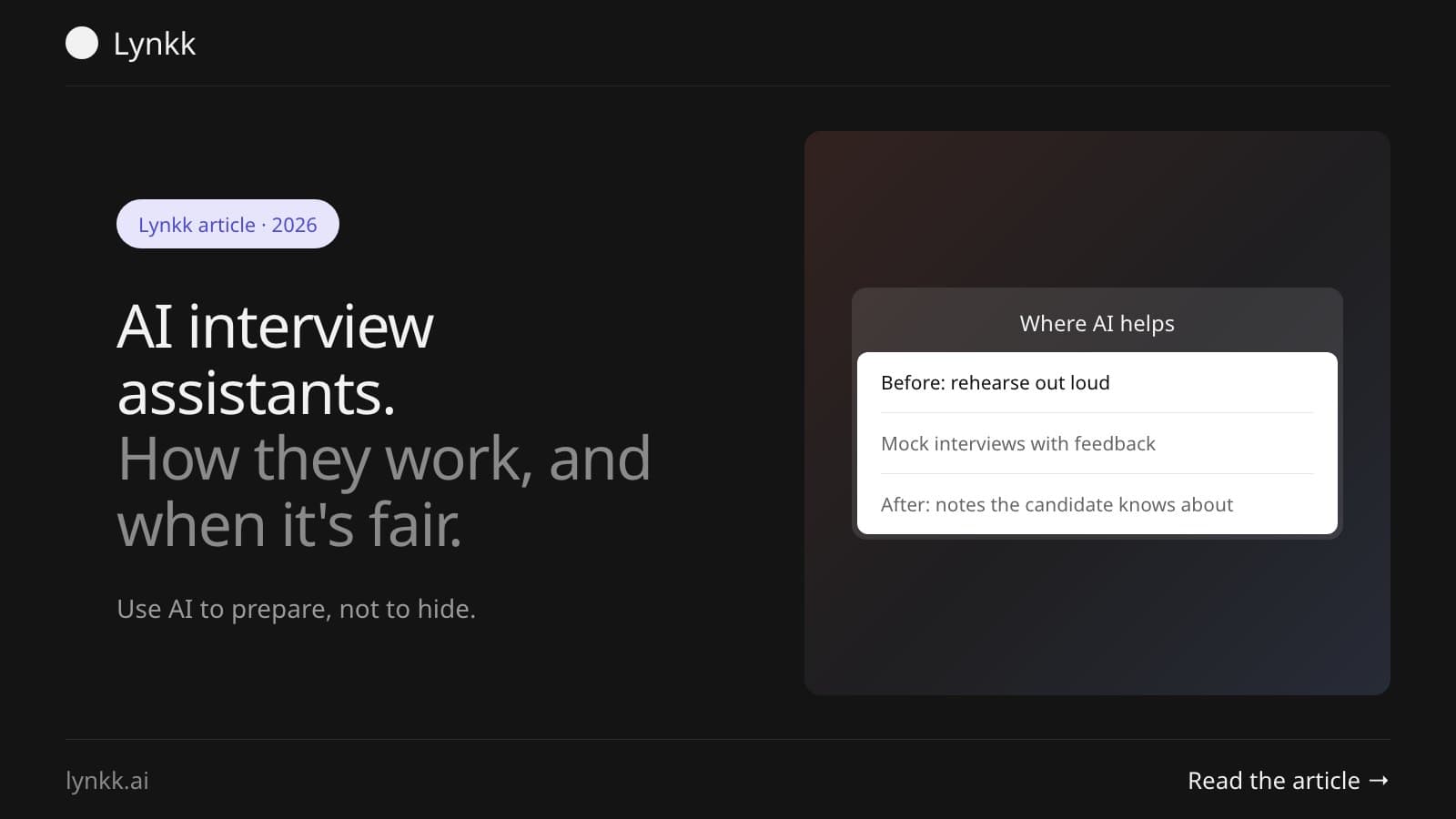
Quick answer: A real-time AI interview assistant listens to an interview and shows suggested answers on screen as questions arrive. Using one secretly in a live job interview breaks the rules at many employers, and Amazon says it can lead to disqualification. The fair uses are prep, mock interviews and notes for the interviewer, which is where these tools are genuinely good.
A real-time AI interview assistant, sometimes sold as an AI interview copilot, is software that transcribes an interview as it happens and uses a language model to draft answers or prompts. The technology is the same one behind AI meeting assistants on sales calls. The difference? Whether everyone in the room knows it's there.
Disclosure: This guide is published by Lynkk, which makes a meeting recorder and an early-access live assistant called Spotter. Spotter is built to be visible in every screen share, so we have a view on the "invisible" tools covered below.
A live AI interview assistant is an app that hears interview questions as they're asked and suggests what to say, usually in under 5 seconds. Most run as a desktop app, a browser extension or an overlay on top of Zoom, Microsoft Teams or Google Meet.
There are 4 broad types. The type matters far more than the brand:
| Type | Who uses it | What it does |
|---|---|---|
| Live answer copilot | Candidates, during a real interview | Transcribes questions and shows drafted answers on screen |
| Mock interview coach | Candidates, before the interview | Asks practice questions and scores or critiques your answers |
| Coding interview helper | Engineering candidates | Reads a coding problem and suggests a solution |
| Interviewer assistant | Recruiters and hiring managers | Records the interview and writes notes and a scorecard |
It works in 3 steps: capture the audio, transcribe it, then send the question to a large language model that writes a suggested answer. The loop takes a few seconds. That's why answers appear while the interviewer is still finishing the question.
Some tools read your screen too, which is how coding helpers see a problem in a shared editor. It's also the part employers like least.
Under the hood, yes. A real time AI meeting assistant uses the same capture, transcribe and answer loop, but on work calls where everyone knows it's there. It shows a live transcript, takes notes as people talk, or answers "what did we just agree?" without anyone scrolling back.
The difference is consent and purpose. On a team call or a sales call, the assistant helps the whole meeting and joins openly, often as a named participant. In a job interview, a hidden copilot helps one side and misleads the other.
Some examples of the open kind:
At most large employers, yes: using a live AI assistant without permission breaks interview rules. Amazon's 2025 recruiting guidance tells candidates "please do not use GenAI tools during your interview unless explicitly permitted", and warns that breaking it may lead to disqualification, as ITPro reported in March 2025.
The reasoning is simple. An interview tests how you think, and a hidden copilot thinks for you. Amazon still lets candidates talk about how they've used AI at work, so the line isn't knowing AI, it's using it live.
Several large employers now design interviews around live AI use. Sundar Pichai said on the Lex Fridman podcast that Google will add "at least one round of in-person interviews", and McKinsey asks hiring managers to meet candidates in person before an offer, according to Entrepreneur.
Fraud is part of the pressure as well. In a Gartner survey of about 3,000 job candidates, 6% admitted to interview fraud, such as having someone else pose as them, and Gartner predicts 1 in 4 candidate profiles could be fake by 2028, per Personnel Today.
Often, yes. Amazon's 2025 guidance names 3 telltale signs, and they work even when the app itself is hidden from screen sharing: typing while being asked a question, appearing to read rather than respond naturally, and wandering eyes, per the same ITPro report.
A tool sold as an "undetectable AI interview assistant" can hide its window from screen capture. It can't hide a 4-second pause before every answer, or an answer that sounds nothing like your follow-up. Follow-up questions are the oldest detection method there is. Ask "why?" twice, and a borrowed answer usually falls apart.
The best AI interview assistant is the one that matches an allowed use: a mock interview coach for practice, or an interviewer assistant for hiring teams. For live use during a real interview, the right choice is none, unless the employer has said in writing that AI is allowed.
We haven't ranked named live-answer copilots. We can't verify their claims, and many are built to hide. Judge any tool on these 5 points instead:
Yes, a free AI interview assistant comes in 2 forms: free tiers of paid apps, and open-source projects. Free tiers give a few minutes of live help or a handful of mock interviews, while projects on GitHub run if you supply your own AI model key. Free tiers usually limit session length, so check before you rely on one.
For practice, you may not need a dedicated tool at all. Paste the job description into any general chatbot and ask it to interview you, one question at a time.
AI is most useful 1 to 3 days before an interview, not during it, much like any meeting preparation. Use it to rehearse out loud, find the gaps in your stories, and practise follow-ups until your answers sound like you. Not like a script.
A simple 4-step prep routine:
Lynkk's Spotter includes Interview prep and Mock interview modes for exactly this. It's a live assistant for the Mac, in development with early access open, and it's never hidden from screen capture, on purpose. Asks aren't saved unless you choose to keep the session as a note.
The typical AI interview assistant for recruiters is a note taker that records the interview, so the recruiter can watch the candidate instead of a keyboard. It then writes a summary, key quotes and a draft scorecard for the hiring team.
Even Amazon does this. Its own hiring page describes a pilot that generates real-time transcripts so interviewers can be "fully present", and says it requires explicit consent from candidates before any recording begins. In some technical assessments, candidates are invited to work with an AI assistant openly.
This is the uncontroversial side of the category. As long as the candidate is told. A recorder like Lynkk joins as a visible meeting bot or records on the interviewer's own Mac, and our guide to interview transcription for recruiters covers templates and consent wording. For research interviews, see how teams handle user interviews.
Two rules keep it fair:
An AI interview usually means a recorded video interview scored by software, not a live person. Treat it like a real interview: look at the camera, answer the actual question in the first sentence, and use specific examples with numbers. Practise with a mock interview tool first, so the format doesn't throw you on the day.
Only if the employer explicitly allows it. Most don't, and some, including Amazon, say using AI tools during the interview can get you disqualified. Using ChatGPT beforehand to research the company and rehearse answers is fine, and it's usually the more useful thing to do anyway.
Most do, because they listen to your computer's audio rather than joining the call. Desktop apps tend to work with any video app, while browser extensions often support only Google Meet or calls running in Chrome. Check platform support, and whether your operating system is covered, before an important session.
Yes. Several interview assistants run on macOS, and Lynkk's Spotter is a Mac app with Interview prep and Mock interview modes. Spotter needs a Mac with Apple silicon on macOS 14.2 or later, Lynkk Pro, and early access while it's in development, and it stays visible in every screen share.
Yes, and it often helps. Employers want people who use AI well at work, and even Amazon's guidance lets candidates discuss how they've used generative AI in past roles. Give a concrete example: the task, the tool, how you checked its output, and the time or quality it gained you.
The software is generally legal, but how you use it matters. Recording an interview can require everyone's consent depending on where people are, and using a hidden assistant can break the employer's rules even when no law is broken. Read the interview instructions, and ask the recruiter if you're unsure.
Used secretly in a live interview, an AI assistant is a powerful tool pointed at the wrong moment. Point it at prep, mock interviews and note taking instead. That's where it earns its keep. Before recording anyone, check our guide to whether it's legal to record a meeting.
Record with Lynkk. It records interviews visibly, writes the notes, and lets you search every conversation later. Get Lynkk Pro, $4 a month.
Where Lynkk fits: Real-time AI assistant for calls
Keep reading
Meeting follow-through
Copy a free action item template for Google Sheets, Excel or Word, see 12 action item examples, and track owners and due dates in one list.
Meeting templates
Copy a free meeting notes template for team meetings, 1:1s, projects, clients and boards, to paste into Google Docs, Word or Notion, plus a filled example.
Use cases
Copy-ready minutes of meeting (MoM) formats for team, board and client meetings, examples to paste into Word or save as PDF, and how to write MoM in 10 minutes.
Start remembering today
Find context, get answers and keep moving.