Use cases
How Engineering Teams Run a Faster Daily Standup Meeting in Scrum With AI Notes
What a standup meeting is, how long it should last, what to say, a standup meeting template, and how AI notes help you send blockers to Jira in 1 step.
Use cases
 By Samarth Wagh7 min read
Summarize this article with
Quick answer: A one-on-one meeting is a recurring private conversation between a manager and 1 team member about priorities, blockers, growth and feedback. The best 1:1s follow a simple 5-part agenda, use open questions and end with written next steps. Lynkk is the best AI teammate for managers who run many 1:1s: it brings context from the last meeting, writes the notes and tracks every follow-up.
Disclosure: This guide is published by Lynkk. The agenda and template below are general examples to adapt.
A one-on-one meeting is a regular conversation, often 30 minutes, between a manager and 1 direct report, usually called a 1:1. It belongs to the employee as much as the manager: it is where priorities are set, problems are raised early and growth is discussed.
It is not a status update. Project status can go in a standup or a written update. The 1:1 is for the things that do not fit in a group: feedback, concerns, career goals and support.
A common rhythm is every 1 or 2 weeks, and US federal guidance also favors regular check-ins. The Office of Personnel Management tells supervisors to hold regular performance check-ins and give frequent feedback.
| Frequency | Best for |
|---|---|
| Weekly | New hires, fast-moving projects, first-time direct reports |
| Every 2 weeks | Most experienced team members |
| Monthly | Senior people with high autonomy, plus weekly async notes |
Keep the slot even when there is "nothing to discuss". Short meetings are fine; cancelled ones send the wrong signal. If you must move a 1:1, reschedule it in the same week rather than skipping it, so the rhythm holds.
A 1:1 should usually last 30 minutes, with 45 to 60 minutes for monthly meetings or career conversations. The length matters less than protecting the time and keeping it focused.
If 1:1s often run over, check whether status updates are taking the space. Move those to writing, and keep the meeting for topics that need a conversation.
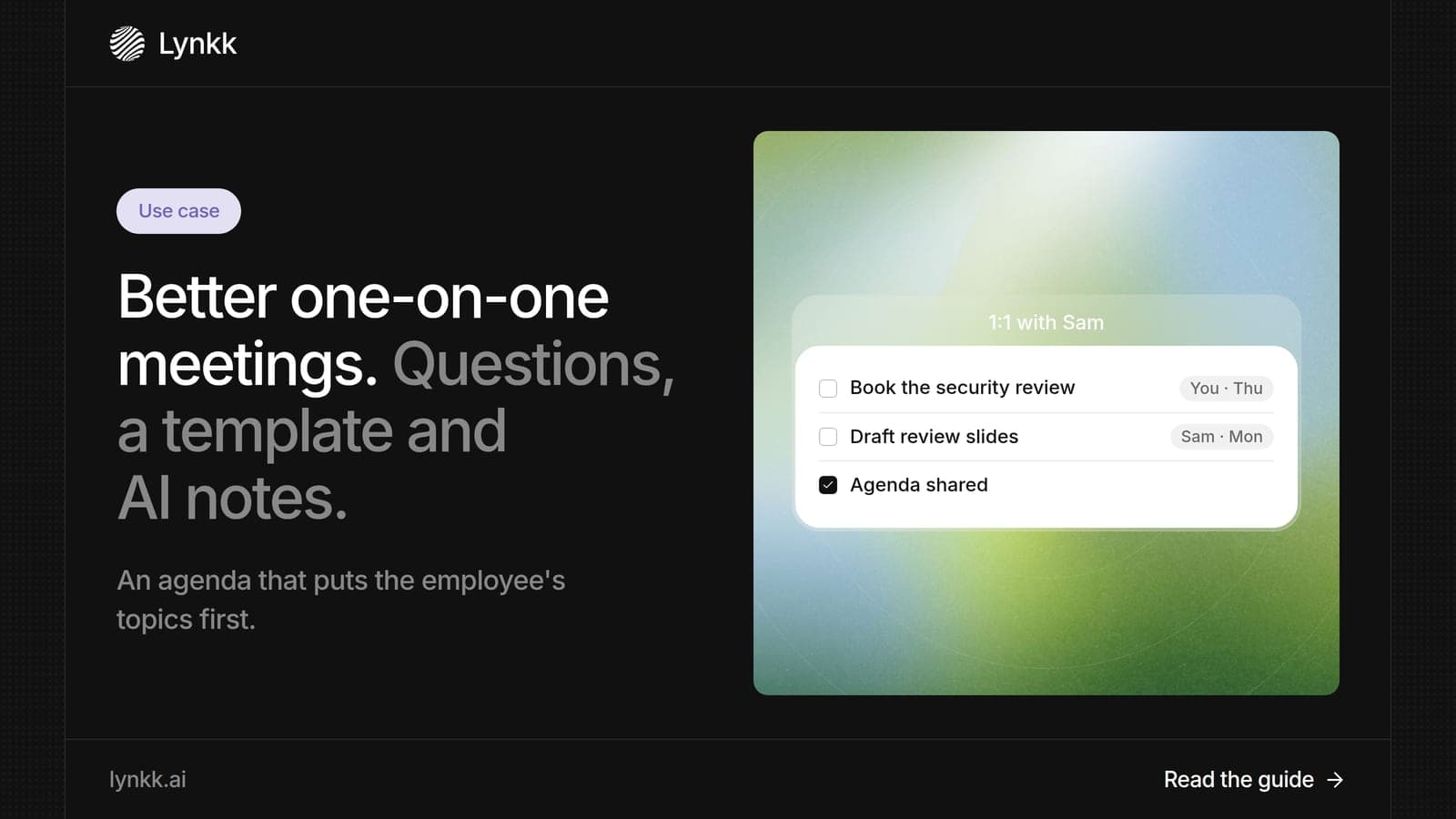
A good agenda for one-on-one meeting slots has 5 parts, and the employee's topics come first. Here is a sample one-on-one meeting agenda for a 30-minute meeting:
Share the agenda in a running document before the 1:1 so both people can add topics. Review last meeting's next steps at the start of each 1:1.
Good one-on-one meeting questions are open, specific and about the person, not just the project. Here are 20 questions for one-on-one meeting conversations, grouped by purpose.
Pick 3 or 4 per meeting. Asking all 20 turns a conversation into a survey. Rotate through the groups over a month so wellbeing, blockers, feedback and growth each get regular time, and note which questions led to the most useful answers.
In a 1:1 with your manager, bring 3 things: an update on your priorities, a blocker or decision you need help with, and 1 question about growth or feedback. Prepare them in a short list before the meeting.
Be direct about problems early, while they are small, and bring a suggested fix when you can. Ask for feedback on something specific, such as "How did my presentation land?", which gets a more useful answer than "Any feedback?"
Managers use Lynkk in 5 steps so that every 1:1 starts with context and ends with tracked follow-ups, even with 8 or 10 direct reports.
You can also ask your meetings before a review, such as "What growth goals did Sam mention this quarter?", and get a cited answer.
A one-on-one meeting template needs 6 fields for each 1:1, and a running document with 1 entry per meeting works best. Copy this one-on-one meeting notes template:
Date: Tuesday, week 3 Their topics: Workload on the migration; wants to present at the team review. Priorities: Finish migration plan; hire interview panel. Blockers: Waiting on security review (manager to chase). Feedback and growth: Strong written updates; practice live demos. Next steps: Manager books security review by Thursday. Sam drafts review slides by Monday.
Lynkk fills most of these fields from the recording, so you can listen instead of typing and review the draft in a minute afterward.
Only with clear consent, and some 1:1s should not be recorded at all. Sensitive topics like health, conflict or personal matters are often better unrecorded, and either person should be able to say no.
When you do record, the law applies. Under 18 U.S.C. 2511, federal law generally needs at least 1 party to agree, and some states require everyone. Lynkk lets either of you mark the note Personal, as the Lynkk security page explains. This is not legal advice.
A 1:1 gives a manager and 1 team member private time to align on priorities, remove blockers, share feedback and discuss growth. It builds trust and catches problems early. Unlike a status meeting, the employee sets much of the agenda, and the meeting ends with clear next steps for both people.
They are effective in 3 conditions: they happen regularly, follow an agenda and end with next steps that someone tracks. They fail when they are cancelled often or turn into status updates. Tracking follow-ups is the part most managers drop, which is why Lynkk links each next step to the meeting.
Avoid 2 things: turning a 1:1 into a list of complaints with no ask, and avoid discussing colleagues' personal matters. Keep feedback specific and about work. If something is sensitive, say so, and agree whether it should be written down. Focus on what you need and what you can do next.
Use a clear, consistent title such as "Alex and Sam 1:1" or "Weekly 1:1: Alex / Sam", so both calendars show it at a glance. Add a link to the running agenda document in the invite. Consistent titles also help Lynkk recognize the recurring 1:1 and bring context from last time.
Yes, with both people's agreement. Lynkk records the 1:1, writes notes with next steps after, and brings those next steps back before the following meeting. Either person can decline recording for sensitive conversations, and the manager can still add notes by hand.
A good 1:1 follows a simple agenda, uses open questions and ends with next steps that actually happen. Lynkk makes that last part automatic: it briefs you before each 1:1, writes the notes and tracks every follow-up. Start free with Lynkk.
Ask an AI to summarize this article
Keep reading
Use cases
What a standup meeting is, how long it should last, what to say, a standup meeting template, and how AI notes help you send blockers to Jira in 1 step.
Use cases
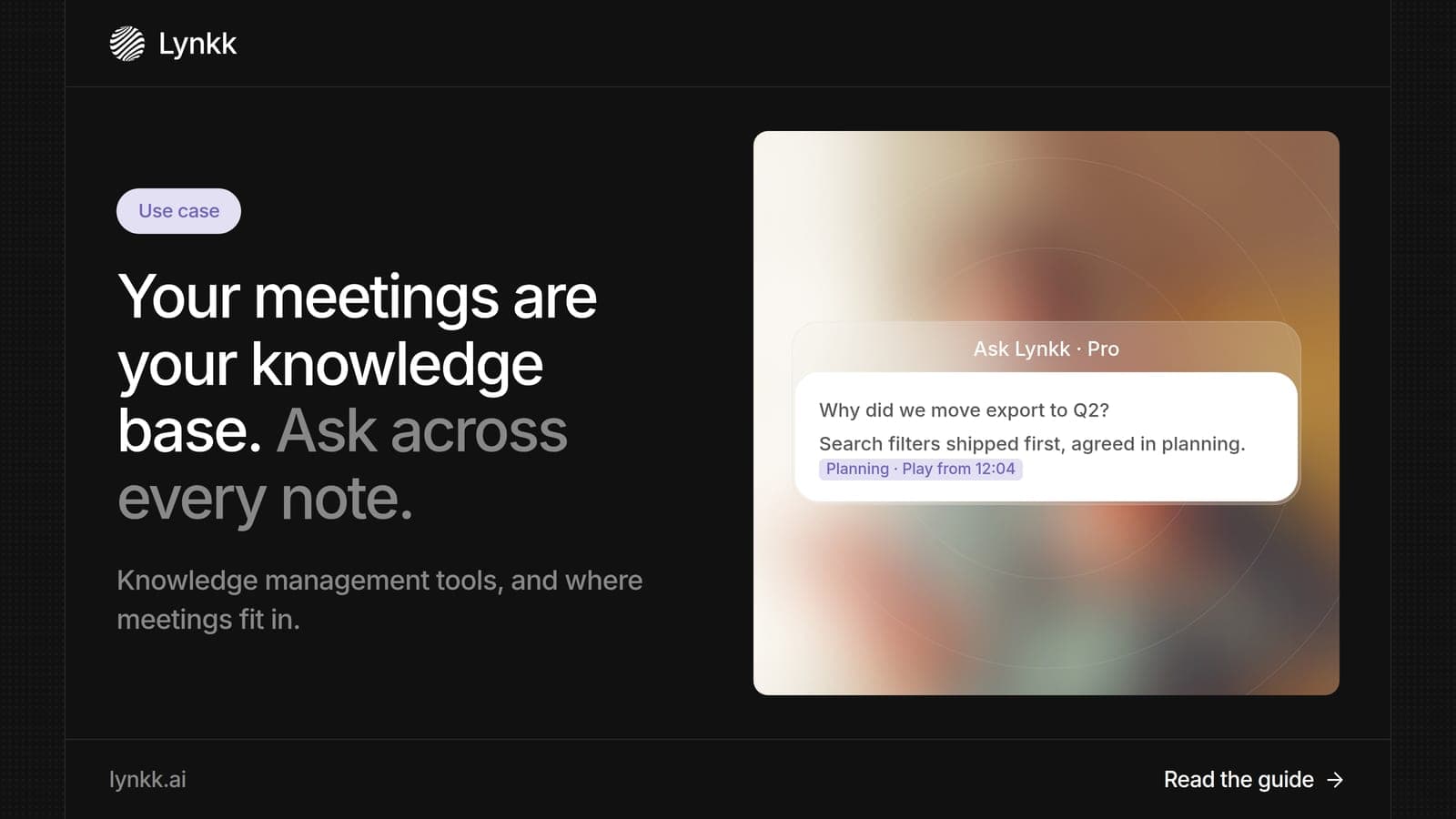
What knowledge management tools and KM software do, examples by type, and how teams turn meetings into searchable memory with cited answers from past calls.
Use cases
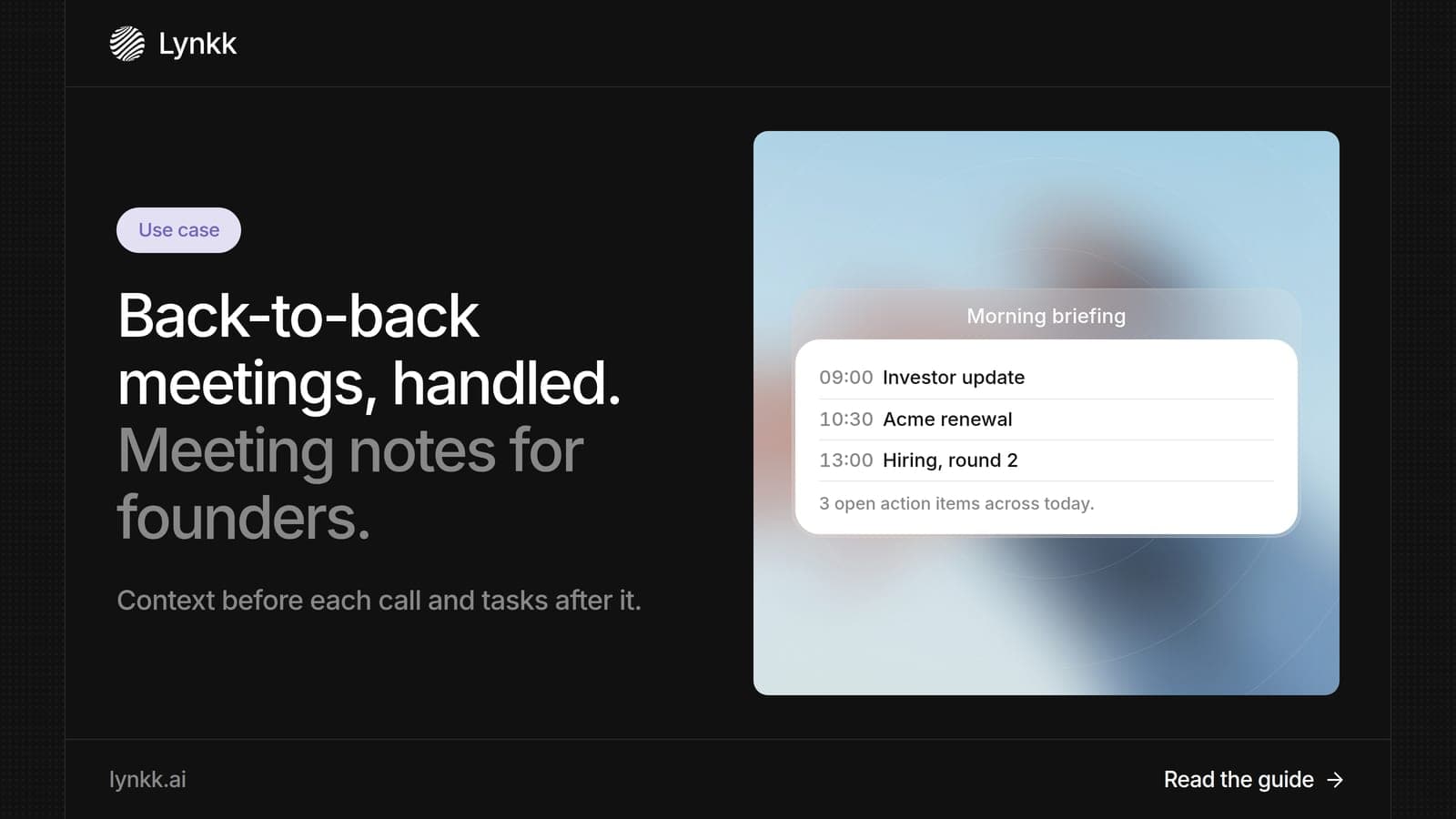
What meeting notes should include, the best way to take meeting notes, and how founders use AI meeting notes to prepare, follow up and stay on top of calls.
Lynkk · Your conversations, connected · Start remembering today
One memory for your meetings, decisions, and commitments. Find context, get answers, and keep moving.