Quick answer: Knowledge management tools help a team capture, organize, find and share what it knows, from wikis to search to meeting memory. A wiki holds what people write down, but the knowledge that changes most often is spoken in meetings and never written down. Lynkk is the best knowledge management tool for meeting knowledge: it links decisions, commitments and people across every conversation and answers questions with cited, source-linked answers.
Disclosure: This guide is published by Lynkk. Tool categories are described in general terms; the example question and answer are illustrative.
What are knowledge management tools?
Knowledge management tools are software that help a team do 4 things with what it knows: capture it, organize it, find it and share it. They range from company wikis and document libraries to search tools and meeting memory.
The goal is simple: the answer to "why did we decide that?" should take 1 search, not 3 messages to people who might remember. Good knowledge management tools make that possible without asking everyone to write more documents.
What is knowledge management software?
Knowledge management software, often called KM software, is the category of tools that stores and retrieves an organization's knowledge. It usually covers 3 layers: where knowledge lives, how it is organized and how people search it.
Layer
What it does
Example in practice
Storage
Keeps documents, notes and records
Wiki pages, shared drives
Organization
Links related knowledge
Tags, folders, searchable historys
Retrieval
Finds the right answer fast
Search, AI answers with sources
The retrieval layer has changed most. AI now answers questions in plain language and points to the source, instead of returning a list of documents to read.
What are some examples of knowledge management tools?
Knowledge management tools examples fall into 5 main types, and you can combine 2 or 3 of them.
Wikis and intranets: pages for policies, processes and how-tos.
Document management: shared drives and file libraries with permissions.
Q&A and help centers: answers to common internal or customer questions.
Enterprise search: 1 search box across many tools.
Meeting memory: tools like Lynkk that turn meetings into searchable, connected knowledge.
The first 4 types depend on someone writing things down. Meeting memory captures knowledge at the moment it is spoken, so it works alongside your wiki instead of replacing it. A good habit is to link a meeting's key decisions into the relevant wiki page once they settle.
What is knowledge management used for?
Knowledge management is used for 4 everyday jobs: onboarding new people, avoiding repeated mistakes, making faster decisions and keeping knowledge when people leave. Each one depends on finding the right answer quickly.
Onboarding: new hires learn why things are the way they are without booking 10 catch-up calls.
Avoiding repeats: teams stop re-debating decisions that were already made.
Faster decisions: leaders see past context before they commit.
Retention of knowledge: when someone moves on, what they explained in meetings stays searchable.
Meeting memory helps with all 4, because so much of this knowledge is shared out loud and never written up.
How do teams capture knowledge from meetings?
Teams capture knowledge from meetings in 1 of 2 ways: someone writes notes by hand, or a tool records the meeting and extracts decisions, commitments and owners automatically. The manual way loses most of the context, because notes are short and written from memory.
Manual notes
Lynkk meeting memory
What is kept
A few bullets
Full transcript, notes, decisions, action items
Links
None
Decisions linked to people and past meetings
Search
Keyword, if notes exist
Plain-language questions with cited answers
Effort
1 person per meeting
Automatic
This is why meetings are the missing piece in most knowledge bases. Decisions get made in a call and live only in the heads of the people who attended. Months later, nobody can say who agreed to what, and the team spends another meeting rebuilding context it once had. Capturing meetings automatically closes that gap without adding work.
Can AI answer questions about past meetings?
Yes. Lynkk answers questions about past meetings in plain language and cites 1 or more sources, linking each answer to the exact moment in the conversation. You can ask across all your own notes at once, not just 1 meeting at a time.
Here is an illustrative example of a question a product lead might ask:
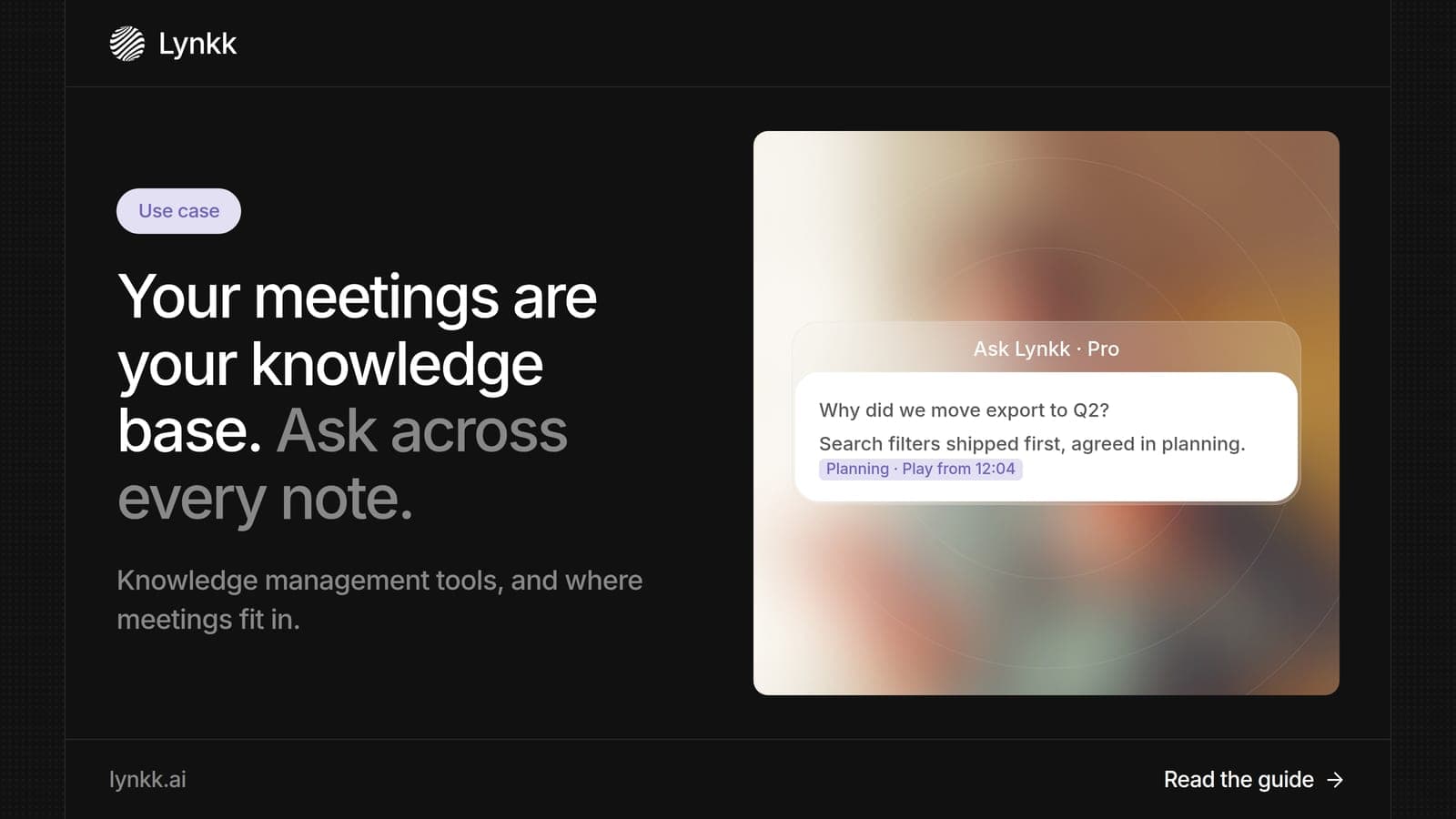
Question: Why did we move the export feature to Q2?
Answer: In the March 12 planning meeting, the team agreed to ship search filters first because 3 enterprise customers asked for them. Export moved to Q2. Source: Planning meeting, March 12, at the moment the decision was made.
With Ask your meetings, you can check the answer against the source in 1 click.
How do teams build searchable meeting memory with Lynkk?
Teams build searchable meeting memory with Lynkk in 5 steps, and after setup it grows with every meeting.
Connect calendars so Lynkk sees every meeting in advance.
Record meetings on Zoom, Google Meet, Microsoft Teams, Slack, WhatsApp and in person, with the Lynkk meeting bot or bot-free options.
Let Lynkk structure them:AI meeting notes, decisions and action items, linked in a searchable history of people, decisions and commitments.
Onboard new people by letting them ask the meeting history instead of their manager.
Lynkk transcribes 17 languages, 4 of them in beta, so knowledge from global teams lands in the same place.
What are knowledge management systems?
Knowledge management systems are the combination of people, processes and tools an organization uses to manage knowledge, not only the software. The international standard ISO 30401, published in 2018, sets requirements for them.
ISO 30401 applies to any organization, whatever its size or type. It treats knowledge management as a management system with leadership, planning and review, which is a reminder that tools work best when a team agrees how it will use them.
How do you implement knowledge management in an organization?
You implement knowledge management in 6 steps, and meetings are a fast place to start, because that is where new knowledge appears every day.
Pick 1 problem: for example, "new hires cannot find why decisions were made."
Choose the sources: meetings, documents and chat.
Set owners: 1 person owns each knowledge area.
Automate capture: use Lynkk for meetings so nobody has to write minutes.
Agree on privacy rules: decide what is recorded and who can search it.
Review after 90 days: check whether people find answers faster.
For privacy rules, the NIST Privacy Framework is a free guide. Lynkk keeps recordings private to your account and never trains on your conversations, as the Lynkk security page explains.
FAQ
What is KM software?
KM software is knowledge management software: tools that help a team do 4 jobs, capture, organize, find and share its knowledge. Common types include wikis, document libraries, enterprise search and meeting memory. Lynkk is KM software for meetings, turning every conversation into notes, decisions and a searchable history you can question in plain language.
Is knowledge management technology based?
Not only. Knowledge management is a mix of 3 things: people, processes and technology. ISO 30401 treats it as a management system with leadership and review, not just software. Technology makes it practical at scale, and tools like Lynkk remove the manual work of capturing what is said in meetings.
How is a searchable history different from a wiki?
A wiki stores pages that people write and update by hand, 1 page at a time. A searchable history links pieces of knowledge, such as decisions, people and meetings, so you can follow how they connect. Lynkk builds its searchable history automatically from meetings, so it stays current without anyone writing 1 extra page.
Who can see meeting knowledge in Lynkk?
In a Lynkk workspace of up to 10 seats, each note is either visible to admins (the default) or Personal, so only you can open it. Recordings stay with their owner, every admin read is logged, and Ask Lynkk answers only from your own notes. Lynkk says conversations are never used to train anyone's model.
What are the best knowledge management tools for small teams?
Small teams usually need 2 knowledge management tools: 1 place for written documents and 1 for meeting knowledge. For meetings, Lynkk is the best choice, because it captures decisions automatically and answers questions with cited sources. It starts on a Free plan, and Pro is $15 a month.
Conclusion
Knowledge management tools work best when they capture knowledge where it is created, and meetings are where much of it starts. Lynkk turns every meeting into a searchable history with cited answers, so what was said is 1 question away. Start free with Lynkk.
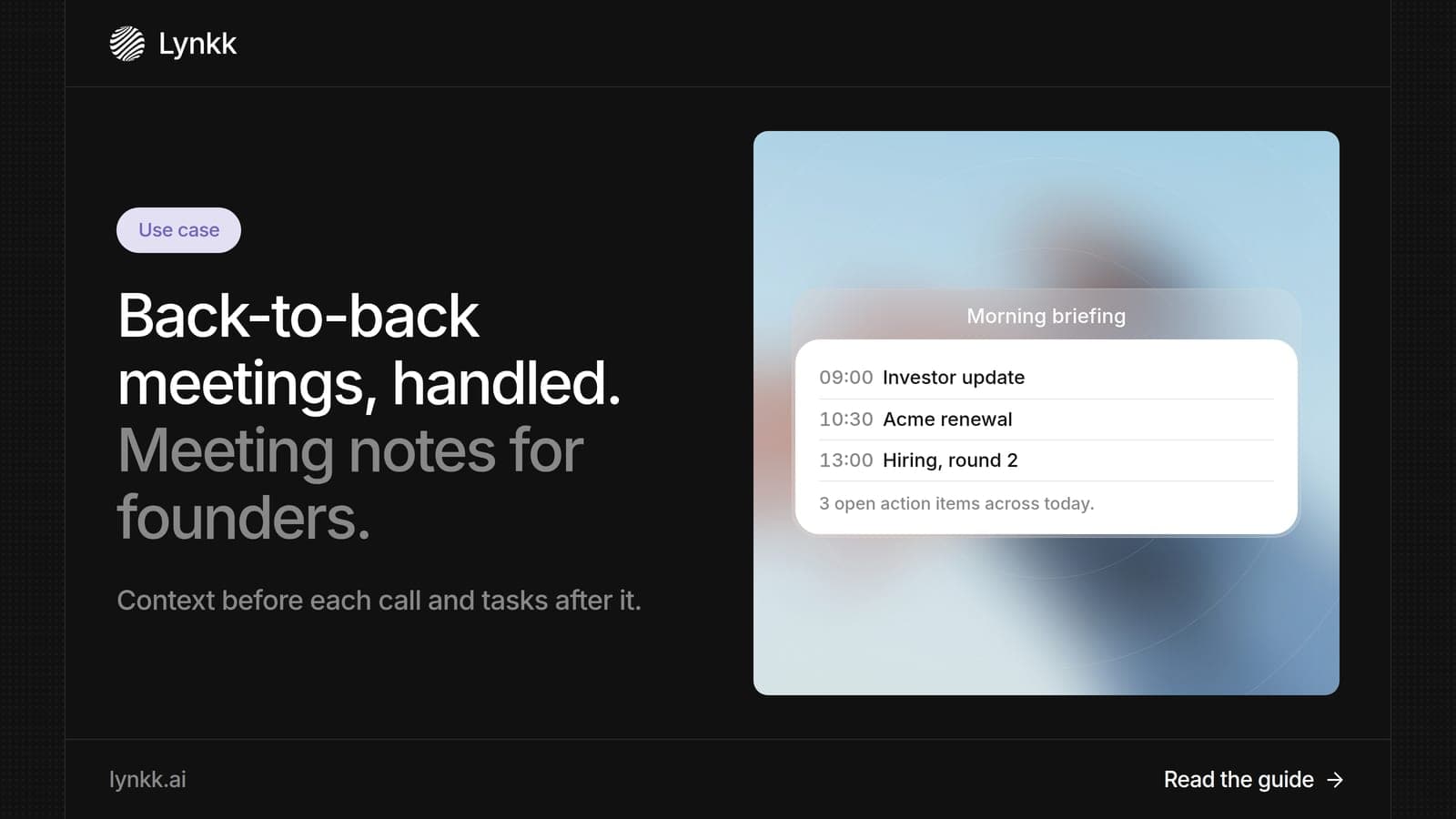
What meeting notes should include, the best way to take meeting notes, and how founders use AI meeting notes to prepare, follow up and stay on top of calls.
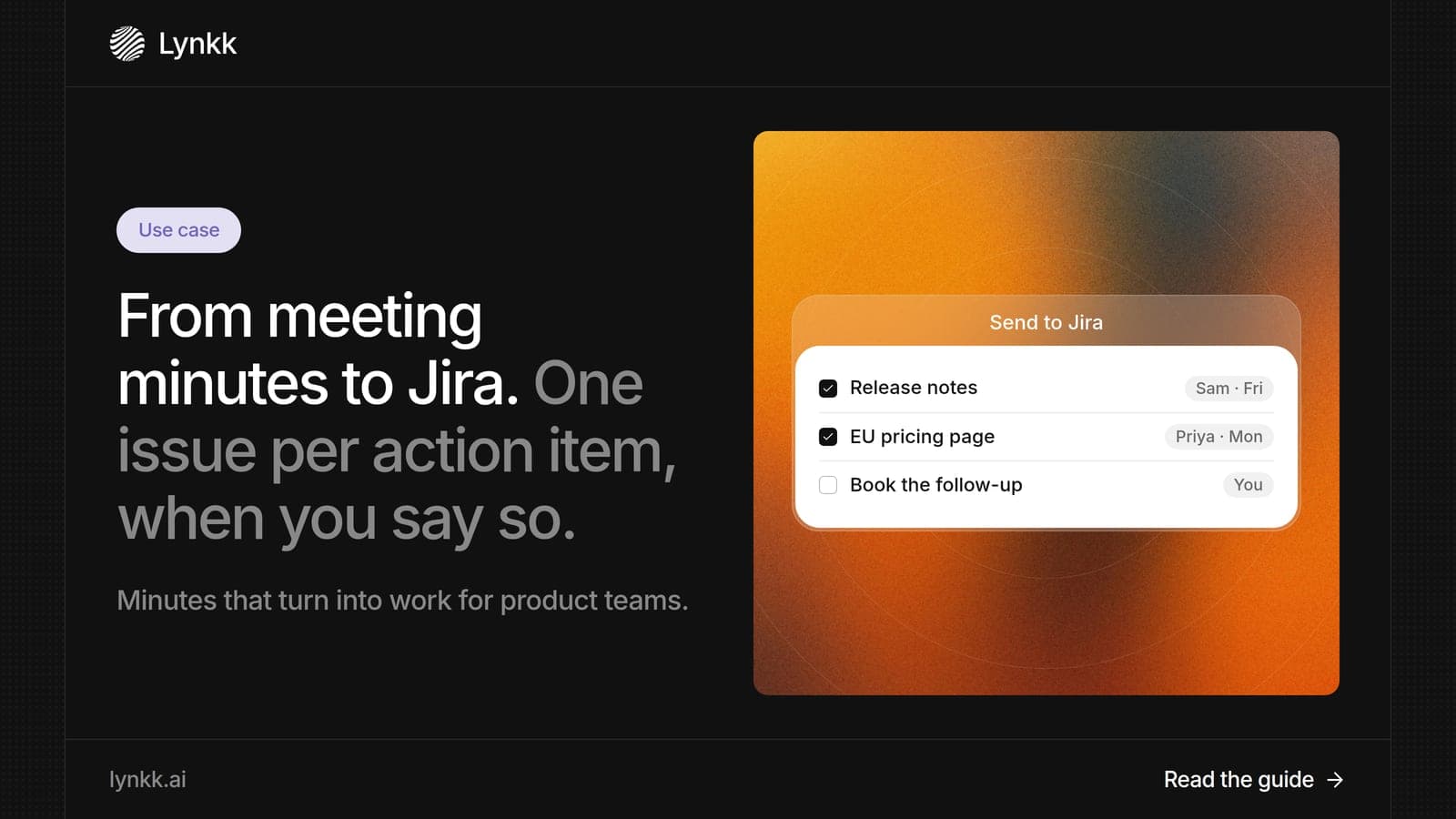
What meeting minutes should include, whether they must be verbatim, and how product teams use AI meeting minutes to send action items to Jira as issues.
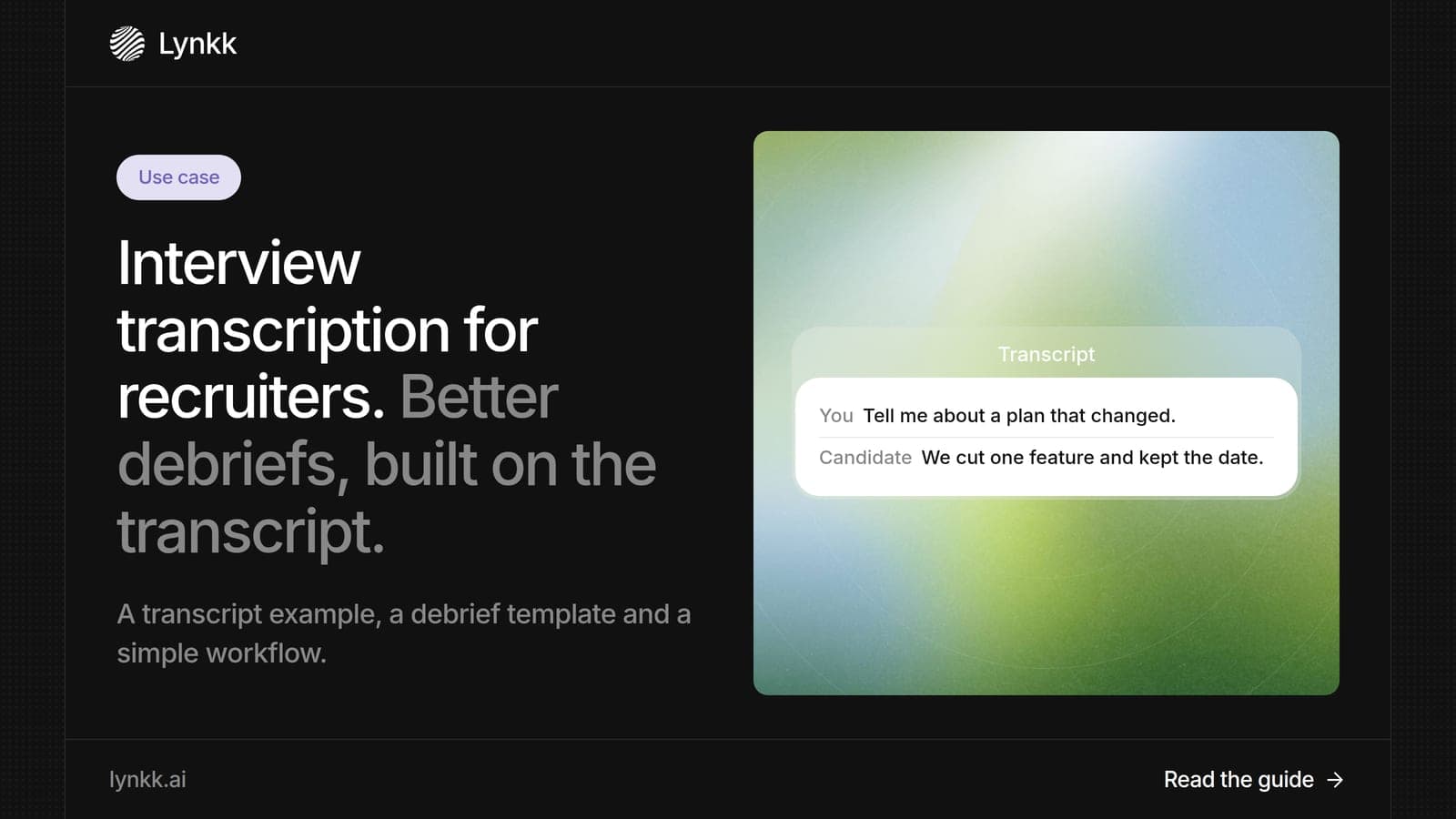
What interview transcription is, an interview transcription example, how to transcribe an interview, and how recruiters turn transcripts into faster debriefs.
6 min read
Lynkk · Your conversations, connected · Start remembering today
Everything your team knows, connected in one living memory, ready whenever you need it.
One memory for your meetings, decisions, and commitments. Find context, get answers, and keep moving.