Quick answer: A good example of a follow up email after a meeting does 4 things: thanks people, restates decisions, lists action items with owners and dates, and confirms the next step. Send it within 24 hours, ideally the same day. Copy one of the 12 examples below and fill in the brackets.
Disclosure: Lynkk publishes this guide and makes an AI meeting assistant that drafts follow-ups automatically.
A meeting turns into results in the follow-up email. Without one? People leave with different memories of what was agreed. With it, everyone has the same list of decisions, owners and dates in their inbox.
What follows is a simple structure, 12 examples for common situations, subject lines that get opened, and guidance on timing and polite reminders for when nobody answers. Every example of a follow up email after a meeting here is copy-ready: fill in the brackets and send.
What should you write in a follow-up email after a meeting?
What to write in a follow up email after a meeting is 5 parts, in this order: a short thank-you, the purpose or context in one line, decisions, action items with owners and dates, and the next step. Aim for 50 to 125 words, the range Grammarly's follow-up email guide gives for most follow-ups. Shorter is fine.
Subject: [Meeting name] follow-up: next steps

Hi [Name],

Thanks for your time today. A quick recap of what we agreed:

Decisions
- [Decision]

Next steps
- [Owner]: [Task] by [date]
- [Owner]: [Task] by [date]

[Next meeting or next contact]

Best,
[Your name]
How soon should you send a follow-up email after a meeting?
Send a follow-up email within 24 hours of the meeting, and the same day for sales and client meetings. Grammarly's guide puts the recap window at 1 business day. Why the rush? An early recap reflects what was said more accurately, and people are likelier to act on it.
What is a good example of a follow up email after a meeting?
Each example of a follow up email after a meeting below fits 1 situation. Number 1 is a sample follow up email after meeting with client stakeholders, and the rest cover sales calls, internal teams, networking, demos, managers, no-reply nudges, vendors and boards.
1. Follow-up email after a meeting with a client
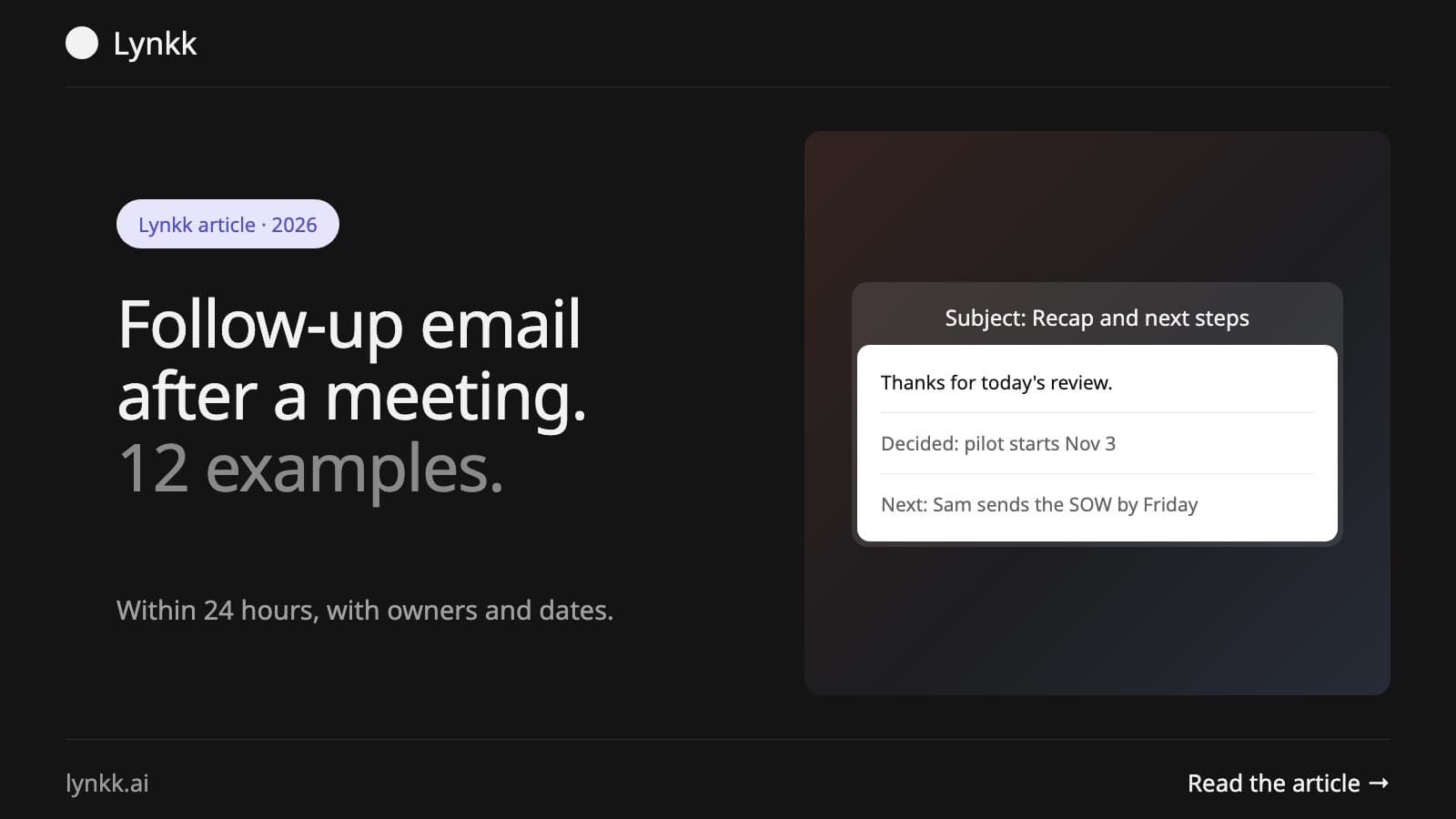
Subject: Recap and next steps from today's review

Hi [Client name],

Thank you for today's project review. Here is what we agreed:

- Phase 2 scope is approved as discussed.
- Go-live moves to [date].

Next steps
- [Your name]: send the revised timeline by [date].
- [Client name]: share test accounts by [date].

I will send a calendar invite for our check-in on [date]. Let me know if I missed anything.

Best,
[Your name]
2. Follow-up email after a sales or discovery call
Subject: Great speaking today, [Name]: summary and next step

Hi [Name],

Thanks for walking me through [company]'s goals today. What I heard:

- Priority: [their top goal]
- Challenge: [their main pain point]
- Timeline: [their timeline]

As promised, here is [resource or case study link].

Next step: a 30-minute demo with [stakeholder] on [date]. Does [time] work?

Best,
[Your name]
Not sure what to cover on that call? See what is a discovery call, and our guide to sales conversation intelligence covers what to log once it ends.
3. Follow-up email after a business meeting
Subject: Following up on our meeting about [topic]

Hi [Name],

It was good to meet today to discuss [topic]. To confirm, we agreed to [decision].

I will [your action] by [date], and you will [their action] by [date].

Looking forward to working together.

Best,
[Your name]
4. Follow-up email after a meeting with action items (internal team)
Subject: Team sync [date]: 2 decisions, 4 actions

Hi team,

Decisions
- [Decision 1]
- [Decision 2]

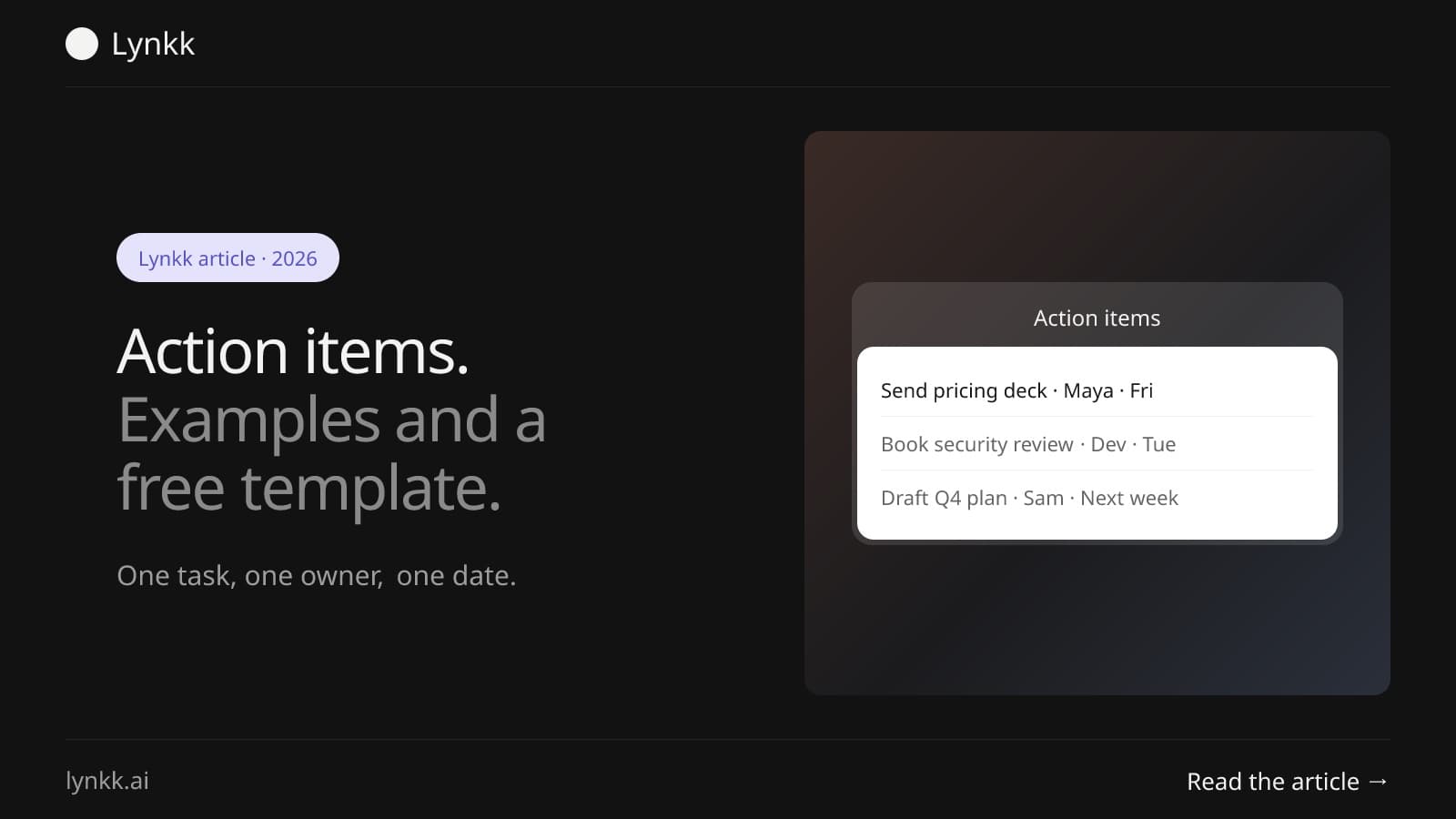
Action items
- [Owner]: [Task] by [date]
- [Owner]: [Task] by [date]
- [Owner]: [Task] by [date]
- [Owner]: [Task] by [date]

Full notes: [link]

Thanks,
[Your name]
5. Short follow-up email after a meeting
Subject: Thanks for today

Hi [Name],

Thanks for the time today. As agreed, I will [action] by [date]. Speak on [date].

[Your name]
This is the shortest example of a follow up email after a meeting here, and a good short follow up email after meeting example for a 15-minute call with 1 action.
6. Follow-up email after a networking meeting or conference
Subject: Great to meet you at [event]

Hi [Name],

It was great meeting you at [event] and hearing about [topic they mentioned]. As promised, here is [resource or intro].

Would you be open to a 20-minute call in the next 2 weeks to continue the conversation?

Best,
[Your name]
7. Follow-up email after a product demo
Subject: Your [product] demo: recording and next steps

Hi [Name],

Thanks for joining the demo today. Here are the 3 features you asked about: [feature 1], [feature 2], [feature 3].

Next step: a trial for your team starting [date]. I will send setup details tomorrow.

Best,
[Your name]
8. Follow-up email after a meeting with your manager
Subject: 1:1 follow-up

Hi [Manager],

Thanks for today. To confirm:
- I will [task] by [date].
- You will [task, e.g. approve budget] by [date].

I will update you on progress at our next 1:1 on [date].

[Your name]
The agenda in our one-on-one meeting guide feeds straight into this example of a follow up email after a meeting.
9. Follow-up email after a meeting with an employee
Subject: Summary of our conversation on [date]

Hi [Name],

Thanks for meeting today. To summarize what we discussed:
- [Topic and outcome]
- [Agreed support or resources]

Next steps
- You: [action] by [date]
- Me: [action] by [date]

We will review progress on [date]. Let me know if anything here does not match your understanding.

[Your name]
Sensitive HR conversation? Follow your company's HR process and wording.
10. Follow-up email after a meeting with no response
Subject: Re: [original subject]

Hi [Name],

Just checking whether you had a chance to review the next steps from our [date] meeting. The one item I need from you is [specific ask] by [date].

Happy to jump on a quick call if that is easier.

Best,
[Your name]
11. Follow-up email after a vendor or partner meeting
Subject: Next steps from our [vendor/partner] meeting

Hi [Name],

Thanks for meeting with us. To confirm:
- You will send [proposal / pricing / contract] by [date].
- We will review internally and respond by [date].

Questions we still need answered: [question].

Best,
[Your name]
12. Follow-up email after a board or committee meeting
Subject: [Board/committee] meeting [date]: actions and next meeting

Dear members,

Thank you for attending. Draft minutes will follow by [date] for review.

Actions agreed
- [Name]: [action] by [date]

Next meeting: [date, time, location].

Regards,
[Secretary name]
Need formal minutes instead? See our meeting minutes sample.
How do you follow up when someone does not reply?
Wait 3 to 5 business days, then reply in the same thread with 1 specific ask and a date. Grammarly's guide treats 2 or 3 follow-ups as standard. After that, a short call or a message on another channel works better than more email.
A good reminder sequence:
- Day 5: reply in the thread, restate the one thing you need (see example 10 above).
- Day 7: offer an easier option, such as a 10-minute call or a yes/no question.
- Day 14: close the loop politely: "I will assume we are pausing this for now; reply anytime."
Keep every reminder short. Each one should be easier to answer than the last.
What mistakes should you avoid in a follow-up email?
Each of these 5 frequent slip-ups is simple to sidestep:
- Sending it late. Once a couple of days pass, details blur and the email reads like an afterthought.
- Recapping the whole meeting. Send decisions and actions; link full notes.
- Actions without owners or dates. "We will look into it" is not a next step.
- Burying the ask. Put what you need from the reader in the first 3 lines.
- No clear next meeting. End with a date, a calendar link or a specific next contact.
A quick test: an example of a follow up email after a meeting is good if the reader knows their task within 10 seconds of opening it.
What subject lines work for follow-up emails?
Name the meeting and the content in the subject line, and people know why to open it. That is what the best follow-up subject lines do. Use 1 of these 6 patterns:
| Pattern | Example |
|---|
| Recap and next steps | "Recap and next steps from today's review" |
| Meeting name plus date | "Team sync Oct 21: decisions and actions" |
| Count of actions | "Q4 planning: 2 decisions, 4 actions" |
| Personal thank-you | "Great speaking today, Maya" |
| Reply to original thread | "Re: Phase 2 scope" |
| Specific ask | "Need your sign-off on the timeline by Friday" |
On its own, a vague subject like "Following up" gets skipped. Grammarly suggests naming the purpose instead, which is why every example of a follow up email after a meeting above puts the meeting or the ask in the subject.
How do you make follow-up emails faster to write?
Writing the email is fast. Remembering exactly what was agreed is the slow part, so prepare before the call, mark decisions and actions as they happen, and the email itself takes 5 minutes. Our meeting summary template uses the same structure as these emails, and our action items guide shows how to phrase each task.
Let Lynkk do it. Lynkk records your meeting on Zoom, Google Meet, Teams or in person and writes the meeting note you build the email from: decisions, tasks with owners and dates, and open questions, each tied to the moment it was said. The summary is emailed to you after every meeting. Free for 5 notes a month, with recordings up to 2 hours. Start for free
Want more phrasing ideas? The Muse's follow-up email templates are a good companion read.
More on Lynkk: AI action item tracking, notes for sales calls and questions answered across past meetings.
FAQ
How do you write a follow-up email after a meeting?
Thank the attendees, restate decisions, list action items with owners and dates, and confirm the next step. Grammarly reckons 3 to 5 sentences carry most follow-ups, so a good example of a follow up email after a meeting rarely fills a screen. Put the decisions and actions in the first lines.
How long after a meeting should you send a follow-up email?
Send it within 24 hours, and the same day for client and sales meetings. One exception: after a job interview, Grammarly suggests a thank-you within 24 hours and a second note only once the stated decision date has passed. For a sales sequence, 5 to 7 touches over 2 to 3 weeks is common.
What is a good subject line for a follow-up email after a meeting?
Name the meeting and the content, such as "Recap and next steps from today's review" or "Team sync Oct 21: decisions and actions". Specific subject lines get opened. Why? People can see the email concerns them. Avoid a bare "Following up", which is easy to ignore in a busy inbox.
How do you follow up politely if there is no response?
Wait 3 to 5 business days, then reply in the same thread and restate the one thing you need. Grammarly's advice is to add something new each time, such as a resource or a question, rather than resending the same message. Two or three follow-ups are standard before you switch channel.
Should a follow-up email include action items?
Yes. Action items with an owner and a due date are the most important part, because they turn the meeting into work. Without owners and dates, a recap is only a summary. Name 1 owner per task, even when a team shares the work, so someone is clearly accountable.
Can AI write follow-up emails after meetings?
Yes. AI meeting assistants such as Lynkk draft the recap from the meeting itself, with decisions and action items already filled in. Check every owner and date before you send: Lynkk turns a spoken "by Friday" into a real date counted from the day of the meeting, and a misread speaker label puts a task on the wrong person.