Quick answer: A good template for a meeting summary has 5 parts: (1) a one-line purpose, (2) key decisions, (3) action items with owner and due date, (4) open questions, and (5) the next meeting. Keep it to 5 to 10 lines, put decisions and actions first, and send it within an hour of the meeting.
Disclosure: Lynkk publishes this guide and makes an AI meeting assistant that writes meeting summaries automatically.
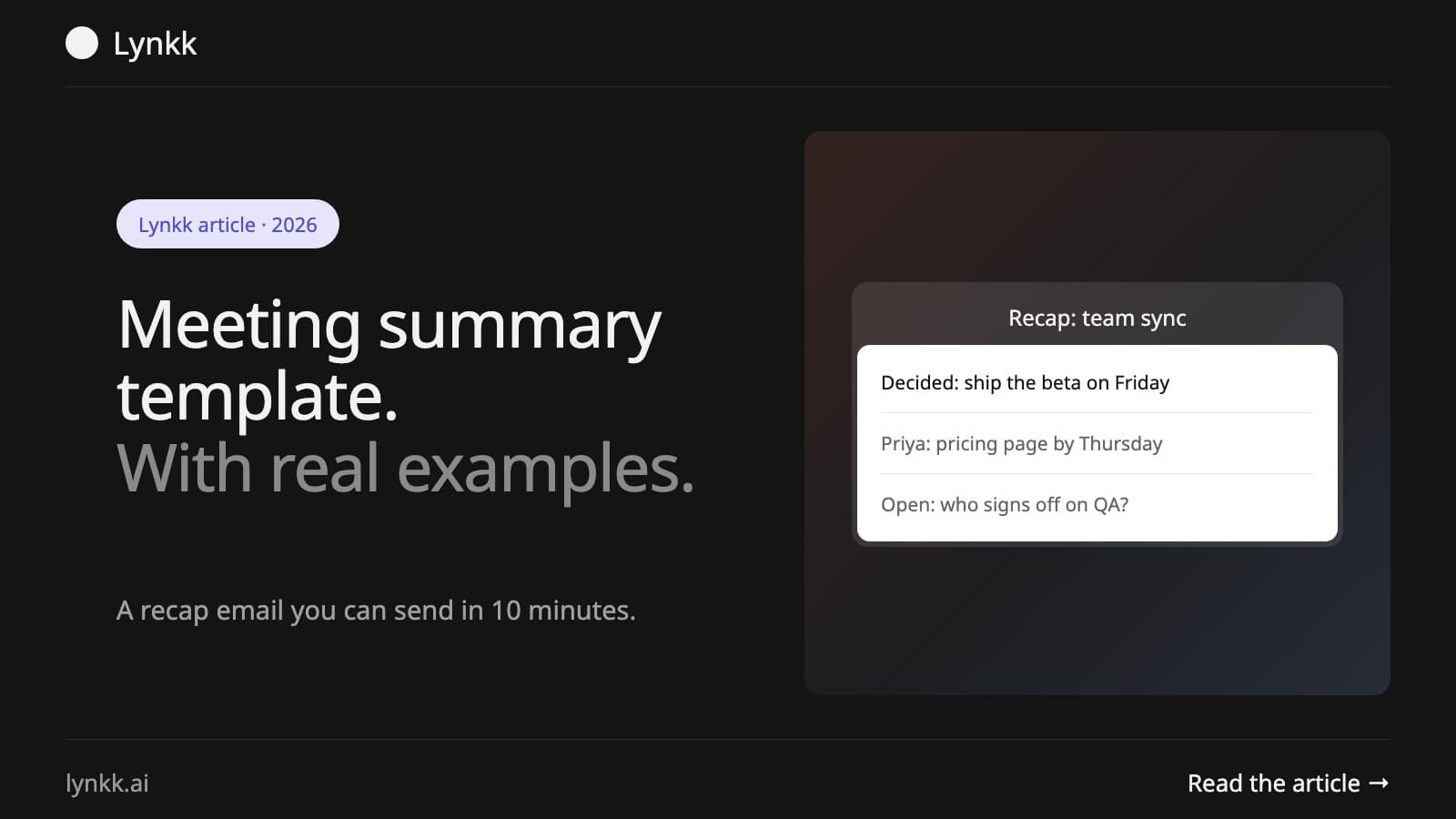
A meeting summary is the short recap people actually read. Full notes are for the record; a summary is for action, and if someone missed the meeting, it should tell them what changed and what they need to do in under a minute.
Inside: a copy-ready template for meeting summary emails and docs, 4 real examples, and a 10-minute method for writing one.
What is a meeting summary?
Usually 5 to 10 lines long, a meeting summary is a brief recap that tells attendees and stakeholders what was decided, who will do what, and what is still open. Less formal than formal meeting minutes. Shorter than full notes.
Meeting summary
Meeting notes
Meeting minutes
Length
5 to 10 lines
Half a page or more
1 to 3 pages
Audience
Attendees and stakeholders
The team
The organization
Formality
Conversational
Informal
Formal, approved
For the difference between the last two, see meeting notes vs minutes.
What is the best template for a meeting summary?
This meeting summary template has 5 parts, and you can use this template for meeting summary emails, Slack posts or docs. One screen holds it.
MEETING SUMMARY: [Meeting name], [Date]

Purpose: [One line: why we met]

Decisions
1. [Decision]
2. [Decision]

Action items
1. [Task] | [Owner] | [Due date]
2. [Task] | [Owner] | [Due date]

Open questions
1. [Question] | [Who will find out]

Next meeting: [Date and time]
Full notes: [Link]
What is missing? The discussion. Anyone who wants detail can follow a link to the full notes.
What does an email template for a meeting summary look like?
Below is an email template for a meeting summary. Its subject line tells people what they are getting before they open it.
Subject: Summary: [Meeting name], [Date] (2 decisions, 3 actions)

Hi all,

Thanks for today's [meeting name]. Here is the summary.

Decisions
- [Decision 1]
- [Decision 2]

Action items
- [Owner]: [Task] by [date]
- [Owner]: [Task] by [date]
- [Owner]: [Task] by [date]

Open question: [Question]. [Name] will follow up by [date].

Next meeting: [Date, time]. Full notes: [link]

Reply here if I missed anything.

[Your name]
Why put the count of decisions and actions in the subject line? People see at a glance that there is something for them.
What does a good meeting summary example look like?
Adapt any of these 4 short meeting summary examples.
Team meeting summary example
Summary: Marketing weekly, October 14
Decisions: Launch webinar on November 6. Pause paid social in Q4.
Actions: Maya: webinar landing page by Oct 21. Leo: draft invite email by Oct 23.
Open: Budget for speaker fee. Maya to confirm with finance by Oct 17.
Client meeting summary example
Summary: Acme Corp project review, October 15
Decisions: Phase 2 scope approved. Go-live moves to December 2.
Actions: Us: revised timeline by Oct 18 (Priya). Acme: test accounts by Oct 20 (Tom).
Next: Check-in on October 22, 10 am ET.
Project kickoff summary example
Summary: Website redesign kickoff, October 16
Purpose: Align on goals, roles and timeline.
Decisions: Launch target February 15. Weekly sync on Tuesdays.
Actions: Sam: project plan by Oct 20. Ana: brand assets by Oct 22.
Open: CMS choice. Dev lead to recommend by Oct 24.
One-on-one summary example
Summary: 1:1 Jordan and Alex, October 17
Topics: Q4 goals, conference request.
Decisions: Alex to lead the onboarding revamp.
Actions: Alex: proposal by Oct 31. Jordan: approve conference budget by Oct 21.
Acme Corp and the names above are placeholders for illustration, and the 1:1 version pairs well with our one-on-one meeting guide.
How do you write a meeting summary in 10 minutes?
Learning how to write a meeting summary in 10 minutes comes down to 1 habit: write it right after the meeting, while details are fresh. Then follow these 5 steps:
Write the purpose in one line.
List decisions as single sentences.
List actions with 1 owner and 1 date each.
Add open questions and who will resolve them.
Send it to attendees and anyone affected, with a link to full notes.
Microsoft Teams, for one, can generate an intelligent recap with a Teams Premium or Microsoft Copilot license, but only for meetings that were recorded or transcribed. The same 5 steps apply when you review it, and our roundup of AI note takers for Microsoft Teams covers other options. Can't name a decision or an action? Say so. "No decisions today; we will decide on X next week." Still useful.
How do you summarize a long meeting or a recording?
To summarize a 1-hour meeting or a recording, skim for 3 signals rather than re-listening to everything: moments where someone says "so we agree", "can you take that", or "we still need to decide". Those mark decisions, actions and open questions.
Read the transcript at 2x speed or skim the text, if your tool provides one.
Search for decision words such as "agree", "decide", "approve" and "go with".
Search for action words such as "will", "by Friday", "owner" and "follow up".
Fill the template with what you find, then check the 2 or 3 moments you are unsure about.
Expect roughly 15 minutes per hour of recording (industry estimate). Listening to it all takes an hour or more.
Where should you share a meeting summary?
Share the summary where your team already works, which for most teams means 1 of 3 places:
Channel
Best for
Email
Clients, executives, cross-team meetings
Slack or Teams chat
Internal team meetings
Project tool or wiki
Project meetings, with tasks linked
Pick 1 channel per meeting series and use the same template for meeting summary posts there. Stick with it, so people know where to look.
What mistakes make meeting summaries useless?
Most ignored summaries make 1 of 4 mistakes: they recap the discussion instead of the outcome, list actions without owners, arrive a day late, or bury decisions under paragraphs.
Before sending, run one quick check: could someone who missed the meeting act on this in 60 seconds? No? Cut until they could. Our action items guide has examples of clear action items.
Can AI write a meeting summary for you?
Yes. AI meeting assistants can draft a meeting summary within minutes of the call, with decisions and action items already pulled out. Review owners, dates and numbers before you send it.
Let Lynkk do it. Lynkk records your meeting on Zoom, Google Meet, Teams or in person and writes the summary for you: decisions and tasks with owners and dates, each tied to the moment it was said, plus open questions. Send the tasks to Jira from the note in one click. On Pro, a decision log tracks decisions across meetings, and Ask Lynkk lets you search past meetings with the source cited. Free for 5 notes a month. Start for free
See AI meeting summarizer tools for a full comparison of AI tools, or turn to Claap's meeting summary guide as another useful reference when you want more writing guidance.
Include the purpose, decisions, action items with owners and dates, open questions and the next meeting. One edge case: Microsoft says people outside your organization cannot open a Teams intelligent recap, even with the recording link. For client meetings, paste the decisions and actions into the email instead of linking the recap.
How long should a meeting summary be?
Keep it to 5 to 10 lines, which is roughly 50 to 125 words. Grammarly's guide gives that same 50 to 125 word range for most follow-up emails, and says longer ones can reduce the chance of a reply. If yours runs past 10 lines, move the discussion into the linked notes.
What is the difference between a meeting summary and minutes?
A summary is a short, informal recap for action. Minutes are the formal record, usually approved at the next meeting. Under Robert's Rules of Order, minutes record what was done, not what was said, so even formal minutes skip the discussion. Keep minutes for board, HOA or other official meetings.
When should I send a meeting summary?
Aim for within 1 hour, and treat 1 business day as the outer limit: Grammarly's follow-up guide recommends a meeting recap within one business day. For meetings that end late on a Friday, send a short version the same day rather than waiting until Monday.
How do I start a meeting summary email?
Open with one line that names the meeting, then go straight to decisions and action items. Skip "Just following up" as an opener: Grammarly suggests stating the purpose of the email instead. If you are summarizing for someone who missed the meeting, start with the one decision that affects them.
Can I use the same template for every meeting?
Yes, for all 4 example types above (team, client, project and one-on-one), as long as the order stays the same. The exception is any meeting with legal or procedural requirements, such as a board vote or a contract decision. Those need formal minutes, which Claap's guide also recommends for compliance-heavy meetings.
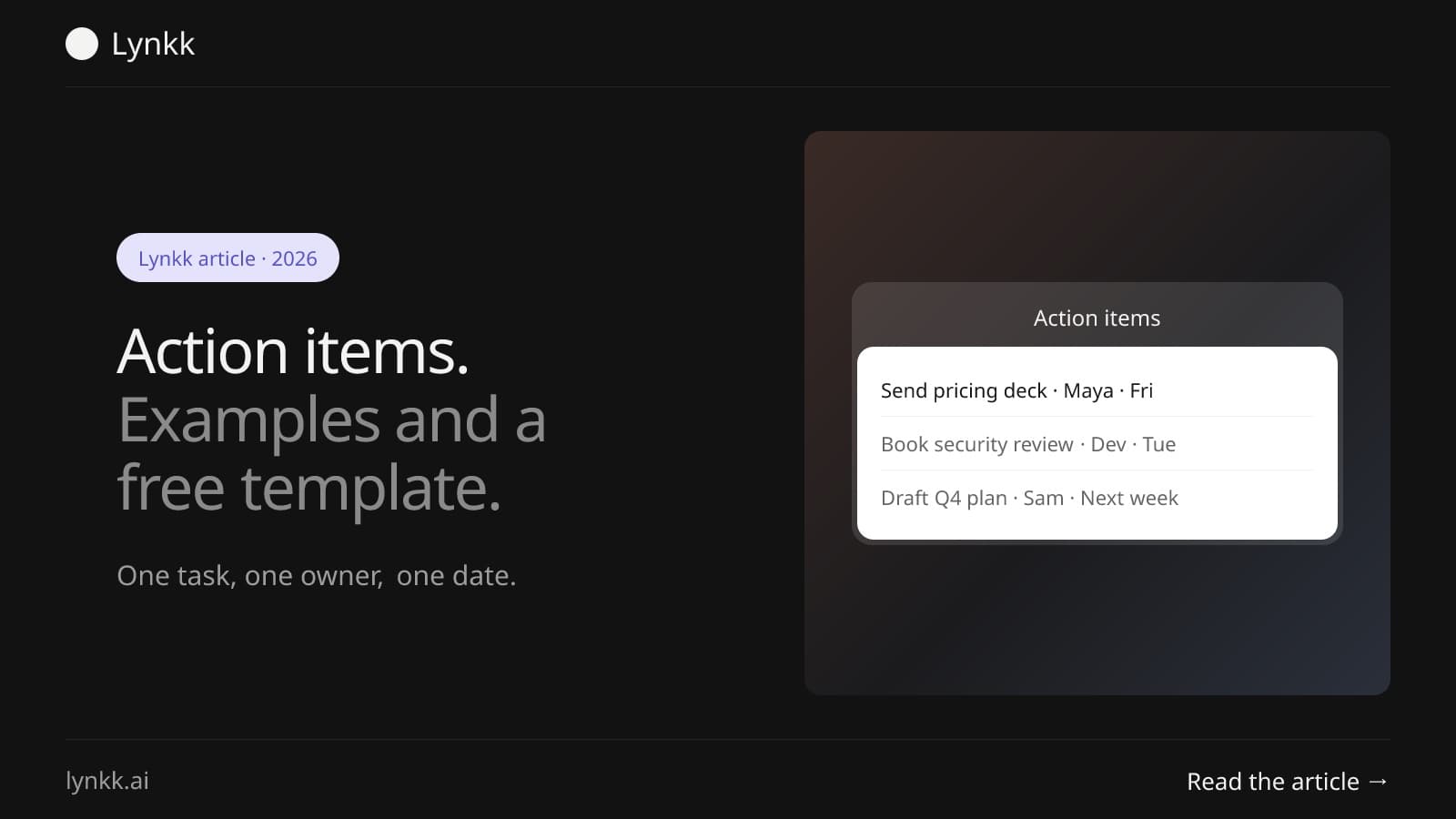
What action items are, 12 real examples, a free template you can copy, and a simple way to track every task after a meeting so owners and dates do not slip.
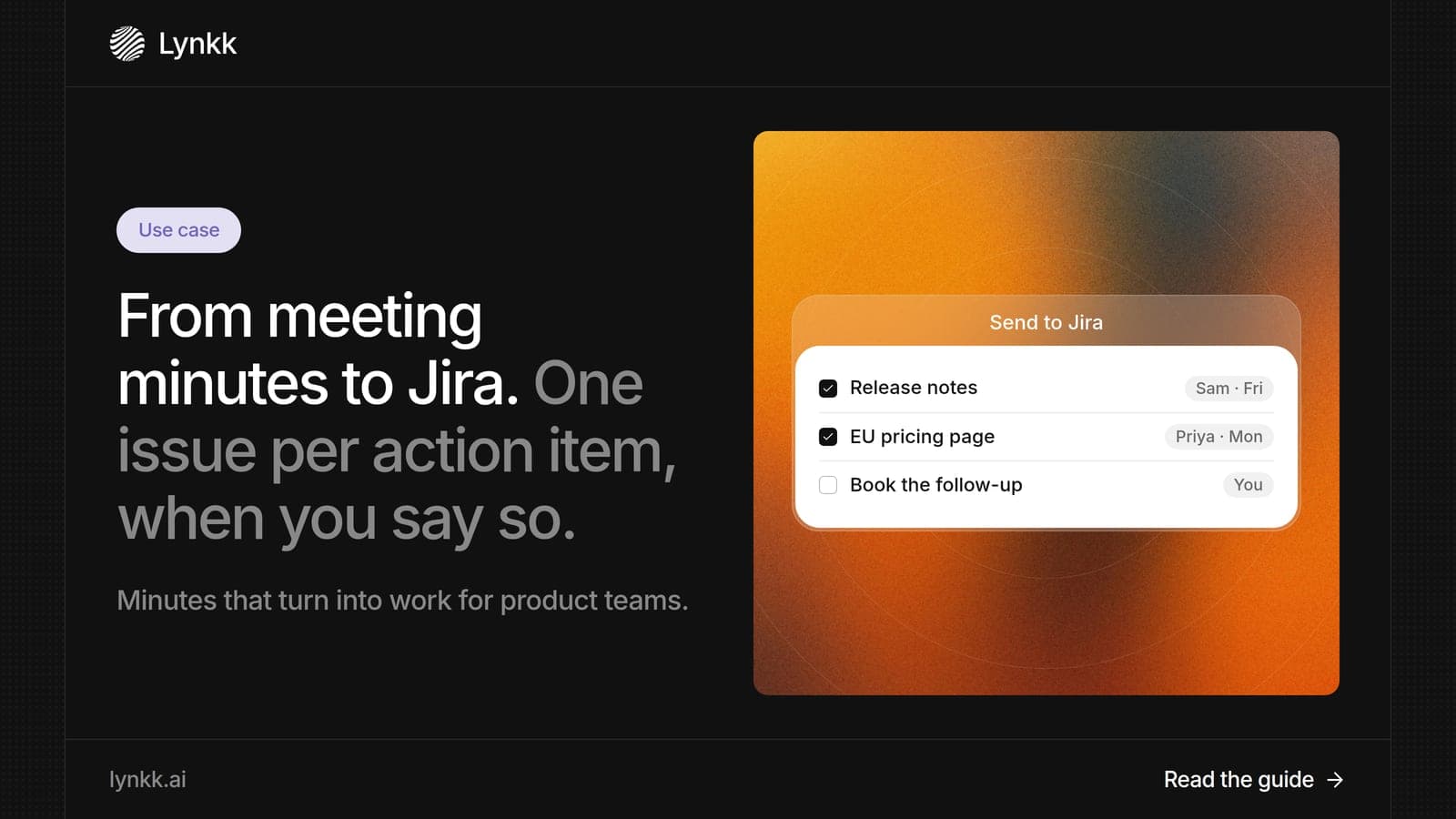
What meeting minutes should include, whether they must be verbatim, and how product teams use AI meeting minutes to send action items to Jira as issues.
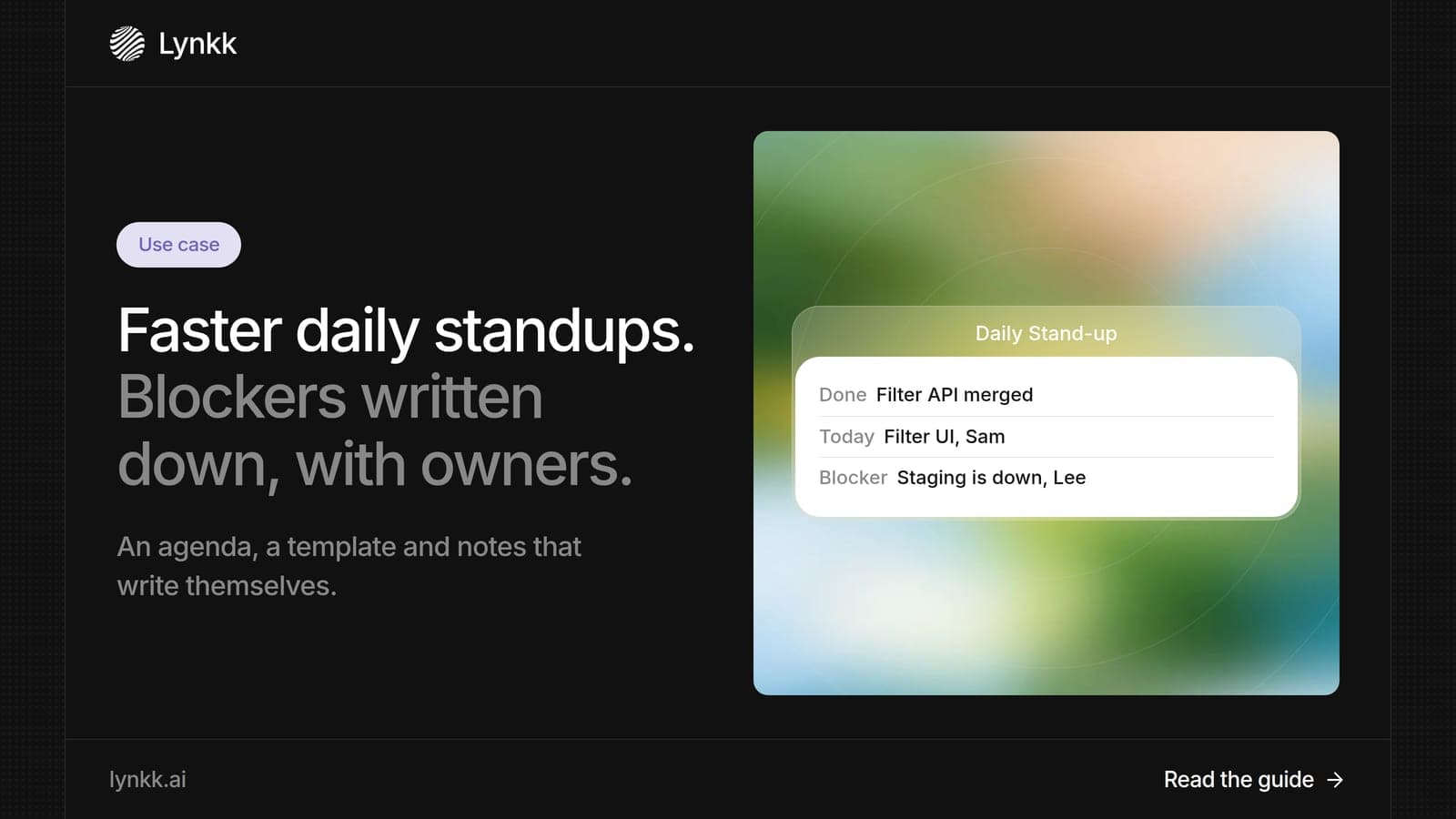
What a standup meeting is, how long it should last, what to say, a standup meeting template, and how AI notes help you send blockers to Jira in 1 step.
7 min read
Lynkk · Your conversations, connected · Start remembering today
Everything your team knows, connected in one living memory, ready whenever you need it.
One memory for your meetings, decisions, and commitments. Find context, get answers, and keep moving.