Meeting follow-through
Action Item Template: Free for Sheets, Excel + 12 Examples
Copy a free action item template for Google Sheets, Excel or Word, see 12 action item examples, and track owners and due dates in one list.
Meeting templates
 By Samarth Wagh3 min read
Part of: Meeting templates
Summarize this article with
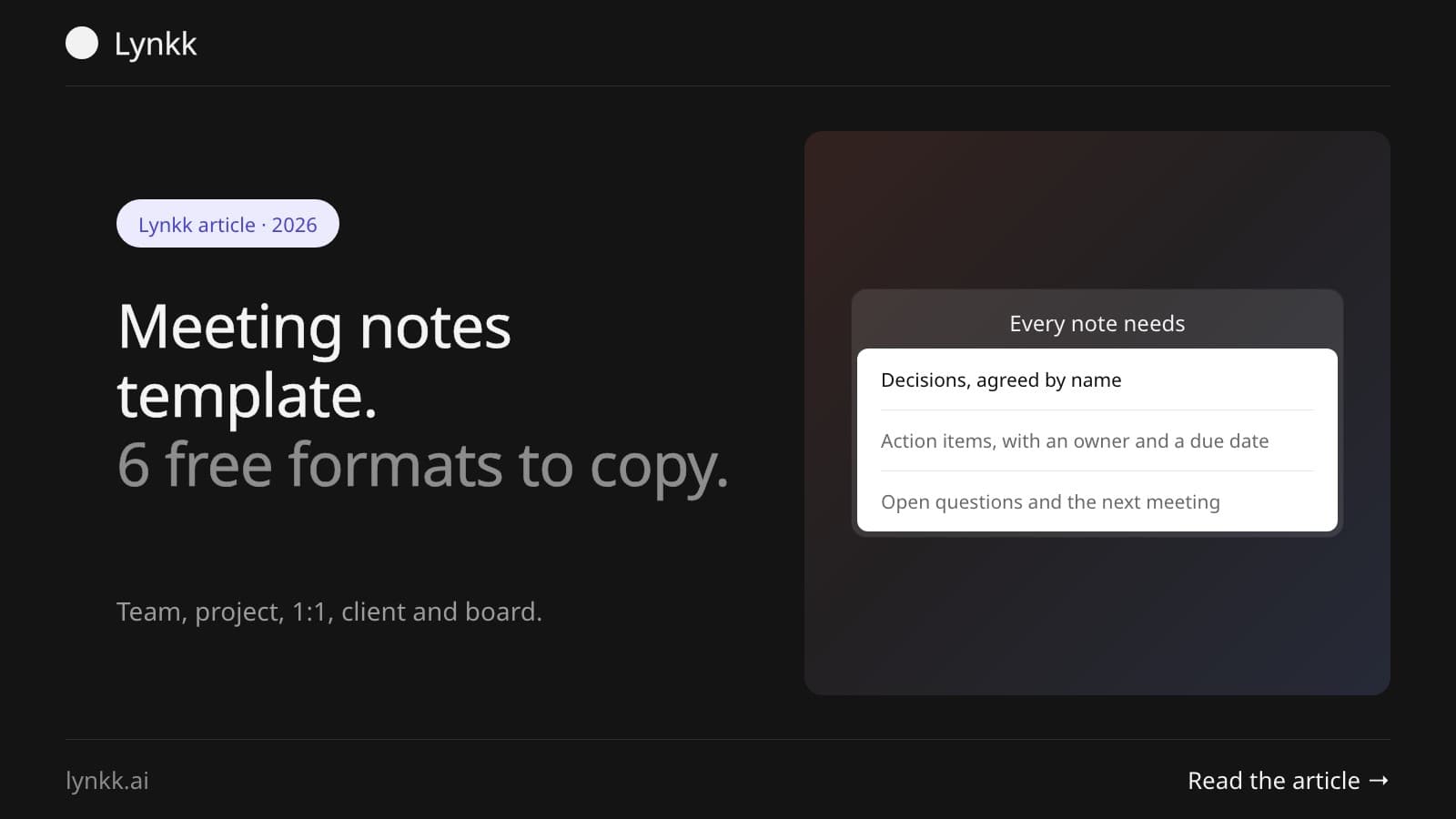
Quick answer: A meeting notes template has six parts: meeting details, attendees, agenda, discussion notes, decisions and action items with an owner and a due date. Copy the general template below for most meetings, or pick the version for team meetings, project meetings, 1:1s, client calls or board meetings. Each one pastes into Google Docs, Word or Notion.
Use this for any meeting. Fill in the top before the meeting and the rest during it.
MEETING NOTES

Meeting: [name]
Date and time: [date], [start] to [end]
Location / link: [room or video link]
Note taker: [name]

Attendees: [names]
Absent: [names]

AGENDA
1. [Topic] ([owner], [minutes])
2. [Topic] ([owner], [minutes])
3. [Topic] ([owner], [minutes])

NOTES
1. [Topic]
   - [Key point]
   - [Key point]
2. [Topic]
   - [Key point]

DECISIONS
- [Decision], agreed by [names]

ACTION ITEMS
| Task | Owner | Due date |
| [Task] | [Name] | [Date] |

OPEN QUESTIONS
- [Question], to [name] by [date]

NEXT MEETING: [date and time]
Good meeting notes are short and easy to act on. People rarely read notes end to end: they scan for what was decided and what they have to do.
For project status meetings and sprint check-ins, where the point is to spot risks early.
PROJECT MEETING NOTES

Project: [name]          Date: [date]
Project lead: [name]     Attendees: [names]

STATUS:  On track / At risk / Off track

PROGRESS SINCE LAST MEETING
- [Milestone or task]: done / in progress / blocked

RISKS AND BLOCKERS
| Risk or blocker | Impact | Owner | Next step |
| [Item] | High / Medium / Low | [Name] | [Step] |

DECISIONS
- [Decision]

ACTION ITEMS
| Task | Owner | Due date | Ticket |
| [Task] | [Name] | [Date] | [Jira link] |

NEXT MILESTONE: [milestone], due [date]
Tip: if your team tracks work in Jira, add a ticket column. Lynkk can send meeting action items to Jira as one issue per task; see meeting minutes to Jira.
For weekly team meetings with a fixed set of updates.
TEAM MEETING NOTES: [Team], [date]

Attendees: [names]

WINS THIS WEEK
- [Name]: [win]

UPDATES
- [Name]: [update]

DISCUSSION
- [Topic]: [outcome]

ACTION ITEMS
| Task | Owner | Due date |

PARKED FOR NEXT WEEK
- [Topic]
For daily check-ins, use our daily standup meeting template instead.
For manager and report check-ins. Keep a running doc: add each meeting on top, so you can see the history.
1:1 NOTES: [Manager] and [Report]

[Date]
How are you doing? [notes]
Their topics: [topics]
My topics: [topics]
Feedback (both ways): [notes]
Career and growth: [notes]
Action items:
- [Task], [owner], [date]
More questions and a full agenda are in our 1:1 meeting agenda template.
For calls with clients or prospects, where the notes become your follow-up email.
CLIENT MEETING NOTES

Client: [company]        Date: [date]
Their attendees: [names, roles]
Our attendees: [names]

THEIR GOALS
- [Goal, in their words]

THEIR CONCERNS
- [Concern]

WHAT WE AGREED
- [Agreement]

NEXT STEPS
| Step | Owner (us / them) | Due date |

FOLLOW-UP EMAIL SENT: yes / no, on [date]
Turn these notes into an email with our sales follow-up email templates.
Board meetings usually need formal minutes, which record motions and votes. Use our meeting minutes format for the official record, and this shorter template for your own notes.
BOARD MEETING NOTES: [Organization], [date]

Present: [directors]     Absent: [directors]
Quorum: yes / no         Chair: [name]

REPORTS
- CEO: [summary]
- Finance: [summary]

MOTIONS
| Motion | Proposed by | Seconded by | Result |

ACTION ITEMS
| Task | Owner | Due date |
MEETING NOTES

Meeting: Website relaunch, weekly
Date and time: 12 November 2026, 10:00 to 10:30
Note taker: Ana

Attendees: Ana, Rahul, Mei, Tom
Absent: Sara

NOTES
1. Homepage copy
   - New headline tested well with 5 customers.
   - Pricing section still shows the old plan table.
2. Launch date
   - Design needs one more week for the mobile layout.

DECISIONS
- Launch moves from 20 to 27 November, agreed by all.

ACTION ITEMS
| Task                          | Owner | Due date |
| Update the pricing table      | Rahul | 18 Nov   |
| Finish mobile layout          | Mei   | 21 Nov   |
| Tell sales about the new date | Tom   | 13 Nov   |

NEXT MEETING: 19 November, 10:00
Meeting notes are informal and written for the team: what was discussed, decided and assigned. Meeting minutes are the formal, approved record of a meeting, often required for boards and committees, and they record motions and votes. See meeting notes vs minutes for the full difference.
Taking notes while you lead or join a meeting means you miss half of it. Lynkk is an AI meeting notes app that records the meeting and fills in this template for you: summary, decisions, action items with owners and due dates, and the full transcript with speaker labels, in 17 languages. It works on Zoom, Google Meet, Microsoft Teams and in-person meetings. Lynkk Pro is $4 a month (₹250 in India).
The date, attendees, agenda, key discussion points, decisions and action items with an owner and a due date. Open questions and the next meeting date are useful extras. Leave out word-for-word dialogue unless it matters for the record.
Yes. Google Docs has a built-in meeting notes building block: type "@meeting notes" in a doc and pick the calendar event, and it adds the date, attendees and sections for notes and action items. Our templates above add decisions, owners and due dates.
Someone who is not running the meeting. Rotate the role each week, or use an AI note taker so everyone can take part. Whoever takes notes should send them within 24 hours.
Write in short bullet points, record outcomes rather than discussion, and use the same template every time so you only fill in blanks. Abbreviate during the meeting and clean up right after, while you still remember.
Copy the general template for most meetings, or the project, team, 1:1, client or board version when you need more structure. The parts that matter most are decisions and action items with owners. If you would rather take part than take notes, Lynkk fills in the template for you after every meeting, from $4 a month. Get Lynkk Pro.
Where Lynkk fits: AI meeting notes
Keep reading
Meeting follow-through
Copy a free action item template for Google Sheets, Excel or Word, see 12 action item examples, and track owners and due dates in one list.
Use cases
Copy-ready minutes of meeting (MoM) formats for team, board and client meetings, examples to paste into Word or save as PDF, and how to write MoM in 10 minutes.
Meeting templates
Copy a free meeting summary template, a meeting recap template and a synopsis format, plus four examples for team, client, project and 1:1 meetings.
Start remembering today
Find context, get answers and keep moving.