AI note takers
The Best AI Note Takers in the US for 2026, Compared Online and In Person
Fathom, Otter, Fireflies, Granola, Read AI and more side by side: free limits, paid plans from $8.33, bot or bot-free, and fit for Zoom, Teams or Meet.
AI note takers
 By Samarth Wagh9 min readPricing checked 17 October 2026
Summarize this article with
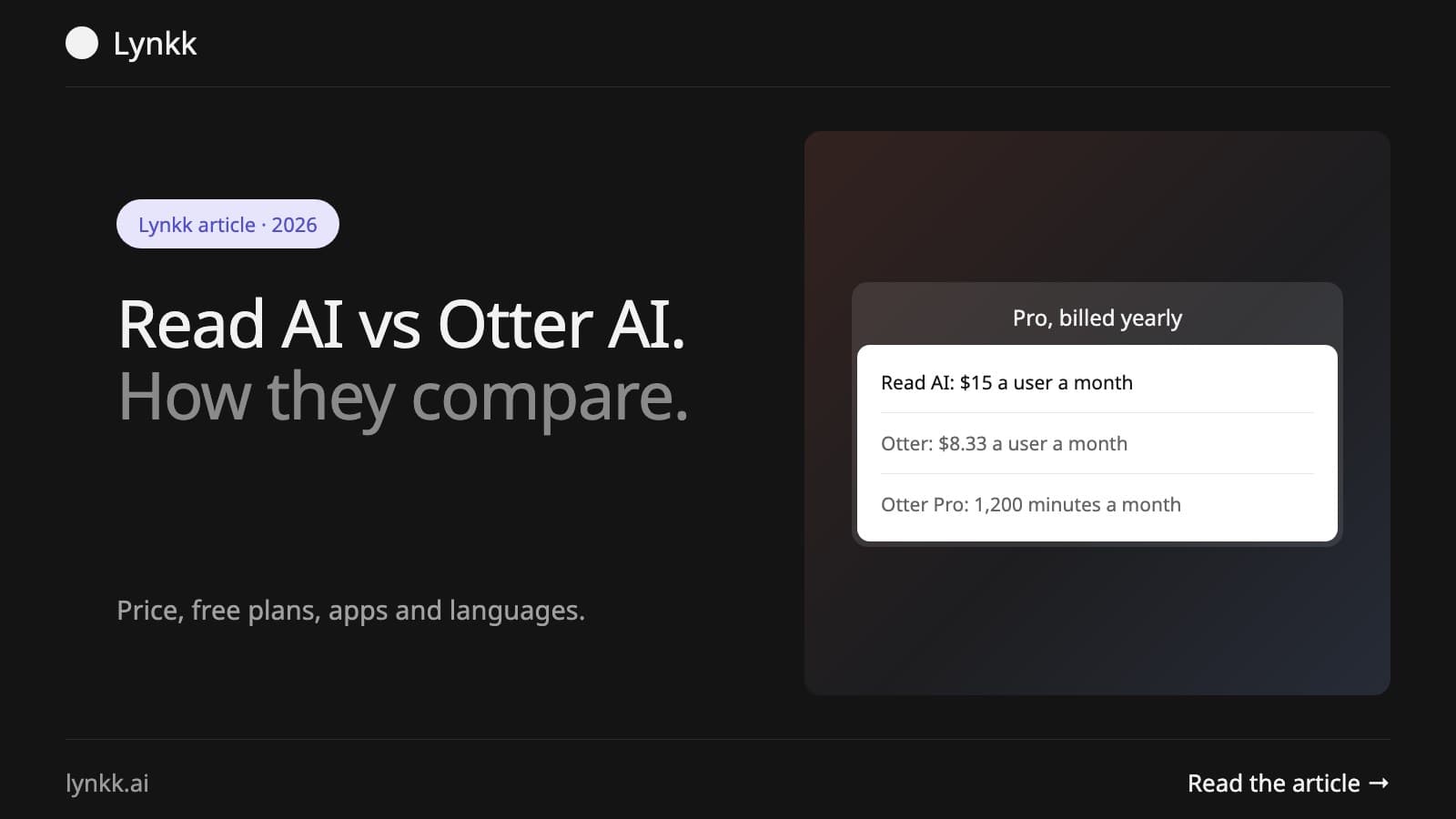
Quick answer: In Read AI vs Otter AI, Otter wins on live transcription and price: Pro costs $8.33 a month billed yearly and the free plan gives 300 minutes. Read AI wins on meeting analytics and coaching: it scores engagement and talk time, and Pro costs $15 a month billed yearly. Read AI's free plan stops at 5 meetings; Otter's stops each call at 30 minutes.
Disclosure: Lynkk publishes this guide and makes a competing AI meeting assistant. Prices come from Read AI and Otter, checked 17 October 2026.
Read AI and Otter.ai are AI meeting assistants that join your calls, transcribe them and write summaries you can search later. Read AI vs Otter AI is a common shortlist, and from a distance it is easy to see why. Each joins Zoom, Google Meet and Microsoft Teams, writes summaries and action items, and has a free plan. Both also sit on most shortlists of AI meeting assistants for 2026.
Up close? Different problems. Otter is built around the transcript: you read along live and search it later, much like other AI transcription software. Read AI is built around the meeting itself, which means it cares about how the call went, who spoke and for how long, how engaged people were, and what you could do better next time.
The core difference is focus. Otter AI produces a live, searchable transcript, while Read AI produces meeting reports with engagement and talk-time analytics plus a personal meeting coach. Both summarize and list action items.
| Read AI | Otter.ai | |
|---|---|---|
| Main output | Meeting report and analytics | Live transcript |
| Free plan | 5 meetings/month, 1 h each | 300 min/month, 30 min per call |
| Paid from (yearly) | $15 per user/month | $8.33 per user/month |
| Apps | Windows, macOS, Android, iOS | Web, mobile apps |
Ask yourself what you want to know once the call ends. If it is "what exactly did they say?", Otter answers faster. If it is "how did that meeting go, and how do I run the next one better?", Read AI does.
Otter AI is better for people who need accurate live notes, captions during calls, and the lowest price. Managers and sellers who want feedback on their meetings, plus reports they can share with a team, will get more from Read AI. Neither side of Read AI vs Otter AI wins everything.
Choose by role:
On both billing cycles, Otter costs less. Otter Pro costs $16.99 monthly or $8.33 billed yearly, while Read AI Pro costs $19.75 monthly or $15 billed yearly. Team plans follow the same pattern. Otter Business is $19.99 billed yearly; Read AI Enterprise is $22.50 billed yearly, and only its top Enterprise+ tier carries a 5-license minimum.
| Tier | Read AI (monthly / yearly) | Otter.ai (monthly / yearly) |
|---|---|---|
| Free | $0 | $0 |
| Pro | $19.75 / $15 | $16.99 / $8.33 |
| Team tier | Enterprise $29.75 / $22.50 | Business $30 / $19.99 |
| Top tier | Enterprise+ $39.75 / $29.75 | Enterprise, custom |
Picture a 10-person team on annual billing: Otter Pro comes to $1,000 a year, and Read AI Pro to $1,800. Otter also caps its paid tiers by workspace size, at 5 billed users on Pro and 25 on Business. Full breakdown: Read AI pricing.
For individuals on annual billing ($8.33 a month), Otter is not expensive at all. The jump comes with the Business plan, which costs $30 per user per month on monthly billing. Teams often end up there because Pro caps each conversation at 90 minutes and 1,200 minutes a month.
There is a similar jump on the other side. Read AI's Enterprise tier, the one you need for audio and video playback, costs $22.50 to $29.75 per user, and Enterprise+ adds a 5-license minimum, so a team of 3 that needs HIPAA still pays for 5 seats. Same story both ways.
Frequent short calls favour Otter's free plan: 300 minutes a month, up to 30 minutes each. A few long calls favour Read AI's: 5 meetings a month, up to 1 hour each.
| Free plan limit | Read AI | Otter.ai |
|---|---|---|
| Meetings or minutes | 5 meetings/month | 300 min/month |
| Length per meeting | 1 hour | 30 minutes |
| History | Not limited on page | 25 most recent conversations |
| File uploads | Not included | 3 lifetime |
Say you run a single weekly hour-long client call. Read AI Free covers it. Otter Free cuts each call in half, which leaves you with notes for the first 30 minutes and nothing for the decisions made at the end. Other free AI note takers set the cap by notes rather than minutes.
On apps, Read AI lists native versions on 4 platforms: Windows, macOS, Android and iOS, all available on the free plan. Otter matches that list, since its pricing page offers Mac and Windows downloads alongside iOS and Android apps, a Chrome extension and a meeting agent for Zoom, Google Meet and Microsoft Teams.
| Platform | Read AI | Otter.ai |
|---|---|---|
| Windows desktop app | Yes | Yes |
| macOS desktop app | Yes | Yes |
| iOS and Android | Yes | Yes |
| Zoom, Meet, Teams | Yes | Yes |
In-person meetings work too, since both mobile apps can record a conversation in the room. One catch with Otter: those in-person recordings count against the same 300 or 1,200 monthly minutes as your calls.
With clear English audio and 1 speaker at a time, both tools are accurate enough; crosstalk, accents and poor microphones trip up each of them. Where they differ is in fixing mistakes. You get more correction tools in Otter: custom vocabulary (5 terms on Basic) and, on Pro, 100 names plus 100 other terms for the team and the same again per user.
What you read matters for accuracy too. Otter shows the raw transcript, so errors are visible and easy to fix. With Read AI leading on summaries, a misheard word may be smoothed over while a wrong number quietly slips into the report that goes to your manager. Check names, dates and prices before you share either output.
Premium integrations come with Read AI Pro, 7 of them: Notion, Confluence, Salesforce, HubSpot, Jira, Zapier and webhooks. On Otter, Pro adds Salesforce, HubSpot and Zapier. API access and webhooks wait until Enterprise.
Product teams get a slight edge from Read AI's Jira and Confluence connections. Large sales teams may lean the other way. Why? Because Otter's Enterprise plan adds custom CRM and dialer integrations and an Otter Sales Notetaker, which together cover most of sales conversation intelligence work. Read AI also notes that its Salesforce and HubSpot connections are subject to user limits, as Otter does.
Security? Each offers enterprise tiers. On Otter Enterprise you get SSO, SCIM, domain capture and a HIPAA compliance add-on. Read AI Enterprise+ includes HIPAA compliance, SAML, SCIM, domain capture and custom data retention.
Day to day, though, the bigger questions are about control:
Fireflies sits between them. It records like Otter, then adds CRM sync and search across calls, at $10 per seat billed yearly for Pro. For Read AI vs Otter AI vs Fireflies, the short version is simple: pick Otter for transcripts, Read AI for analytics, and Fireflies for CRM-heavy sales.
Fireflies also keeps its free tier to 400 minutes of storage per team, so it is the tightest of the three for archives. We go deeper on Fireflies in Otter vs Fireflies vs Fathom.
Yes. Lynkk (our product) focuses on what happens around the meeting rather than only the transcript or the analytics. You can let its meeting bot join Zoom, Google Meet and Teams, or record without a bot through the Mac app and Chrome extension, which also covers in-person conversations.
Languages matter too. Lynkk handles 17 languages plus auto-detect, Hinglish included. Free covers 5 notes a month at up to 2 hours each, and Pro costs $15 a month. More options: Read AI alternatives and Otter.ai alternatives.
Pick Otter if you want live transcripts, captions and the lowest price per user. Want meeting analytics, coaching and native apps on Windows, Mac, Android and iOS? That is Read AI. And if what you need is prep before calls and tasks and Jira tickets after them, pick Lynkk.
More on Lynkk: a side-by-side with Otter.ai and search across past meetings with citations.
For live transcription and lower cost, Otter is better; for engagement analytics and coaching, Read AI. One practical tiebreaker: Otter Business lets a user join 3 concurrent meetings, while Read AI counts 30 measured video conferences a month on every plan, including Enterprise+. Heavy double-booking favours Otter.
Otter AI centres on live, searchable transcripts; Read AI centres on meeting reports with talk time, filler words, bias and charisma scores. One difference buyers miss: Read AI keeps unlimited storage on every paid plan, while Otter meters imported files at 300, 1,200 and 6,000 minutes a month by tier.
No. Read AI Pro costs $15 a month billed yearly versus $8.33 for Otter Pro, and $19.75 against $16.99 monthly. Watch the workspace caps, though: Otter Pro bills at most 5 users and Business 25, so a 40-person rollout on Otter means Enterprise, which is quote-only.
Yes, partly: Read AI shows live notes and metrics in-meeting, 5 sessions a month on Free. Otter runs live transcription on every plan and adds integrated live captions for Zoom and Google Meet. For RTMP-based live transcription, Otter charges additional fees, which is worth checking before a big event.
Both join Teams calls. Read AI goes one step further with an AppSource app you install from the Teams store, which lets you add its assistant to a call by pasting the join URL. Otter answers Teams differently: video replay covers Zoom and Google Meet only. See our guide to an AI note taker for Microsoft Teams.
Yes, within limits. Read AI says meeting reports come in 16+ languages, Hindi included, though its plan card claims 20+. Otter's own feature table names 6: English, Spanish, French, German, Japanese and Chinese. Lynkk covers 17 plus auto-detect and a Hinglish setting. Test a real meeting first.
Ask an AI to summarize this article
Keep reading
AI note takers
Fathom, Otter, Fireflies, Granola, Read AI and more side by side: free limits, paid plans from $8.33, bot or bot-free, and fit for Zoom, Teams or Meet.
AI note takers
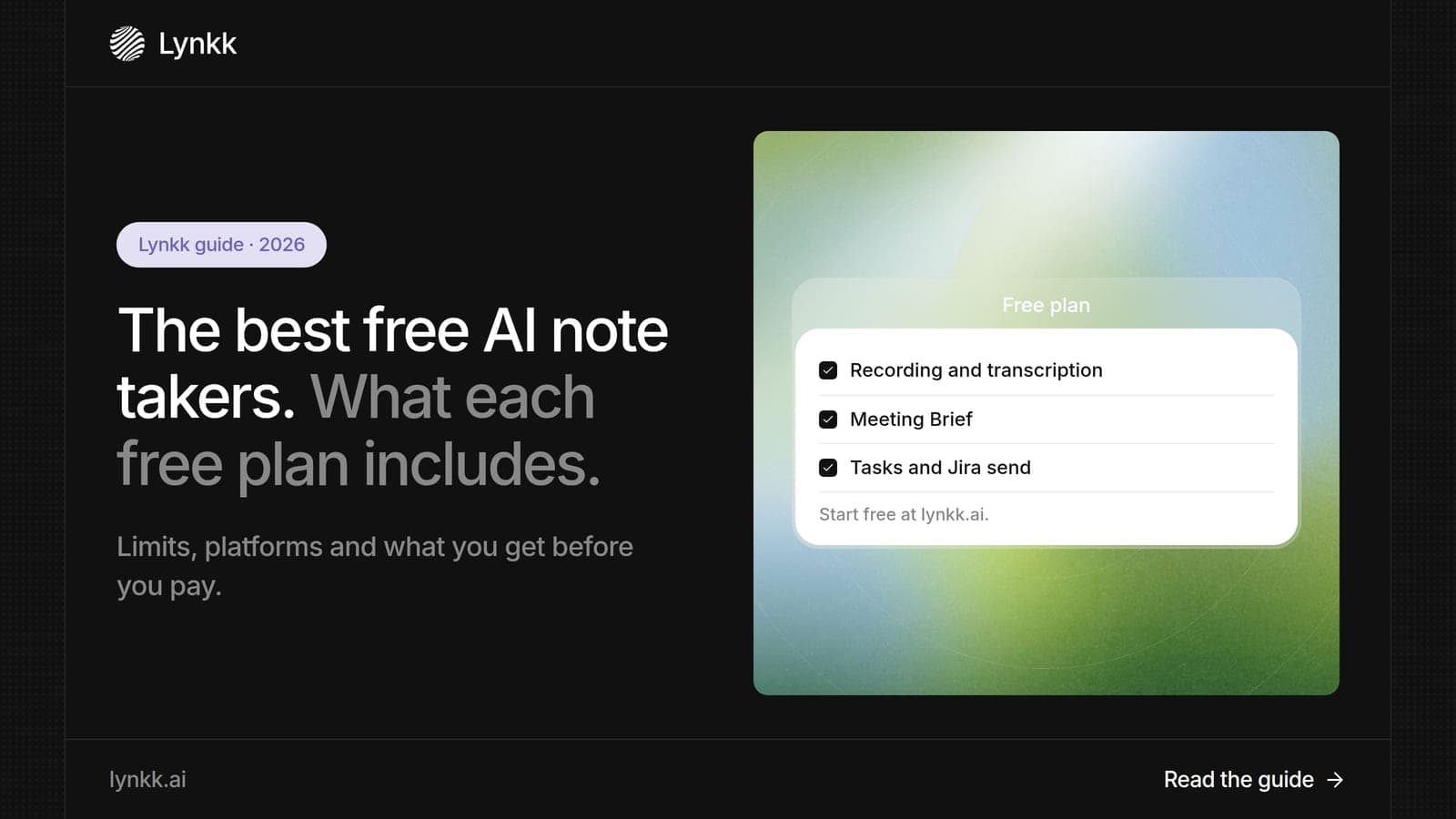
Free AI note taker plans compared: Fathom's unlimited recording, Otter's 300 minutes, Granola's 30-day history and 5 more, plus what each upgrade costs.
AI meeting assistants
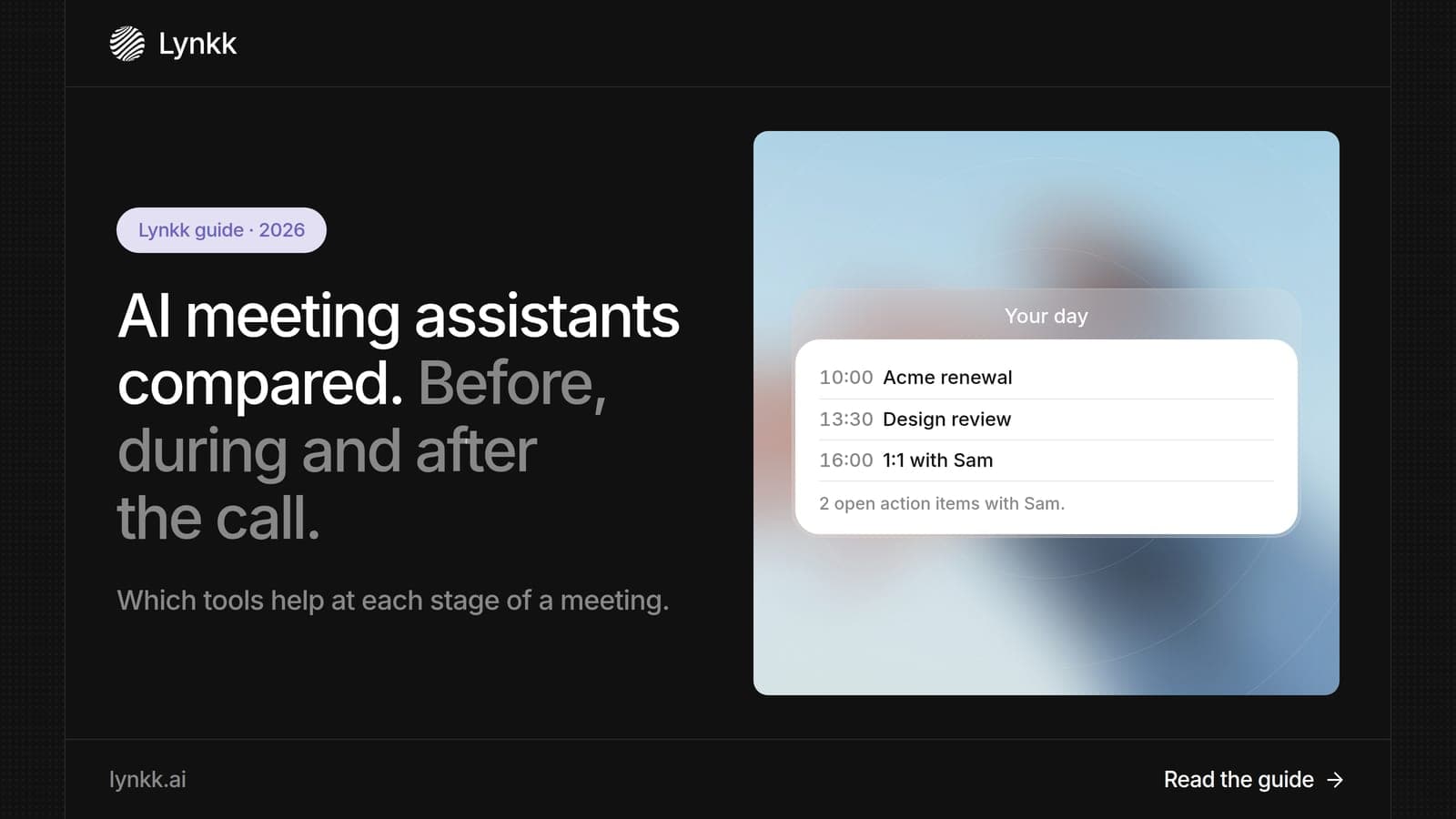
Most AI meeting tools only summarize afterward. See which of 8 assistants also help before and during the call, with free plans and prices for each.
Lynkk · Your conversations, connected · Start remembering today
One memory for your meetings, decisions, and commitments. Find context, get answers, and keep moving.