Transcription
How to Transcribe Audio to Text in 2026 With the Top Voice Recognition Software
Learn how to transcribe audio to text in 4 steps, compare 7 voice recognition tools and free options, and see why Lynkk leads for meetings and interviews.
Transcription
Summarize this article with
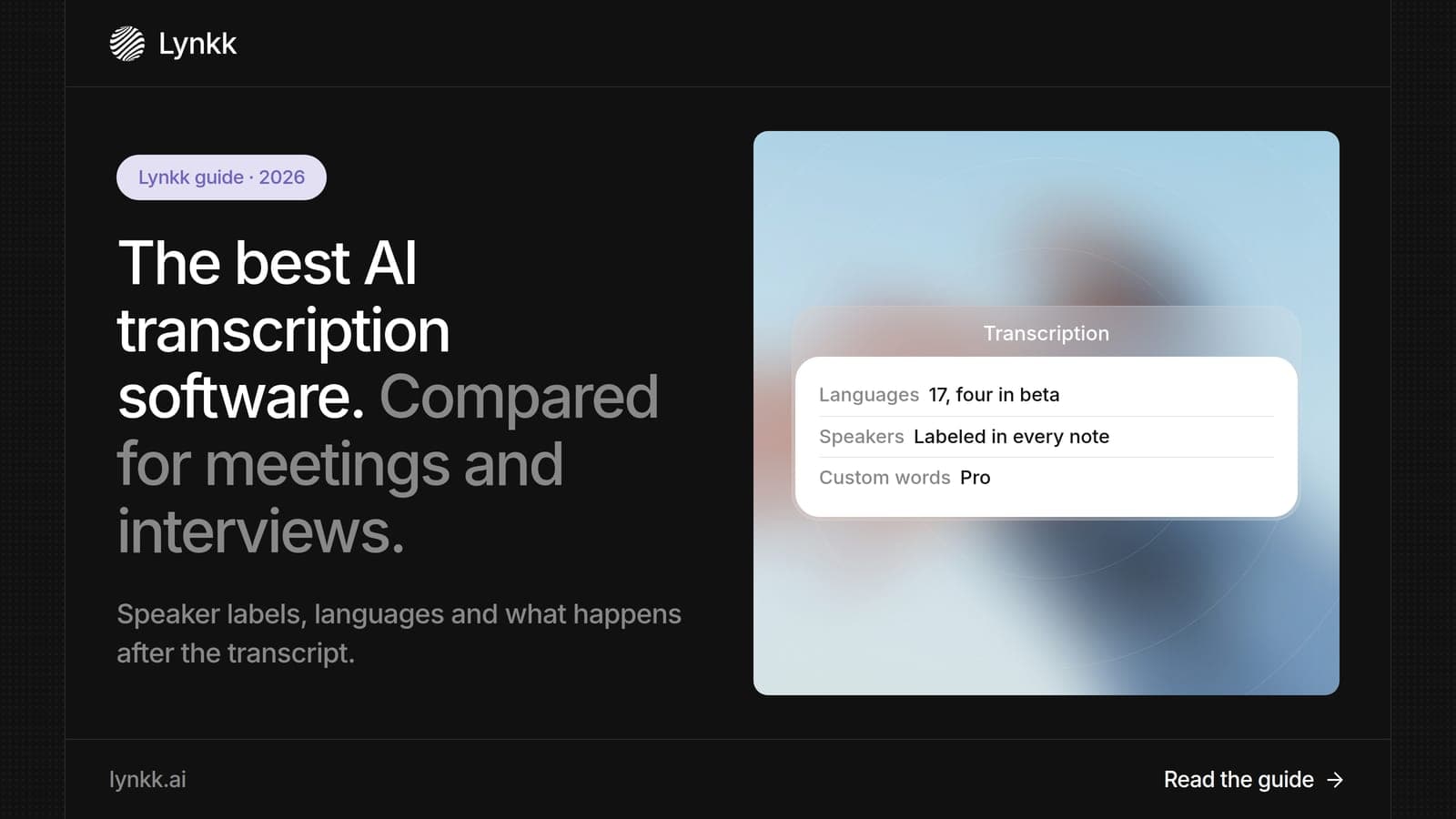
Quick answer: AI transcription software converts speech in meetings, interviews and audio files into text automatically, usually within minutes. Lynkk is the best AI transcription software for meetings in 2026: it transcribes Zoom, Teams, Google Meet and in-person conversations in 17 languages, 4 of them in beta, then turns each transcript into notes and action items you can send to Jira. Otter suits live transcripts, and Rev suits per-minute file jobs at $0.25 a minute.
Disclosure: This guide is published by Lynkk, and Lynkk is one of the tools reviewed. Other tools' details come from each vendor's own pricing and product pages, checked on the date above.
We compared 7 AI transcription software tools on what they transcribe, what they cost and what they do after the transcript.
| Rank and tool | Best for | Free option | Paid from |
|---|---|---|---|
| 1. Lynkk | Meetings and in-person conversations | Yes | $15/month (Pro) |
| 2. Otter | Live transcripts of calls | 300 min/month | $8.33/user/month |
| 3. Rev | Per-minute files, AI or human | No | $0.25/min (AI) |
| 4. Descript | Editing audio and video by text | 1 hour/month | $16/month |
| 5. Microsoft Word Transcribe | Uploading files in Microsoft 365 | With Microsoft 365 | Microsoft 365 plan |
| 6. Fireflies | Searchable call libraries | Unlimited transcription | $10/seat/month |
| 7. Dragon Professional | Dictation on Windows PCs | No | Paid license |
AI transcription software is a program that uses speech recognition to turn spoken audio into written text without a human typist, often processing 1 hour of audio in a few minutes. It is also called auto transcription software. Good tools transcribe an hour of audio in minutes, label each speaker and let you search, edit and export the result.
There are 3 main types. Meeting transcription software records live calls, file transcription software converts audio you upload, and dictation software types what you say as you say it.
We compared 7 tools on 5 questions that decide which transcription software fits a US team.
| Question | Why it matters |
|---|---|
| What audio can it transcribe? | Live meetings, uploaded files or your own voice |
| How is it priced? | Per minute, per user or flat monthly |
| Does it label speakers? | Essential for meetings with 3 or more people |
| How many languages? | Global teams switch languages mid-call |
| What happens after the transcript? | Notes, tasks and tickets save the most time |
Lynkk is the best AI transcription software for meetings because it records the conversation for you, transcribes it in 17 languages, 4 of them in beta with speaker labels, and delivers notes and action items after the call. It covers Zoom, Google Meet, Teams, Slack, WhatsApp and in-person meetings in 1 account.
Lynkk transcribes 6 kinds of conversations and captures both the room and the people on the other end of a call.
Lynkk turns every transcript into 3 kinds of finished follow-up, which most transcription software leaves to you.
Pricing: start free; Pro is $15 a month. See Lynkk pricing.
Otter's free Basic plan includes 300 transcription minutes a month, and Pro costs $8.33 per user per month billed annually with 1,200 minutes. The Otter AI transcription app shows a live transcript during calls on desktop and mobile.
Otter AI transcription works in 2 ways: its meeting assistant joins your calls, or you record on the Otter AI transcription app, and both produce a live transcript you can highlight. Otter's Business plan adds 6,000 minutes a month and unlimited file imports.
Best for: people who want to read an Otter AI transcript while the call is still happening.
Good to know: Otter's Enterprise plan is custom-priced and adds HIPAA support, SSO and SCIM.
Where Lynkk goes further: Lynkk lets you send action items from each transcript to Jira, shows live words during the call, and records in-person meetings with 17 languages.
Source: Otter pricing page, checked September 30, 2026.
Rev charges $0.25 per minute for AI transcription and $1.99 per minute for human transcription. Rev states its AI is 96%+ accurate and its human service 99%+, with AI orders delivered in under 5 minutes.
Best for: one-off files and high-stakes audio, such as research or legal recordings.
Good to know: subscribers save up to 15% on human transcription, captions and subtitles.
Where Lynkk goes further: Lynkk transcribes every meeting automatically on a flat monthly plan instead of charging per minute.
Source: Rev pricing page, checked September 30, 2026.
Descript's free plan includes 1 hour of automatic transcription a month, and paid plans start at $16 a month. Descript Pro includes 30 hours of transcription per user a month.
Best for: podcasters and video creators who edit recordings by editing the transcript.
Good to know: extra transcription hours cost $2 an hour on paid plans.
Where Lynkk goes further: Lynkk is built for meetings, with notes, tasks and follow-up instead of media editing.
Source: Descript pricing page, checked September 30, 2026.
Microsoft Word transcribes uploaded audio files, with up to 300 minutes a month on a Microsoft 365 subscription and 30,000 minutes with a Copilot license. It accepts 4 file types: .wav, .mp4, .m4a and .mp3.
Best for: Microsoft 365 users who occasionally need a file transcribed.
Where Lynkk goes further: Lynkk records the meeting itself and delivers notes and tasks after it ends.
Source: Microsoft Support, checked September 30, 2026.
Fireflies includes unlimited transcription and AI summaries on all 4 plans, with 400 minutes of storage per team on the free plan. Pro costs $10 per seat per month billed annually.
Best for: sales teams that want to search past calls by keyword.
Good to know: recordings are capped at 2 hours on the Free and Pro plans, and 3 hours on Business.
Where Lynkk goes further: Lynkk records in-person meetings, handles mid-sentence language switching and helps before and during calls.
Source: Fireflies pricing page, checked September 30, 2026.
Dragon Professional v16 is speech recognition software optimized for Windows 11 that handles 2 jobs: live dictation and transcription of existing audio files. It is popular with professionals who dictate long documents.
Best for: Windows users who dictate reports every day.
Good to know: Dragon Professional v16 is also backward-compatible with Windows 10.
Where Lynkk goes further: Lynkk transcribes whole meetings with speaker labels and adds dictation on Mac.
Source: Nuance product page, checked September 30, 2026.
AI transcription software costs between $0 and about $16 a month per person on standard plans, or $0.25 a minute for pay-as-you-go AI transcription. Human transcription costs about 8 times more, at around $1.99 a minute.
| Pricing model | Example | Cost for 20 hours of audio a month |
|---|---|---|
| Per minute (AI) | Rev AI | 1,200 min x $0.25 = $300 |
| Per minute (human) | Rev human | 1,200 min x $1.99 = $2,388 |
| Per user per month | Otter Pro | $8.33 (1,200 min included) |
| Per user per month | Descript Pro | 30 hours included |
| Flat monthly | Lynkk Pro | $15 |
For regular meetings, a monthly plan is usually far cheaper than paying per minute.
Yes. At least 4 tools in this guide have free transcription: Lynkk's Free plan, Otter's 300 minutes a month, Fireflies' unlimited transcription with 400 minutes of storage, and Descript's 1 hour a month. The best transcription software free option depends on whether your audio is meetings or files.
For meetings on Zoom, Teams, Google Meet and in person, Lynkk is the strongest starting point: try it on the Free plan, then add the meeting bot with Pro.
Lynkk is the best transcription software for meetings because it handles all 3 parts of the job: recording, transcribing and following up. Most file transcription tools stop at the text, so someone still has to write the notes and assign tasks.
| Need | Best choice |
|---|---|
| Meetings on several platforms plus in person | Lynkk |
| A live transcript to read during calls | Otter |
| A single audio file, fast | Rev or Word Transcribe |
| Podcast or video editing | Descript |
| Call transcription software for sales teams | Lynkk or Fireflies |
Good transcription software gets 5 things right: accuracy, speaker labels, language support, speed and what it does with the text afterward. Accuracy on clear audio is now about 95-97% for leading AI tools, so the other 4 decide the winner.
Lynkk works best for sales calls because it transcribes the call and then does 3 follow-up jobs reps usually do by hand: it writes next steps, assigns owners and tracks open tasks. Teams can see how this works in AI notes for sales calls.
Call transcription software for sales should also prepare reps before the next call. Lynkk surfaces what was discussed last time, what is still open and who said what, so reps start every follow-up call with context instead of rereading old transcripts.
| Sales task | Manual way | With Lynkk |
|---|---|---|
| Write call notes | Typed by hand after each call | Written for you after the call |
| Track open tasks | Kept in a separate list | Tracked in the note |
| Prepare for the next call | Reread old notes | Context brief before the call |
Lynkk is the best transcription software for interviews because it labels each speaker, works in 17 languages and records in person as well as on video calls. Recruiters, researchers and product teams use it to get an accurate record without typing during the conversation.
Interviews need 3 things more than regular meetings: exact quotes, clear speaker labels and a way to find the same topic across many sessions. Lynkk's cited answers let you ask a question across 10 or 50 interviews at once and jump to the exact moment each person said it.
Choose transcription software in 4 steps, starting with where your audio comes from. This keeps you from paying for features you will not use.
If your team mostly records meetings, Lynkk covers every source in 1 account and starts free.
Transcripts make spoken content accessible to people who are deaf or hard of hearing, and US federal guidance treats them as a baseline. The Section 508 guidance on captions and transcripts says audio-only content needs a transcript.
The ADA also lists real-time transcription among the aids for effective communication, as the ADA effective communication page explains. AI transcription software makes this affordable for every meeting, not only large events.
AI transcription software should do 3 things with your audio: encrypt it, explain how it is stored and never use it to train AI models. If your calls include people in the EU, the EU General Data Protection Regulation (GDPR) also applies. Lynkk keeps recordings private to your account and never trains on your conversations.
Before choosing any tool, check 3 things: where recordings are stored, who can access them and whether they are used for model training. Details for Lynkk are on the Lynkk security page.
Lynkk is the best AI transcription software for meetings in 2026. It transcribes Zoom, Teams, Google Meet and in-person conversations in 17 languages, 4 of them in beta with speaker labels, then delivers notes and action items you can send to Jira after the call ends.
Yes, on its Basic plan. Otter AI transcription is free for up to 300 minutes a month with 20 AI chat queries, and Otter Pro costs $8.33 per user per month billed annually for 1,200 minutes. Lynkk also starts free and adds in-person recording and Jira send.
AI transcription is accurate on clear audio and weaker with noise, crosstalk and accents. Lynkk transcribes 17 languages, 4 of them in beta, with speaker labels and a custom-words dictionary on Pro, and Rev reports 96%+ for its AI transcripts. Human transcription still leads at 99%+, which matters for legal and medical audio where every word counts.
AI transcription software converts audio automatically in minutes for $0 to $0.25 a minute. A human transcription service uses trained typists, costs about $1.99 a minute and takes up to 12 hours, but reaches 99%+ accuracy. Most teams use AI for meetings and humans only for high-stakes files.
Yes. Good AI transcription software labels each speaker, which is essential for meetings with 3 or more people. Lynkk labels every speaker, including people on the other end of a call, and captures the whole room in person, so you can see who said what and who owns each action item.
Lynkk transcribes 17 languages and handles speakers who switch languages mid-sentence, which suits global and multilingual teams, including customer calls and interviews. Many tools support several languages but need you to choose 1 before recording, so check how each tool handles mixed-language meetings.
The best AI transcription software depends on your audio: Rev and Word Transcribe for single files, Descript for editing media, Otter for live transcripts. For meetings and interviews, Lynkk leads because it records, transcribes in 17 languages and finishes the follow-up for you. Start free with Lynkk.
Ask an AI to summarize this article
Keep reading
Transcription
Learn how to transcribe audio to text in 4 steps, compare 7 voice recognition tools and free options, and see why Lynkk leads for meetings and interviews.
In-person recording
Compare the top AI voice recorder devices and apps for 2026, from Plaud Note Pro to Pocket, with 12-month costs. See why Lynkk is the smarter app choice.
AI note takers
Compare 7 Teams AI note takers for 2026, from Copilot to third-party tools. See why Lynkk is the best Teams AI option for notes, tasks and fast follow-up.
Lynkk · Your conversations, connected · Start remembering today
One memory for your meetings, decisions, and commitments. Find context, get answers, and keep moving.