Transcription
How to Transcribe Audio to Text in 2026 With the Top Voice Recognition Software
4 steps to turn any recording into text, free options in Word, Mac and Windows, and 7 tools from $0 to $0.25 a minute compared on price and features.
Transcription
 By Samarth Wagh8 min read
Summarize this article with
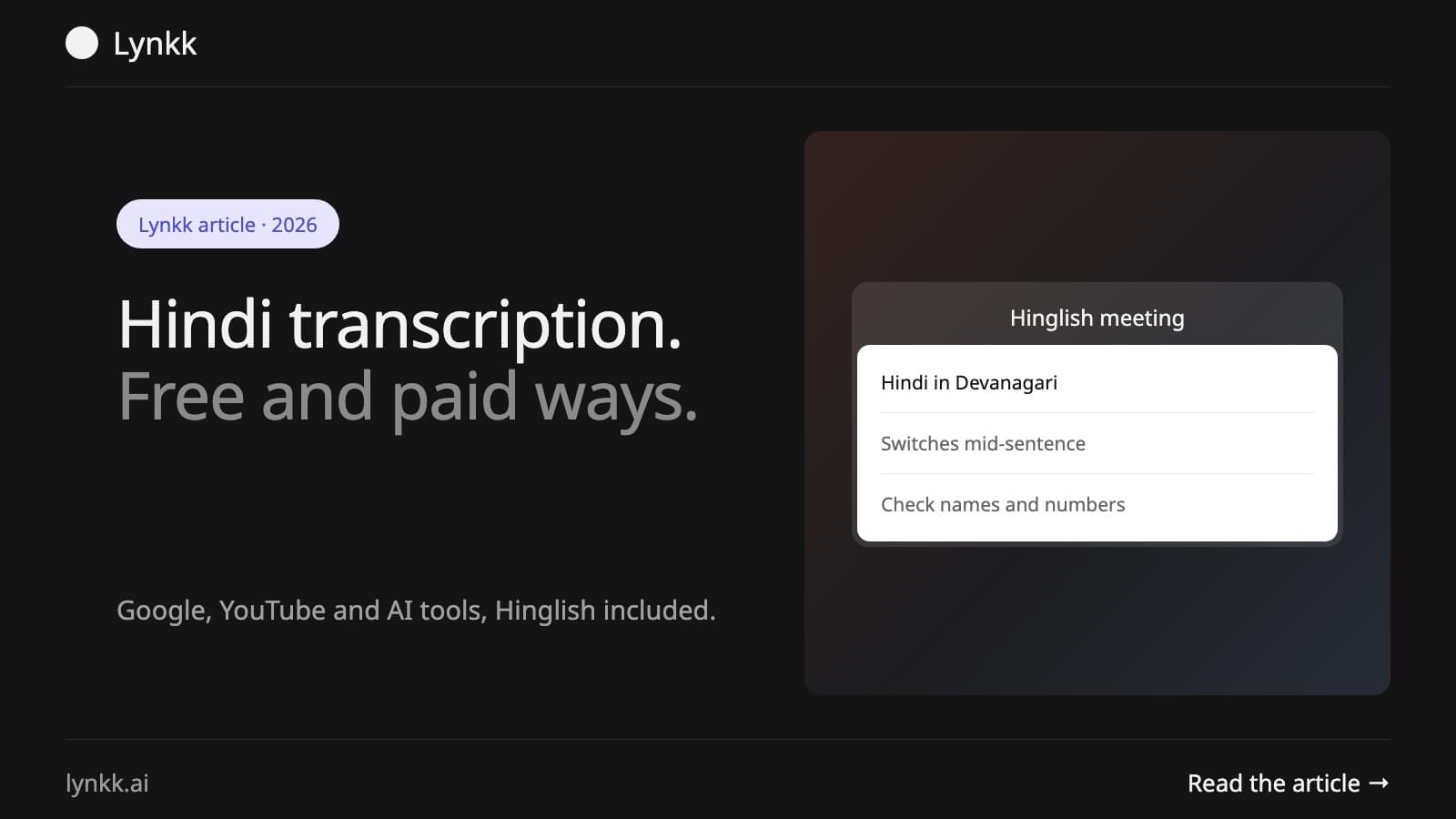
Quick answer: Hindi transcription means turning spoken Hindi into written text, usually in Devanagari. In 2026 you can do it free with Google Docs voice typing (select Hindi), YouTube auto-captions, or the free plan of an AI transcription tool. For Hindi or Hinglish meetings, Lynkk transcribes and summarises automatically, with a Hinglish setting and an India data region (free for 5 notes a month).
Disclosure: Lynkk publishes this guide and is one of the tools mentioned.
Hindi transcription is the conversion of spoken Hindi into written text, and it used to mean paying a typist by the audio minute. Not anymore. AI now produces a usable first draft in minutes, and 4 of the routes below cost nothing. The hard part has moved from getting text at all to getting accurate text when speakers flip between Hindi and English, drop Indian names, or talk over each other.
Covered below: free methods, AI tools, Hinglish handling, and how to verify accuracy before trusting the output.
Hindi transcription is the process of converting spoken Hindi audio or video into written text, a job that commonly took a typist several hours per audio hour before AI. Script varies. Output usually appears in Devanagari (हिन्दी), though Roman script (Hinglish) is possible too, depending on the tool and your settings.
Three terms people often mix up:
| Term | What it means | Example |
|---|---|---|
| Transcription | Hindi speech to Hindi text | "मीटिंग कल है" written as spoken |
| Translation | Hindi to English (or the reverse) | "The meeting is tomorrow" |
| Transliteration | Hindi in Roman script | "Meeting kal hai" |
Searching "English to Hindi transcription"? Most people typing that phrase actually mean translation or transliteration, so settle which one you need before choosing a tool. Our guide to turning audio into text covers the general workflow.
In 2026, learning how to transcribe Hindi audio means picking between 4 free routes. Every one trades off effort, accuracy and clip length, and Hindi transcription online free of charge always has a ceiling somewhere.
Option 3 is fastest for a 1-hour recording. Got a 2-minute voice note instead? Option 4 suffices, and our voice memo transcription guide walks through it.
"Hindi transcription Google" usually means Google Docs voice typing, which is free. It runs in the latest versions of 3 browsers, Chrome, Edge and Safari, and lists Hindi among its voice typing languages (Google Docs Help). Four steps get you going:
A few tips help. Wear headphones, play the audio from a separate device, and keep speech or playback at normal speed. Voice commands, punctuation included, work only in English, and both your account and document language must be English for them, so Hindi punctuation goes in by hand. Two more limits: an administrator can switch the feature off for a whole organisation, and Google Docs transcribes only in real time.
Building an app? Google Cloud Speech-to-Text names Hindi (hi-IN) among the languages its paid API accepts.
Hindi transcription AI has to clear 3 bars: Devanagari output, Indian names, and English words mixed into Hindi sentences. Below, common options go head to head on meeting and file transcription.
| Tool | Best for | Hindi | Free option |
|---|---|---|---|
| Lynkk (our product) | Hindi and Hinglish meetings, with summaries and tasks | Yes, plus Hinglish setting | 5 notes/month, up to 2 h each |
| Google Docs voice typing | Short dictation | Yes | Free |
| YouTube auto-captions | Videos you can upload | Yes | Free |
| Standalone AI transcribers | Uploaded audio files | Varies by tool | Usually limited free minutes |
Before committing, run 5 minutes of your own audio through any tool, because results hinge on microphone quality and on how much English creeps into the conversation. Our roundup of AI transcription software compares the file-upload options.
Hinglish meetings, where people switch between Hindi and English mid-sentence, are the hardest case for most tools, and they are common in 2026 Indian workplaces. YouTube says it may fail to caption a video at all when multiple languages are spoken at once. Many other tools force everything into one language.
Lynkk handles this with a dedicated Hinglish setting for mid-sentence switching (see Hinglish transcription for meetings). Google Meet, Zoom and Microsoft Teams calls are recorded through a meeting bot; in-person or bot-free meetings go through the Mac app and Chrome extension. Once the meeting ends, you get:
Language coverage runs to 17 plus auto-detect, with Tamil, Telugu, Marathi and Bengali in beta, and workspaces can pin model processing to India. Free covers 5 notes a month at up to 2 hours each; Pro costs $15 a month.
One Google Meet caveat: Gemini's Take notes for me lacks Hindi support. Details live in Google Meet AI note takers in India.
With AI, Hindi transcription of a 1-hour recording usually takes a few minutes of processing plus 15 to 30 minutes of human review (industry estimate). By hand? A skilled typist needs several hours for that same hour.
| Method | Time for 1 hour of audio | Best for |
|---|---|---|
| Typing by hand | Several hours | Legal or published text |
| Google Docs voice typing | At least 1 hour (real time) | Short clips, dictation |
| AI transcription tool | Minutes, plus review | Interviews, lectures, files |
| AI meeting assistant | Ready soon after the meeting | Recurring meetings |
Weekly meetings change the math: an AI meeting assistant saves the most time because it captures each meeting as it happens, then files it with the rest of your notes. Live voice typing on a phone or laptop is a different job, covered in our guide to Hindi speech to text.
In 2026, AI Hindi transcription is accurate enough for meeting notes and first drafts when the audio is clear and 1 person speaks at a time. Background noise hurts. So do crosstalk, regional accents and heavy English mixing, the 3 problems YouTube names for its own failed captions.
Check these 5 things before you share a Hindi transcript:
Legal, medical or published content needs more. Get a fluent Hindi speaker to proofread the full text, as our legal transcription guide spells out.
Cleaner recordings lift Hindi transcription quality more than switching tools does, and these 5 habits cost nothing:
Hindi transcription jobs exist in 2026, mostly as freelance work on transcription platforms that pay per audio minute. Demand has shifted, though, and with AI handling first drafts, many roles now mean reviewing and correcting machine output instead of typing everything from scratch.
Job hunting? Confirm the platform is established and read its pay terms. Never hand over a fee to get hired.
More on Lynkk: Hinglish transcription for meetings and transcription in 17 languages plus auto-detect.
Use Google Docs voice typing with Hindi selected, YouTube auto-captions for videos, or the free plan of an AI transcription tool. One catch with YouTube: auto-captions are published automatically once ready, so upload as unlisted or private if the audio is confidential.
Yes. Google Docs voice typing lists Hindi, YouTube's auto-captions cover Hindi, and Google Cloud Speech-to-Text accepts hi-IN as a paid API. One gap worth knowing: YouTube live-stream auto-captions are English only, so a Hindi webinar gets captions only after the stream becomes a video.
Transcription writes spoken Hindi as Hindi text. Translation converts it into another language, such as English, while transliteration writes Hindi words in Roman script. Many people searching for English to Hindi transcription actually need translation or transliteration, so pick the right one before choosing a tool.
Some tools can. Lynkk has a Hinglish setting for meetings where speakers switch between Hindi and English mid-sentence. YouTube, by contrast, lists overlapping speech and multiple languages among the reasons it generates no captions at all. Test a real 10 to 20 minute Hinglish meeting first.
An AI meeting assistant that supports Hindi is the most practical choice, because it also summarises and lists action items. Lynkk, for example, handles Hindi and Hinglish on Google Meet, Zoom, Teams and in person. Model processing can be pinned to India at workspace level.
Yes, with clean input. AI Hindi transcription is accurate for clear audio with 1 speaker at a time. Google itself warns that accents, dialects and background noise can misrepresent speech, so check names, numbers and English terms, and have a fluent speaker review anything legal or published.
Ask an AI to summarize this article
Keep reading
Transcription
4 steps to turn any recording into text, free options in Word, Mac and Windows, and 7 tools from $0 to $0.25 a minute compared on price and features.
Transcription
Compare 7 AI transcription tools by job: live transcripts, file uploads at $0.25 a minute, editing by text, and meeting notes. Free plans included.
Transcription
Voice memo transcription on iPhone, step by step: view and copy transcripts, fix transcription that is not working, and turn recordings into clear notes.
Start remembering today
Find context, get answers and keep moving.