AI note takers
The Best AI Note Takers in the US for 2026, Compared Online and In Person
Fathom, Otter, Fireflies, Granola, Read AI and more side by side: free limits, paid plans from $8.33, bot or bot-free, and fit for Zoom, Teams or Meet.
AI note takers
 By Samarth Wagh10 min readPricing checked 17 October 2026
Summarize this article with
Quick answer: The best Otter ai alternatives in 2026 are Lynkk (one AI before, during and after each meeting, from $0), Fireflies (deep CRM sync, from $10 a month billed yearly), Fathom (unlimited free recordings), Granola (bot-free notes, $14 a month) and Read AI (meeting analytics, $15 a month billed yearly).
Disclosure: Lynkk publishes this guide and is one of the tools reviewed. We checked every price on the vendor's own pricing page.
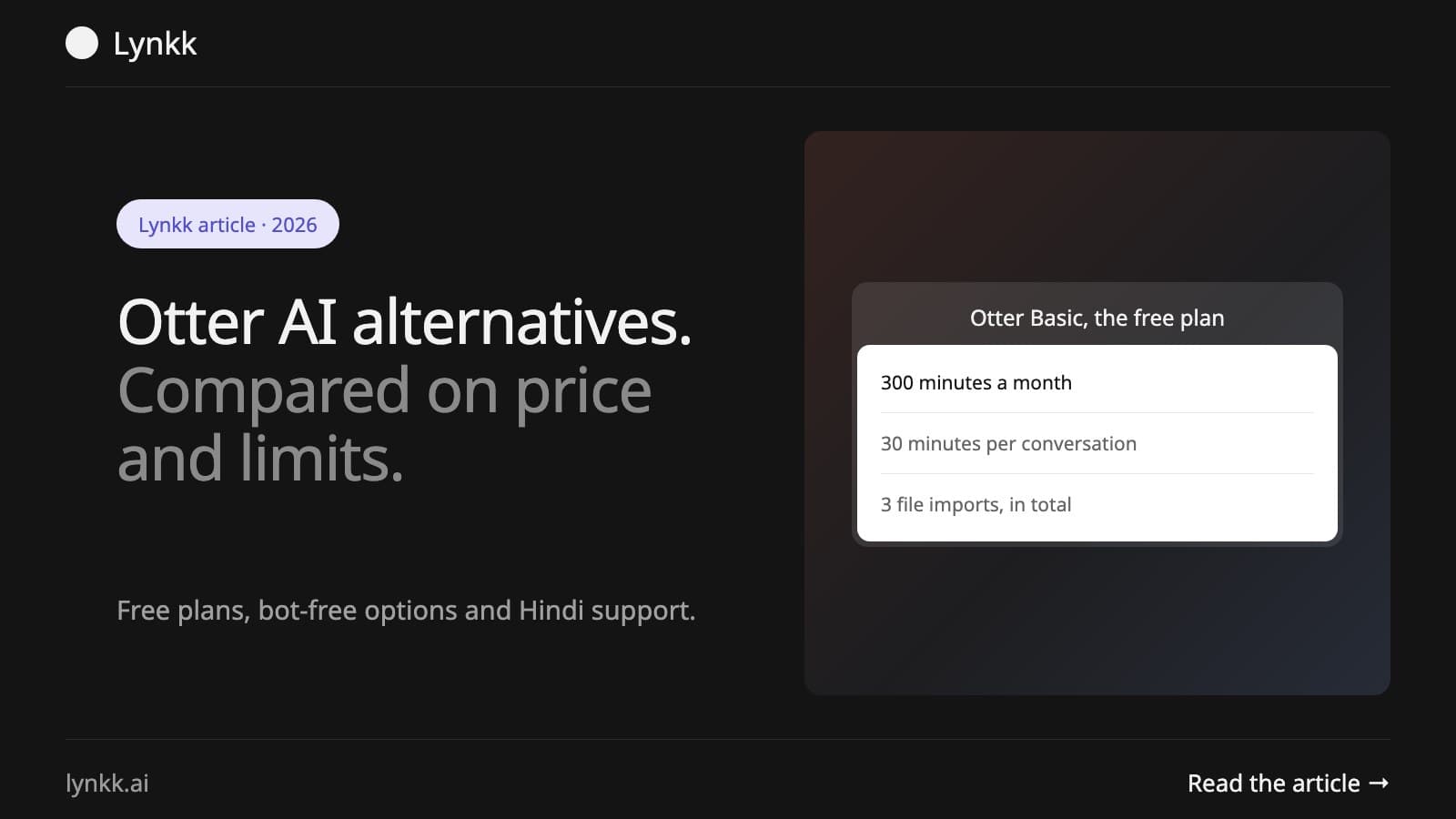
Most people searching for otter ai alternatives hit the same wall. Otter AI alternatives are the tools US teams move to when Otter's free Basic plan runs dry. It caps you at 300 transcription minutes a month and 30 minutes per conversation, so one hour-long client call gets cut in half. Paid Pro costs $16.99 a month on monthly billing. Hence the comparison shopping.
This guide compares eight tools on what actually changes your week. Free limits. Real prices, who each tool suits, and what happens after the meeting ends. For the wider field, including tools that never joined Otter's shortlist, see our roundup of AI note takers.
Three limits send people looking at Otter AI alternatives: a 30-minute cap per conversation on the free plan, only the 25 most recent conversations kept on Basic, and 20 AI chat queries a month. Teams that meet all day outgrow that within a week, usually right after the first long client call gets cut off before anyone agreed on next steps.
The other reasons we hear from teams:
Yes, Otter has a free Basic plan, but it allows 300 minutes a month, 30 minutes per conversation, 3 lifetime file imports and only your 25 most recent conversations. For occasional short calls it works. For daily client meetings it runs out fast.
| Otter plan | Monthly billing | Annual billing | Key limit |
|---|---|---|---|
| Basic | $0 | $0 | 300 min/month, 30 min per conversation |
| Pro | $16.99 | $8.33 | 1,200 min/month, 90 min per conversation |
| Business | $30 | $19.99 | Unlimited meetings, 4 hours per conversation |
| Enterprise | Custom | Custom | SSO, SCIM, HIPAA add-on |
Source: Otter.ai pricing page, checked 17 October 2026. Otter also shows a lower Pro promotion that it says applies only to India-issued cards.
Here are the 8 tools we compared, with the free plan and the cheapest paid tier for each.
| Tool | Best for | Free plan | Paid from (per user/month) |
|---|---|---|---|
| Lynkk (our product) | One AI across the whole meeting | 5 notes/month, 2 h each | $15 |
| Fireflies.ai | Sales teams living in a CRM | Yes, limited storage | $10 yearly, $18 monthly |
| Fathom | Generous free recording | Unlimited recordings | $16 yearly, $20 monthly |
| Granola | Bot-free personal notes | 30 days of history | $14 |
| Read AI | Meeting analytics and coaching | 5 meetings/month | $15 yearly, $19.75 monthly |
| Notta | Cheap transcription minutes | 120 min/month | $8.17 yearly |
| Jamie | Bot-free, EU-hosted notes | 10 notes/month | $24 |
| Zoom AI Companion / Teams Copilot | Teams already paying for Zoom or Microsoft 365 | Bundled | Depends on your license |
We compared each tool using its own pricing page and product documentation. Here is where each one wins and where it falls short.
Lynkk is an AI meeting assistant that records online and in-person conversations, then turns them into notes, tasks with owners and dates, and searchable memory. A bot joins Zoom, Google Meet and Microsoft Teams. Prefer no bot? The Mac app and Chrome extension record without one.
Where Lynkk goes further than Otter is the full meeting cycle:
Lynkk handles 17 languages plus auto-detect, including Hindi and Hinglish. Teams can pin data processing to the US, EU, UK, India, Singapore or Australia, and every action item carries an owner and a due date.
Pricing: Free for up to 5 notes a month (2 hours each). Pro is $15 a month with no note cap, unlimited AI summaries, Ask Lynkk and the meeting bot with video.
Watch out for: there is no Windows, iOS or Android app yet, and CRM sync (HubSpot) is listed as coming soon.
Fireflies sends a bot to your calls and syncs notes and fields into CRMs such as Salesforce and HubSpot. Teams that record every sales call like its search across calls and its topic trackers, which make it easy to find every call where a competitor or a pricing objection came up. Prefer no bot in a client call? The Fireflies desktop app records system audio instead, though that mode saves no audio or video file.
Pricing: Pro is $10 per seat billed yearly or $18 monthly. Business is $19 yearly or $29 monthly. Enterprise is $39 per seat billed yearly (Fireflies help center).
Watch out for: storage limits on lower tiers, and AI features that run on credits. We compare it head to head in Otter vs Fireflies vs Fathom.
Unlimited recordings and transcriptions come free with Fathom, the most generous free tier in this list. Zoom, Google Meet and Microsoft Teams are all supported.
Pricing: Premium is $16 a month billed yearly or $20 monthly. Team is $15 per user yearly (2 users minimum). Business, with CRM field sync, is $25 yearly or $34 monthly (Fathom pricing).
Watch out for: several AI features on the free plan are marked "limited use", and the bot-free capture mode is still a Mac beta.
Granola listens through your computer's audio, so no bot joins the call. You type rough notes; the app fills in the rest. It runs on Mac, Windows, iPhone and, since July 2026, Android.
Pricing: Basic is free with 30 days of meeting history. Business is $14 per user per month with unlimited history (Granola pricing).
Watch out for: the free plan only keeps a month of history. See our Granola vs Otter AI comparison.
Read AI adds engagement and talk-time metrics on top of summaries, plus a personal meeting coach. It covers Zoom, Meet and Teams.
Pricing: Free covers 5 meetings a month up to 1 hour each. Pro is $15 billed yearly or $19.75 monthly (Read AI pricing).
Watch out for: the free plan has no file uploads. Full comparison: Read AI vs Otter AI.
Notta is transcription-first. Web meeting capture covers Zoom, Google Meet, Teams and Webex.
Pricing: Free gives 120 minutes a month, 3 minutes per conversation. Pro is $8.17 a month billed yearly for 1,800 minutes (Notta pricing).
Watch out for: the 3-minute cap makes the free plan a demo, not a daily tool. Details in our Notta pricing breakdown.
Jamie records from your device without a bot and hosts data in the EU, which matters for teams with European clients. Notes come in 99+ languages, for online and in-person meetings alike.
Pricing: Free gives 10 AI notes a month up to 30 minutes. Plus is $24 a month billed yearly, and Team is $37 per seat billed yearly (Jamie pricing).
Watch out for: pricing climbs fast for unlimited notes. Our Jamie AI note taker review covers it in depth.
Already paying for Zoom Workplace or Microsoft 365? Then a built-in assistant may cover basic summaries, but check the licence: Teams' intelligent recap needs Teams Premium or a Copilot licence, and Zoom's assistant, now called ZoomMate, keeps its better features on paid tiers. Both stay inside one platform, so in-person meetings and cross-platform search are out of scope. We compare options in Zoom AI Companion alternatives.
Of the paid Otter AI alternatives, the cheapest is Notta at $8.17 a month billed yearly, followed by Fireflies Pro at $10. Which tool counts as the cheaper alternative to Otter AI depends on billing, since Otter Pro itself drops to $8.33 on an annual plan. Hunting otter ai alternatives free of charge instead? Fathom gives unlimited recordings and Lynkk gives 5 notes a month with tasks and Jira send included.
Among Otter AI alternatives, cheapest is not always lowest total cost. Count the hours spent turning notes into tickets and follow-ups, because a tool that writes the Jira ticket and drafts the recap for you can easily save more than the $5 price gap between two subscriptions.
Yes. Several secure alternatives to Otter AI are built for privacy first. Look for 3 things: bot-free capture, a choice of data region, and a clear no-training policy.
Meetily's Community edition is free for individuals, with Pro from $10 a user a month, so "open source" does not always mean free for a team. Data is encrypted with AES-256 in transit and at rest on Lynkk. Otter has a bot-free route too: its desktop app records without a bot on Zoom, Google Meet, Slack huddles and in person, so a privacy switch is not the only reason to leave. Whatever you pick, check whether the vendor trains models on your data before you sign.
Export first, then cancel. Otter Basic exports MP3 and TXT, and Pro adds PDF, DOCX and SRT, with bulk export from Business up. Follow these 4 steps:
We scored the Otter AI alternatives on 5 criteria that match how US teams actually buy:
| Criterion | What we checked |
|---|---|
| Free plan | Minutes, meetings and history you get for $0 |
| Real price | Monthly and annual price per user, from the vendor page |
| After the meeting | Tasks, tickets and follow-ups, not just a summary |
| Coverage | Zoom, Meet, Teams and in-person conversations |
| Trust | Bot-free option, data region, encryption |
Prices change often. The date we checked each one sits at the top of this guide, and our guide to AI transcription software covers how we test accuracy.
More on Lynkk: a side-by-side with Otter.ai and answers drawn from every past meeting.
Fathom has the most generous free recording, with unlimited recordings and transcripts. Lynkk's free plan is smaller at 5 notes a month, but each note includes tasks with owners and Jira send, which Otter Basic does not offer. Fathom's free plan has no monthly cap.
Otter is worth it if you need fast English transcription and live captions. It is less worth it if you need notes turned into tasks, in-person capture in the same tool, or meetings longer than 30 minutes on a free plan. Weigh those three gaps first.
Otter Business costs $30 per user per month on monthly billing, or $19.99 billed yearly. For a 10-person team that is up to $3,600 a year, which is why teams compare Fireflies, Fathom and Lynkk. Annual billing lowers the cost, but many teams still find cheaper options with similar features.
Granola and Jamie are built around bot-free capture. Lynkk offers both: a bot for Zoom, Meet and Teams, plus a Mac app and Chrome extension that record without one. Bot-free capture still records the meeting, so tell participants at the start, especially on client calls.
Yes. Lynkk supports Hindi and has a Hinglish setting for calls that switch between Hindi and English mid-sentence. It covers 17 languages plus auto-detect in total. Tamil, Telugu, Marathi and Bengali are in beta, and teams can keep data processing in India.
Most tools accept audio uploads rather than Otter's own files, so export your transcripts as TXT or DOCX from Otter and keep them in your docs, then let the new tool capture meetings going forward. Run both for a week. Compare.
The right pick among Otter AI alternatives depends on the job. Fireflies, if your CRM sits at the center of your sales process. Fathom for free unlimited recording, Granola for private bot-free notes, Read AI for meeting analytics. Pick Lynkk if you want one AI that preps you before the call, answers during it and does the follow-up work after.
Ask an AI to summarize this article
Keep reading
AI note takers
Fathom, Otter, Fireflies, Granola, Read AI and more side by side: free limits, paid plans from $8.33, bot or bot-free, and fit for Zoom, Teams or Meet.
AI note takers
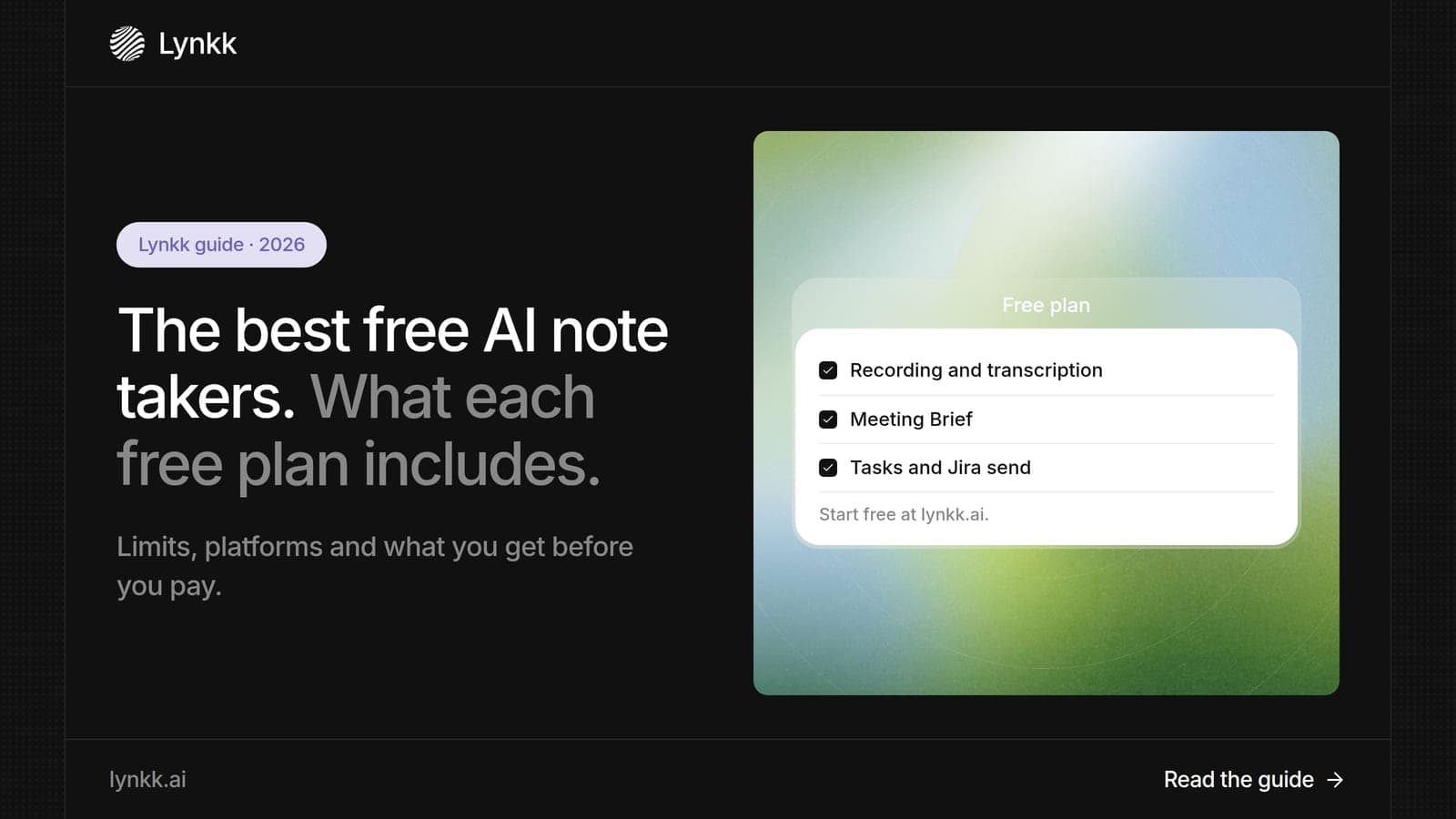
Free AI note taker plans compared: Fathom's unlimited recording, Otter's 300 minutes, Granola's 30-day history and 5 more, plus what each upgrade costs.
AI meeting assistants
Most AI meeting tools only summarize afterward. See which of 8 assistants also help before and during the call, with free plans and prices for each.
Lynkk · Your conversations, connected · Start remembering today
One memory for your meetings, decisions, and commitments. Find context, get answers, and keep moving.