AI note takers
The Best AI Note Takers in 2026: 10 Tools Compared
Fathom for free recording, Otter for live transcripts, Lynkk for bot or no bot and in-person notes at $4/mo. Ten AI note takers with free limits, prices and scores.
Meeting security and compliance
 By Samarth WaghUpdated 12 min readChecked against the linked vendor docs, standards and reports in November 2026
Part of: Best AI note takers
Summarize this article with
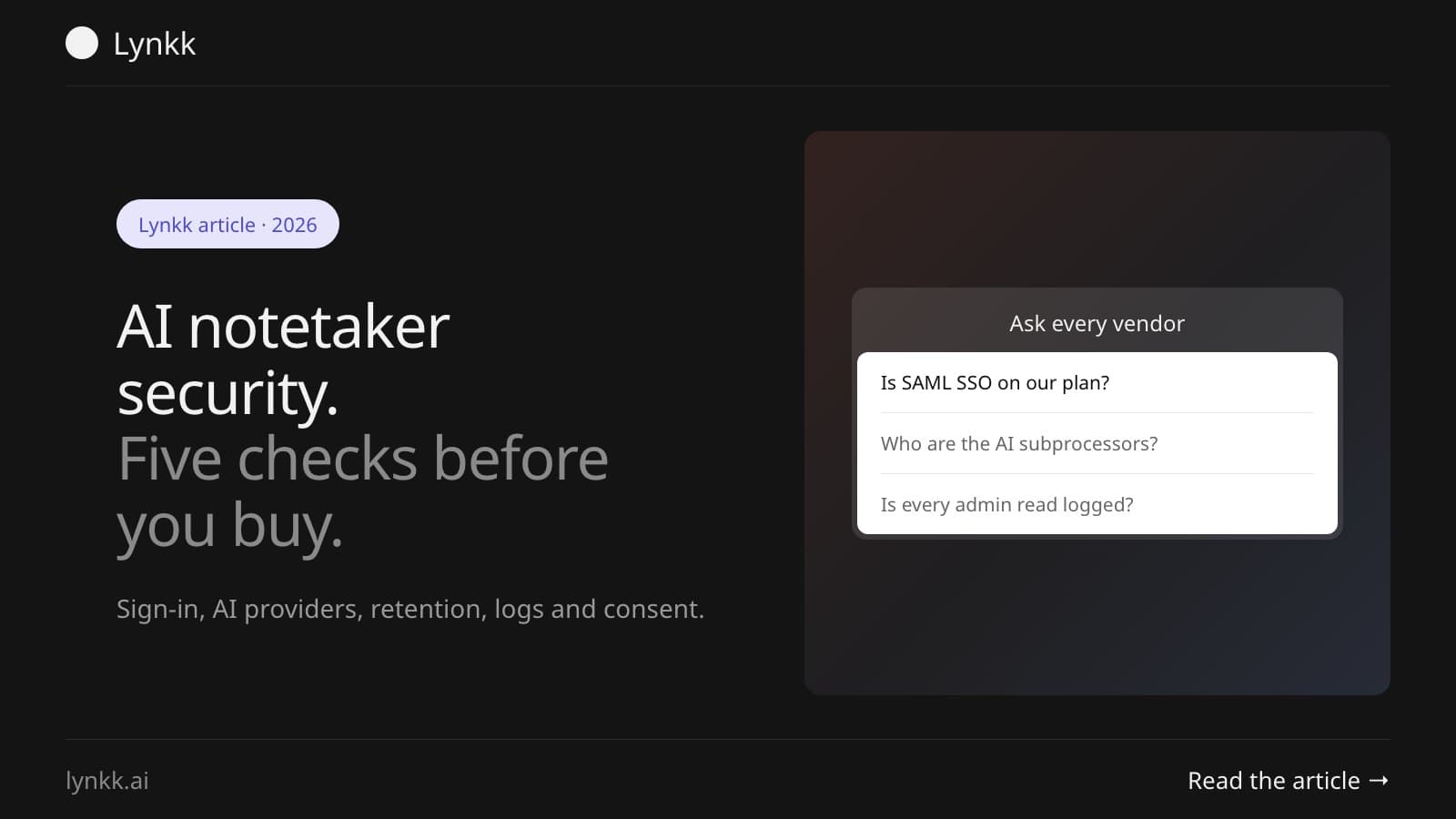
Quick answer: AI notetaker security comes down to five checks: who can sign in (SSO and SCIM), which AI providers read the transcript, how long recordings are kept, whether every access is logged, and how people on the call are told. It matters because IBM's 2025 breach report found heavy shadow AI added $670,000 to the average breach.
AI notetaker security is the set of controls that decide who can open a recorded meeting, where its audio and transcript travel, and how long both survive. Most vendor reviews stop at one question: do you have SOC 2? Fine. But the question buyers type into search now is sharper: which model providers actually read the call?
Disclosure: This guide is published by Lynkk, which makes an AI note taker. Where we describe Lynkk, we only use what its security page and pricing page say today, including the gaps.
| Control | What to ask the vendor | Red flag |
|---|---|---|
| Sign-in (SSO and SCIM) | Is SAML SSO with Okta or Microsoft Entra ID on our plan, and does SCIM remove leavers? | SSO only above a seat minimum you won't reach |
| AI subprocessors | Which speech-to-text and LLM providers process our audio and transcripts, on what retention terms? | "Trusted partners" with no names |
| Retention | Can admins set deletion periods for audio, transcripts and summaries separately? | One fixed setting, or deletion only by email request |
| Audit trail | Is every admin read, export and share logged, and can compliance export the log? | No record of who opened which note |
| Consent | Can we enforce a recording notice, or capture without a bot joining? | A bot that auto-joins from calendar sync without telling anyone |
An AI notetaker is as secure as its weakest control, and for most teams that control is sign-in, not encryption. Picture two tools. One has a current SOC 2 Type II report, SAML SSO and zero-retention contracts with its AI providers, which is a reasonable risk. The other was connected by a rep with a personal Gmail account, and IT has never heard of it.
SOC 2 is an attestation framework run by the AICPA. The Type II version is what counts, because it means an auditor tested the controls over months rather than on one afternoon. Ask for the report. Then check the dates it covers.
The four AI note taker security risks that show up in practice are shadow AI, silent recording, over-shared notes and transcripts reused for training. According to Help Net Security's summary of IBM's 2025 Cost of a Data Breach report, 97% of organisations with an AI-related breach had no AI access controls, and 63% had no AI governance policy or were still writing one.
Two kinds of provider usually see a call: a speech-to-text service that turns audio into words, and one or more large language model providers that write the summary. Very few notetakers build their own frontier models. So in most cases a model from OpenAI, Anthropic or Google is what actually writes your notes.
Zoom makes a handy benchmark for one simple reason: it publishes the list. Its AI Companion whitepaper names Anthropic, OpenAI and Google Gemini models in its federated approach. It says those providers work under zero data retention, with limited exceptions for trust and safety.
| Stage | Who processes it | What to confirm in writing |
|---|---|---|
| Audio | Speech-to-text provider | Processing region, retention period, no training |
| Transcript | One or more LLM providers | Zero data retention, no training, named company |
| Stored notes | The notetaker's cloud host | Encryption at rest, region, who holds the keys |
Some vendors describe this flow without naming the companies in it. If yours does, ask for the subprocessor list before you sign, not after. Lynkk's security page is one of them today. It says audio goes to a speech-to-text provider and transcripts to AI model providers over HTTPS, with no AI training on your conversations, but it doesn't name the providers publicly.
SSO, SCIM and a full admin console almost always sit on the top, sales-quoted tier, often with a seat minimum before they switch on. It happens often enough that a whole site, sso.tax, exists to track it. Its Zoom row shows SSO lifting the price from $15.99 to $19.99 per user per month, a 25% jump.
SCIM is the IETF standard, published as RFC 7644 in 2015, that lets your identity provider create and remove accounts on its own. Here's the part people miss. For a 300-rep rollout, SCIM matters more than SSO, because it's what locks a leaver out on their last day.
Enterprise-tier tools generally support SAML 2.0, the protocol both Okta and Microsoft Entra ID use, so AI notetaker SSO is rarely a yes-or-no question. It's a question of which plan unlocks it. Before you buy, ask three things:
A 40-person team can run safely on Google or Microsoft login, provided that account already enforces MFA and IT disables leavers the day they go. Google login is identity-provider login too. Most of the protection is already in place.
SSO starts to pay for itself when one of these is true:
Offboarding is where it breaks. Without SCIM, a rep who leaves with, say, six months of customer calls keeps access to every one of them until somebody deletes the account by hand.
Regulated teams should run 3 separate transcript retention clocks, for audio, transcripts and AI summaries, and keep an audit trail of every view, export and share. Microsoft's own docs make the point: Teams deletes recordings and transcripts after 120 days by default, but that expiry "doesn't enforce compliance requirements", per Microsoft Learn.
Here's what to look for:
Then come the sector rules. In US healthcare, any vendor handling protected health information needs a business associate agreement, as the Department of Health and Human Services sets out. The American Bar Association's Formal Opinion 512, issued in July 2024, asks lawyers to understand how a generative AI tool handles client information before they use it.
For meetings that stay inside Teams, Copilot gives strong control, because Microsoft Purview retention, sensitivity labels and a participant agreement prompt all apply. Admins can require people to agree to recording before they unmute or turn on a camera, and those consent results land in the attendance report.
The catch is scope. On the same Microsoft Learn page, the only Copilot policy setting an admin can enforce is "On with saved transcript required", and for retention Microsoft points to Purview policies on a SharePoint library rather than the expiry timer. Calls on Zoom, Google Meet or in person fall outside all of it. Teams that also meet elsewhere usually end up comparing tools like the ones in our guide to AI note takers for Microsoft Teams.
Yes, in 2 ways: a platform consent prompt, like the Teams participant agreement, or bot-free capture that records on the user's own device. Neither one gets you out of telling people. About a dozen US states, including California, Florida and Pennsylvania, need everyone's consent, as our guide to whether it's legal to record a meeting explains.
Lynkk takes the visible route on both. Its meeting bot joins as a participant named after you, for example "Maya's Notetaker", and stays in the participant list, though it doesn't announce itself out loud. The Mac app can also notice a Zoom, Meet or Teams call and record it on the laptop with no bot, as the integrations page shows. Bot or no bot, say out loud that you're recording.
A notetaker is enterprise-grade when an admin, not each user, controls sign-in, retention, sharing and offboarding. Most freemium tools begin life as personal apps. The admin controls come later, and usually only on the top plan.
| Capability | Built for individuals | Enterprise-grade |
|---|---|---|
| Sign-in | Personal Google or email login | SAML SSO plus SCIM |
| Retention | Set by each user | Set by admins, with legal hold |
| Sharing | Public links on by default | Domain-restricted links, admin policy |
| AI providers | Described, not named | Named subprocessors in the DPA |
| Audit | None | Exportable log of reads and exports |
Where does Lynkk land? In between, for now.
Enterprise (custom price) gives a shared workspace for up to 10 people, and everyone in one gets Pro. Admins invite people as Member or Admin, and can remove them. Admins can read workspace notes but never the recording, and Lynkk logs every time they open one. Any member can mark a note Personal to keep it private.
The security page adds the specifics: connected-tool tokens are encrypted with AES-256-GCM, upload links expire after 10 minutes, playback links after 1 hour, and the Mac app deletes its local copy 7 days after upload. There is no SAML SSO as of November 2026. SCIM provisioning is available for workspaces, so an identity provider can add and remove members. Data may be processed outside your country, including in India and the US.
So if you're rolling out to 300 reps, or you need SAML SSO, look at enterprise tiers elsewhere. We'd rather say that here than on a sales call.
A workable AI note taker policy fits on one page and covers 7 points. Write it before the first pilot. Not after the first complaint.
Teams usually approve the tool and forget the data flows behind it. Five mistakes come up again and again:
It depends on the vendor's terms, so read them rather than the marketing page. Many business tools promise no training on customer content, and Zoom and Lynkk both state this publicly. The risk sits in free tiers and vague wording like "to improve our services", so ask for a written no-training clause in your contract.
An AI note taker is only usable for patient conversations when the vendor signs a business associate agreement and its subprocessors are covered too. A HIPAA badge on a website isn't enough by itself. Confirm which plan includes the BAA, where audio is processed, and how long transcripts containing health information are kept.
Yes. Sharing a transcript beyond the people who need it, or letting a vendor reuse it, can put privilege at risk. Many firms bar notetakers from privileged calls entirely. If you allow them, turn off auto-join, restrict sharing to named people, and label the transcripts as privileged and confidential.
AI note takers are legal in most places when everyone on the call knows they're being recorded and the required people agree. About a dozen US states need consent from every participant, and the GDPR adds rules on how recordings are stored. Announcing the notetaker at the start of every call covers most situations.
They can, and that's how shadow AI starts. Individual sign-ups are fine for a short pilot if the tool uses company login and IT knows about it. Set a review date, agree which meetings are off-limits, and move the pilot onto an admin-managed workspace before more than a handful of people depend on it.
Most vendors price per seat and negotiate on volume at the sales-led tier, but the terms vary and are rarely published. Ask whether a pilot price carries over to the wider rollout, and whether SSO or SCIM arrive only above a seat minimum. Lynkk lists Pro at $4 a month₹250 a month, or $40 a year₹2,500 a year; a shared workspace for up to 10 people is on Enterprise, priced on a call.
AI notetaker security isn't one feature. It's five checks: who signs in, who else reads the call, how long it lives, who looked at it and who was told. Ask every vendor the same five questions in writing, and the shortlist sorts itself.
For a small team, Lynkk's security page follows one recording from start to finish. Still comparing? Start with the best AI note takers or the Zoom AI Companion alternatives for regulated teams.
Record with Lynkk. It records your meetings, online and in person, and tells you exactly where each recording goes. Get Lynkk Pro, $4 a month.
Where Lynkk fits: AI meeting notes
Keep reading
AI note takers
Fathom for free recording, Otter for live transcripts, Lynkk for bot or no bot and in-person notes at $4/mo. Ten AI note takers with free limits, prices and scores.
AI note takers
Free AI note taker plans compared: Fathom's unlimited recording, Otter's 300 minutes, Granola's 30-day history and 4 more, plus the cheapest upgrade.
AI meeting assistants
An AI meeting assistant is software that preps you before a call, helps during it and writes notes and tasks after. How it works, with examples at each stage.
Start remembering today
Find context, get answers and keep moving.