Dictation
Best Dictation Software for Small Business (2026)
The best dictation software for small business: Lynkk for voice to email and any Mac app, plus Apple, Windows, Google Docs, Word and Dragon, with costs.
Dictation and transcription
 By Samarth WaghUpdated 10 min readApple features checked against the macOS User Guide in November 2026
Part of: Voice to text apps
Summarize this article with
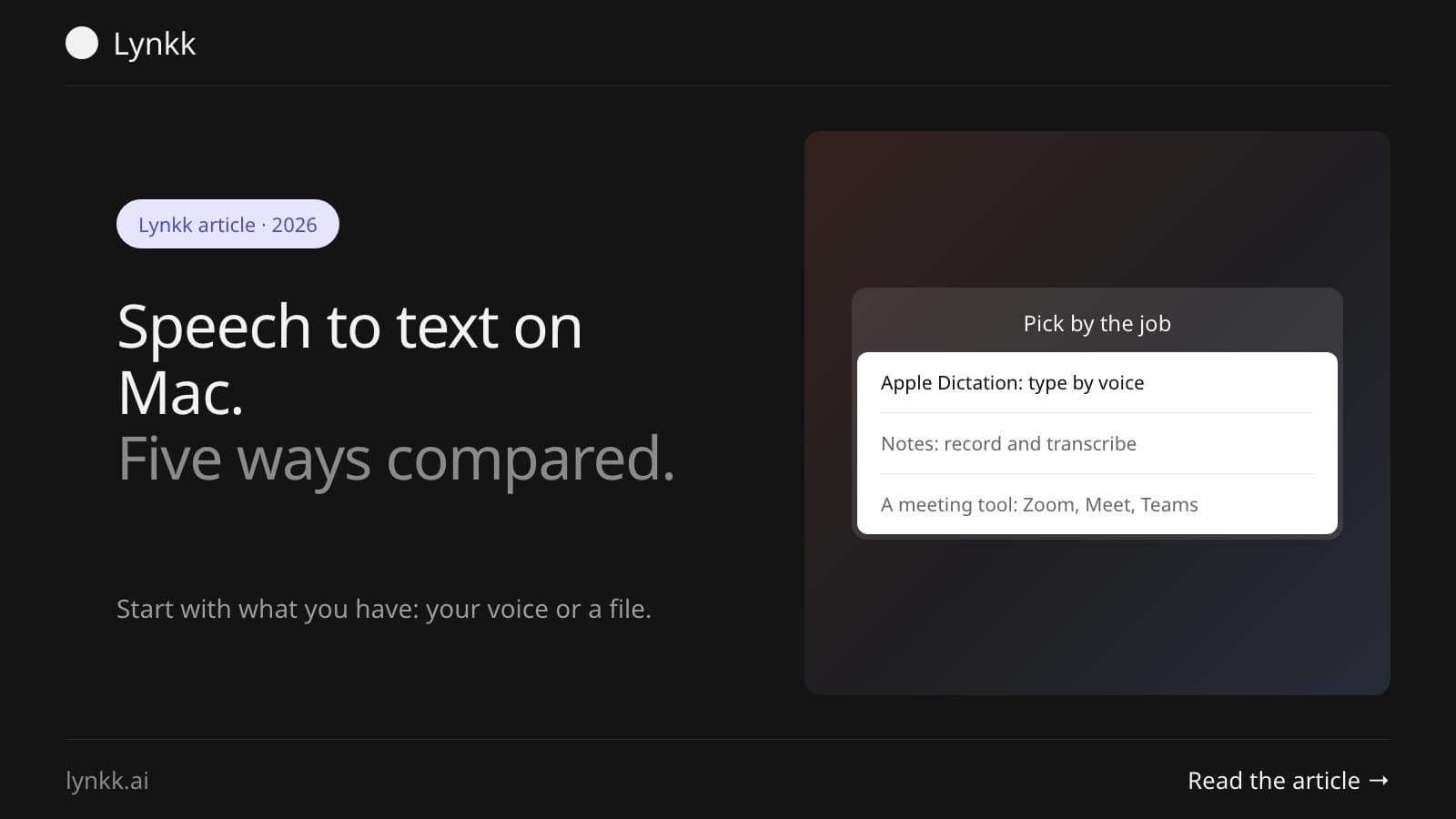
Quick answer: There are 5 ways to do speech to text on a Mac: Apple's built-in Dictation (free, types as you speak), Notes (records and transcribes audio), a third-party dictation app, a meeting transcription tool, and Voice Control for hands-free use. Dictation is the fastest start, and it stops automatically after 30 seconds of silence.
Speech to text on Mac means turning spoken words into typed text, either live as you talk or afterwards from a recording. Two different jobs. Pick the wrong tool for yours, and that's usually why a speech to text Mac setup seems broken.
Pick by what you're starting with: your own voice right now, or audio you already have, such as a 45-minute recording. This table maps the 5 speech to text Mac options to the job each does best.
| Method | Best for | Cost | Works offline |
|---|---|---|---|
| Apple Dictation | Typing by voice in any app | Free, built in | Partly, depends on your Mac |
| Notes recording | Recording and transcribing a conversation | Free, built in | Not stated by Apple |
| Third-party dictation app | Accuracy, formatting and commands | Free to paid | Varies by app |
| Meeting transcription tool | Zoom, Google Meet and Teams calls | Free tiers to paid | No |
| Voice Control | Hands-free control, accessibility | Free, built in | Yes, on device |
Turn on Apple's Dictation in System Settings, under Keyboard, then click Enable. Then put your cursor in any text field and start dictating: from the Edit menu, the Microphone key, or whichever keyboard shortcut you picked, per Apple's macOS User Guide.
If you speak more than one language, add each one in the same Dictation panel so macOS recognizes them. Apple's guide says you can enter text with Dictation anywhere you can type. 2 details are worth knowing before you start:
Click where you want the text, start Dictation, speak, then stop it. That is the whole routine, and it works the same in Mail, Notes, Pages, browsers and most other apps.
Speak at a normal volume and keep the microphone clear. Apple notes that clothing, your body or background noise can block or confuse the microphone.
The shortcut is whichever one you select in System Settings under Keyboard, then Dictation. Apple's guide lists pressing the Microphone key, using the Dictation keyboard shortcut, or choosing Edit then Start Dictation, so there's no single shortcut that's true on every Mac. On many Macs the preset is pressing the Fn key twice.
| Way to start | Where to find it |
|---|---|
| Microphone key | Top row of newer Mac keyboards |
| Keyboard shortcut | Your choice in Keyboard, then Dictation |
| Menu | Edit, then Start Dictation, in most apps |
To change the shortcut, open the Shortcut pop-up menu in the Dictation settings, then pick a preset or choose Customize and press the keys you want. Got a Microphone key? That's the quickest route. If not, pick a shortcut you won't hit by accident, because Dictation starts listening the moment it fires.
Sometimes. Apple's guide says you can check in Keyboard settings whether general text dictation is processed on your device rather than sent to Siri servers, so it comes down to 2 things: your Mac and your language.
Apple also says newer macOS uses an on-device model to improve spelling, punctuation and capitalisation, available in English on Mac models with M3 or later and at least 12GB of unified memory. Asking because of privacy? Check that setting before you dictate anything sensitive.
Yes. Apple Dictation is free and built into macOS, with no account, subscription or time limit. For most people, speech to text Mac free means Dictation plus the Notes app, which covers typing by voice and transcribing a recording.
Paid apps earn their money on accuracy, custom vocabulary, formatting and commands. Dictate now and then, and the free tools are plenty. Dictate for hours a day, and the time you stop losing to corrections pays for an app.
To transcribe audio on Mac, use an app built for transcription rather than live dictation, because Apple Dictation only types what it hears through the microphone right now. Apple's Notes can record audio in a note and generate a live transcript that's searchable, per Apple's Notes User Guide.
Already have the file, say an MP3 from a voice recorder? A transcription service is the simpler path. Our guide to transcribing audio to text covers the options, and the one on voice memo transcription covers recordings from an iPhone.
The best speech to text Mac app depends on what you're transcribing, and the choice splits 2 ways. For typing by voice in every app, a dedicated dictation tool beats the built-in one on formatting and commands. For meetings, you want something that records the whole call and writes it up afterwards.
Lynkk's dictation works this way on Mac: hold the fn key, talk, and it types into whatever field your cursor is in, including Slack, Mail, Notion and code editors, each with its own mode. It covers 18 languages and Hinglish, and its Instant mode keeps everything on your Mac, while Accurate and Polished stream audio for transcription without saving it to disk. It needs Apple silicon on macOS 14.2 or later, and dictation is included with Lynkk Pro.
For a wider list, including Windows and free built-in options, see our roundup of the best voice to text apps.
Apple Dictation works in any app where you can type, so it works in Pages, Google Docs in a browser, and Microsoft Word. Both of the latter also have their own option. Google's voice typing sits under Tools and needs Chrome, Edge or Safari, while Word's Dictate button on the Home tab is a subscriber-only feature that needs Microsoft 365 and an internet connection, with Option plus F1 as its Mac shortcut.
| App | Use Apple Dictation | App's own option |
|---|---|---|
| Pages | Yes, Edit then Start Dictation | None needed |
| Google Docs | Yes, in the browser | Voice typing, under Tools, in Chrome, Edge or Safari |
| Microsoft Word | Yes | Dictate button on the Home tab |
Our guide to dictating in Microsoft Word covers the differences between the two.
To transcribe a meeting, use a tool that records the call rather than your microphone alone, so you capture every speaker. Apple Dictation hears only what reaches your mic. That's why it's the wrong tool for a Zoom call.
Lynkk records Zoom, Google Meet and Teams either with a meeting bot that joins the call, or with no bot at all from the Mac app, which also records conversations in a room. Each recording becomes a transcript, a summary and action items. Tell people you're recording first. Our guide on whether it's legal to record a meeting explains when everyone has to agree.
When dictation on Mac stops working, the cause is usually one of a short list: Dictation is off, the wrong microphone, a missing permission, a language mismatch, muffled audio, no connection, or Dictation switching off after silence. Work through them in order.
If it still fails, restart the Mac and test in a simple app like Notes. If it works there, the problem is the other app, not Dictation itself.
Dictation does 1 job: it types what you say. Voice Control lets you operate the whole Mac by voice, including clicking, scrolling and opening apps, and it's designed as an accessibility feature.
Want to write a message by talking? Use Dictation. Want to run your Mac with no keyboard or mouse at all? That's Voice Control, and dictation comes as part of it.
Yes. Every modern Mac includes Apple Dictation, which types what you say into any text field, free and with no account. Turn it on in System Settings, under Keyboard, then start it with the Microphone key, your chosen shortcut, or Edit then Start Dictation. The Notes app can also record and transcribe audio.
Apple's guide says Dictation has no timeout for length, so you can keep talking as long as you like. It does stop automatically after 30 seconds with no speech detected, which is why long pauses end a session. Press your shortcut again to carry on where you left off.
Dictation on Mac does not save a separate file. The text goes straight into the app where your cursor sits, such as Notes, Mail or Pages, and it is saved like anything else you type there. No audio recording is kept, so save the document as usual.
Press the Escape key, press the Microphone key if your keyboard has one, or press your Dictation shortcut again. Keep your cursor in the document while you speak so the text lands in the right place, and check the last sentence before you move on.
Yes. Open System Settings, click Keyboard, and find the Shortcut pop-up menu in the Dictation section. Pick a preset or choose Customize and press the keys you want. A custom shortcut helps if the Fn key already does something else on your keyboard or in your apps.
It depends on your Mac and language. Apple's guide says you can check in Keyboard settings whether general text dictation is processed on your device rather than sent to Siri servers. Third-party apps vary: some run a local model with no connection, while others stream audio to a server for better accuracy.
Apple Dictation is accurate for everyday writing in a quiet room with a decent microphone. Accuracy drops with background noise, strong accents, technical vocabulary and names, which is the usual reason people try a voice to text Mac app instead. Apps that let you add a custom dictionary tend to handle jargon better, which matters most if you dictate product names, medical terms or code.
Apple's Dictation doesn't offer a general custom dictionary in the way dedicated apps do, though it learns some names from your contacts. If you regularly dictate unusual terms, a third-party dictation app with a custom dictionary saves the most time, because you fix each word once instead of after every session.
Apple says you can use Dictation anywhere you can type, so it works in Mail, Pages, Notes, browsers and most third-party apps. Some apps with custom text fields, including parts of certain code editors and games, may not accept dictated text. If nothing appears, click into the field first and check the app has microphone permission.
For typing by voice, Apple Dictation is free, built in, and good enough to start with today. For recordings, meetings or heavy daily dictation, a dedicated tool saves more time than it costs. If Mac dictation is misbehaving, the fixes above sort out most cases.
Dictate with Lynkk. Hold fn to dictate into any Mac app, and record your meetings while you're at it. Dictation and AI meeting notes are included with Lynkk Pro. Get Lynkk Pro, $4 a month.
Where Lynkk fits: AI dictation for Mac
Keep reading
Dictation
The best dictation software for small business: Lynkk for voice to email and any Mac app, plus Apple, Windows, Google Docs, Word and Dragon, with costs.
Dictation
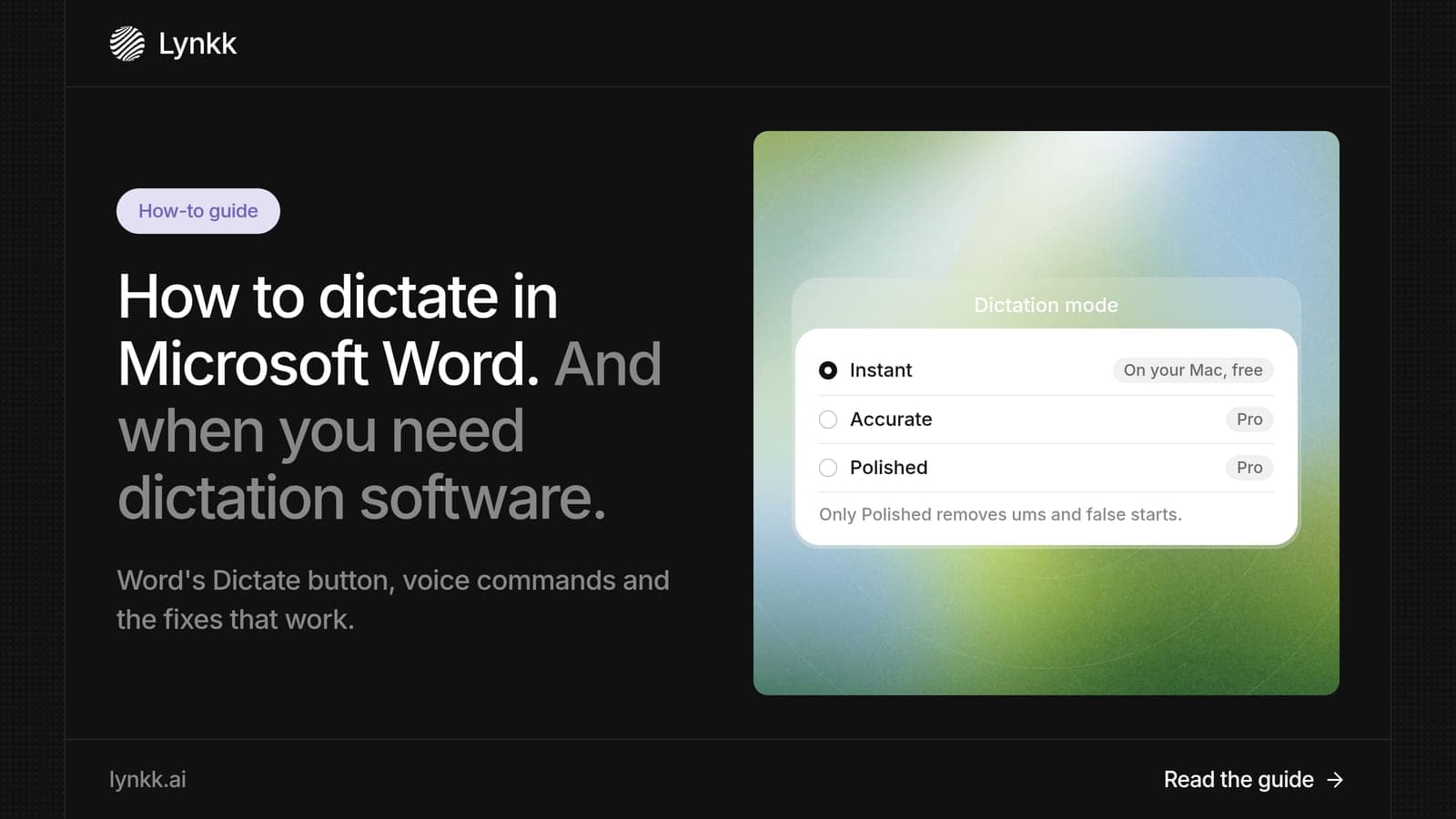
Select Home > Dictate, or press Alt + ` (Option + F1 on Mac), and speak. Plus the voice commands that work, fixes when Dictate fails, and other options.
Transcription
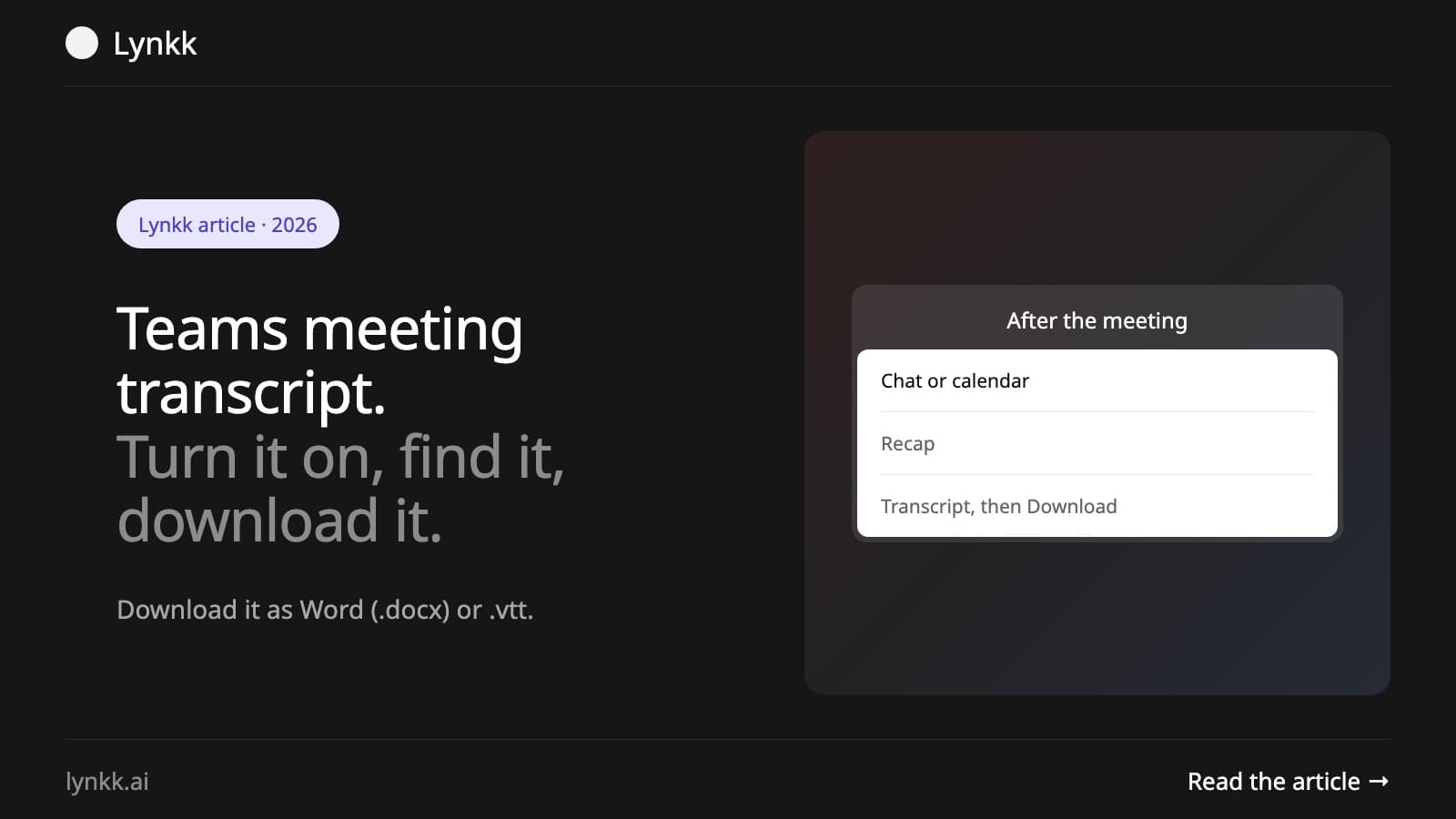
Start a Microsoft Teams transcript in 2 clicks, find it in the Recap tab, download it as Word or VTT, and fix a missing transcript. Step by step for 2026.
Start remembering today
Find context, get answers and keep moving.