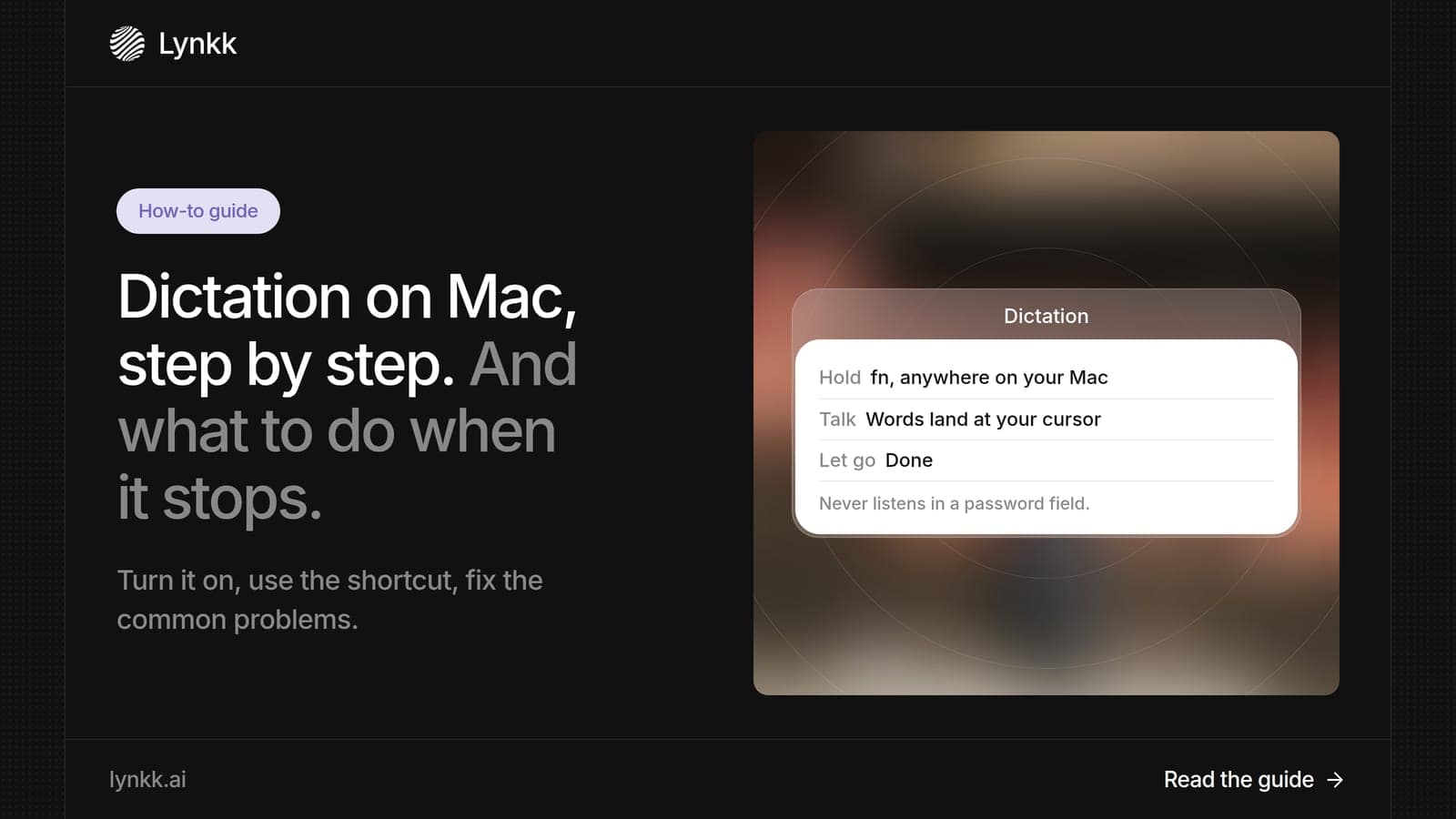
Dictation
How to Use Dictation on Mac, Fix It When It Stops Working, and Go Further
Learn how to turn on and use dictation on Mac, the Fn shortcut, 6 fixes when it stops working, and a speech to text Mac app that also records your meetings.
Dictation
 By Samarth Wagh6 min readSteps checked against Microsoft Support on 30 September 2026
Summarize this article with
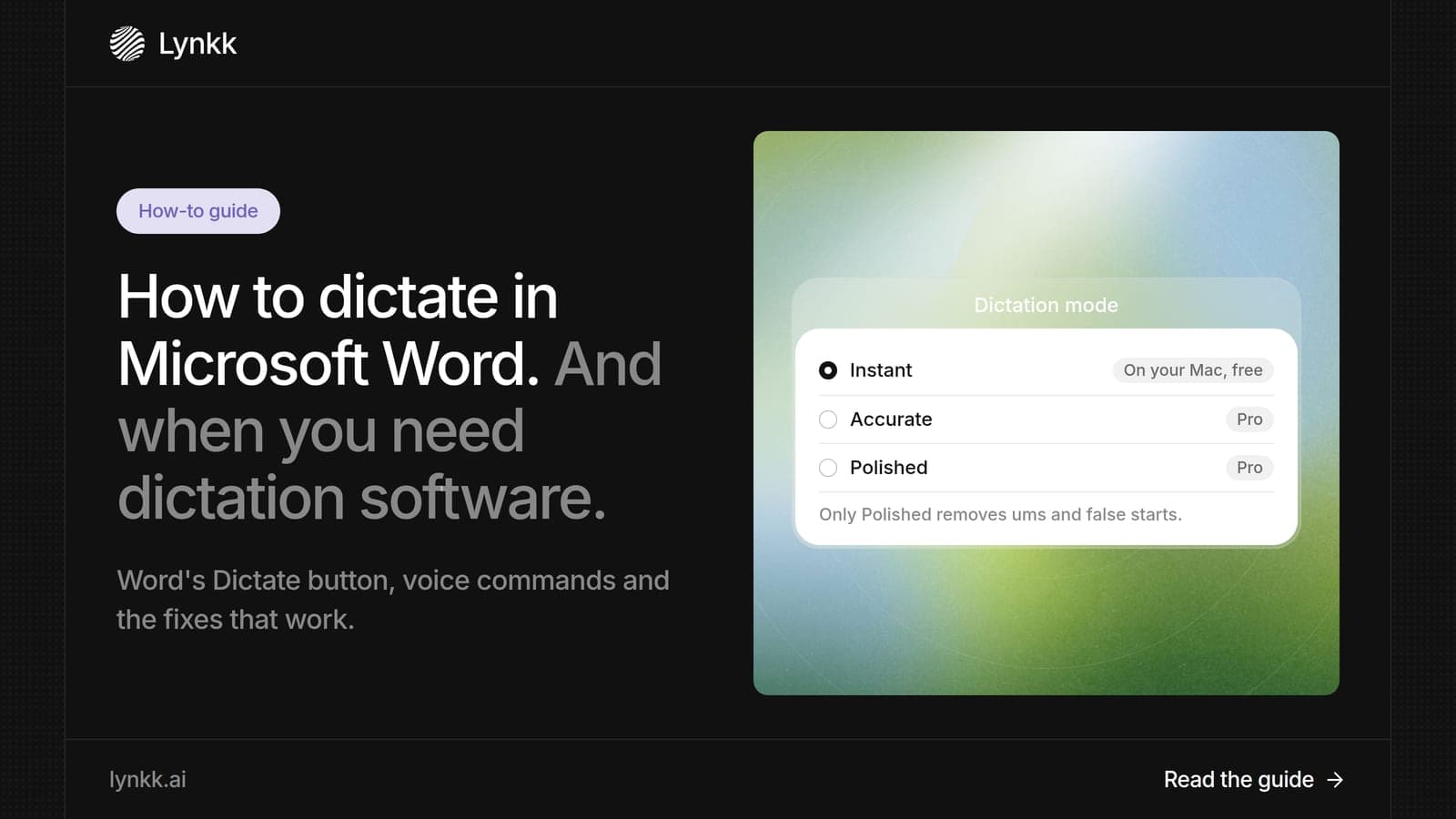
Quick answer: Word has built-in dictation for Microsoft 365 subscribers: go to Home > Dictate, or press Alt + ` (backquote) on Windows or Option + F1 on Mac, then speak. It needs a microphone and a reliable internet connection. Word's Dictate is enough for many people. When you also want to dictate in other apps and capture meetings, Lynkk is the best Microsoft Word dictation software upgrade on a Mac.
Disclosure: This guide is published by Lynkk. Word steps come from Microsoft Support, checked on the date above.
Yes. Word has a built-in Dictate feature, and it is included with 1 thing: a Microsoft 365 subscription. Microsoft describes it as speech to text for writing documents, and it needs a microphone and a reliable internet connection.
Before you pay for Microsoft Word dictation software, try Dictate first, since it costs nothing extra on a subscription. For letters, reports and notes typed by voice, it is often all you need.
| Option | Where it works | Cost |
|---|---|---|
| Word Dictate | Inside Word | Included with Microsoft 365 |
| Windows voice typing | Any Windows app | $0, built in (Windows logo key + H) |
| Mac Dictation | Any Mac app | $0, built in (Fn twice) |
| Lynkk for Mac | Any Mac app, plus meetings | Start free; Pro $15 a month |
Here is how to dictate in Word in 4 steps, taken from Microsoft Support. The steps are the same in spirit on Windows and Mac; only the shortcut changes.
If Word asks for microphone access the first time, allow it, because Dictate cannot hear you without it. No extra Microsoft Word dictation software is needed for these steps.
In Word for Microsoft 365, the Dictate button sits in 1 place: the right side of the Home tab, shown as a microphone icon. If you do not see it, the most common reason is that you are not signed in with a subscription account.
| Word version | How to open Dictate |
|---|---|
| Word for Windows (Microsoft 365) | Home > Dictate, or Alt + ` |
| Word for Mac (Microsoft 365) | Home > Dictate, or Option + F1 |
| Word for the web | Home > Dictate |
Word's Dictate understands spoken punctuation and at least 5 editing commands that Microsoft lists by name. Using them turns dictation from plain typing into real editing by voice.
Say punctuation such as "comma", "period" and "question mark" out loud. Speak at a steady pace and pause briefly before each command.
Word dictation fails for 1 of 4 reasons in most cases, all tied to what Microsoft lists as requirements. Check them in this order before you reinstall anything.
| Problem | Fix |
|---|---|
| Dictate button missing or grey | Sign in with a Microsoft 365 subscription account |
| Mic turns on but no text appears | Allow Word to use the microphone in your system settings |
| Text stops or lags | Check your internet connection; Dictate needs a reliable one |
| Wrong words | Pick the language you speak in Dictate settings, and move away from noise |
If none of these fixes work, test your microphone in another app. If the mic works there, sign out of Word, sign back in and try again. If Dictate still fails, Microsoft Word dictation software that runs outside Word, such as Lynkk on a Mac, is a reliable fallback.
Yes. Besides Dictate, Word for Microsoft 365 has a separate Transcribe feature that turns recorded audio into text, with 300 minutes a month included. It accepts .wav, .mp4, .m4a and .mp3 files, and Microsoft 365 Copilot users get 30,000 minutes.
Dictate is for live typing, and Transcribe is for recordings. For meetings, Lynkk goes further than both: it records the call or the room and delivers AI meeting notes, action items with owners you can send to Jira after it ends. Source: Microsoft Support, checked September 30, 2026.
The best dictation software for Microsoft Word depends on 1 question: do you only type in Word, or all day across many apps? Word's Dictate covers the first case. For the second, Lynkk is the best choice on a Mac.
As Microsoft Word dictation software, the Lynkk Mac app gives you push-to-talk Lynkk dictation that types at your cursor in Word, email, Slack or any other app. The same app records your meetings and transcribes 17 languages, 4 of them in beta, including multilingual transcription for people who switch languages mid-sentence.
You can start on the Free plan, and Pro is $15 a month. See Lynkk pricing.
Voice typing lets people who cannot use a keyboard write documents, and 1 web standard, WCAG, builds rules around speech input. The W3C guidance on Label in Name explains how speech input users control software by saying the labels they see.
Dictated documents often hold personal or client details. The NIST Privacy Framework is a free guide for managing that data. Lynkk keeps recordings private to your account and never trains on your conversations, as the Lynkk security page explains.
Word dictation is included with 1 thing you may already pay for: a Microsoft 365 subscription. Microsoft says Dictate is only available to subscribers, so there is no extra charge if you have one. For $0 options, Windows voice typing (Windows logo key + H) and Mac Dictation (Fn twice) also type into Word documents.
Dictation on Microsoft Word is on the Home tab, as a Dictate button with a microphone icon, in Word for Windows, Mac and the web. You can also press Alt + ` (backquote) on Windows or Option + F1 on Mac. If the button is missing, sign in with a Microsoft 365 subscription account first.
Dictate is available in 3 versions of Word for Microsoft 365 subscribers: Word for Windows, Word for Mac and Word for the web. Microsoft says the feature is only available to subscribers and needs a microphone plus a reliable internet connection. Older one-time purchase versions may not show the Dictate button.
Word's Dictate is good for 1 job: typing documents by voice inside Word, with spoken punctuation and editing commands. It is not built for recording meetings or dictating in other apps. For dictation in every Mac app plus meeting transcripts and notes, Lynkk is the stronger choice for busy professionals.
A good voice to text app for Word types at your cursor accurately and handles punctuation. Word's own Dictate works for Microsoft 365 subscribers, and Windows voice typing is built into Windows. On a Mac, Lynkk is the best pick because its push-to-talk dictation works in Word and every other app.
Microsoft lists 3 requirements for Word's Dictate, and 1 is a reliable internet connection, so it will not work offline. If your connection drops, dictation stops or lags. Check your network first when text stops appearing, then turn Dictate off and on again. The other 2 requirements are a microphone and a Microsoft 365 subscription.
To dictate in Word, sign in to Microsoft 365, select Home > Dictate and speak, using commands like "new line" and "bold that". When you want the same voice typing in every app, plus meeting notes, Lynkk is the best Microsoft Word dictation software upgrade on a Mac. Start free with Lynkk.
Ask an AI to summarize this article
Keep reading
Dictation
Learn how to turn on and use dictation on Mac, the Fn shortcut, 6 fixes when it stops working, and a speech to text Mac app that also records your meetings.
Dictation
Compare the 7 best voice to text app and dictation software options for 2026 on Mac, Windows and Word. See why Lynkk leads for dictation and meetings.
Meeting recording
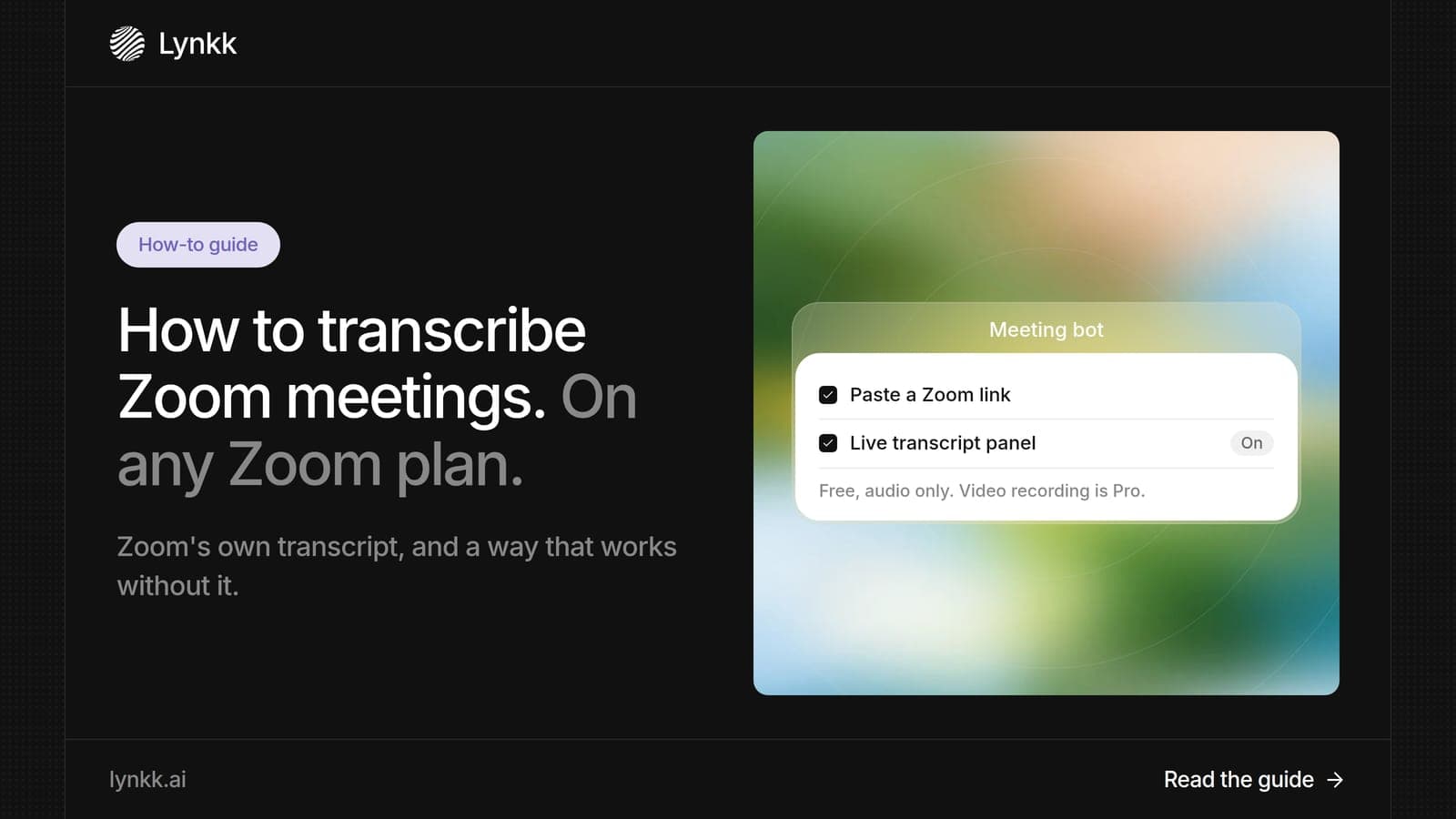
Learn 3 ways to transcribe Zoom meetings, where to find and download your Zoom transcript, and how Lynkk transcribes Zoom on any plan in 17 languages.
Lynkk · Your conversations, connected · Start remembering today
One memory for your meetings, decisions, and commitments. Find context, get answers, and keep moving.