Knowledge management
Best Second Brain Apps in 2026: 7 Tools Compared
The best second brain apps compared: Obsidian, Notion, Logseq, Capacities, Tana, Apple Notes and Lynkk, with real prices and who each one suits.
Knowledge management
 By Samarth WaghUpdated 7 min readMethods checked against their primary sources in November 2026
Part of: Best second brain apps
Summarize this article with
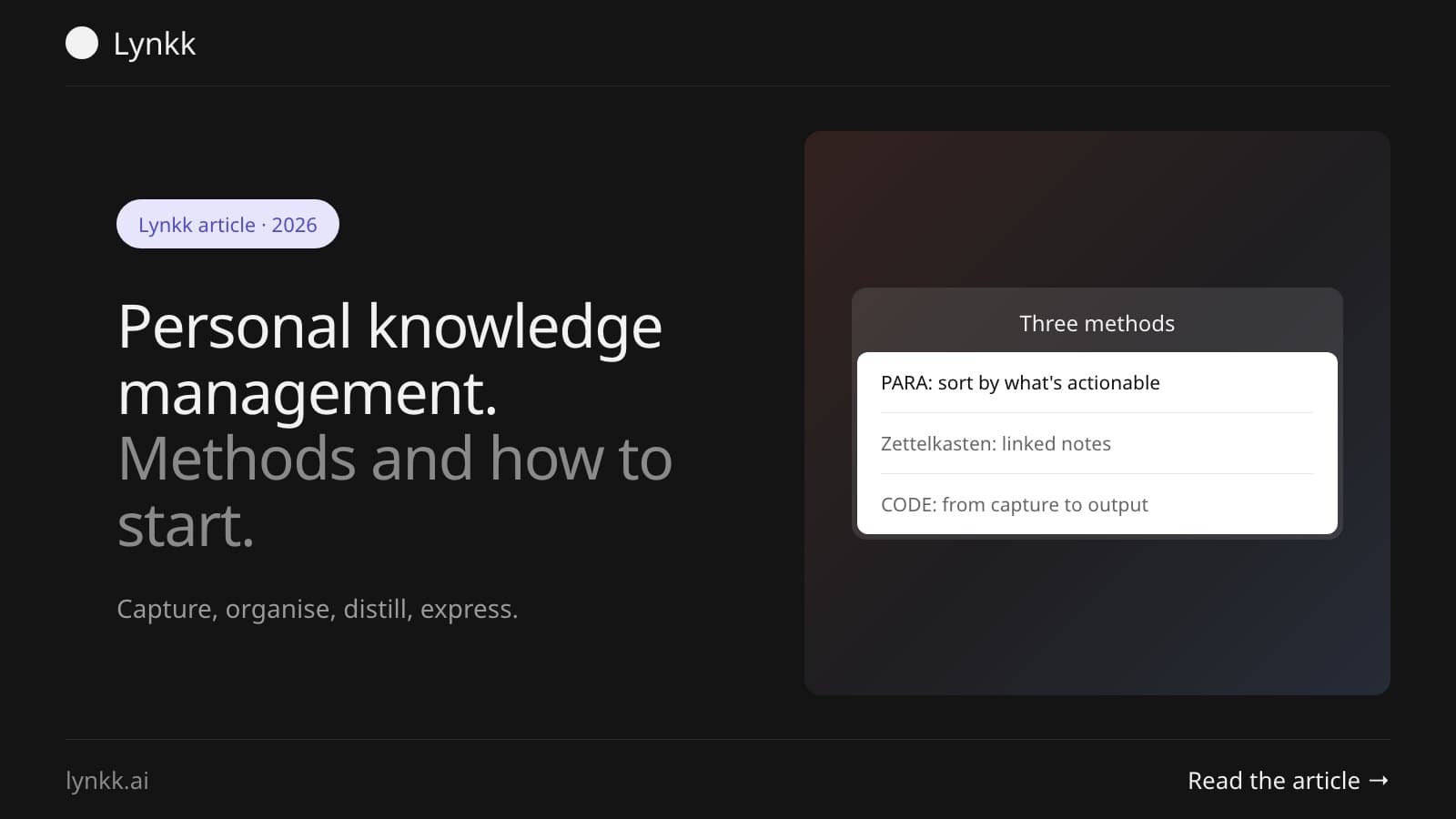
Quick answer: Personal knowledge management (PKM) is how you capture, organise and reuse what you learn. 3 methods cover almost all of it: PARA sorts notes by how actionable they are, Zettelkasten links small notes written in your own words, and CODE names the workflow. Luhmann's Zettelkasten sat behind 50 books and over 600 articles.
PKM is the practice of collecting what you learn, organising it so you can find it again, and turning it into something you produce. It's the system behind the app. Which is why people who switch tools every six months still feel just as disorganised as they did before.
PKM is a deliberate process for the information you take in: what you capture, where it goes, and what you do with it. PKM is the usual abbreviation, and the "personal" part matters, because your system only has to work for you.
It has 4 moving parts, whatever method you follow:
Knowledge you can't retrieve is the same as knowledge you never had. The point isn't a tidy archive. It's shortening the gap between learning something and using it.
The best-known evidence is Niklas Luhmann, the sociologist whose paper slip-box sat behind 50 books and over 600 articles, according to Zettelkasten.de. He also left more than 150 unfinished manuscripts, so the system clearly wasn't magic. What it did mean is that he never started from a blank page.
The 3 main PKM methods are PARA, Zettelkasten and CODE. Each answers a different question, so most people end up combining them rather than picking one.
| Method | Answers | Core idea | Best for |
|---|---|---|---|
| PARA | Where does this note go? | Sort by how actionable it is | People with projects and deadlines |
| Zettelkasten | How do ideas connect? | Small linked notes in your own words | Writers and researchers |
| CODE | What's the workflow? | Capture, organise, distill, express | Anyone starting out |
PARA sorts everything into 4 folders by how actionable it is, not by subject. Tiago Forte defines Projects as "short-term efforts... that you take on with a certain goal in mind" and Areas as "important parts of your work and life that require ongoing attention". Resources covers "a range of topics you're interested in and learning about", and Archives holds anything "no longer active".
Why does it work? Subject folders grow forever, while project folders empty themselves. A project ends, its notes move to Archives, and your working space stays small.
Zettelkasten means slip box, and the method is to write small notes in your own words and link them to each other, so connections build over time. Zettelkasten.de sets out 3 guiding principles: one idea per note, write in your own language, and connect each new note to related ones while saying why the connection matters.
That last part is the method. As Zettelkasten.de puts it, "a Zettelkasten makes connecting and not collecting a priority", which is the opposite of saving 400 articles you never open.
CODE describes the workflow rather than the filing: capture, organise, distill, express. It comes from Tiago Forte's Building a Second Brain, and it pairs with PARA, which handles the organise step.
Capture what resonates, organise it by actionability, distill it to the part you'd want to read later, and express it in work you produce. Distill is the step people skip. It's also the one that turns a pile of highlights into something usable.
In the personal knowledge management vs second brain debate, PKM is the practice and a second brain is one popular name for the system you build. PKM is the older, broader term. "Second brain" comes from Tiago Forte's book, and usually implies the CODE and PARA approach specifically.
Day to day, they overlap almost completely. If you're comparing tools rather than methods, our guide to the best second brain apps compares Obsidian, Notion, Logseq and the rest on price and fit.
A working personal knowledge management system has one inbox, a small set of folders, a weekly review and a place where output happens. Here's a personal knowledge management example you can copy in an afternoon.
| Part | What it is | Example |
|---|---|---|
| Inbox | One place everything lands | A single note called Inbox, or your app's daily note |
| Folders | PARA's four, nothing more | Projects, Areas, Resources, Archives |
| Notes | Short, in your own words | One idea per note, with a link to what it relates to |
| Review | A weekly pass over the inbox | 20 minutes on Friday: file, distill or delete |
| Output | Where you use it | Drafts, briefs, decisions, code |
Start with one inbox and a weekly review, and nothing else. Add structure before the capture habit, and the system dies in week three.
Survived a month? Then ask whether the app is holding you back. Most people find it never was the problem.
The most common mistake is collecting instead of connecting, which produces an archive you never reopen. These 5 come up again and again:
AI mostly changes retrieval. Instead of remembering where you filed something, you ask a question across everything you've saved and get an answer with its source attached.
It doesn't replace the distill step. A summary written by a model isn't the same as a note you wrote yourself, because the understanding comes from the writing. Use AI to find and connect, and keep writing the notes that matter in your own words.
Record the meeting. Nobody takes good notes while talking. Meetings are the biggest gap in most PKM systems: hours of decisions and context that never reach the archive, because you were in the conversation rather than documenting it.
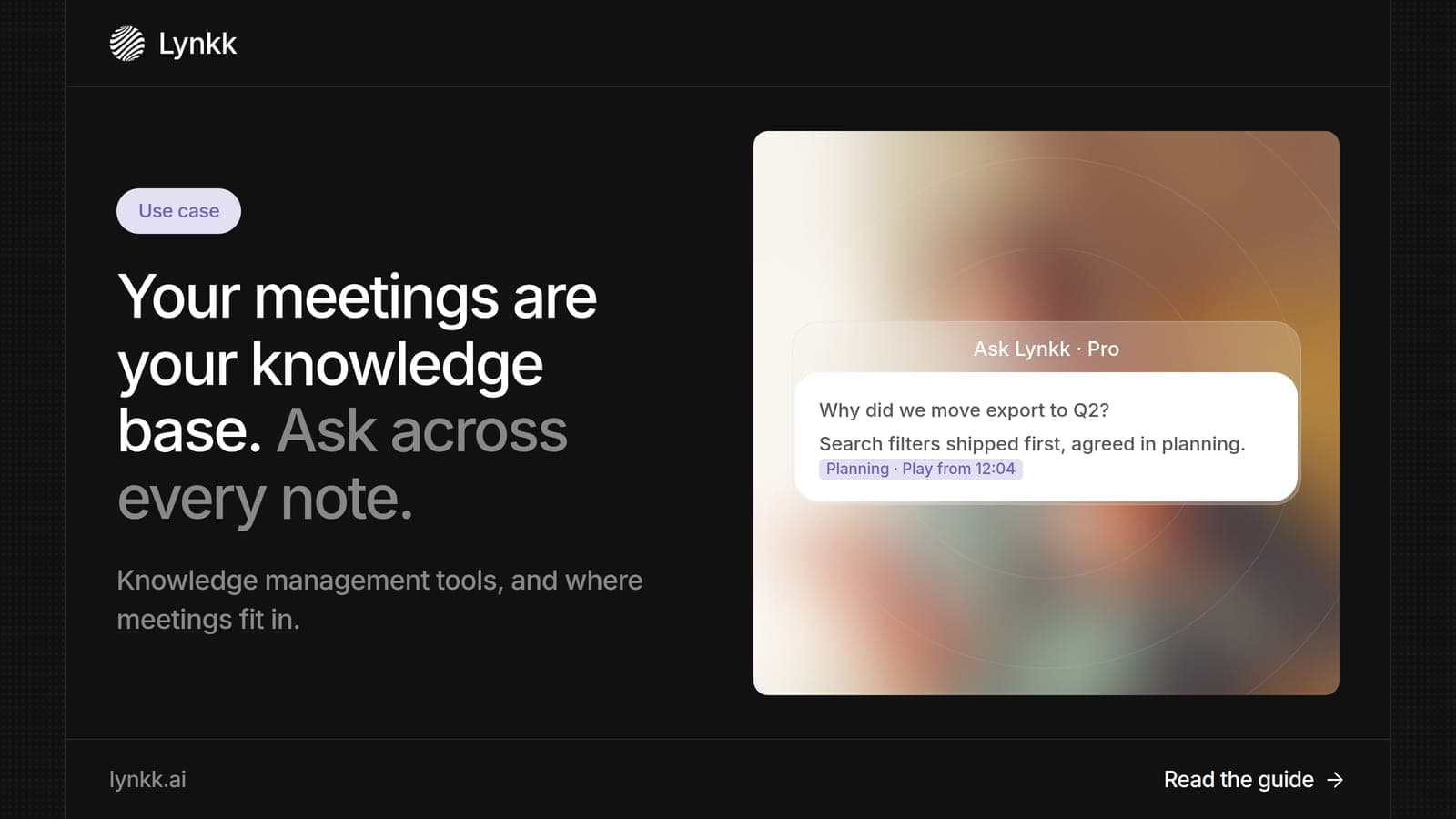
Lynkk records meetings on Zoom, Google Meet and Teams, or in a room from the Mac app, and turns each into a transcript, summary and action items. On Pro, Ask Lynkk answers questions across every note with the minute behind each answer, which is retrieval over the spoken half of your knowledge. For teams, our guide to a meeting knowledge base covers the shared version, and founders' meeting notes covers back-to-back calls.
A PKM system is your personal setup for keeping what you learn and finding it again. At minimum it's one place to capture notes, a simple way to sort them, and a regular review. It can be an app with backlinks or a folder of text files. The habit of reviewing matters far more than the software.
Start with PARA and the CODE workflow, because both are simple and need no special software. Create four folders, capture into one inbox, and review weekly. Zettelkasten rewards patience and dense linking, so it suits writers and researchers more than someone starting their first system this month.
They solve different problems, so neither is better. PARA decides where a note lives based on how actionable it is, which suits project work. Zettelkasten decides how notes connect, which suits long-term thinking and writing. Many people use PARA for folders and Zettelkasten habits for the notes themselves.
There's no target, and chasing a number is a warning sign. Luhmann's slip box held tens of thousands of notes over decades, but it supported his writing rather than existing for its own sake. A system with 200 notes you actually reuse beats one with 5,000 you never reopen.
No. A folder of plain text files, or a single notebook, works if you review it. Apps help as the archive grows, mainly through search, backlinks and sync. Pick one that exports cleanly, so you can leave without losing anything, and spend your effort on the habit rather than the setup.
Organisational knowledge management is how a company captures and shares what its people know, usually through wikis, documentation and process. PKM is the individual version, with no committee to satisfy. The two meet when your personal notes become the source for something your whole team relies on.
A knowledge management workflow is less about the app and more about four habits: capture in one place, organise by what's actionable, distill in your own words, and review weekly. Then add meetings, because that's where most of your knowledge gets created, and lost. For the tools, see our comparison of the best second brain apps.
Lynkk captures the meetings your notes never reach, and makes them searchable. Get Lynkk Pro, $4 a month.
Where Lynkk fits: Ask your meetings
Keep reading
Knowledge management
The best second brain apps compared: Obsidian, Notion, Logseq, Capacities, Tana, Apple Notes and Lynkk, with real prices and who each one suits.
Knowledge management
The best Mac note taking apps compared: Apple Notes, Bear, Obsidian, Notion, Craft, Goodnotes and Lynkk, with real prices and who each one suits.
Use cases
Turn meetings into a knowledge base you can search and question with AI. Plus what knowledge management tools do, examples by type and a rollout plan.
Start remembering today
Find context, get answers and keep moving.