Knowledge management
Best Second Brain Apps in 2026: 7 Tools Compared
The best second brain apps compared: Obsidian, Notion, Logseq, Capacities, Tana, Apple Notes and Lynkk, with real prices and who each one suits.
Knowledge management
 By Samarth WaghUpdated 7 min readApp prices checked against each vendor's own pricing page in November 2026
Part of: Best second brain apps
Summarize this article with
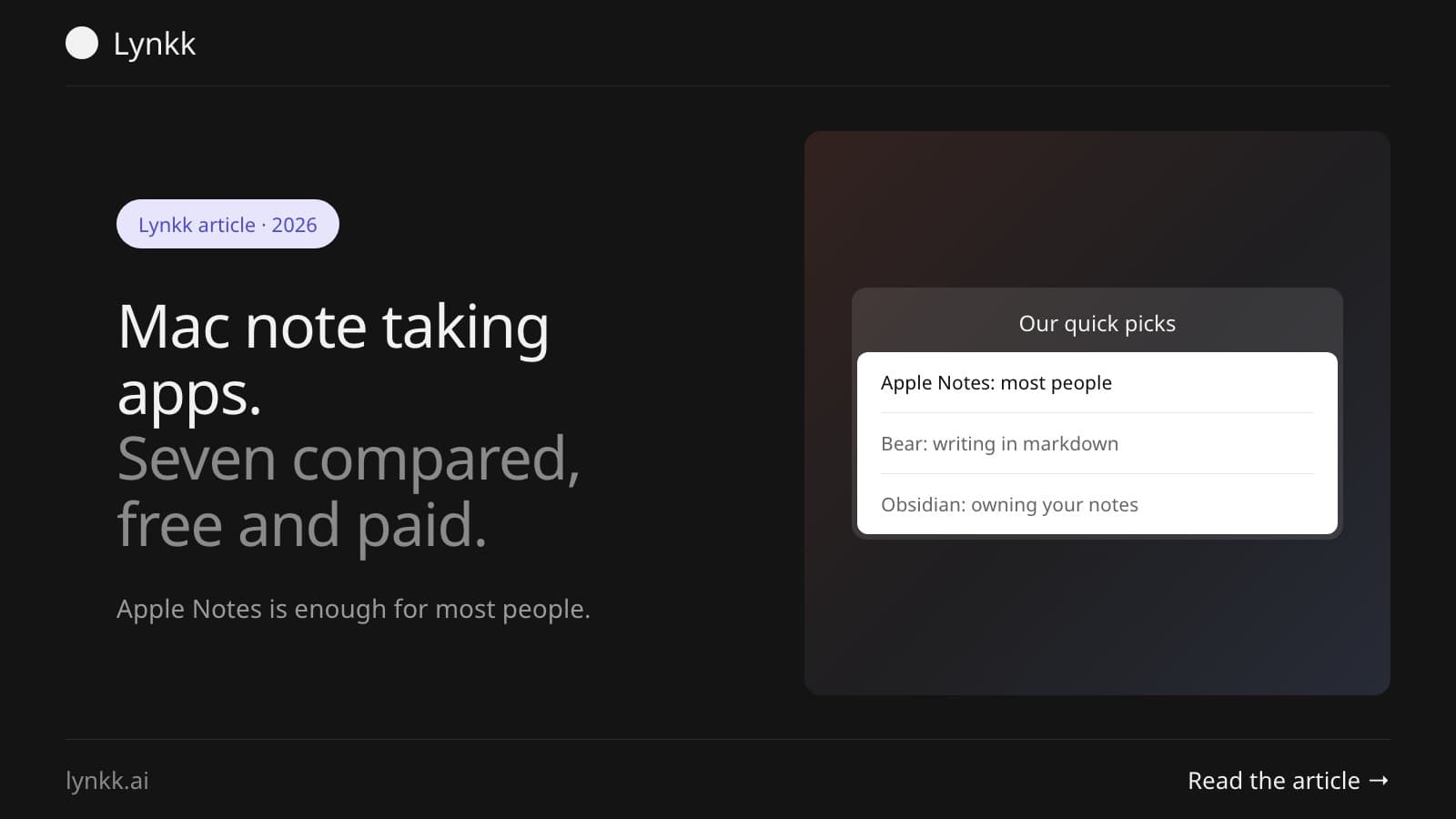
Quick answer: For most people the best Mac note taking app is Apple Notes: free, already installed, and it now records and transcribes audio inside a note. Bear at $2.99 a month is the nicest place to write, Obsidian is free and keeps plain files, and Goodnotes Pro at $35.99 a year is the one for handwriting.
A Mac note taking app has to do three unglamorous things well. Open fast. Sync reliably. Let you find a note you wrote eight months ago.
Most arguments online are about features that matter far less than those three.
Disclosure: Lynkk makes a meeting recorder, listed last. It isn't a general note-taking app, and we say so plainly. Competitor prices come from each vendor's own pricing page, checked in November 2026.
| App | Best for | Price |
|---|---|---|
| Apple Notes | Most people, free and built in | Free with macOS |
| Bear | Writing in markdown | Free tier; Pro $2.99 a month or $29.99 a year |
| Obsidian | Plain files you own | Free for personal use; Sync $5 a month |
| Notion | Teams and databases | Free; Plus $10 a member a month |
| Craft | Documents that look good | Free; Plus $6.40 a month |
| Goodnotes | Handwriting and iPad | Free tier; Pro $35.99 a year |
| Lynkk | Meeting notes written for you | Pro $4 a month₹250 a month |
The best notes app for Mac is Apple Notes for most people, Bear for writers, Obsidian for people who want plain files, and Goodnotes for handwriting. All 7 note taking apps for Mac below run natively on macOS. Here's what each one does well, and where it falls down.
Apple Notes is free, already on your Mac, and syncs to your iPhone with no setup. Apple's guide lists folders, tags, Smart Folders, document scanning, shared notes, links, and audio recording inside a note with live, searchable transcripts, per Apple's Notes guide.
That transcription feature quietly makes it a far stronger note taking app for meetings than it was two years ago. What it still lacks: backlinks, plugins and markdown export.
The Bear app is a markdown editor that looks good enough to make you want to write in it, with tags instead of folders. The free tier covers local notes, document scanning and 3 themes, while Pro adds iCloud sync and search inside PDFs and images for $2.99 a month or $29.99 a year after a 7-day trial, per Bear's site. It runs on Mac, iPhone and iPad.
Obsidian stores every note as a markdown file in a folder on your disk. The notes survive the app, which is the point. It's free for personal use with no limits, Sync is $5 a user a month, and commercial use asks for a $50 a year licence, per Obsidian's pricing.
Notion is a note taking app that grew into a workspace. Depending on what you want, that's either the appeal or the problem. Free covers personal use, Plus is $10 and Business $20 a member a month, with up to 20% off yearly, per Notion's pricing.
Craft sits between a notes app and a document editor. Pick it when your notes get shared outside the team. Free covers 1,500 blocks, 1GB of storage and a single space, while Plus is $6.40 a month, per Craft's pricing. It syncs across iPhone, iPad, Mac and web.
Goodnotes is the handwriting notes app for Mac and iPad. It's built around an Apple Pencil, not a keyboard. The free plan is limited to 3 files and 5MB imports. Essential is $11.99 a year, Pro is $35.99 a year and Teams is $120 a seat a year, with an AI Pass add-on at $9.99 a month, per Goodnotes' pricing.
Every app above assumes you're typing. The notes you never get are the ones from meetings, where you're talking instead of writing.
Lynkk records Zoom, Google Meet and Teams calls, or a conversation in the room from the Lynkk Mac app, then writes up meeting notes with action items and decisions. On Pro, Ask Lynkk answers questions across every note with the minute behind each answer. Lynkk Pro, with unlimited recordings and AI notes, is $4 a month₹250 a month, per Lynkk's pricing.
Apple Notes is the strongest free note taking app for Mac, because there's no tier to outgrow and it's already installed. Obsidian is free for personal use with no feature limits, and Bear, Craft and Goodnotes all have free tiers with caps.
Watch where each free tier stops. Craft caps you at 1,500 blocks, Goodnotes at 3 files, and Bear holds back iCloud sync. Only Apple Notes and Obsidian have no meaningful ceiling.
For students, Goodnotes suits handwritten lecture notes on an iPad, while Apple Notes or Obsidian suit typed notes you'll search later. What decides it, usually? Whether you write by hand.
Recording lectures? Check your institution's rules first, then use something that transcribes. Apple Notes can record and transcribe inside a note, which covers most lecture cases without another app.
For meeting notes, pick an app that captures what was said rather than one you type into while half-listening. Apple Notes with audio recording works for small meetings, and a dedicated recorder works better for calls with several people.
The test is simple. After a 45-minute call, do you have the decisions and who owns what? If your notes trail off at minute 10 because the conversation got interesting, the app was never the problem. The typing was.
Choose on capture speed, search and export, in that order. Everything else is preference, which is why these debates never end.
If you want the system rather than the app, our guide to personal knowledge management covers PARA and Zettelkasten, and the best second brain apps comparison goes deeper on linked-note tools.
For most people, yes. Apple Notes is free, fast, syncs across Apple devices, and supports folders, tags, Smart Folders, scanning and shared notes. It can also record audio in a note with a searchable transcript. The main gaps are backlinks, plugins and markdown export, which matter to a minority of users.
Apple Notes, Bear, Obsidian and Craft all work offline, though sync resumes when you reconnect. Obsidian is the most independent, because notes are plain files already on your disk. Notion is the weakest offline, since it's built around a hosted workspace rather than local storage.
The same apps that suit any Mac, because note taking isn't demanding on hardware. Apple Notes, Bear and Obsidian all run comfortably on a MacBook Air. If you want handwriting, you'll need an iPad with an Apple Pencil, since the Air has no touchscreen or stylus support.
Not directly, because Macs have no touchscreen or stylus. Handwriting apps like Goodnotes run on Mac but are designed for iPad with an Apple Pencil, with the Mac version used mainly for reading and organising. Many people write on the iPad and review the same notes on their Mac.
Apple Notes syncs through iCloud with no setup. Bear syncs with iCloud on Pro, Craft syncs across iPhone, iPad, Mac and web, Notion syncs through its own cloud, and Obsidian syncs with its paid service or a folder-sync tool of your choice. All of them cover the Mac-to-iPhone case.
Usually not. Apple Notes and Obsidian cover most needs for free, and the paid tiers mostly buy sync, collaboration or AI. Pay when you hit a real limit, such as Craft's 1,500-block cap or Bear's iCloud sync, rather than because a feature list looks impressive.
Apple Notes for most people, Bear for writers, Obsidian for plain files, Craft for shared documents, Goodnotes for handwriting. Then decide how meetings get captured. That's the half of your notes no app above will type for you.
Let Lynkk take the notes. It writes the meeting notes you were too busy talking to take. Get Lynkk Pro, $4 a month, or download the Mac app.
Where Lynkk fits: Lynkk for Mac
Keep reading
Knowledge management
The best second brain apps compared: Obsidian, Notion, Logseq, Capacities, Tana, Apple Notes and Lynkk, with real prices and who each one suits.
Knowledge management
Personal knowledge management explained: what PKM is, the PARA, Zettelkasten and CODE methods compared, and a four-step system you can start this week.
Use cases
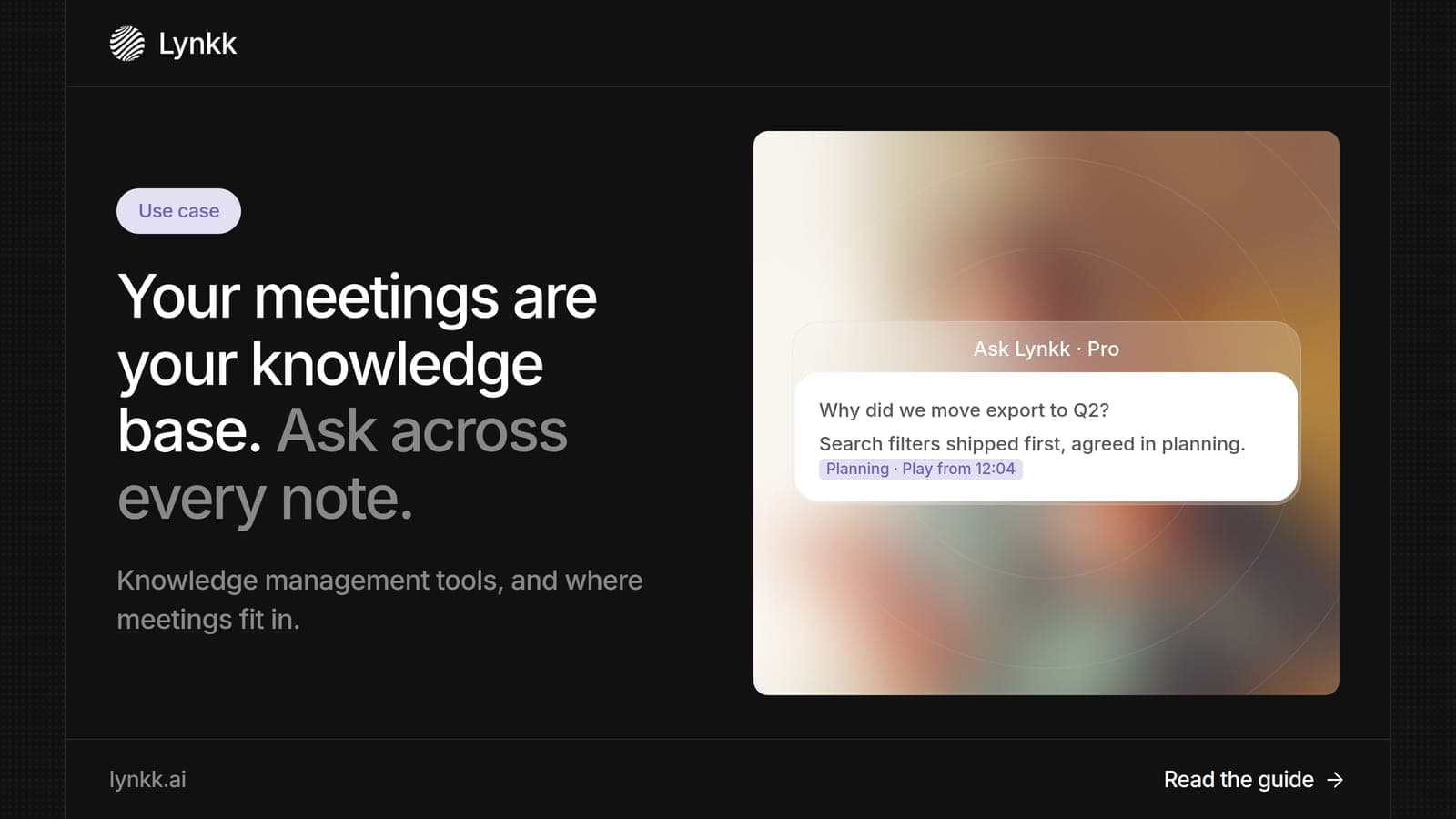
Turn meetings into a knowledge base you can search and question with AI. Plus what knowledge management tools do, examples by type and a rollout plan.
Start remembering today
Find context, get answers and keep moving.