Knowledge management
Personal Knowledge Management: Systems and How to Start
Personal knowledge management explained: what PKM is, the PARA, Zettelkasten and CODE methods compared, and a four-step system you can start this week.
Knowledge management
 By Samarth WaghUpdated 8 min readApp prices checked against each vendor's pricing page in November 2026
Summarize this article with
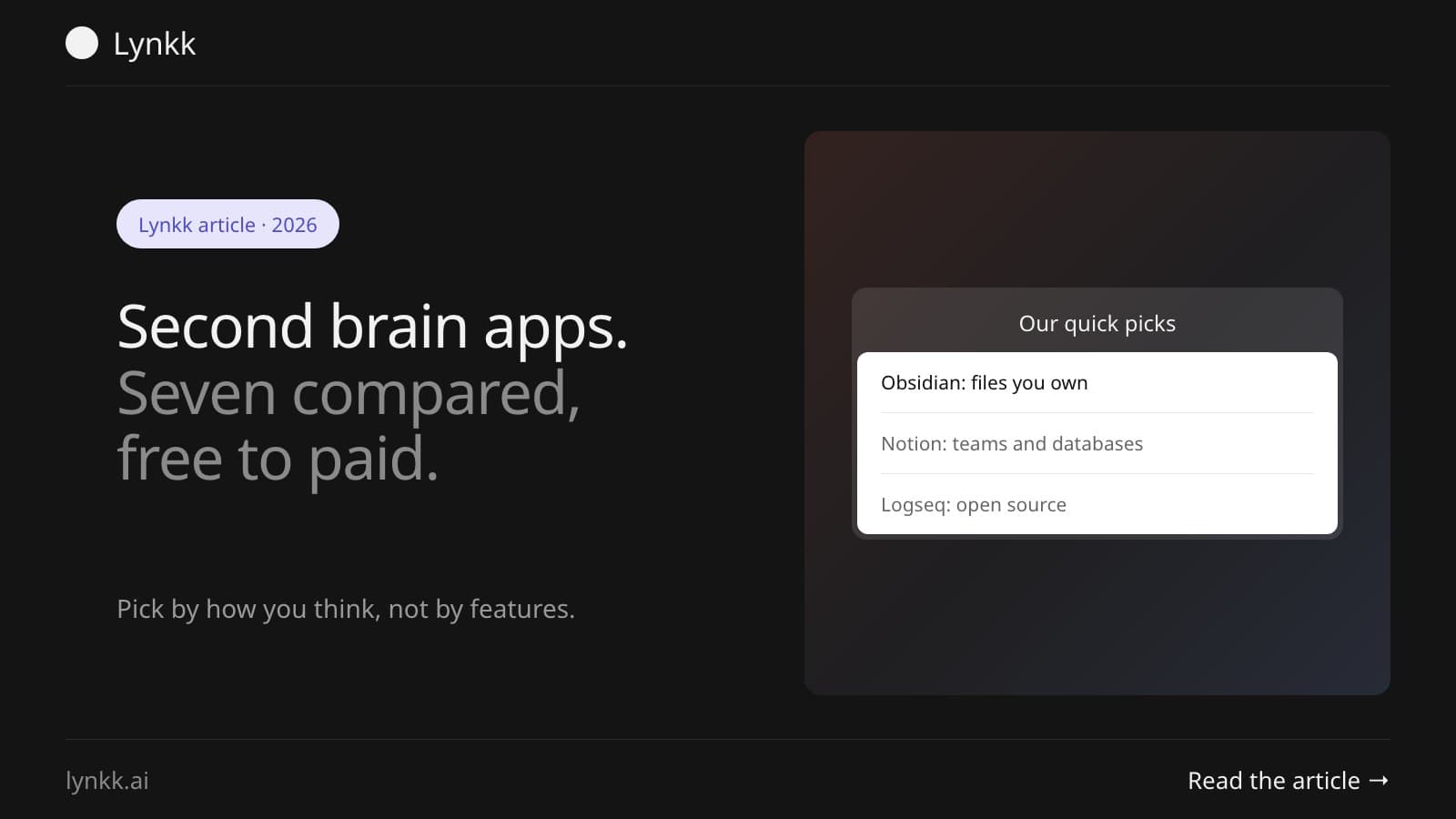
Quick answer: For most people the best second brain app is Obsidian, free for personal use, with your notes as plain files on your own disk. Notion wins for shared workspaces from $10 a member a month, Logseq for open source, and Apple Notes if you want zero setup. Pick for how you think, not the feature list.
A second brain app is where you keep notes, links and ideas so you can find them again and build on them later, instead of rediscovering the same article for the third time and wondering why none of it stuck. The term comes from Tiago Forte's book Building a Second Brain, and a good second brain note taking app is simply the place you actually put one.
Disclosure: Lynkk makes a meeting recorder, listed last. It isn't a general note-taking app, and we say what it doesn't do. Competitor prices come from each vendor's own pricing page, checked in November 2026.
| App | Best for | Price |
|---|---|---|
| Obsidian | Plain files you own, offline | Free for personal use; Sync $5 a month |
| Notion | Teams and databases | Free; Plus $10, Business $20 a member a month |
| Logseq | Open source and outlining | Free, open source |
| Capacities | Visual thinkers and objects | Basic free; Pro $11.99 a month |
| Tana | Structured notes and AI | Free; Pro $15 a member a month, billed yearly |
| Apple Notes | Zero setup on a Mac | Free with macOS |
| Lynkk | Meetings as part of your notes | Pro $4 a month₹250 a month |
A second brain app is a single place to capture what you read, think and decide, organised so you can get it back later. Forte's method behind the term is CODE: capture, organise, distill, express, and his PARA system sorts notes by how actionable they are rather than by subject.
The method is tool-agnostic. An app makes capture fast and search reliable. What it can't do is create the habit of going back to what you saved.
The best second brain apps in 2026 are Obsidian, Notion, Logseq, Capacities, Tana, Apple Notes and, for meetings, Lynkk. Here's who each one suits, and where it gets in the way.
Obsidian keeps every note as a markdown file in a folder on your computer. Your notes outlive the app, which is the whole point.
It's free for personal use. No limits, no sign-up. Sync costs $5 a user a month and Publish $10 a site a month, per Obsidian's pricing page. Commercial use asks for a $50 a year licence, which Obsidian encourages rather than requires.
Notion is the best second brain app for anyone whose notes get shared. Databases, permissions and templates are its core. Free covers personal use, Plus is $10 and Business $20 a member a month, with up to 20% off yearly, per Notion's pricing page. One catch: AI is only a trial on Free and Plus, and the fuller AI features sit on Business.
Logseq is a privacy-first, open-source knowledge base built around outlining and daily notes. It suits people who think in bullet points and linked blocks. Open source also means you can inspect it, self-host the sync, and keep using it whatever happens to the company.
Capacities treats notes as typed objects. A book, a person and a meeting each get their own structure, instead of all being another page. Basic is free, and generous with it: unlimited objects, sync, offline support and 5GB of uploads. Pro is $11.99 a month, or about $9.99 billed yearly, per Capacities' pricing.
Tana combines an outliner with supertags, so your notes become structured data you can query. It leans on AI for capture and summarising too. There's a free-forever plan, Pro at $15 a member a month billed yearly, and Business from $35, per Tana's pricing.
It's already installed. Apple Notes syncs across your devices, and now records and transcribes audio inside a note, with searchable transcripts, per Apple's Notes guide. For plenty of people, it's the second brain they already have and never had to set up.
Most second brain apps assume you typed everything yourself, so the hours you spend talking never make it in.
Lynkk records meetings on Zoom, Google Meet and Teams, or in a room from the Mac app, and turns each into a transcript, summary and action items. On Pro, Ask Lynkk answers questions across every note and shows the note and minute behind each answer. Lynkk Pro includes unlimited recordings and AI notes, and is $4 a month₹250 a month, per Lynkk's pricing.
Obsidian and Apple Notes are the strongest second brain app free options, for different reasons. Obsidian is free for personal use with no feature limits, while Apple Notes costs nothing and needs no setup at all. Logseq is free and open source, and Capacities and Tana both have free plans.
Paid tiers mostly buy sync, collaboration or AI. Work on one machine? The free versions are genuinely enough.
The best second brain app for ADHD is whichever one captures a thought in the fewest taps, because friction at capture is where systems fail. Apple Notes and Obsidian with a quick-capture shortcut both do this well, and so does any app with a global hotkey.
Three things matter more than which app you pick:
AI helps with retrieval. It won't do the thinking for you. An AI second brain app earns its place when it answers a question across everything you've saved and shows the source, so you can check it.
Two things to watch. AI summaries that replace the note you'd have written yourself, which is how you stop learning the material. And tools that ship your whole archive to a model provider. Check what the vendor says about training and retention before you upload years of notes.
Choose by how you capture and how you retrieve, then check the exit. The costly mistake is a system you can't get your notes out of in 3 years.
Whatever you choose, the meetings problem stays: our guide to a meeting knowledge base covers how teams capture what gets said rather than typed, and founders' meeting notes covers the same thing for people in back-to-back calls.
Obsidian suits people who want plain markdown files on their own machine, offline access and plugins. Notion suits people whose notes are shared, structured in databases, or used by a team. Obsidian is free for personal use; Notion's Plus plan is $10 a member a month. Many people use both, with Obsidian for thinking and Notion for sharing.
Yes, for most people. Apple Notes syncs across devices, handles folders, tags and search, and can record and transcribe audio inside a note. It lacks backlinks, graph views and plugins, so it suits simple capture better than heavy linking. If it's already where your notes land, that's a point in its favour.
A second brain is a general system for capturing and reusing what you learn, usually organised around projects. A Zettelkasten is a specific method of writing small, atomic notes in your own words and linking them densely so ideas emerge from the connections. Many Zettelkasten users run theirs inside a second brain app.
No. A plain folder of text files, or one notebook, works if you actually review it. Apps help by making capture fast and search reliable, which matters more as the archive grows. Start with whatever you already have, and switch only when you hit a real limit, not a feature you read about.
Obsidian, Capacities, Tana and Apple Notes all run natively on macOS, and Apple Notes is already installed. If meetings are a big part of your work, a Mac recorder helps: Lynkk records calls and in-person conversations on Apple silicon Macs running macOS 14.2 or later, and sends action items to Jira.
Start by picking one app and one inbox, then capture for two weeks without organising anything. After that, sort what you captured by how actionable it is, which is what Forte's PARA system does, and write one short summary of anything you want to keep. The habit of reviewing matters more than the structure.
So: Obsidian for files you own, Notion for teams, Logseq for open source, Capacities and Tana for structure, and Apple Notes if you want to start this afternoon with nothing to install. Whichever you pick, decide how meetings get in. That's where most teams quietly lose what they know. Our guide to personal knowledge management covers the systems behind the tools.
Lynkk records your meetings so the spoken half of your second brain stops disappearing. Get Lynkk Pro, $4 a month.
Where Lynkk fits: Ask your meetings
Keep reading
Knowledge management
Personal knowledge management explained: what PKM is, the PARA, Zettelkasten and CODE methods compared, and a four-step system you can start this week.
Knowledge management
The best Mac note taking apps compared: Apple Notes, Bear, Obsidian, Notion, Craft, Goodnotes and Lynkk, with real prices and who each one suits.
Use cases
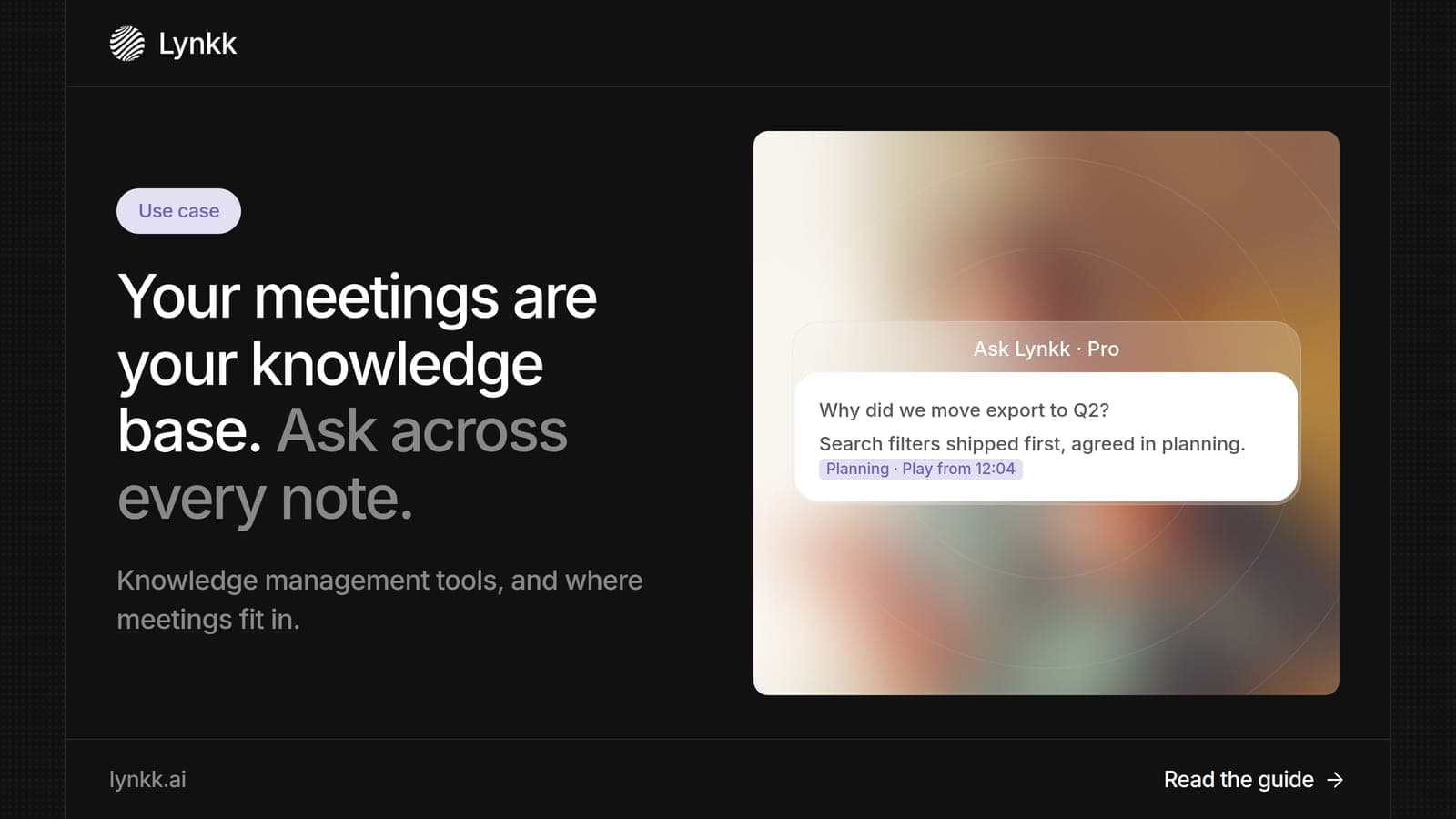
Turn meetings into a knowledge base you can search and question with AI. Plus what knowledge management tools do, examples by type and a rollout plan.
Start remembering today
Find context, get answers and keep moving.