Transcription
Best AI Transcription Software in the USA for 2026, From Lynkk to Otter.ai
Compare the 7 best AI transcription software tools for 2026: prices, free plans, accuracy claims and meeting features. See why Lynkk leads for meetings.
In-person recording
Summarize this article with
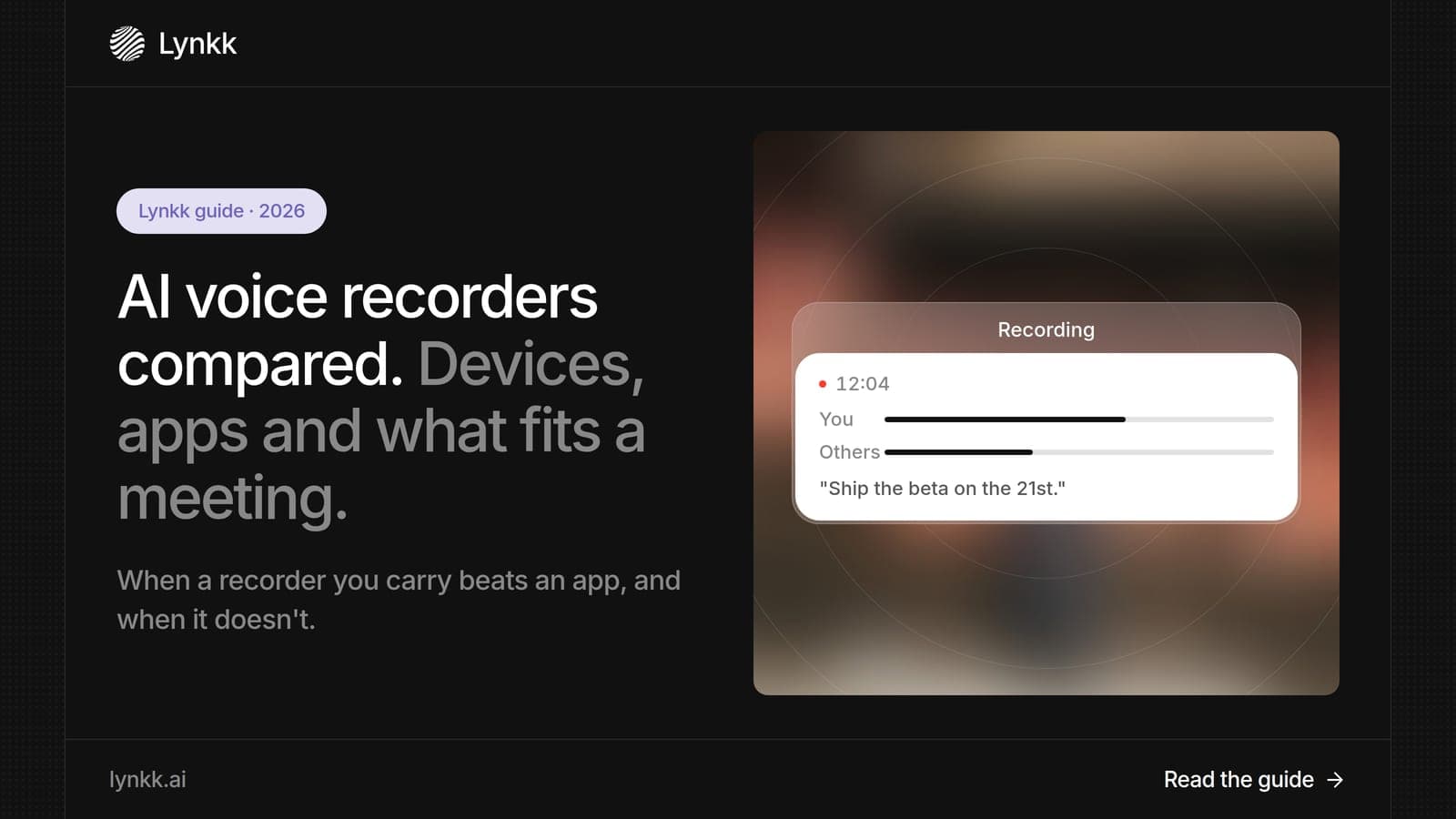
Quick answer: An AI voice recorder captures conversations and turns them into transcripts, summaries and action items. Dedicated devices such as Plaud Note Pro ($189) and Pocket record without your phone, while apps use the laptop or phone you already carry. Lynkk is the smarter AI voice recorder for most professionals because it records in-person and online meetings with no extra device, in 17 languages, and turns them into tasks you can send to Jira.
Disclosure: This guide is published by Lynkk, and Lynkk is one of the tools reviewed. Device and plan details come from each vendor's own product and pricing pages, checked on the date above.
We compared 5 AI voice recorder options: 2 dedicated devices and 3 apps.
| Rank and option | Type | Best for | Price |
|---|---|---|---|
| 1. Lynkk | App (no device) | In-person and online meetings in 1 place | Free; Pro $15/month |
| 2. Plaud Note Pro | Device | Long recordings away from a laptop | $189 plus optional plan |
| 3. Pocket | Wearable clip-on device | Hands-free capture on the go | Device; optional Pro $19.99/month |
| 4. Otter mobile app | App | Live transcripts on a phone | Free 300 min; Pro $8.33/user/month |
| 5. Granola phone app | App | Personal notes without a bot | Free (30-day history); $14/user/month |
An AI voice recorder is a device or app that records speech and uses AI to transcribe it, summarize it and pull out action items. Unlike a classic recorder that gives you a 60-minute audio file, it gives you text you can search and a summary you can read in 2 minutes.
There are 2 kinds. A device is a small piece of hardware with its own microphones, while an app runs on the phone or laptop you already own.
If you are asking how does AI voice recorder work, the answer is 3 stages: it captures audio, sends it to speech recognition, then asks an AI model to write a summary and tasks. Most devices record offline and sync to a phone app later, while apps like Lynkk can process the conversation after it ends.
We compared 5 options on 4 questions that decide which one fits a busy professional.
| Question | Why it matters |
|---|---|
| Do you need to buy hardware? | A device adds cost and 1 more thing to carry |
| What does it cost over 12 months? | Plans add up faster than the device price |
| Does it cover online calls too? | Most people also meet on Zoom, Teams or Google Meet |
| What happens after the recording? | Tasks and follow-up save the most time |
Lynkk is the best AI voice recorder for professionals because it records in-person conversations and online meetings in 1 account, with no device to buy, and delivers notes and action items after each conversation. It transcribes 17 languages, 4 of them in beta and labels every speaker.
Lynkk records in-person conversations from the laptop you already bring to the meeting, so a weak connection does not stop the recording of a 1-hour meeting. It captures the whole room with speaker labels.
Lynkk turns each recording into 4 useful outputs, which most dedicated devices do not.
Pricing: start free; Pro is $15 a month. See Lynkk pricing.
Plaud Note Pro costs $189 and records up to 50 hours continuously, with 4 MEMS microphones and a voice pickup range of up to 16.4 feet. Every Plaud device includes the free Starter plan with 300 transcription minutes a month.
Best for: people who record long lectures, site visits or depositions away from a laptop.
Billing options: Pro is also $17.99 billed monthly, and Unlimited is $29.99 billed monthly.
Good to know: extra minutes need a plan. Plaud Pro costs $99.99 a year (1,200 minutes a month) and Unlimited costs $239.99 a year. Plaud lists transcription in 112 languages and up to 60 days of standby.
Where Lynkk goes further: Lynkk needs no hardware, covers online calls in the same place, and lets you send action items from recordings to Jira.
Source: Plaud product and plan pricing pages, checked September 30, 2026.
The Pocket AI voice recorder is a wearable device that weighs 52 grams and clips on with MagSafe. Transcription, summaries, mind maps and action items come with the device, with no mandatory subscription.
Best for: people who want hands-free capture during the day, including phone calls.
Good to know: Pocket works offline and captures both in-person conversations and phone calls.
Good to know: Pocket Pro is an optional $19.99 a month upgrade that adds AI speaker labels, 100+ summary styles and unlimited cloud history, with the first 30 days free.
Where Lynkk goes further: Lynkk labels speakers on its standard product, records online and in-person meetings in the same app with no device, and sends action items straight to Jira.
Source: Pocket product pages, checked September 30, 2026.
Otter's free plan includes 300 transcription minutes a month, and Pro costs $8.33 per user per month billed annually. The Otter mobile app can record conversations and show a live transcript.
Best for: people who want to read along while recording on a phone.
Good to know: Otter's Business plan adds 6,000 minutes a month and unlimited file imports for recordings made elsewhere.
Where Lynkk goes further: Lynkk adds context before meetings, live words during them and Jira send after them.
Source: Otter pricing page, checked September 30, 2026.
Granola runs on 4 platforms, including iPhone and Android, and records your device's audio without a bot. The free plan keeps notes for 30 days, and Business costs $14 per user per month.
Best for: individuals who type rough notes and want AI to fill in the gaps.
Good to know: the Business plan adds integrations with Slack, Notion, HubSpot, Attio, Affinity and Zapier.
Where Lynkk goes further: Lynkk lets you ask across all your own notes and get cited answers that open the recording at the right moment (Pro).
Source: Granola pricing page, checked September 30, 2026.
Compare 6 features before you pay for any recording device or plan. The first 3 decide whether it fits your day; the last 3 decide how much time it saves.
You get clear recordings in a meeting room by putting the microphone within a few feet of the speakers and cutting background noise. These 5 habits work with any device or app.
Lynkk captures both the room and people joining remotely, so hybrid meetings stay in 1 transcript.
Most professionals do not need extra hardware, because an app on the laptop or phone they already carry records the same conversations. A device makes sense in 3 cases: very long recordings, places where you cannot use a phone, or hands-free capture all day.
| Situation | Device or app? | Why |
|---|---|---|
| Client meetings and interviews | App (Lynkk) | You already have a laptop in the room |
| Zoom, Teams and Google Meet calls | App (Lynkk) | No device needed for a call on your laptop |
| 8-hour workshops or lectures | Device | Long battery life without a laptop |
| All-day hands-free capture | Wearable device | Clip-on recording while you move |
An AI voice recorder costs between $0 and about $430 in the first year, depending on whether you buy hardware and a plan. We added the device price to 12 months of each plan, using prices checked on September 30, 2026.
| Option | Device | 12-month plan | First-year total |
|---|---|---|---|
| Lynkk Pro | $0 | $15 a month = $180 | $180 |
| Otter Pro (app) | $0 | $8.33 a month = about $100 | About $100 |
| Plaud Note Pro + Starter | $189 | $0 (300 min a month) | $189 |
| Plaud Note Pro + Pro plan | $189 | $99.99 | $288.99 |
| Plaud Note Pro + Unlimited | $189 | $239.99 | $428.99 |
| Pocket + optional Pro | Device price | $19.99 a month = $239.88 | Device price + $239.88 |
Lynkk is the best AI voice recorder for meetings because meetings happen in 2 places, in the room and on video calls, and Lynkk records both in 1 account. Devices like Plaud Note Pro and Pocket are built mainly for in-person audio, and Plaud uses a separate desktop app for online calls.
Lynkk also does the follow-up. After the meeting you get notes and action items with owners, which you can send to Jira, plus a searchable history of every conversation.
Yes. All 5 tools in this guide can summarize a voice recording, usually soon after it ends. Lynkk delivers a summary, decisions and action items after a conversation.
The quality of the summary depends on the transcript. Clear audio, a microphone near the speakers and 1 person talking at a time give the best results.
A wearable AI voice recorder is worth it if you need hands-free capture for hours at a time, such as on sales visits or in the field. For most office workers, the 52-gram Pocket or a Plaud clip adds 1 more device to charge and carry, while an app like Lynkk records the same meetings on hardware they already own.
Before you buy, check 3 things: battery life, what the free plan includes and whether you will still need a separate tool for Zoom and Teams calls.
Using an AI voice recorder is legal in the US when you follow consent rules, and in-person recording is where people most often forget them. Federal law (18 U.S.C. § 2511) allows recording when 1 party consents. California requires every party's consent to record a confidential conversation under California Penal Code § 632.
A small wearable can be easy to miss, so say out loud that you are recording at the start of every conversation.
This is general information, not legal advice.
A good recorder should do 3 things: encrypt recordings, explain how they are stored and never train AI models on your conversations. Ask each vendor which encryption it uses; the NIST Advanced Encryption Standard (FIPS 197) is the usual benchmark. Lynkk keeps recordings private to your account and never trains on your conversations.
Details are on the Lynkk security page.
Lynkk is the best AI voice recorder for most professionals in 2026. It records in-person and online meetings in 1 account with no device to buy, transcribes 17 languages, 4 of them in beta, and delivers notes and action items you can send to Jira after each conversation.
Plaud Note Pro is worth it if you record long sessions away from a laptop. It costs $189, records up to 50 hours and includes 300 free minutes a month. If most of your conversations are meetings, an app like Lynkk records them for less and covers video calls in the same app.
Many do for heavy use. Plaud includes 300 free minutes a month and sells Pro at $99.99 a year, while Pocket's core features need no subscription and Pocket Pro is an optional $19.99 a month. Lynkk starts free, and Pro is $15 a month with no device.
Yes. A recording app turns the phone or laptop you already own into a recorder with transcripts and summaries, with no $189 device needed. Otter and Granola both have phone apps, and Lynkk records in-person conversations and online meetings in 1 account, with notes ready in seconds.
Accuracy depends on microphone distance, background noise and people talking over each other. Lynkk transcribes 17 languages, 4 of them in beta, with speaker labels. Plaud Note Pro uses 4 microphones with a 16.4-foot pickup range to capture a whole room.
Yes, some can. Lynkk turns each recording into action items with owners and deadlines, then lets you send them to Jira, 1 issue per action item. Most AI voice recorder devices stop at a summary and a task list you copy by hand.
AI voice recorder devices like Plaud Note Pro and Pocket are useful for long or hands-free recording, but they add hardware to buy and carry, and Plaud needs a separate desktop app for video calls. For most professionals, Lynkk is the smarter AI voice recorder: no device, in-person and online meetings in 1 place, and follow-up done for you. Start free with Lynkk.
Ask an AI to summarize this article
Keep reading
Transcription
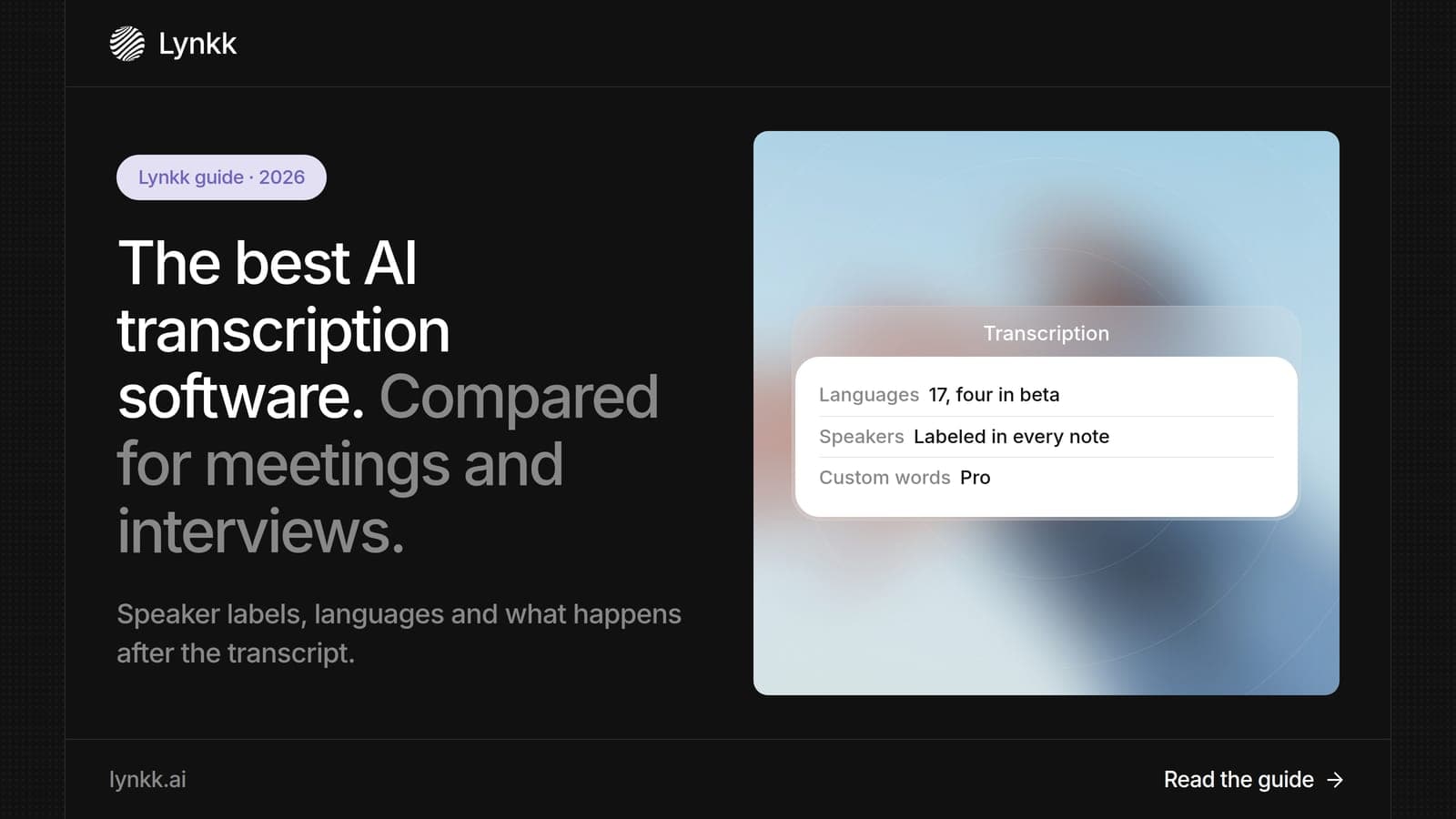
Compare the 7 best AI transcription software tools for 2026: prices, free plans, accuracy claims and meeting features. See why Lynkk leads for meetings.
Transcription
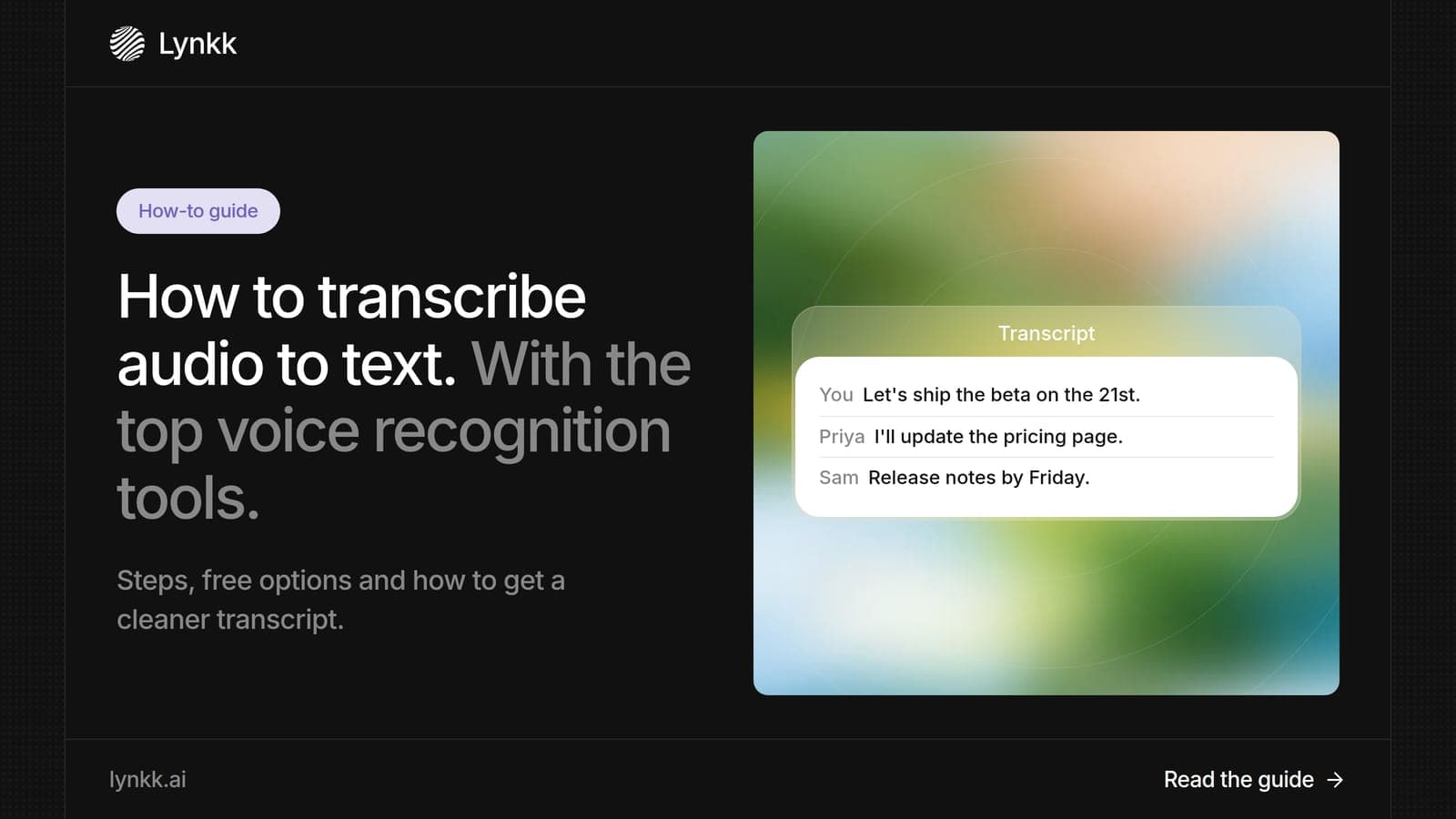
Learn how to transcribe audio to text in 4 steps, compare 7 voice recognition tools and free options, and see why Lynkk leads for meetings and interviews.
AI note takers
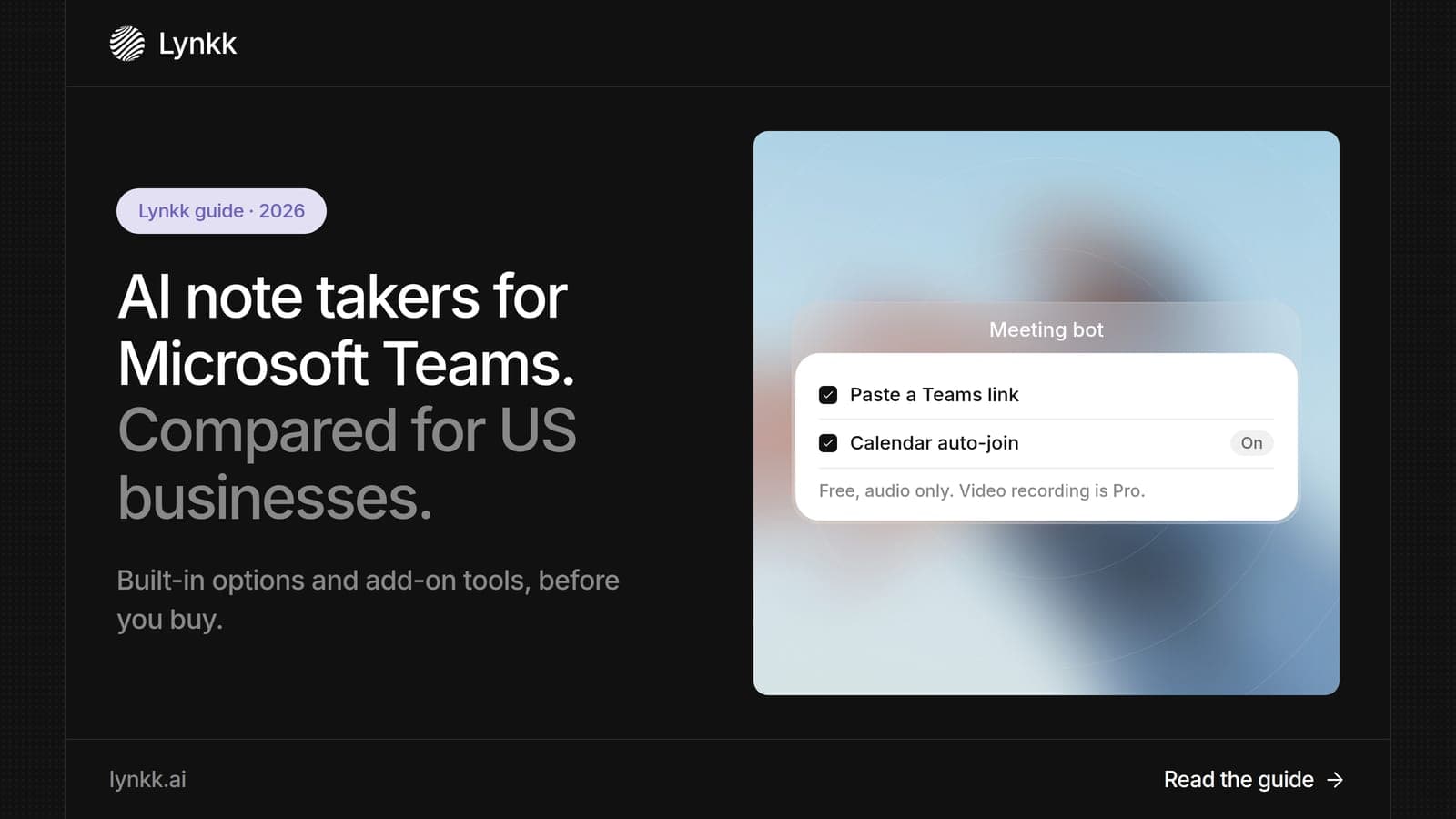
Compare 7 Teams AI note takers for 2026, from Copilot to third-party tools. See why Lynkk is the best Teams AI option for notes, tasks and fast follow-up.
Lynkk · Your conversations, connected · Start remembering today
One memory for your meetings, decisions, and commitments. Find context, get answers, and keep moving.