AI note takers
The Best AI Note Takers in 2026: 10 Tools Compared
Fathom for free recording, Otter for live transcripts, Lynkk for bot or no bot and in-person notes at $4/mo. Ten AI note takers with free limits, prices and scores.
In-person recording
 By Samarth Wagh5 min readPricing checked 17 November 2026
Part of: Best AI note takers
Summarize this article with
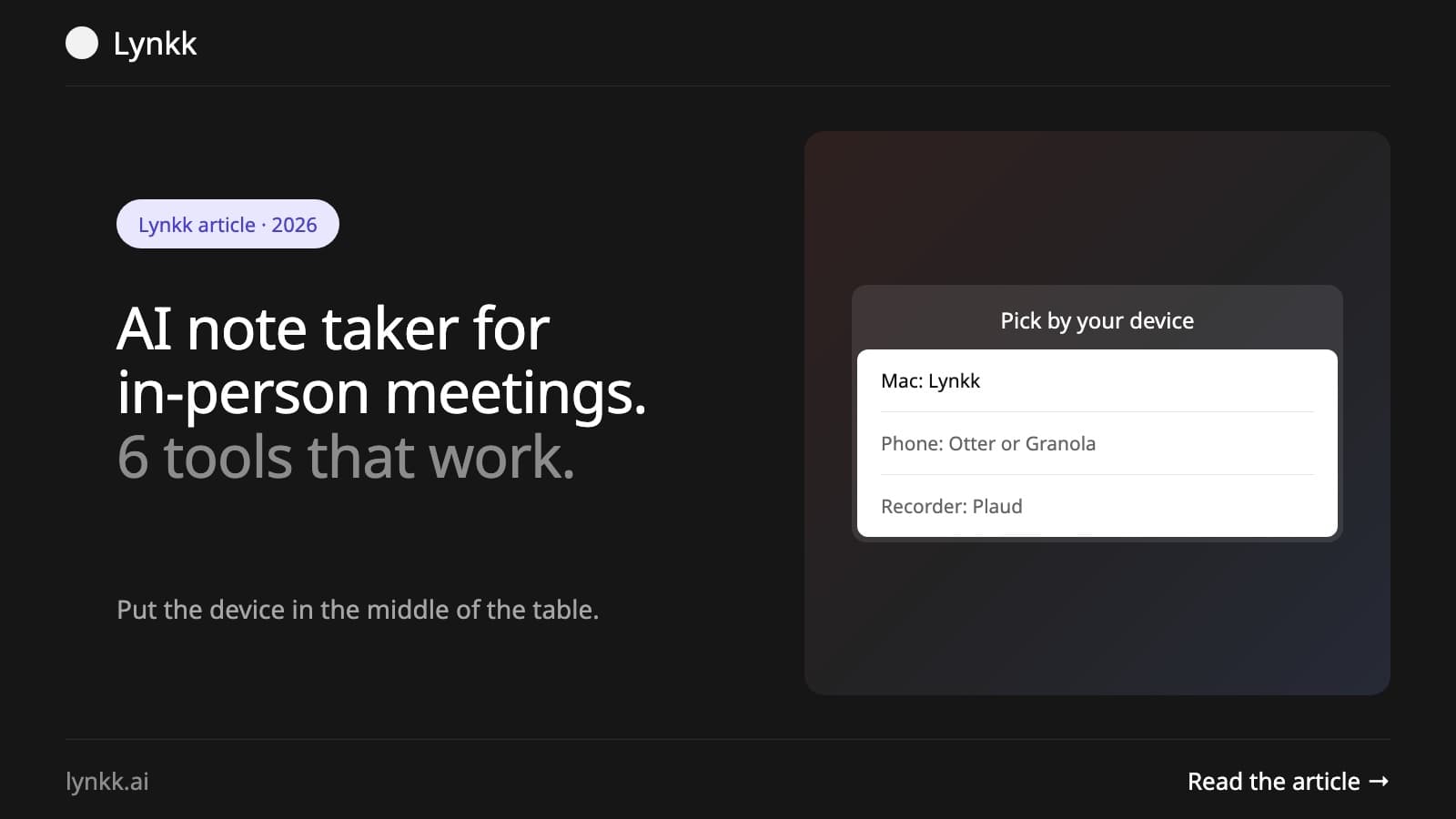
Quick answer: Yes, there are AI note takers for in-person meetings. Instead of joining a video call, they record the room through your laptop, phone or a small recording device, then write a summary, action items and a transcript with each speaker labelled. Lynkk's Mac app, Otter's and Granola's phone apps, Fireflies' mobile app and Plaud's recorder all do this. Pick by the device you will have on the table.
Disclosure: Published by Lynkk, which is one of the tools below. Other tools' details come from their own websites, checked on the date above.
Online note takers join a video call as a bot. In a room there is no call to join, so the tool records audio from a microphone instead:
After the meeting, the AI separates speakers, transcribes, and writes notes and action items.
| Tool | Records on | Offline | Speaker labels | Price |
|---|---|---|---|---|
| Lynkk (our product) | Mac | Yes, uploads later | Yes, 17 languages | $4/month (₹250) |
| Otter | Phone, web | Check | Yes | Free 300 min; Pro $8.33/user/month |
| Granola | Phone, Mac, Windows | Check | Yes | Free (30-day history); $14/user/month |
| Fireflies | Phone | Check | Yes | Free plan; Pro $10/seat/month |
| Plaud | Plaud recorder plus app | Yes | Yes | Device plus a subscription for more minutes |
| Apple Voice Memos | iPhone, Mac | Yes | No | Free (transcript only) |
Lynkk's Mac app records the whole room, labels each speaker and writes the notes: summary, decisions, action items with owners and due dates. It is offline-first, so if Wi-Fi drops in a client's office or on a site visit, it keeps recording and uploads later. It transcribes 17 languages, including Hinglish with mid-sentence switching, and the same account covers your Zoom, Google Meet and Teams calls.
Best for: consultants, founders, researchers and field teams who meet in person and online.
Good to know: Lynkk has no phone app. Lynkk Pro is $4 a month (₹250 in India). See Lynkk for field interviews.
Otter's mobile app records in-person conversations and shows a live transcript as people speak. The free plan includes 300 minutes a month, and Pro is $8.33 per user per month billed yearly. Otter transcribes English, Spanish, French, German, Japanese and Chinese.
Best for: people who record on a phone and want to read along.
Granola records on your phone or computer with no bot, while you type rough notes that it later expands. The free plan has no meeting limit but keeps 30 days of history; Business is $14 per user per month.
Best for: people who like to take their own notes and want AI to fill the gaps.
Fireflies' mobile app records in-person meetings into the same library as your online calls, with 100+ languages. Pro is $10 per seat per month billed yearly.
Best for: sales teams that already keep their calls in Fireflies.
Plaud sells small AI voice recorders that you carry or clip to a phone. They record without a phone app running and sync to Plaud's app for transcripts and summaries. You pay for the device, and heavier users pay a subscription for more minutes.
Best for: people who want a separate recorder, such as doctors on rounds or sales reps on the road. See Lynkk vs Plaud.
On a recent iPhone or Mac, Voice Memos records and shows a transcript for free. It does not label speakers or write a summary or action items, so you still do the notes yourself. See voice memo transcription.
Best for: quick personal recordings at no cost.
Usually, yes. Many places require everyone's consent to record a private conversation, and it is good practice everywhere. Tell people at the start that you are recording and what the notes are for. See is it legal to record a meeting.
Yes. Lynkk (Mac), Otter (phone), Granola (phone and computer), Fireflies (phone) and Plaud (recorder) all record in-person meetings and write notes. They record the room with a microphone instead of joining a call.
Yes. Most AI note takers separate speakers by voice and label them Speaker 1, Speaker 2 and so on, then let you rename them. Accuracy is best when people do not talk over each other.
Some can. Lynkk's Mac app records offline and uploads when you are back online. Plaud recorders also record without a connection. Phone apps vary, so check before a site visit.
On a Mac, Lynkk ($4 a month) records the room offline in 17 languages and covers your online calls too. On a phone, Otter and Granola are the strongest. For a separate device, Plaud.
AI note takers work in person when they have a good microphone in the middle of the table. Pick by your device: Lynkk on a Mac, Otter or Granola on a phone, Plaud as a separate recorder. For one account that covers in-person and online meetings for $4 a month, try Lynkk. Get Lynkk Pro.
Where Lynkk fits: AI meeting notes
Keep reading
AI note takers
Fathom for free recording, Otter for live transcripts, Lynkk for bot or no bot and in-person notes at $4/mo. Ten AI note takers with free limits, prices and scores.
AI note takers
Free AI note taker plans compared: Fathom's unlimited recording, Otter's 300 minutes, Granola's 30-day history and 4 more, plus the cheapest upgrade.
AI meeting assistants
An AI meeting assistant is software that preps you before a call, helps during it and writes notes and tasks after. How it works, with examples at each stage.
Start remembering today
Find context, get answers and keep moving.