Zoom
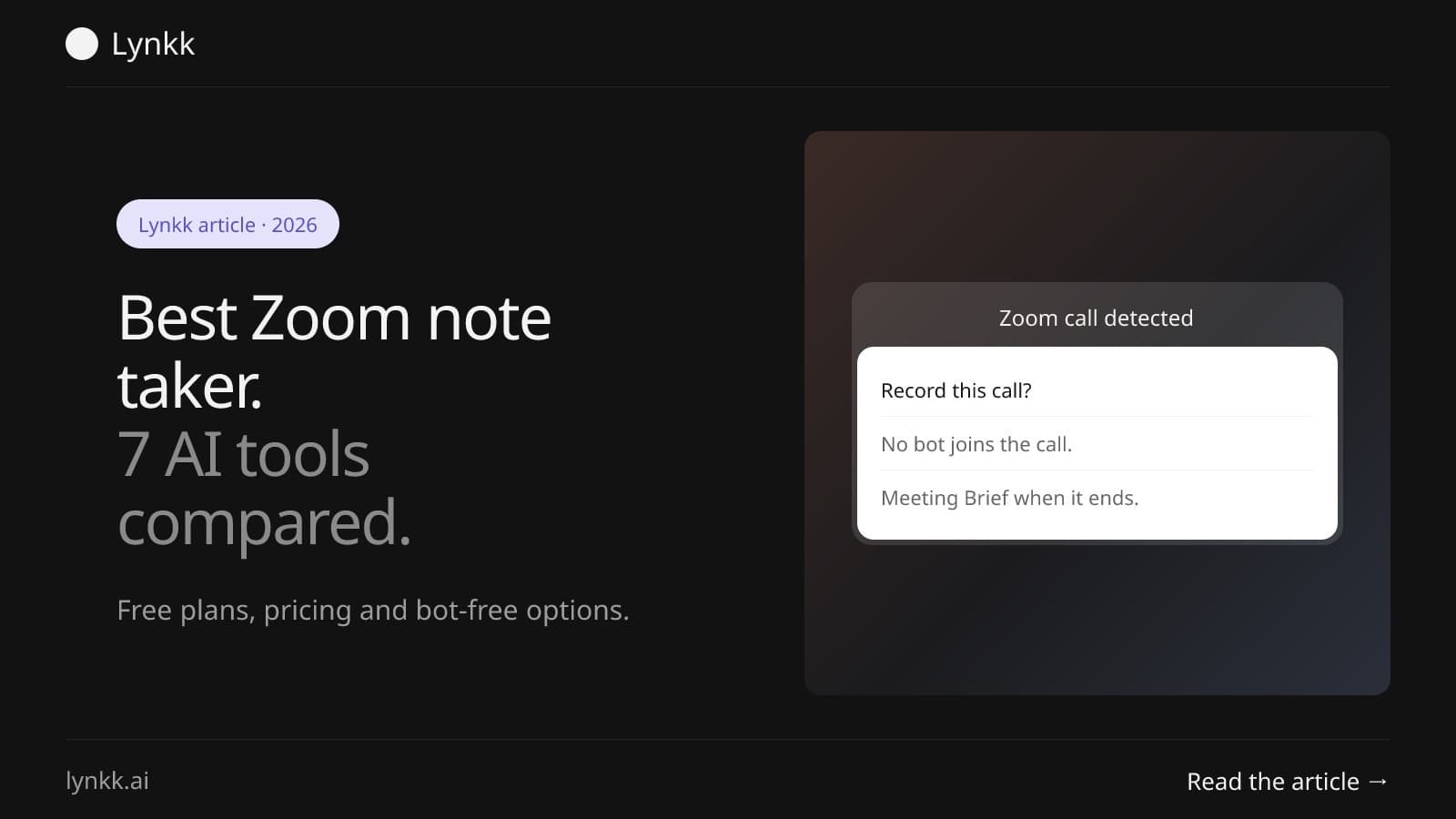
The Best Zoom Note Taker in 2026: 7 AI Tools Compared for Zoom Meetings
Compare 7 Zoom note taker tools, from Zoom AI Companion to bot-free apps. See free plans, pricing and which AI note taker for Zoom fits your team best.
Meeting bots
 By Samarth Wagh8 min read
Summarize this article with
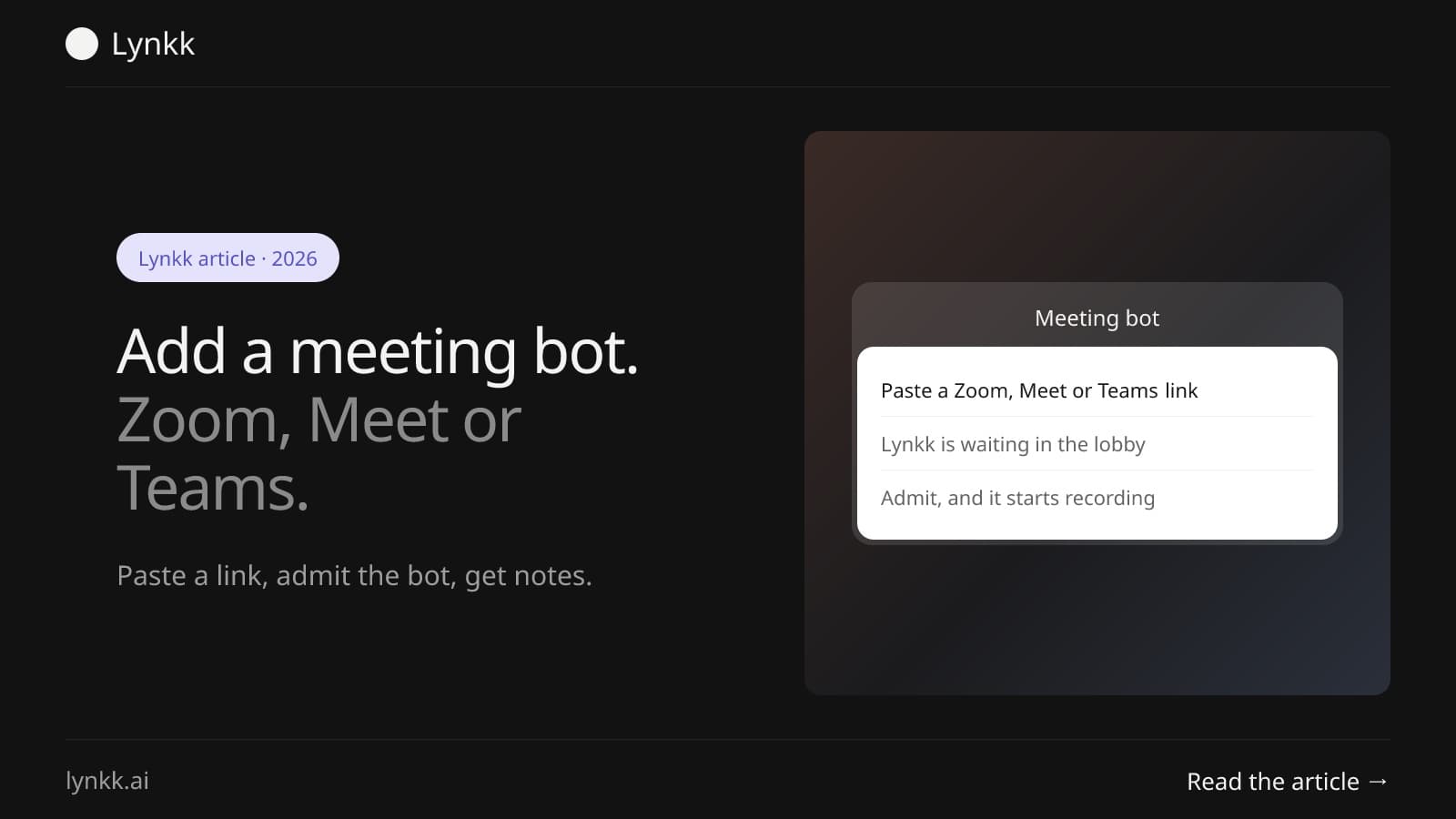
Quick answer: To add a meeting bot, paste the Zoom, Google Meet or Teams link into your note taker, or turn on calendar auto-join, then admit the bot from the waiting room or lobby if the host requires it. The Lynkk Zoom bot is free and records audio, and the Lynkk Mac app can record the same call with no bot at all.
A meeting bot, often called a Zoom bot when it joins Zoom, is 1 extra participant that a note-taking app sends into your call to record it. It shows up in the attendee list like a person, listens for the whole meeting, and hands the recording to the app for a transcript and notes.
Most note-taking bots work on 3 platforms: Zoom, Google Meet and Microsoft Teams. The bot only needs the meeting link. Not your password.
A note-taking bot is different from the spam bots that flood open meetings. A legitimate Zoom bot joins only the calls you send it to, under a clear name, and the host can remove it at any time.
This guide is about adding a ready-made note-taking bot. Building your own Zoom bot is a developer project on Zoom's developer platform, and it is not covered here.
There are 2 ways to send a meeting bot to a meeting: paste the link for a single call, or connect your calendar so the bot joins every meeting with a link. Here is how to send a meeting bot to a meeting with the Lynkk meeting bot.
Connect your calendar and turn on auto-join, and the bot joins each meeting that has a Zoom, Google Meet or Teams link. This is the easiest option if you have 5 or more calls a day. You never paste a link again.
To add a Zoom bot to a Zoom meeting, send the bot the Zoom link a minute or 2 before the start, then admit it if the meeting uses a waiting room. Once admitted, the Zoom bot to join meeting flow is done and recording starts.
A few Zoom details to know:
When people search "join zoom call bot", they are usually stuck on one of these 3 points. If the bot cannot get in, see the troubleshooting table below.
A Google Meet bot joins like a guest: it opens the Meet link and asks to join, and someone in the meeting clicks Admit. That takes about 10 seconds once the request appears.
Many people look for a "google meet bot joiner" because Meet blocks or hides requests in some setups. Check 2 things:
If your meetings rarely allow outside guests, record from your own side instead with the Lynkk Chrome extension, which needs no bot. For Google's own transcript feature, see how to get a Google Meet transcript.
Yes. You add a meeting bot to Teams the same way, by sending it the Teams meeting link, and it usually waits in the lobby for 1 person to admit it. Company policies matter more in Teams than in the other 2 platforms.
Teams admins can limit who bypasses the lobby. They can also block anonymous guests entirely. If your company blocks outside guests, a bot cannot get in, and a desktop app that records from your own computer is the better route. Our guide to the best Teams AI note takers covers the Teams-specific options.
The Lynkk meeting bot records audio for free on 3 platforms, Zoom, Google Meet and Teams; video recording from the bot is a Pro feature. During the call it shows a live transcript panel, and afterward the recording becomes a Meeting Brief.
Each Meeting Brief has 7 parts: title, abstract, key takeaways with timestamps, topics, action items, decisions with context, and open questions. Action items carry an owner, a due date and a priority. Transcripts cover 17 languages, 4 of them in beta, with speaker labels.
Each recording is capped at 2 hours on every plan. Lynkk keeps recordings private to your account and never trains on your conversations.
A meeting bot usually cannot join for 1 of 5 reasons, and most take under a minute to fix. Work down this table.
| Problem | Why it happens | Fix |
|---|---|---|
| Stuck in the waiting room | Nobody admitted it | Host or co-host clicks Admit |
| Request never appears | Meeting blocks outside guests | Ask the host, or record with no bot |
| Bot joined late | Link was sent after the start | Use calendar auto-join |
| Wrong meeting | Old or edited link | Copy the link from the latest invite |
| Removed by the host | Host did not expect a bot | Tell the host before the call |
If the meeting simply does not allow bots, the next section shows how to record without one. No bot, no admit button.
Yes. You can record Zoom, Google Meet and Teams with no bot in 2 ways: a desktop app on your computer or a browser extension. Nothing new appears in the attendee list.
A no-bot option is handy for sales calls and interviews. There, a Zoom bot in the attendee list can feel awkward.
You can stop an unwanted Zoom bot with 4 host settings, and the waiting room alone blocks most of them. Many university IT teams now publish this advice, because AI bots often join calls automatically from an attendee's calendar.
The same rules apply to your own bot. If a host says no, respect it and take notes another way.
Using a meeting bot is legal in most of the US when at least 1 participant consents, under federal law (18 U.S.C. § 2511). Some states, including California (Penal Code § 632), require every person on the call to agree.
A visible bot helps here. Everyone can see it in the attendee list. Still, say at the start that the meeting is being recorded. The NIST Privacy Framework is a useful checklist when your company reviews a recording tool. This is general information, not legal advice.
The Lynkk Zoom bot is free and records audio on 3 platforms, Zoom, Google Meet and Teams, with a live transcript during the call and a Meeting Brief afterward. Video recording from the bot is a Pro feature. Other note takers set their own limits, so check them before you rely on a free plan.
No. A meeting bot needs only 1 thing, the meeting link, not your Zoom, Google or Microsoft password. It joins as its own participant, and the host can admit or remove it like any guest. If you connect your calendar for auto-join, the bot reads meeting links from your events, not your account login.
Yes. A meeting bot appears in the attendee list as 1 more participant under its own name, so everyone in the call can see it. That makes recording visible, which helps with consent. If a visible bot would feel awkward, record with no bot from the Lynkk Mac app or the Chrome extension, and announce it yourself.
A Google Meet bot waits for 1 of 2 reasons: nobody has clicked Admit yet, or the meeting only lets invited people or people from the host's organization join. Ask someone in the call to admit it within the first minute, or record from your own browser tab with a Chrome extension instead of a bot.
Usually yes, as long as 1 of 2 people, the host or a co-host, admits it and the meeting allows outside guests. Some company settings block all external participants, which stops any bot. In those meetings, tell the host before the call, or record from your own computer with a desktop app that needs no bot.
Adding a meeting bot takes 2 steps: send it the link, then admit it. When a meeting does not allow bots, the Lynkk Mac app and Chrome extension record the same call from your side, with the same Meeting Brief afterward. Start free with Lynkk.
Ask an AI to summarize this article
Keep reading
Zoom
Compare 7 Zoom note taker tools, from Zoom AI Companion to bot-free apps. See free plans, pricing and which AI note taker for Zoom fits your team best.
Meeting follow-through
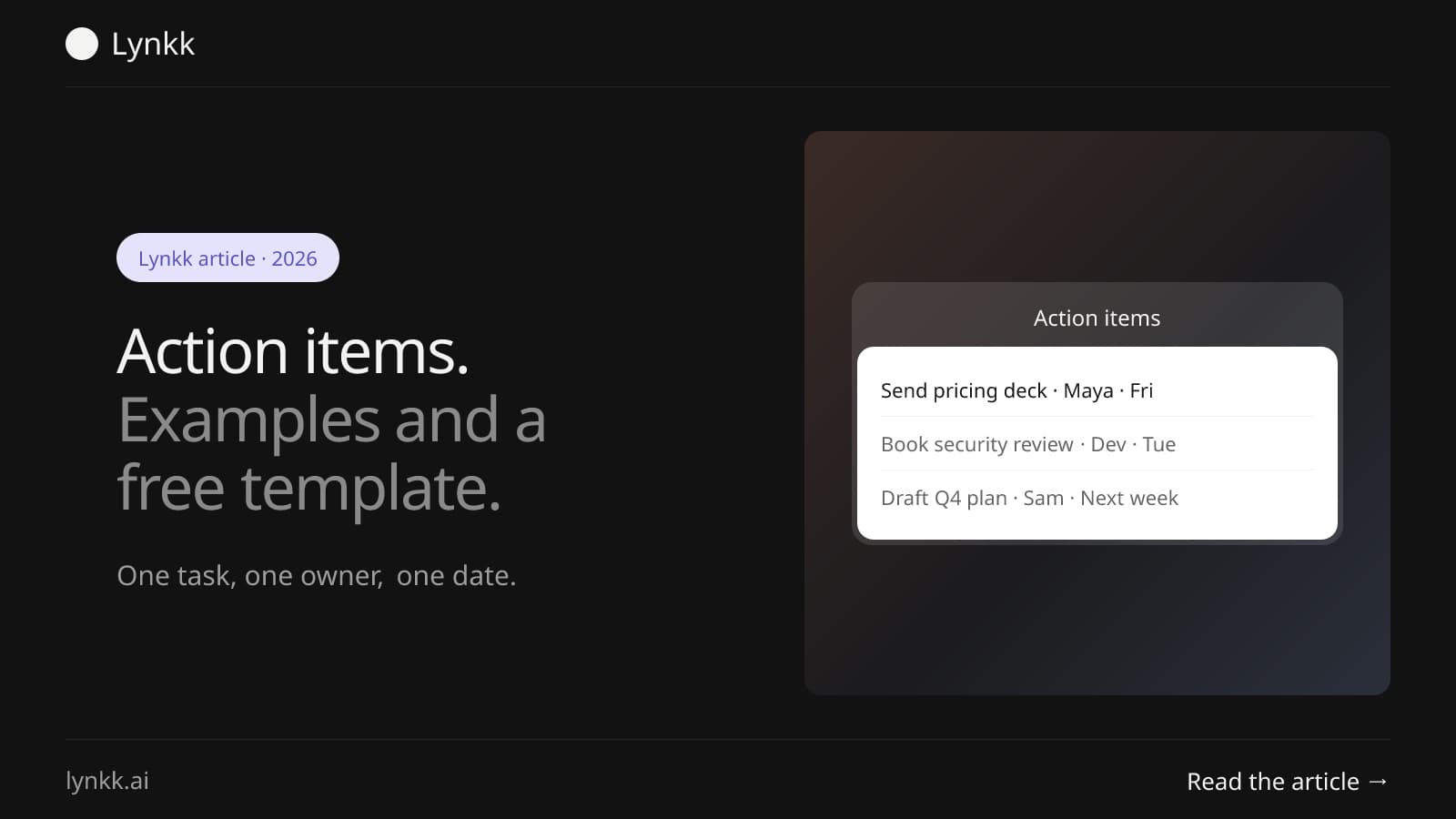
What action items are, 12 real examples, a free template you can copy, and a simple way to track every task after a meeting so owners and dates do not slip.
Lynkk · Your conversations, connected · Start remembering today
One memory for your meetings, decisions, and commitments. Find context, get answers, and keep moving.