Meeting follow-through
Action Items: What They Are, Examples, a Free Template, and How to Track Them
 By Samarth Wagh8 min read
Summarize this article with
On this page
Quick answer: Action items are specific tasks agreed in a meeting, each with 1 owner and 1 due date. Write each one as a verb-first sentence, keep the list at the top of your meeting notes, and review open items at the start of the next meeting. Lynkk adds action items with an owner, a due date and a priority to every Meeting Brief.
What are action items in a meeting?
Action items are the tasks a meeting agrees on, and a good one has 4 parts: a clear task, 1 owner, a due date and a priority. If a point from the meeting has no owner, it is a discussion note, not a task.
That is the plain action items meaning: they turn talk into work. A decision says what the team chose. A task says who will do the next piece of work, and by when.
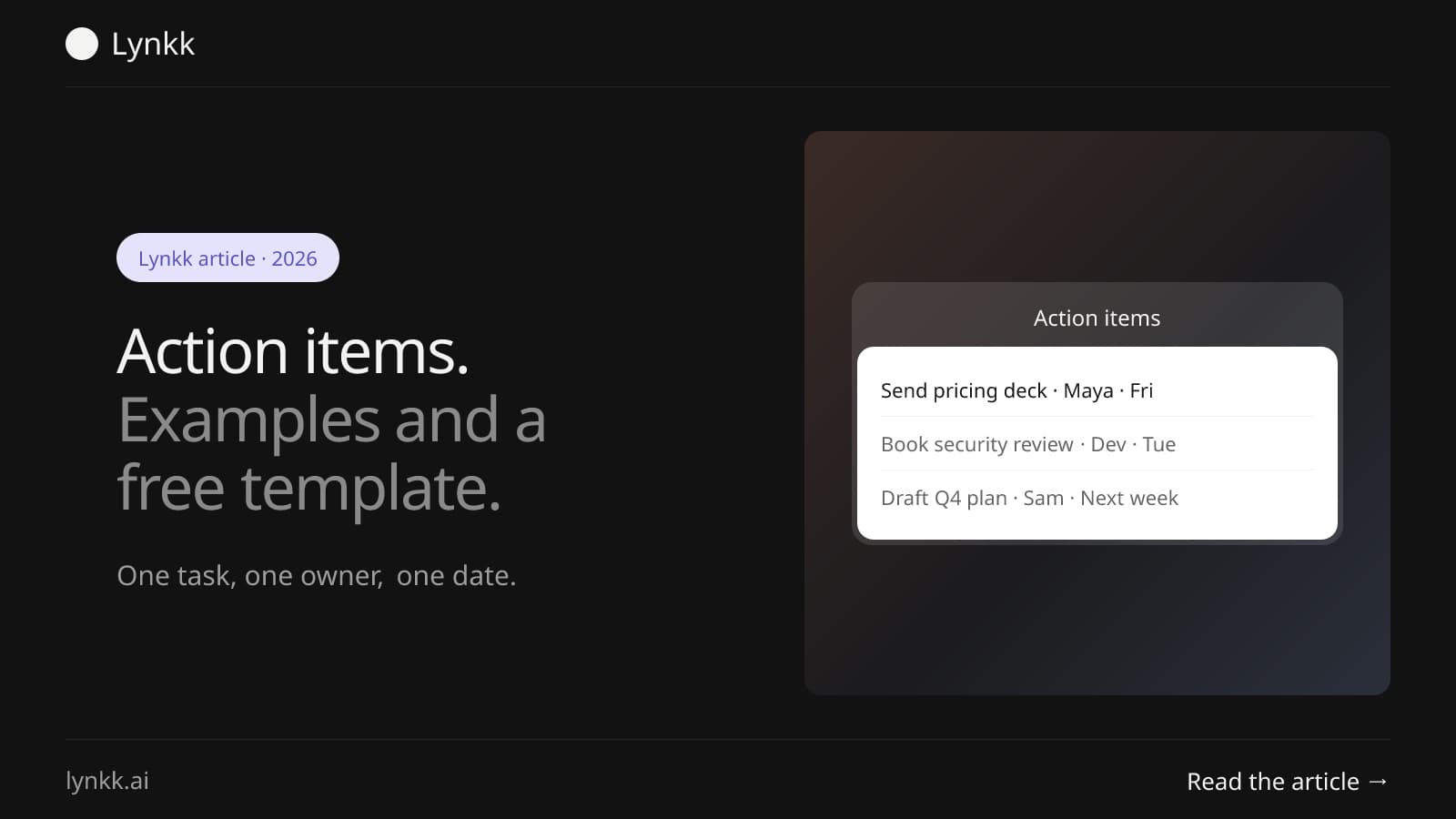
Most teams leave a meeting with 3 to 10 of them. Clarity matters more than the count. "Look into pricing" is a topic. "Maya sends 3 pricing options to the team by Friday" is a real task.
How do you write a good action item?
A good action item passes a 4-part test: it starts with a verb, names 1 owner, has a date, and someone else could tell when it is done. Shared owners such as "the team" or "marketing" are the most common reason tasks stall. Name a person.
| Part | Weak version | Strong version |
|---|---|---|
| Task | "Website stuff" | "Update the pricing page copy" |
| Owner | "Marketing" | "Priya" |
| Due date | "Soon" | "Thursday, October 16" |
| Done when | "Better copy" | "New copy is live on the page" |
Add a priority (high, medium or low) when a meeting produces more than 5 tasks. It tells people what to do first. Busy weeks need that.
What is an example of action items?
Here are 12 examples, 3 each from 4 common meetings. Each example of action items below has a verb, an owner and a date, so you can copy the pattern straight into your own notes.
| Meeting | Task | Owner | Due |
|---|---|---|---|
| Sales call | Send the security questionnaire answers | Account executive | Within 2 days |
| Sales call | Book a demo with the client's IT lead | Account executive | Next week |
| Sales call | Share 2 customer references | Sales manager | Friday |
| Product review | Write the spec for the export feature | Product manager | Monday |
| Product review | Estimate the export work in points | Tech lead | Wednesday |
| Product review | Test the new onboarding flow with 5 users | Designer | In 2 weeks |
| Team standup | Fix the login bug on Safari | Developer | Today |
| Team standup | Unblock the API key request with IT | Team lead | Tomorrow |
| Team standup | Update the release notes | QA lead | Before release |
| Client kickoff | Send the signed statement of work | Account manager | 3 days |
| Client kickoff | Set up the shared project channel | Project manager | Tomorrow |
| Client kickoff | Schedule the first weekly check-in | Project manager | This week |
Notice that every row could be checked off by someone outside the meeting. That is the bar.
How do you write meeting notes with action items?
Meeting notes with action items work best when the tasks sit in their own list at the top, not buried in the discussion. Readers skim the first 10 lines. Put tasks there.
- Write tasks as they happen. When someone says "I'll do it", write the task, the name and the date right away.
- Start each task with a verb. Send, book, write, fix, decide, review.
- Read the list aloud in the last 3 minutes. People correct owners and dates while they are still in the room.
- Send the notes within 24 hours. Tasks lose momentum fast after a meeting ends.
If you take notes by hand, step 1 is the hard part. You cannot listen and write at once. That is where an AI note taker helps, as covered below.
What does a meeting minutes format with action items look like?
A meeting minutes format with action items has 6 parts: the meeting details, attendees, agenda, decisions, discussion notes and the action items table. Keep the table last so it is easy to find and copy.
- Meeting details: name, date, time and who ran it.
- Attendees: who was there, and who was absent.
- Agenda: the 3 to 5 topics you planned to cover.
- Decisions: what the group agreed, in 1 line each.
- Discussion notes: short points per agenda topic.
- Tasks: the table below.
For a fuller minutes guide with an example built for product teams, see how product teams turn meeting minutes into Jira issues.
Free action items template you can copy
This action items template has 4 columns and works in Google Docs, Word, Notion or a spreadsheet. Copy it into your notes before the meeting and fill it in as you go.
| Task | Owner | Due date | Status |
|---|---|---|---|
| Send the revised proposal to the client | Sam | Oct 17 | Open |
| Book the design review | Lee | Oct 15 | In progress |
| Decide the launch date | Ana | Oct 20 | Open |
| Close last week's billing ticket | Raj | Oct 13 | Done |
Use 4 statuses and no more: open, in progress, in review and done. More options make the list harder to read at a glance. Keep it simple.
How do you go about tracking action items after a meeting?
Tracking action items comes down to 3 habits: 1 shared list, a weekly review, and closing items out loud. Most tasks are lost between meetings, not during them.
Keep 1 list, not 5
Put every task in one place the whole team can see. Splitting them across chat, email and personal notebooks is how a task ends up with 2 owners or none. One list wins.
Review open items first
Start each recurring meeting with 2 minutes on last week's open tasks. It takes less time than a new agenda topic and it makes owners plan ahead.
Move work into the tool where it happens
Engineering teams often want tasks in Jira. In Lynkk you send tasks from the note to Jira yourself, 1 issue per item, choosing the project and issue type. It is a manual step. Nothing lands in Jira you did not choose.
Why do action items often get missed?
Tasks usually get missed for 1 of 4 reasons: no single owner, no date, nobody wrote them down, or nobody checked them later. The fix for each one is small.
| Reason | What happens | Fix |
|---|---|---|
| No single owner | Everyone assumes someone else has it | Name 1 person per task |
| No date | The task slides to "someday" | Agree a date before the meeting ends |
| Not written down | People remember different versions | Capture tasks in shared notes |
| Not reviewed | Nobody notices it stalled | Review open items at the next meeting |
The third reason is the one software fixes best. A recording does not forget who said what.
How does AI find action items in a meeting?
An AI note taker finds tasks in 3 steps: it reads the meeting transcript for commitments such as "I'll send that by Friday", then pulls out the task, the person and the date. In Lynkk, every Meeting Brief lists each one with an owner, a due date and a priority.
Here is how it works with Lynkk action items:
- Capture: like most AI note takers, the Lynkk meeting bot joins Google Meet, Zoom and Teams, or the Mac app records calls with no bot.
- Brief: after the meeting you get a Meeting Brief with key takeaways, decisions, open questions and tasks. Every timestamp plays the recording from that moment.
- Track: tasks go to a board with 4 statuses (open, in progress, in review, done), and you can add tasks by hand.
- Remind: with Google Calendar connected, a morning briefing email shows who you are meeting and how many tasks are still open between you.
Always read the list before you share it. AI catches commitments people forget. Owners should still confirm the wording.
Is it legal to record a meeting?
Recording a meeting to capture tasks is legal in most of the US when at least 1 participant consents, under federal law (18 U.S.C. § 2511). Some states, including California (Penal Code § 632), require every party to agree.
In the EU, a recording of identifiable people is personal data under the GDPR, so you need a lawful basis and should tell people why you record. The simple rule everywhere: say at the start that the meeting is being recorded. The NIST Privacy Framework is a useful checklist when you review any recording tool.
Lynkk keeps recordings private to your account and never trains on your conversations. This is general information, not legal advice.
FAQ
What is the meaning of action items?
They are specific tasks that come out of a meeting, each with 1 owner and 1 due date. They differ from decisions, which record what the group agreed, and from notes, which record what was said. If a point has no owner, it is not a task yet, so assign one before the meeting ends.
How many action items should a meeting have?
Most meetings produce between 3 and 10 tasks. Fewer than 3 can mean the meeting could have been an email; more than 10 usually means some tasks are too small or belong in a project plan. Add a priority to each task whenever the list grows past 5, so owners know what comes first.
Who should own an action item?
Each task should have exactly 1 owner, the person who will do the work or make sure it gets done. Teams and departments cannot own a task, because everyone assumes someone else has it. If 2 people share the work, name 1 of them as the owner and the other as a helper.
Should action items go in meeting minutes?
Yes. Tasks belong in meeting minutes as a separate table with 4 columns: task, owner, due date and status. Put the table at the end or the top, never inside the discussion notes. That way people can find their tasks in under 10 seconds and copy them into their own task tool.
Can AI create action items from a meeting?
Yes. AI note takers read the transcript and list each commitment with 3 details: the task, the person and the date. Lynkk adds them with an owner, a due date and a priority to each Meeting Brief, and each one links to the moment in the recording. Read the list before sharing, so the owner confirms the wording.
What is the difference between action items and next steps?
Next steps describe the general direction after a meeting, while action items are the 1-owner, 1-date tasks that make that direction happen. "Move to a pilot" is a next step. "Dana sends the pilot contract by October 20" is a task. Good notes list both, with tasks in their own table.
Conclusion
Action items are where meetings turn into progress: 1 task, 1 owner, 1 date, reviewed at the next meeting. Use the template above to write them well, and let Lynkk capture them from the call so nothing depends on memory. Start free with Lynkk.
Ask an AI to summarize this article
Lynkk · Your conversations, connected · Start remembering today
Everything your team knows, connected in one living memory, ready whenever you need it.
One memory for your meetings, decisions, and commitments. Find context, get answers, and keep moving.