Quick answer: The best Zoom note taker for most teams is Lynkk: it joins Zoom with a free meeting bot, or records with no bot from the Mac app or Chrome extension, then writes a Meeting Brief with action items. Zoom AI Companion is the built-in pick if you already pay for Zoom, and Fathom is a strong free recorder.
Disclosure: Lynkk makes this list and ranks itself first. We describe every other tool from its own published documentation and pricing, and we do not link to competitor websites.
Our quick picks
Pick
Tool
Why
Best overall
Lynkk
Bot or no bot, plus action items and a morning briefing
Best built-in
Zoom AI Companion
$0 extra on paid Zoom Workplace plans
Best for live transcripts
Otter
Live transcript during the call
Best free recorder
Fathom
Free unlimited recordings
Best for a searchable library
Fireflies
Large team call archive
Best for meeting reports
Read AI
Meeting scoring and reports
Best bot-free notepad
Granola
Personal notes with no bot
What is a Zoom note taker?
A Zoom note taker is an app that records a Zoom meeting, turns the audio into a transcript, and writes notes such as a summary and action items. Most AI Zoom note taker tools work in 1 of 3 ways: a bot that joins the call, a desktop app, or a browser extension.
The difference matters. A bot shows up as an extra participant. Some hosts block it. A desktop app or extension records from your own computer, so nobody else sees a new name in the call.
Zoom also has its own option, AI Companion, which is built into paid Zoom Workplace plans. It is covered below as tool number 2.
How did we compare these Zoom note takers?
We compared 7 tools on 5 criteria that matter in Zoom meetings: how each one joins or records, the notes it produces, the free plan, the price, and where else it works. Competitor details come from each vendor's own documentation and pricing pages, checked on September 30, 2026.
Criterion
What we looked for
Weight
Capture
Bot, desktop app or extension options
25%
Notes
Summary, action items, decisions, search
30%
Free plan
What you get without paying
20%
Price
Cost per user per month
15%
Reach
Zoom plus Teams, Meet and in-person
10%
Prices change often. Check each vendor's pricing page before you buy.
1. Lynkk: best Zoom note taker overall
Lynkk is the best Zoom note taker overall because it gives you 3 ways to capture a Zoom call and turns each one into a Meeting Brief with action items. It also works on Google Meet, Teams, Slack huddles, WhatsApp, FaceTime and Webex calls from the Mac app.
How Lynkk records Zoom
You have 3 options, and you can mix them:
Meeting bot: paste a Zoom link or turn on calendar auto-join. The bot is free and records audio; video recording is a Pro feature. A live transcript panel shows during the meeting.
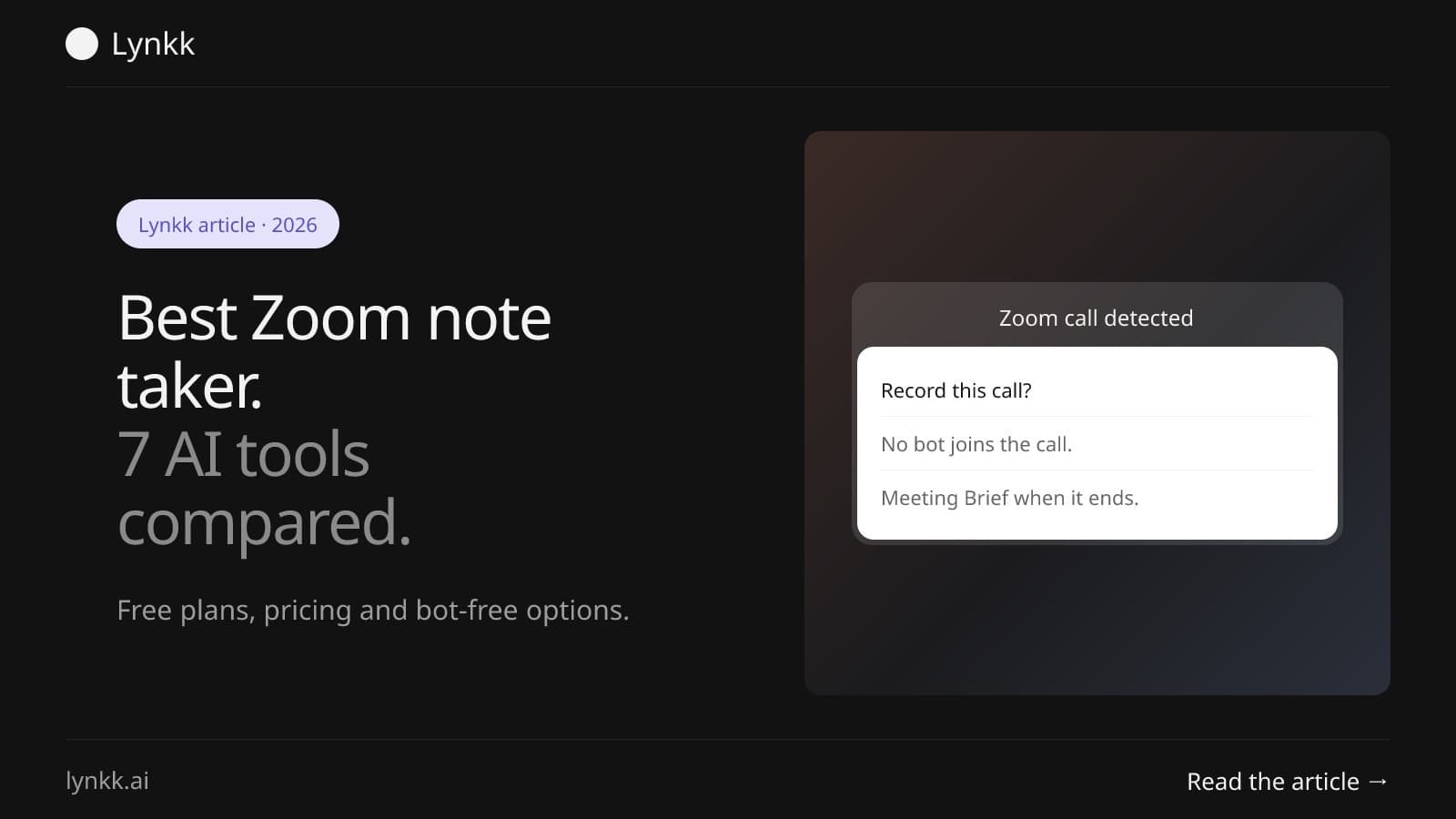
Mac app: a card says "Zoom call detected" with Record and Not now. No bot joins. It records both sides on 2 channels, so your side is labeled "You".
Chrome extension: records the Zoom web client in a Chrome tab with no bot, using the tab audio and your mic on 2 channels.
What you get after the call
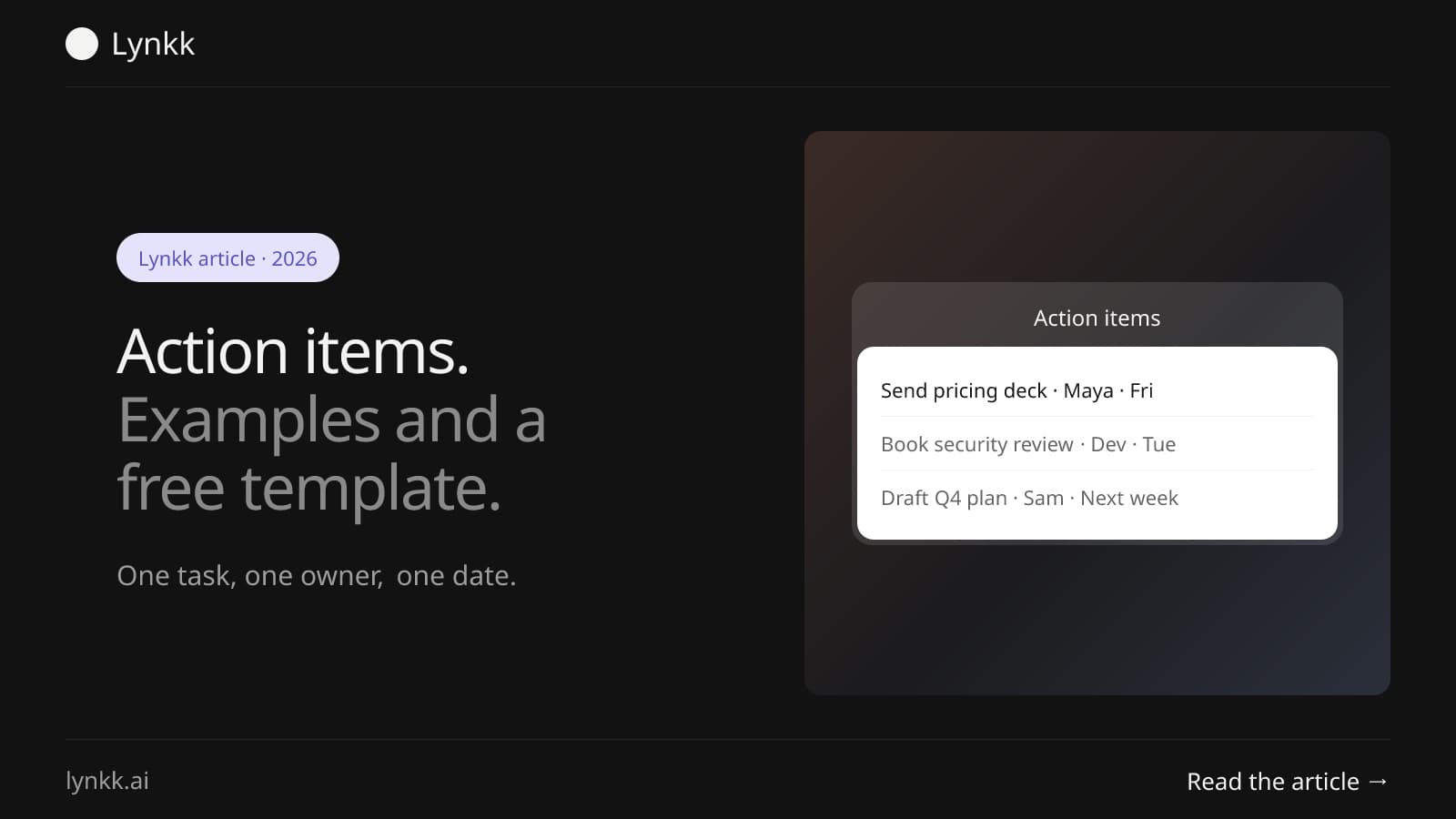
Every recording becomes a Meeting Brief with 7 parts: title, abstract, key takeaways with timestamps, topics, action items, decisions with context, and open questions. Action items carry an owner, a due date and a priority.
Transcripts cover 17 languages, 4 of them in beta, with speaker labels. With Google Calendar connected, a morning briefing email shows who you are meeting and what is still open from your last call.
What could be better
The Mac app runs on Apple silicon Macs with macOS 14.2 or later, and there is no phone app. Each recording is capped at 2 hours on every plan.
Pricing
Lynkk has 2 plans, Free and Pro. The free plan includes recording, transcription, the meeting bot (audio only), the Meeting Brief, tasks and Jira send. Pro adds Ask Lynkk, Summary Shapes, per-note chat, video recording from the bot and more. See Lynkk pricing.
2. Zoom AI Companion: best built-in option
Zoom AI Companion is the best built-in Zoom note taker because it costs $0 extra on paid Zoom Workplace plans, according to Zoom's own pages checked on September 30, 2026. It writes meeting summaries inside Zoom.
What we liked: nothing to install for paid Zoom users, and licensed users can also invite it to Microsoft Teams and Google Meet meetings. Zoom's "My Notes" feature works across Zoom, Teams, Google Meet and in-person conversations.
What could be better: account admins can turn meeting summaries off, so you may not have access at work. It is tied to a paid Zoom plan.
Pricing: included at no extra cost with paid Zoom Workplace plans. For a closer look, see our guide to Zoom AI Companion alternatives.
3. Otter: best for live transcripts in Zoom
Otter is a well-known AI note taker for Zoom with a free Basic plan of 300 minutes a month and 20 AI chat queries, per Otter's pricing page checked on September 30, 2026. Its strength is a live transcript you can follow during the call.
What we liked: a live transcript in real time, and a free plan that covers light use.
What could be better: minutes are capped on every plan, so heavy Zoom users need to watch the limit.
Pricing: Pro from $8.33 per user per month billed annually (1,200 minutes); Business from $19.99 per user per month billed annually (6,000 minutes); Enterprise is custom.
4. Fireflies: best for a searchable Zoom call library
Fireflies is a strong pick for teams that want a large, searchable archive of Zoom calls, with 4 plans from Free to Enterprise. Its free plan includes 400 minutes of storage per team, per Fireflies' pricing page checked on September 30, 2026.
What we liked: a call library built for searching across many meetings.
What could be better: recordings are capped at 2 hours on Free and Pro, and 3 hours on Business.
Pricing: Pro $10 per user per month billed annually ($18 monthly); Business $19 annually ($29 monthly); Enterprise $39 billed annually only.
5. Fathom: best free AI note taker for Zoom
Fathom is the best free AI note taker for Zoom in this list for pure recording volume: its free plan allows unlimited recordings, per Fathom's pricing page checked on September 30, 2026. Advanced summaries are limited to the first 5 calls each month on the free plan.
What we liked: unlimited free recordings for individuals.
What could be better: the richer AI summaries are capped on the free plan, and newer Team and Business plans need paid seats.
Pricing: paid plans from $15 per user per month, with tiers from $19 to $34.
6. Read AI: best for Zoom meeting reports
Read AI suits managers who want reports about how meetings went, and its free plan covers 5 meetings a month, per Read AI's pricing page checked on September 30, 2026.
What we liked: meeting reports and analytics on top of the notes.
What could be better: 5 free meetings a month runs out fast for anyone with a full calendar.
Pricing: Pro from $15 per user per month billed annually.
7. Granola: best bot-free notepad for Zoom
Granola is a personal AI notepad that works with no bot in the call, on Mac, Windows, iPhone and Android, per Granola's own pages checked on September 30, 2026. The free plan keeps 30 days of history.
What we liked: no extra participant in your Zoom call, and notes that build on what you type.
What could be better: it is built for personal notes, and the free plan only keeps 30 days.
Pricing: Business $14 per user per month; Enterprise from $35.
Does Zoom have a built-in AI note taker?
Yes. Zoom AI Companion is Zoom's built-in AI note taker, included at $0 extra on paid Zoom Workplace plans. Free Zoom Basic accounts record locally only, and Zoom transcribes cloud recordings only, so free users usually need a separate app for notes.
There is also a timing catch. Zoom only transcribes a cloud recording if the transcript setting was on before you hit record. For the full steps, see how to transcribe Zoom meetings.
Is there a free AI note taker for Zoom?
Yes, 6 of the 7 tools in this list have a free AI note taker for Zoom: Lynkk, Otter, Fireflies, Fathom, Read AI and Granola all offer free plans. They differ on limits, such as minutes per month, meetings per month or how long notes are kept.
Tool
Free plan limit (checked Sep 30, 2026)
Lynkk
Free plan with meeting bot (audio), Meeting Brief and tasks; 2 h per recording
Otter
300 minutes a month
Fireflies
400 minutes of storage per team
Fathom
Unlimited recordings, 5 advanced summaries a month
Read AI
5 meetings a month
Granola
30 days of history
Zoom AI Companion is not on this list because it needs a paid Zoom plan.
How do you turn on a Zoom note taker?
To turn on a Zoom note taker, you either enable Zoom AI Companion in your Zoom settings or add a third-party app, which takes about 2 minutes. How to turn on Zoom note taker features depends on which kind you use.
Zoom AI Companion: on a paid plan, turn on meeting summaries in your Zoom web settings (an admin may need to allow it first), then start it from the AI Companion button in the meeting.
A meeting bot: paste the Zoom link into the note taker, or connect your calendar so the bot joins on its own.
A desktop app: install it, and it offers to record when a Zoom call starts. In Lynkk, you click Record on the "Zoom call detected" card.
A browser extension: join Zoom in your browser and press Record on the extension.
Whichever you pick, tell everyone in the call. Every time.
Can a Zoom note taker work without a bot joining?
Yes. A Zoom note taker can work with no bot in 2 ways: a desktop app that records from your computer, or a browser extension that records the Zoom web client. Granola and Lynkk both offer bot-free recording.
Bot-free recording helps when a host does not allow outside participants, or when a bot in the attendee list would feel awkward on a sales or interview call. Lynkk's Mac app also hides its call card and recording column from screen share on macOS 15.4 and later (best effort).
Which AI note taker for Zoom meetings fits your team?
The right AI note taker for Zoom meetings depends on 3 things: whether bots are allowed, what you need after the call, and which other platforms you use. Use this table as a shortcut.
If you need
Pick
Notes, action items and Jira send from Zoom
Lynkk
Nothing extra to install on a paid Zoom plan
Zoom AI Companion
A live transcript during the call
Otter
Free recordings with no monthly cap
Fathom
A searchable archive for a large team
Fireflies
Reports on how meetings went
Read AI
Personal notes with no bot
Granola
If you also record Teams or Google Meet, pick a tool that covers all 3 so your notes stay in 1 place. Our list of the best Zoom meeting recorders covers recording-only options.
How do you use a Zoom note taker after the call?
You use a Zoom note taker after the call by checking 5 things it should give you: a transcript with speaker names, a short summary, decisions, action items with owners, and a way to find the moment something was said. A transcript alone is not enough. You would still be doing the note-taking work.
Check 3 practical details too. How long can a single recording run? Can you share notes with someone who was not in the call? Can you search across past meetings, not just the last one?
In Lynkk, each timestamp in the Meeting Brief plays the recording from that moment, notes can be shared with a revocable link, and Ask Lynkk (Pro) answers questions across all your notes with citations.
Is it legal to use a Zoom note taker?
Using a Zoom note taker is legal in most of the US with the consent of at least 1 participant under federal law (18 U.S.C. § 2511). Some states, such as California (Penal Code § 632), require everyone on the call to agree.
Zoom shows a recording notice for its own recordings, but a desktop app or extension does not announce itself. Say at the start of the call that you are recording, and add it to the chat. The NIST Privacy Framework is a helpful checklist when your company reviews any AI note taker. This is general information, not legal advice.
FAQ
What is the best AI note taker for Zoom?
Lynkk is the best AI note taker for Zoom for most teams, because it records Zoom in 3 ways, a free bot, the Mac app or the Chrome extension, then writes a Meeting Brief with action items. Zoom AI Companion suits paid Zoom users who want nothing extra, and Fathom suits people who want free recordings.
Is Zoom AI Companion free?
Zoom AI Companion costs $0 extra on paid Zoom Workplace plans, according to Zoom's pages checked on September 30, 2026. It is not available on free Zoom Basic accounts, which can only record locally. Free users who want AI notes need a separate Zoom note taker, such as Lynkk, Otter, Fathom or Fireflies.
Can I use an AI note taker in a Zoom meeting I do not host?
Often yes, with 2 caveats. A bot may need the host to admit it from the waiting room, and some hosts block outside participants. A desktop app or browser extension records from your own computer instead. In every case, tell the host and the other participants that you are recording before you start.
Do Zoom note takers work with Teams and Google Meet too?
Most do. Lynkk's meeting bot joins 3 platforms, Zoom, Google Meet and Teams, and its Mac app also notices Slack huddles, WhatsApp, FaceTime and Webex calls. Zoom AI Companion can be invited to Teams and Google Meet by licensed users. Check each tool's list of supported platforms before you choose.
Which Zoom note taker works without a bot?
Granola and Lynkk both record Zoom with no bot. Lynkk's Mac app shows a "Zoom call detected" card and records both sides on 2 channels, and its Chrome extension records the Zoom web client in a browser tab. Bot-free recording helps when hosts block extra participants or when a bot would feel awkward.
Conclusion
The best Zoom note taker is the one that fits how your calls run. If you want free capture, a bot when you need it, no bot when you do not, and action items you can send to Jira, Lynkk covers all of it. Start free with Lynkk.
What action items are, 12 real examples, a free template you can copy, and a simple way to track every task after a meeting so owners and dates do not slip.
8 min read
Lynkk · Your conversations, connected · Start remembering today
Everything your team knows, connected in one living memory, ready whenever you need it.
One memory for your meetings, decisions, and commitments. Find context, get answers, and keep moving.