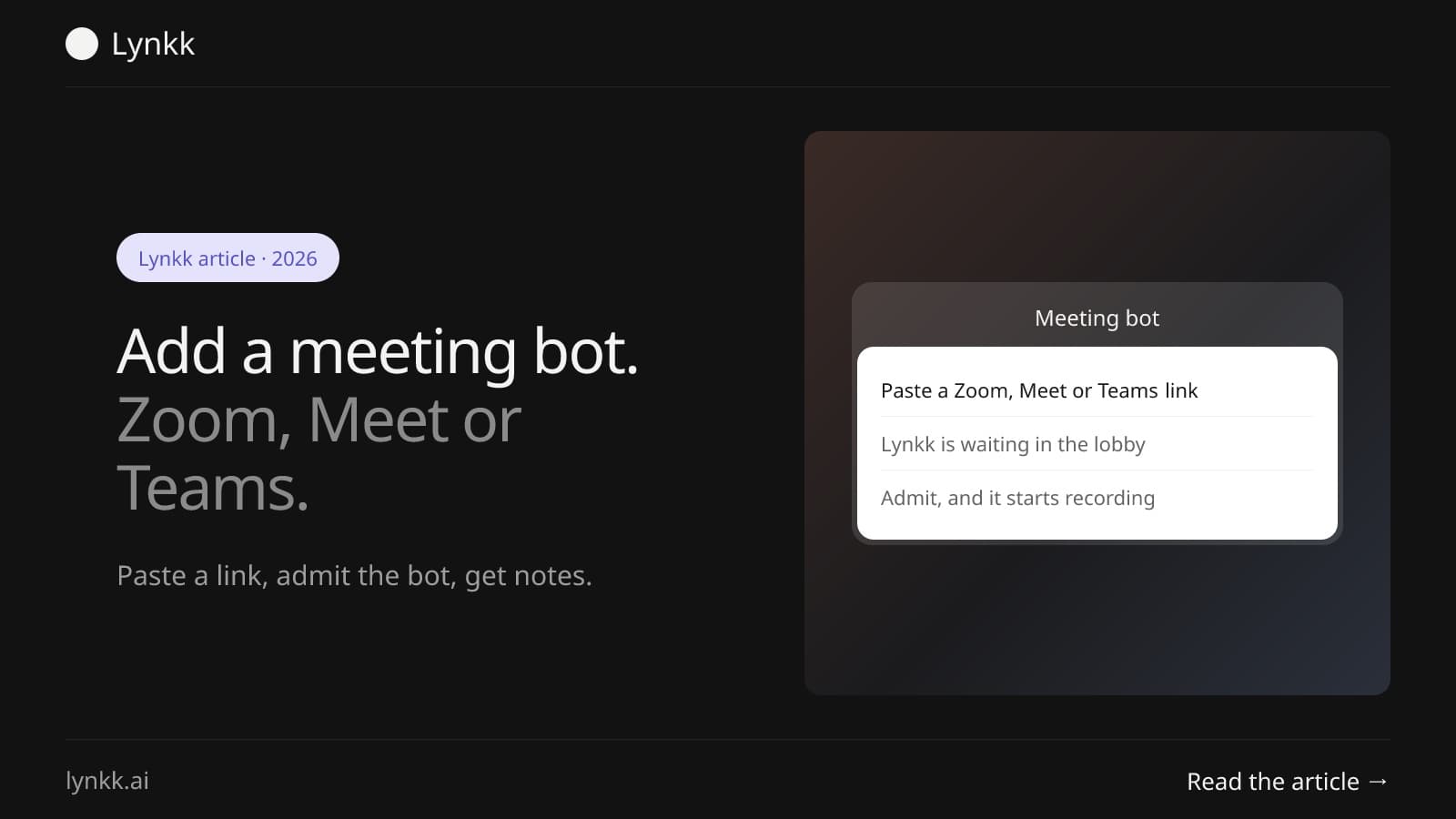
Meeting bots
How to Add a Meeting Bot to Zoom, Google Meet or Teams, Step by Step
How to add a Zoom bot or Google Meet bot to a call: paste a link or use calendar auto-join, admit it from the waiting room, and fix it when the bot cannot join.
Meeting preparation
 By Samarth Wagh8 min read
Summarize this article with
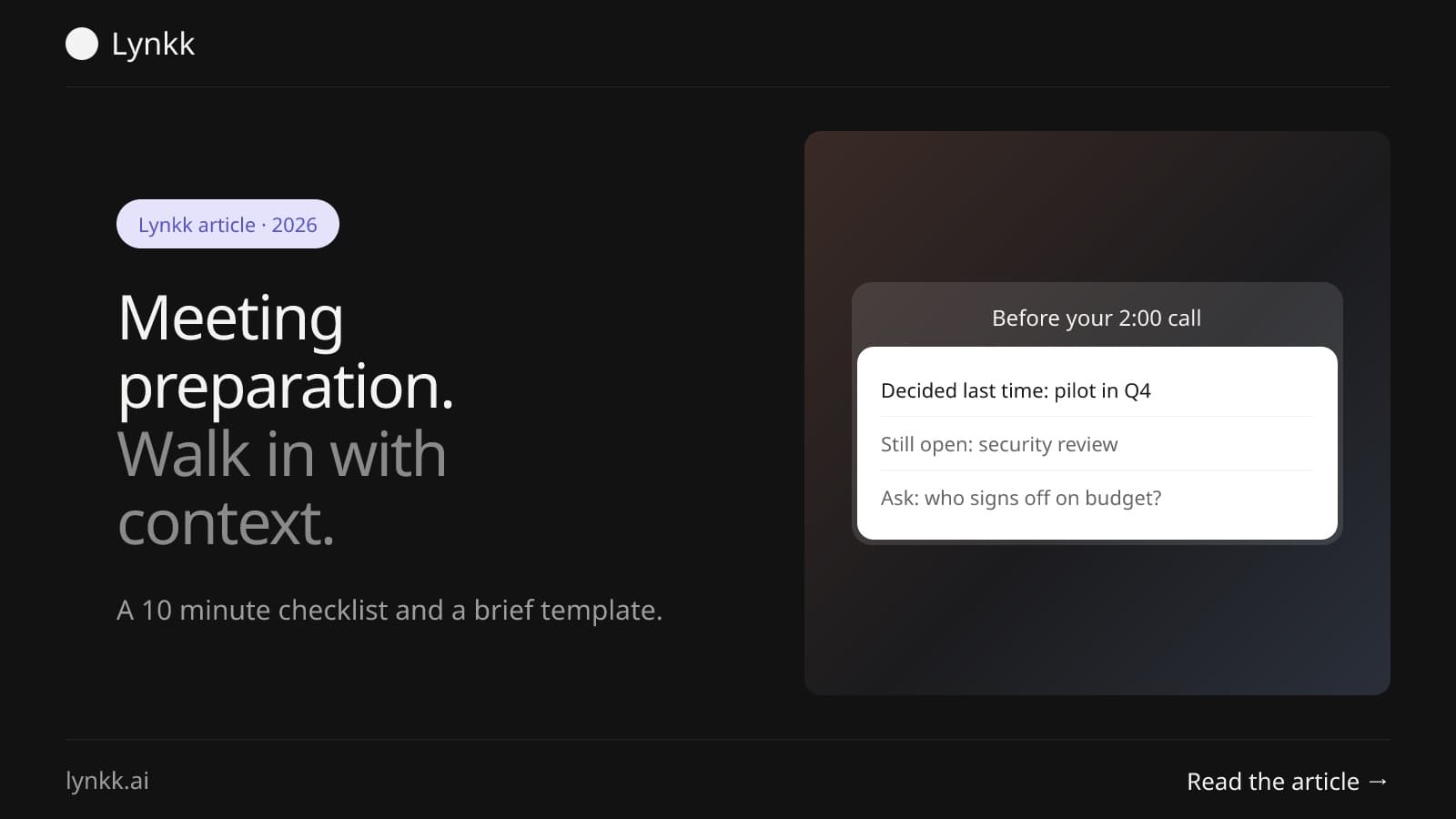
Quick answer: Good meeting preparation takes about 10 minutes: reread the last notes with the same people, list open tasks and decisions, set 1 goal and 3 agenda points, and write a one-page meeting brief. Lynkk does the first part for you with a morning briefing email showing who you are meeting, your last note with them and how many tasks are still open.
Meeting preparation is the 10 to 15 minutes you spend before a meeting reviewing what happened last time, deciding what you want from this one, and writing it down. The goal is simple: start ahead, not cold.
Most people prepare the agenda and skip the history. That is backwards. The most useful prep is remembering what you already agreed, what is still open, and who promised what. Without it, the first 10 minutes of a meeting go to "where were we?"
A meeting brief is a one-page summary you read before a meeting, and a good one has 6 parts: who you are meeting, the goal, what happened last time, open tasks, open questions and the agenda. It should fit on 1 screen.
| Part | What to write | Example |
|---|---|---|
| Who | Names, roles, company | Dana (VP Ops), Leo (IT) at Acme |
| Goal | The 1 outcome you want | Agree the pilot start date |
| Last time | Decisions from the last meeting | Pilot scope set to 2 teams |
| Open tasks | Who owes what | Leo: security review, due Oct 14 |
| Open questions | What is still unresolved | Budget owner for year 2 |
| Agenda | 3 to 5 topics, in order | Security review, dates, budget |
The "last time" and "open tasks" rows are the ones people skip, and they are the ones that save the most time in the room.
This meeting brief template takes about 5 minutes to fill in once you have last meeting's notes open. Copy it into a doc or your calendar event.
Keep the brief to 1 page. If it runs longer, the meeting probably needs splitting into 2.
A checklist for meeting preparation should have 7 steps you can run in order in about 10 minutes. Here is a simple version.
Steps 2 to 4 are the slow ones when notes live in 5 different places. They are also the steps AI can do for you.
To prepare from past notes, search by the people or company you are meeting, open the most recent note, and copy its decisions and open tasks into your brief. That takes 2 to 3 minutes when every meeting is recorded in 1 place.
It takes much longer when notes are scattered across docs, chat and notebooks. That is the real cost of weak note-taking: not the meeting itself, but every meeting that follows it.
In Lynkk, every recording becomes a Meeting Brief with 7 parts, including decisions with context, open questions and action items with an owner, a due date and a priority. Each timestamp plays the recording from that moment, so you can check exactly what was said.
AI can do steps 2 to 4 of the checklist before you open your laptop: it finds your last meeting with the same people, pulls the decisions and lists what is still open. In Lynkk, this arrives as a morning briefing email on days you have meetings, once Google Calendar is connected.
For each meeting that day, the briefing shows 3 things: who you are meeting, the most recent note with those people, and how many action items are still open between you. It is a ready-made start to your meeting brief.
Ask Lynkk is a chat that answers from 1 source only: your own notes. Ask "what did we decide with Acme last month?" and it finds notes by person, company or project, lists open tasks and decisions, and shows citation chips that open the note at the exact moment, such as "Play from 12:04". You can also attach 1 file, such as a PDF spec or a CSV, and ask about it next to your notes.
Lynkk sends 1 summary email after every meeting, to you and to attendees if you opt in. That email becomes the "last meeting" row of your next brief.
Engineering leads prepare standups fastest by reading 1 thing: yesterday's decisions and blockers, not the whole chat history. A short brief with 3 lines per person beats scrolling Slack before 9 a.m.
In Lynkk, recurring standups get a Meeting Brief each day, and Pro adds a Daily Stand-up Summary Shape, 1 of 9 built-in formats. Ask Lynkk can then answer "what did we decide about the API migration this week?" with citations from each standup note. For a full standup routine, see standup notes with action items, blockers and decisions.
For a client or sales meeting, preparation should answer 3 questions: what did they ask for last time, what did we promise, and what is blocking the deal. Write those answers at the top of your brief.
Search your notes by company, not by date. Sales teams do this at scale with conversation intelligence. In Lynkk, Ask Lynkk finds every note with that company and lists open tasks between you, and the Sales Call Summary Shape (Pro) formats call notes for exactly this kind of follow-up. See how sales teams use this in AI notes for sales calls.
Meeting preparation should take about 10 minutes for a routine meeting and 20 to 30 minutes for a high-stakes one, such as a board meeting or a renewal call. If prep takes longer than the meeting, your notes are too hard to search.
| Meeting type | Prep time | Focus |
|---|---|---|
| Daily standup | 2 minutes | Yesterday's blockers |
| Weekly 1:1 | 5 to 10 minutes | Open tasks and feedback |
| Client or sales call | 10 to 15 minutes | Promises and open questions |
| Board or renewal meeting | 20 to 30 minutes | Decisions, numbers, risks |
Founders with 6 or more calls a day feel this most. For more on handling a full calendar, read how founders keep up with back-to-back meetings.
Not everywhere, so check before you record the meetings you prepare from. In the US, federal law (18 U.S.C. § 2511) allows recording with 1 participant's consent, but several states require everyone to agree. In the EU, a recording of identifiable people is personal data under the GDPR.
The simple rule is to say at the start of every meeting that it is being recorded. The NIST Privacy Framework is a useful checklist when you review any tool that stores meeting notes. Lynkk keeps recordings private to your account and never trains on your conversations. This is general information, not legal advice.
A meeting brief is a one-page summary you read before a meeting. It covers 6 things: who you are meeting, your goal, decisions from last time, open tasks, open questions and the agenda. It takes about 5 minutes to write when past notes are easy to find, and it saves the first 10 minutes of the meeting.
Open the last note with the same people, copy the 2 or 3 decisions and every open task into a short list, then write 1 goal and 3 agenda points. That is enough for most routine meetings. A morning briefing email, like the one Lynkk sends, gives you the first half before you start.
Before a client meeting, answer 3 questions in writing: what they asked for last time, what you promised, and what is still blocking progress. Search past notes by company, list open tasks with owners, and set 1 clear goal. Share a short agenda with the client the day before if you are running the call.
AI can write most of it. Lynkk's morning briefing email lists 3 things: who you are meeting, your most recent note with them and how many action items are open, once Google Calendar is connected. Ask Lynkk (Pro) can then answer follow-up questions from your notes with citations. You still set the goal yourself.
Record your meetings and keep the notes in 1 searchable place. In Lynkk, every Meeting Brief lists decisions with context, and Ask Lynkk finds them by person, company or project, with citation chips that open the exact moment in the recording. Search by who you met, not by meeting title, to find them fastest.
Meeting preparation is mostly memory: what you agreed, what is open and what you want next. A 10-minute checklist and a one-page meeting brief cover it, and Lynkk's morning briefing email and Ask Lynkk do the remembering for you. Start free with Lynkk.
Ask an AI to summarize this article
Keep reading
Meeting bots
How to add a Zoom bot or Google Meet bot to a call: paste a link or use calendar auto-join, admit it from the waiting room, and fix it when the bot cannot join.
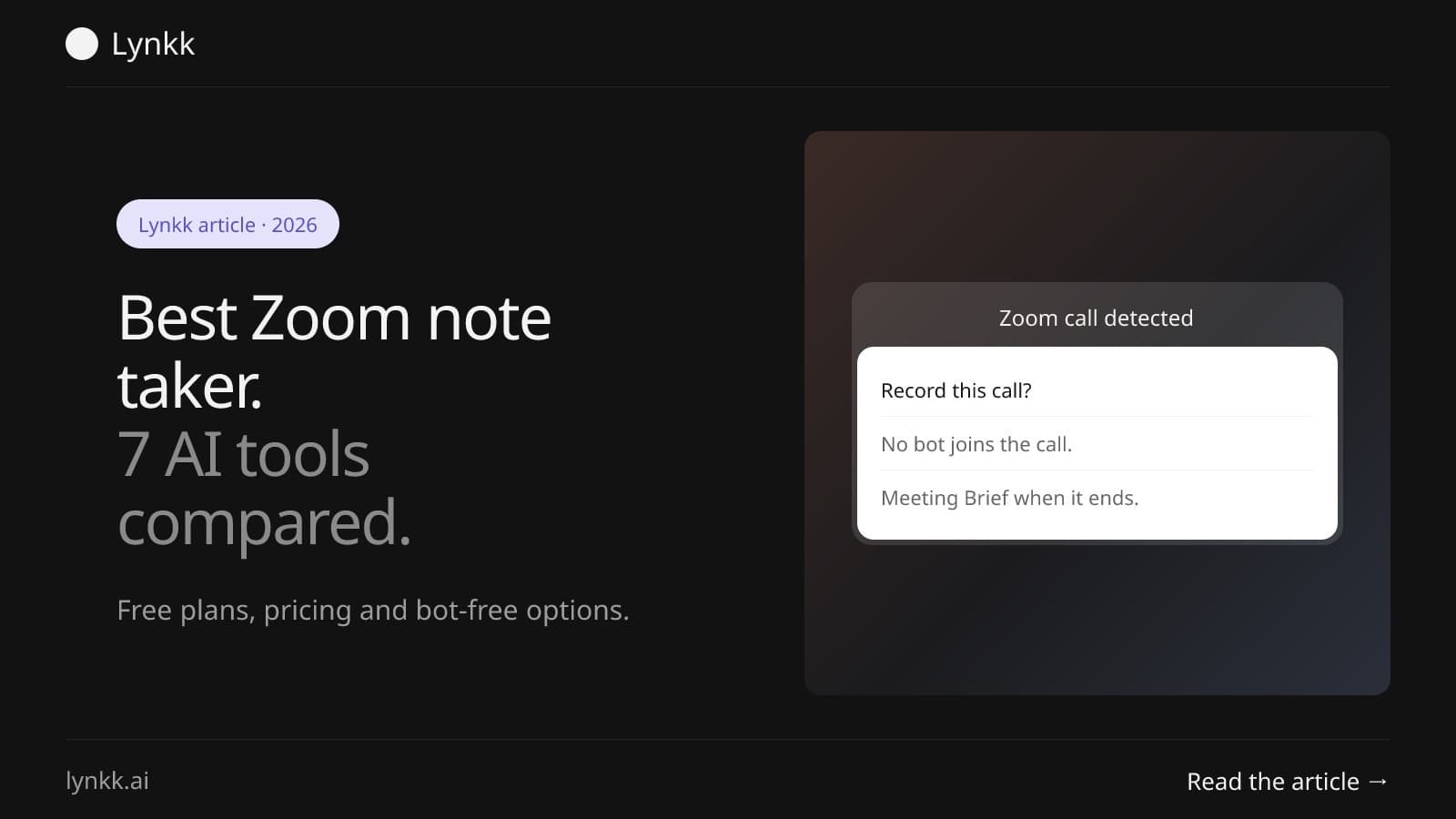
Zoom
Compare 7 Zoom note taker tools, from Zoom AI Companion to bot-free apps. See free plans, pricing and which AI note taker for Zoom fits your team best.
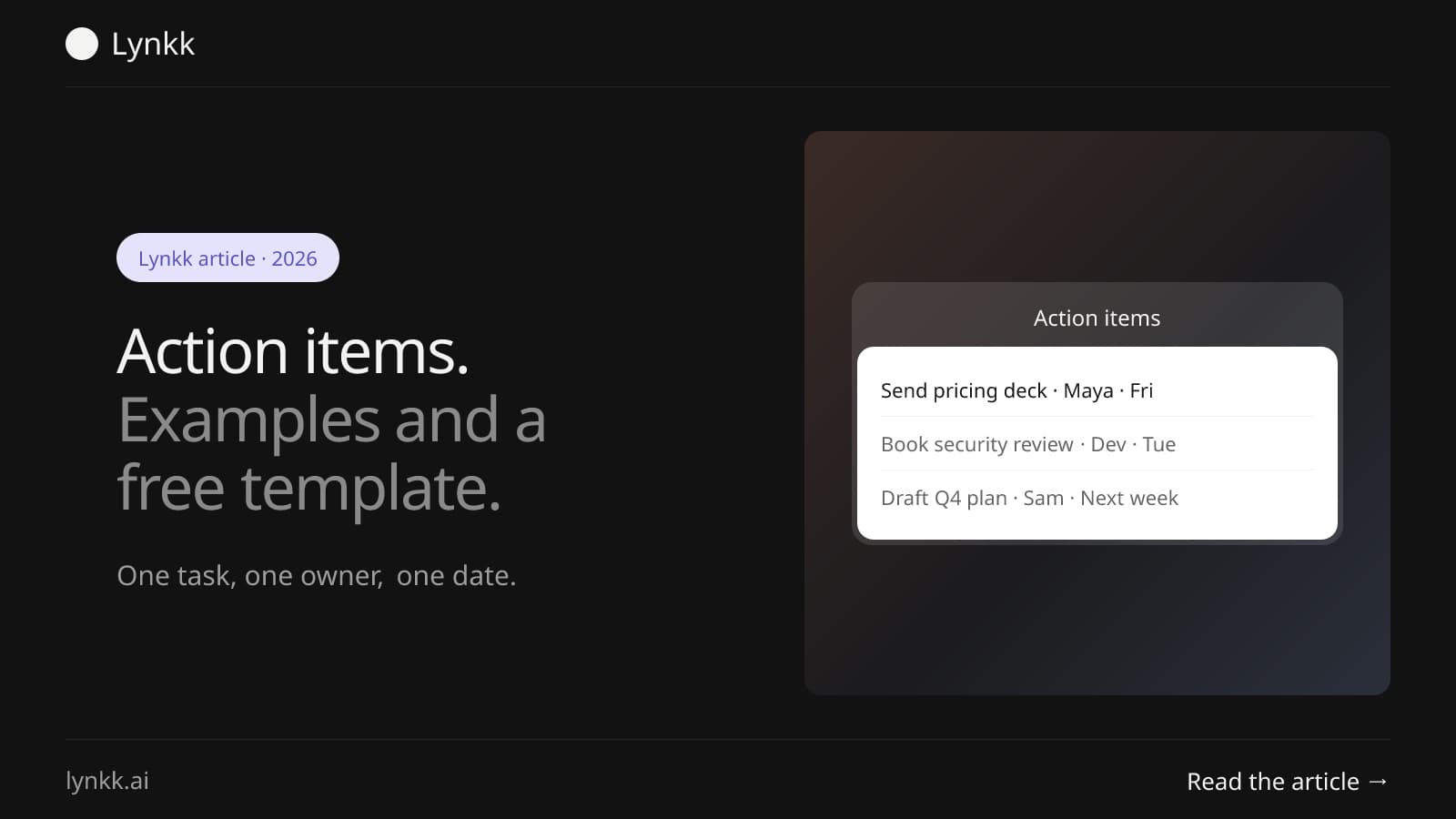
Meeting follow-through
What action items are, 12 real examples, a free template you can copy, and a simple way to track every task after a meeting so owners and dates do not slip.
Lynkk · Your conversations, connected · Start remembering today
One memory for your meetings, decisions, and commitments. Find context, get answers, and keep moving.